Suggestion for your extensive documentation.... #1

Description

You've clearly spent a lot of time writing your Word document. There are a number of problems with using DOCX formatted documents on GitHub.
A brief list includes:
- A potential security risk they pose
- Compatibility, achieving the specific layout you're looking for using a variety of "Word compatible editors"
- The need for multiple steps to see the contents
Here's a PDF version of your document that will minimally get past compatibility / some security concerns people have.
If your goal is for the most people as possible to read it, I suggest turning it into a readmw.md file or hosting it on ReadTheDocs.
It's a bit more work to write in Markdown, but it's quick to get used to once you get an editor you like and have a work-flow that works for you. For example, I'm terribly lazy at times and I use GitHub issues to store images so I don't have to upload them. This allows me to copy an image and paste into an issue, or drag and drop an image.
You'll find one of my "scratchpad" issues here:
PySimpleGUI/PySimpleGUI#1
My workflow is that while I'm writing a document, I take 15 seconds top drop an image I want to use into that issue. Then I take the Markdown text that GitHub creates immediately after I dropped it the issue. Then I copy and paste this text into my markdown document and I'm done! At that point, I've got an image that's embedded in my documentation and I can keep going.
I've gotten more serious about putting images into source code control for some things, but I still use thiese scratpad issues when I need to quickly store an image online and provide a link to it for someone.
Here's an example... I see on June 11 I put an image into issue 1. If I copy and paste the text that I find there now:
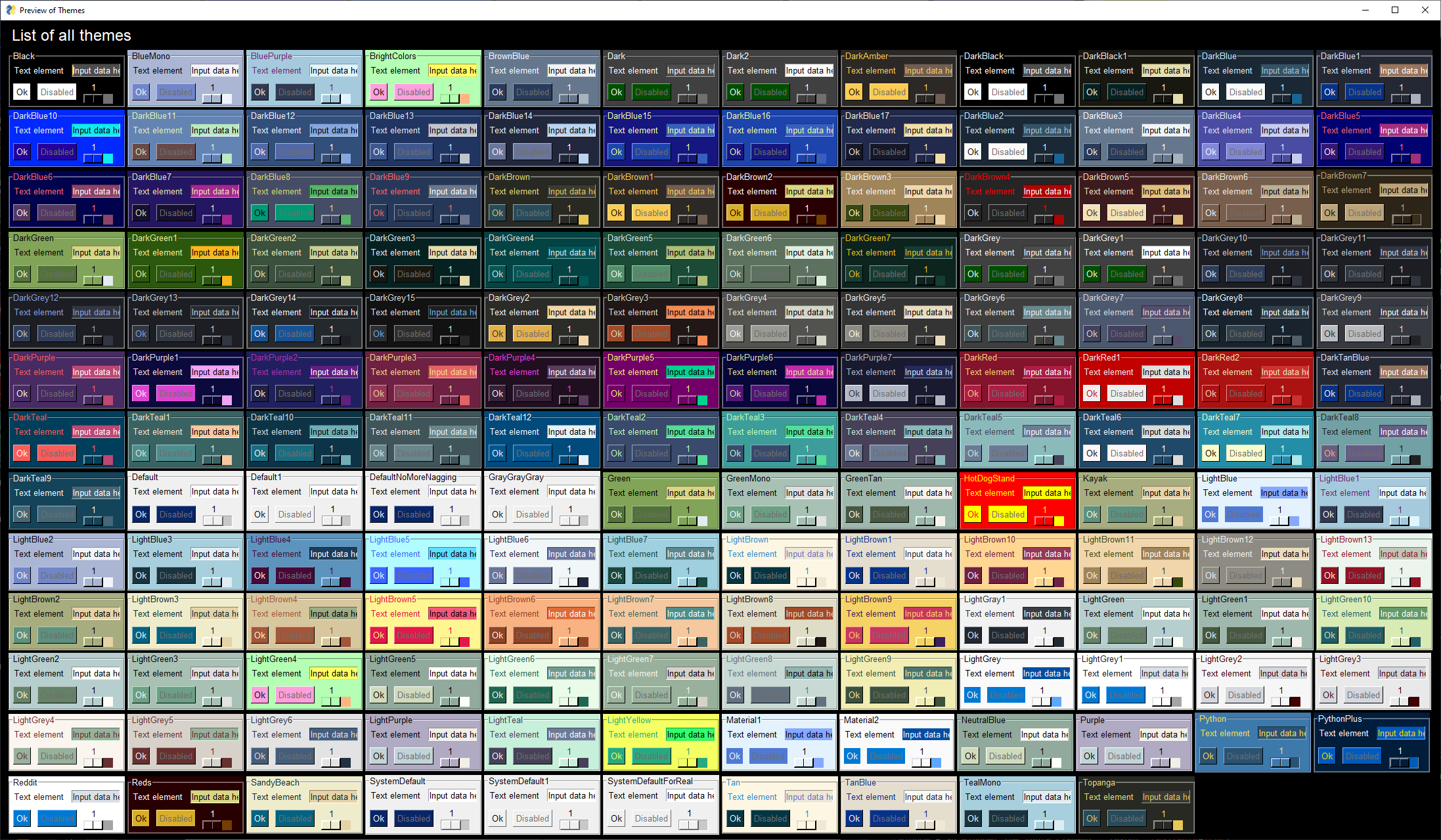
And place it here in this comment/issue, then it embeds that image:

The same trick works for readme.md files.
I'm making nothing more than one way docs can be done on GitHub. You know what's right for you and your project. I certainly don't know all the answers, but thought I would share one way I've done docs here. I'm new to all this GitHub stuff having uploaded my first project, PySimpleGUI, in 2018, and have a lot more to learn!

Thankfully I've got friends and people helping me that DO know GitHub much better than I do.
