Why when the license reference is installed does the XAML Designer show error message? #2

Description

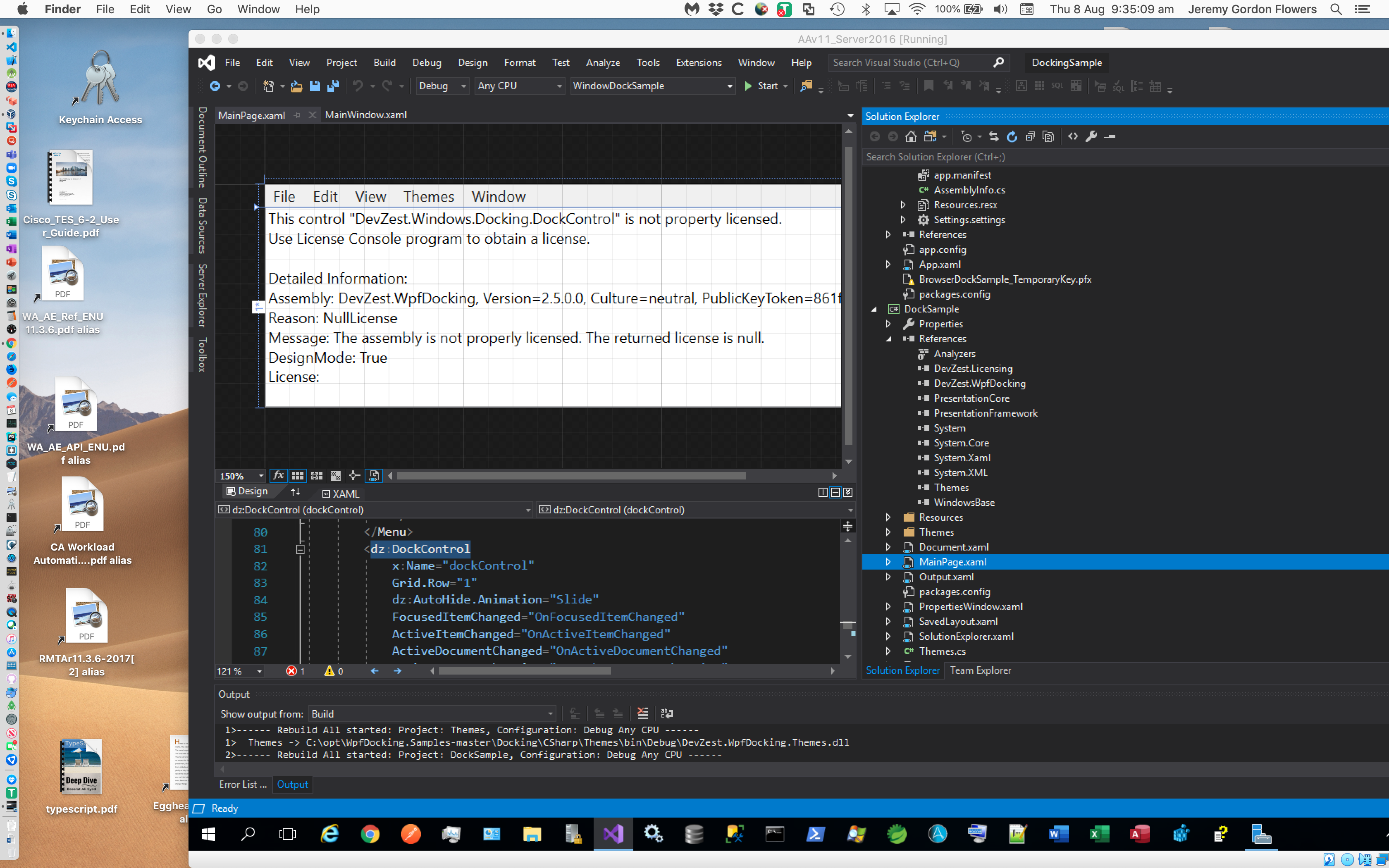
<sample:MainPage />
with the following xmlns:
xmlns:sample="clr-namespace:DevZest.DockSample;assembly=DockSample"
So I go to the MainPage.xaml in the DockSample project and I get the license not installed message.
I have used Nuget to make sure the Devzest license has a reference in both projects
WindowsDockSample and DockSample.
So, why does the screen render this error?
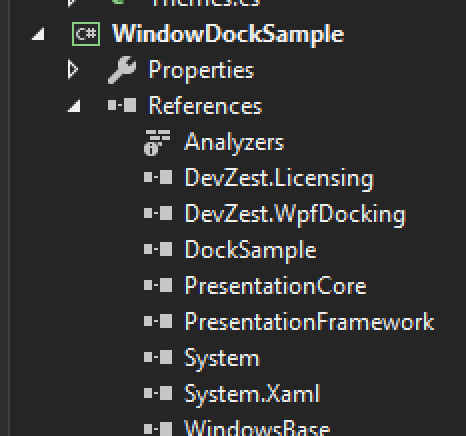
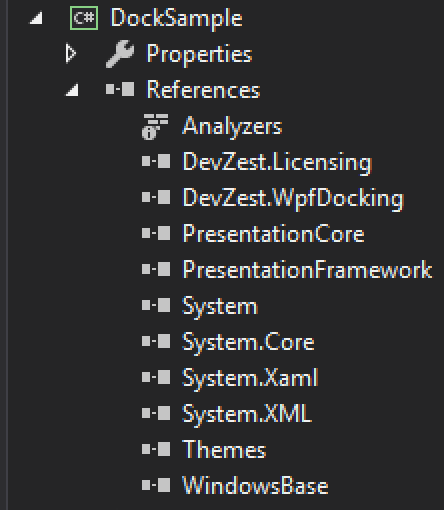
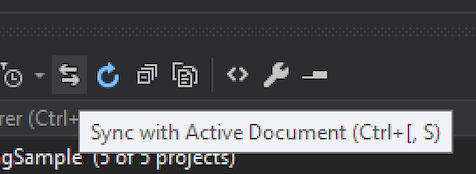
(I clicked on MainPage.xaml and hit the Synch with Active Document (the two-way arrow icon) in the Solution explorer when I took the first screenshot) per this blog post.
FYI: It appears the versions of licensing differ 2 in DockSample, 3 in WindowsDockSample.
I updated the Nuget license to 3. But it still didn't seem to make a difference.