Very dark images often result in corrupt prints #24

Description

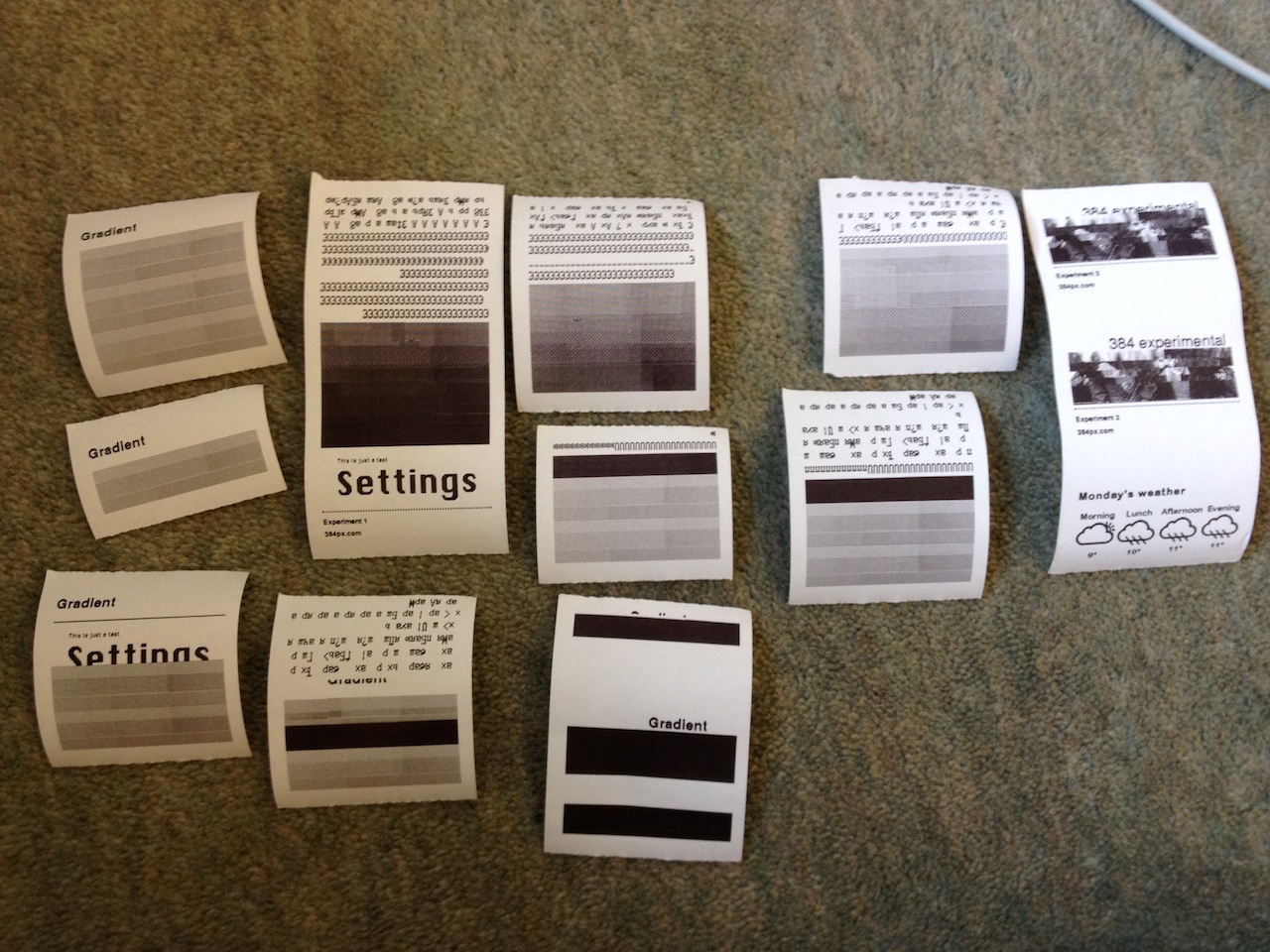
It looks like images with a lot of darkness in them cause the prints to corrupt; sometimes skipping parts of the image, sometimes resulting in garbage character output. See here for examples:
Tweaking the darkness setting for the printer right down seems to resolve this:
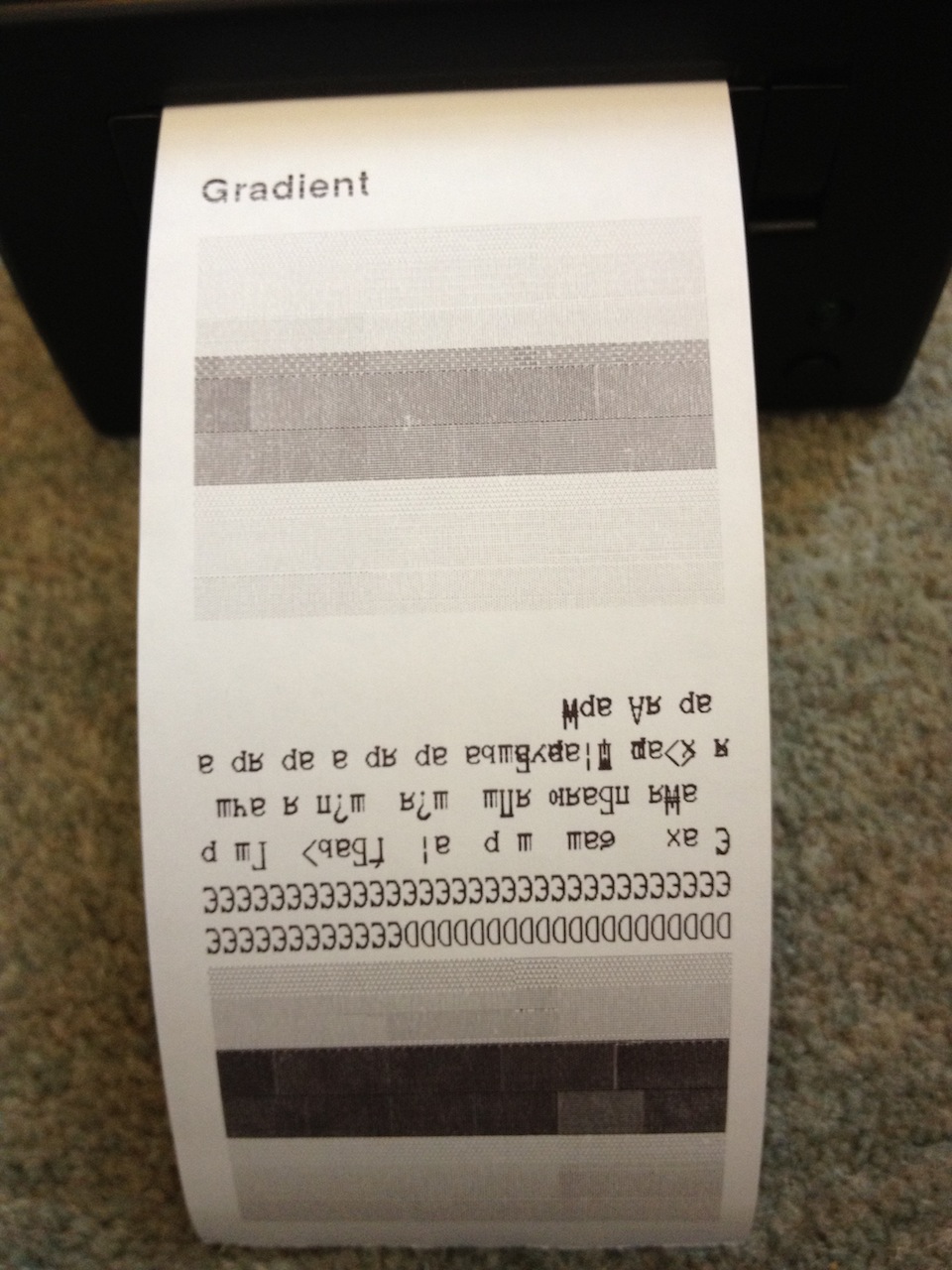
The first print (at the bottom) used a darkness of 150, and still demonstrated the error. The second print (at the top) used a darkness of 50, and printed successfully.
My current best guess is that the slow-down caused by the darkness results in some kind of buffer overrun within the printer. Introducing a delay(1) after every 500 bytes sent to the printer resolves the problem, at the cost of a significant print speed reduction.