Search Debugger with VScode #26

Description

In order to enhance the VScode search tree debugger, we could take the path (sequence of actions) from the initial state to the current node, and create a still image or a GIF planimation dependent upon this new feature being completed.
Info about the VSCode debugger can be seen here documentation and in this tutorial on how to populate the search tree. Source code of the search debugger plugin found here
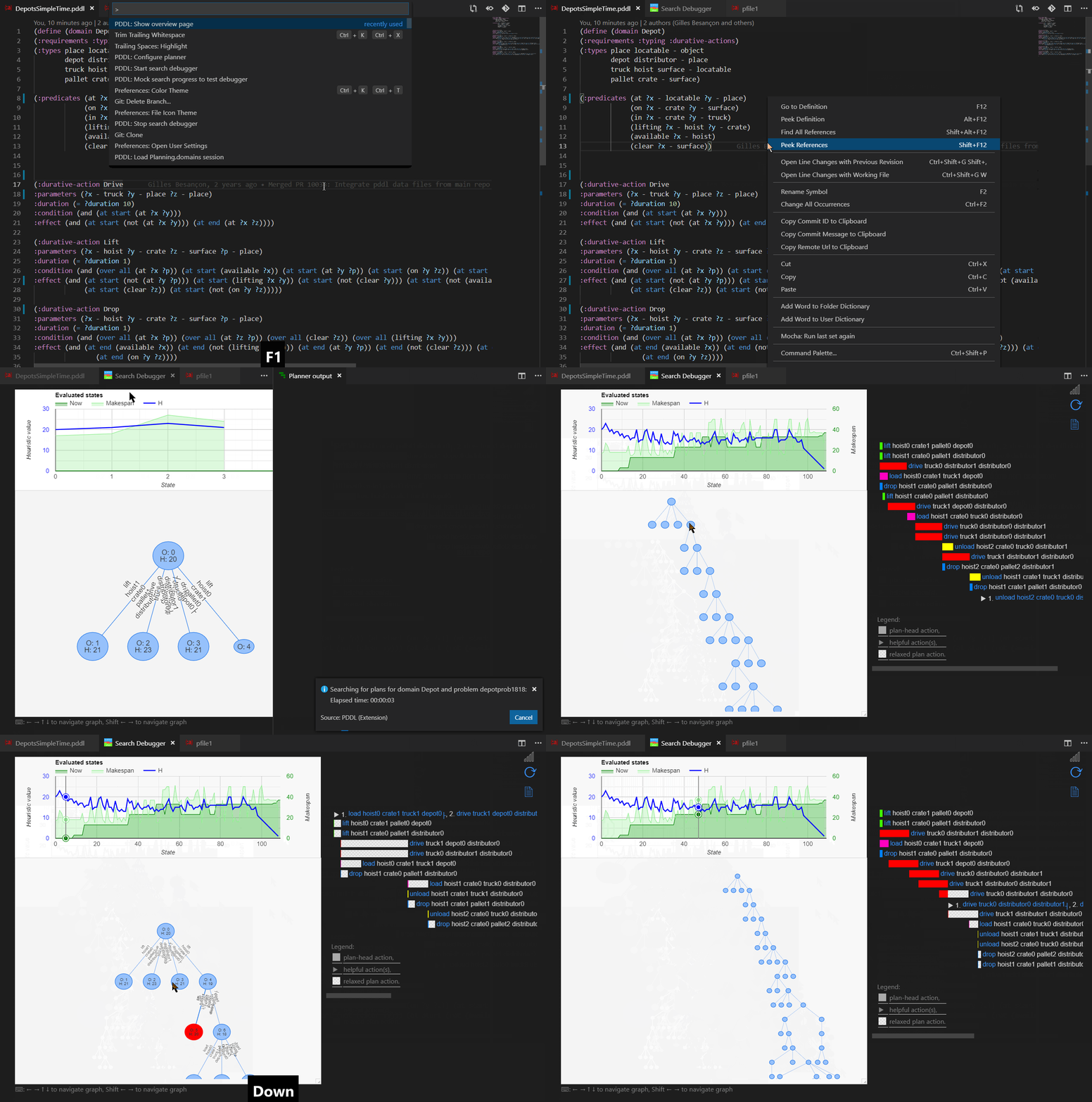
This video tutorials give an intro about the PDDL plugin for VScode.
It's not clear what's the best way to interact with the search tree, right click in a node maybe?
This is the latest feature developed by Jan and a perfect example of what can be achieved with the integration of the new planimation API.

