Gitea Overseerr Theme is Broken. #711

Description

Describe the bug
The Overseerr Theme does absolutely not look like whats on the website.
Theme Install Method (Don't skip)
- Docker run / Compose Config
No. Useing Gitea under windows. - Webserver subfilter Config
None. Gitea gets forwarded to a port. - Stylus Config
?
Application Info (Don't skip)
- Version
1.25.2 (gitea) - Branch
? - Container
? - Logs
none?
i just used the guide under here
https://docs.theme-park.dev/themes/gitea/
To Reproduce
Steps to reproduce the behavior:
https://docs.gitea.com/administration/customizing-gitea?_highlight=tmpl#customizing-the-look-of-gitea
Install Gitea Theme.
Expected behavior
SHOULD look like this:
https://docs.theme-park.dev/site_assets/gitea/overseerr.png
Looks like this:
 Screenshot 1
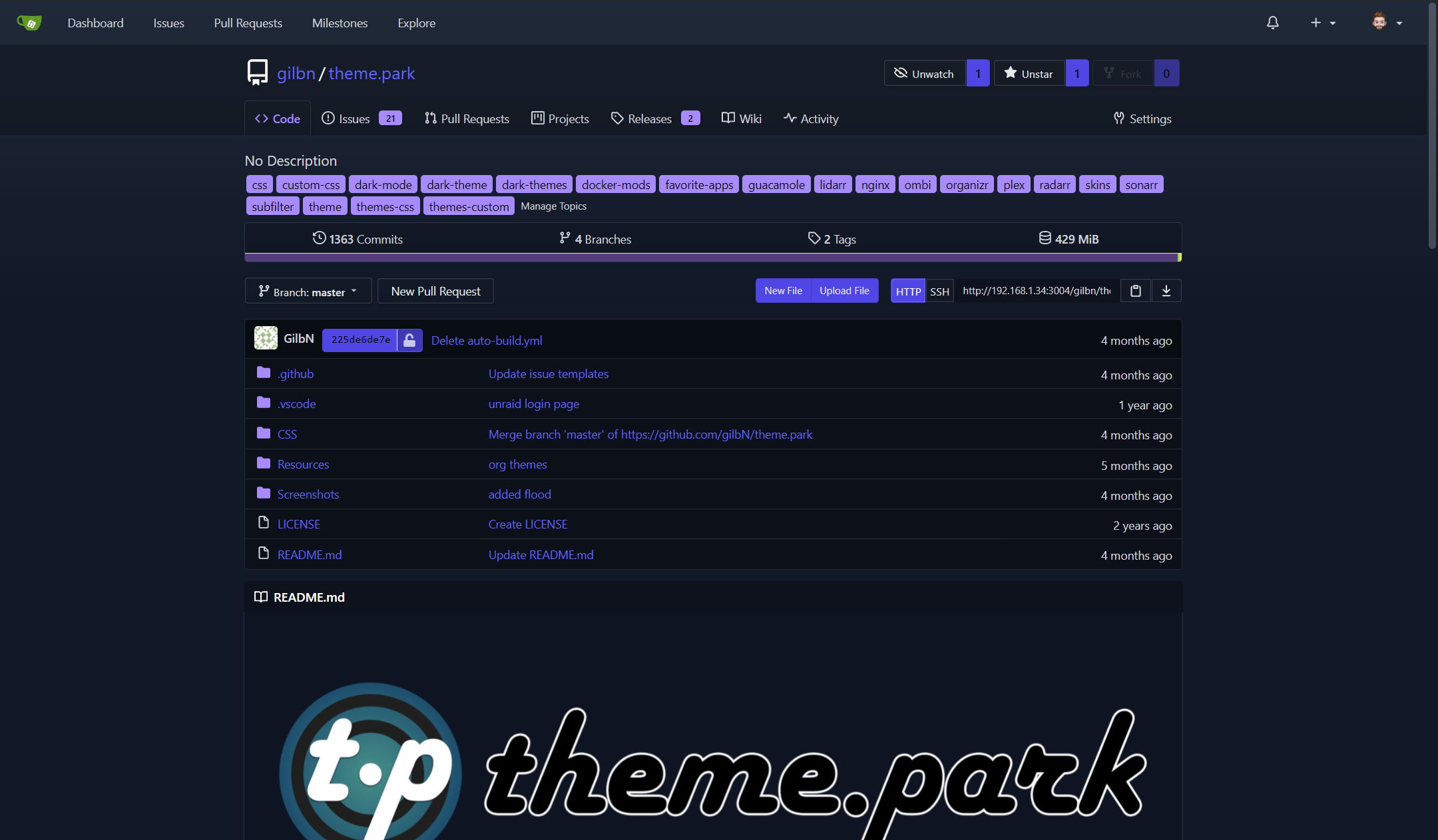
Screenshots
see above
Desktop (If applicable) (please complete the following information):
- OS: Windows 11 Pro for Workstation
- Browser Chrome
- Version 143.0.7499.170
Additional context
The theme doesnt look like whats in the screenshot on the website, i cleared my cache and tryed on diffent browsers MULTIPLE times. It looks nothing like whats on the website.
@import "https://theme-park.dev/css/base/gitea/overseerr.css";
:root {
  --is-dark-theme:true;
}