
The Cdecode cdecli CLI provides access to Cdecode via a command-line interface.
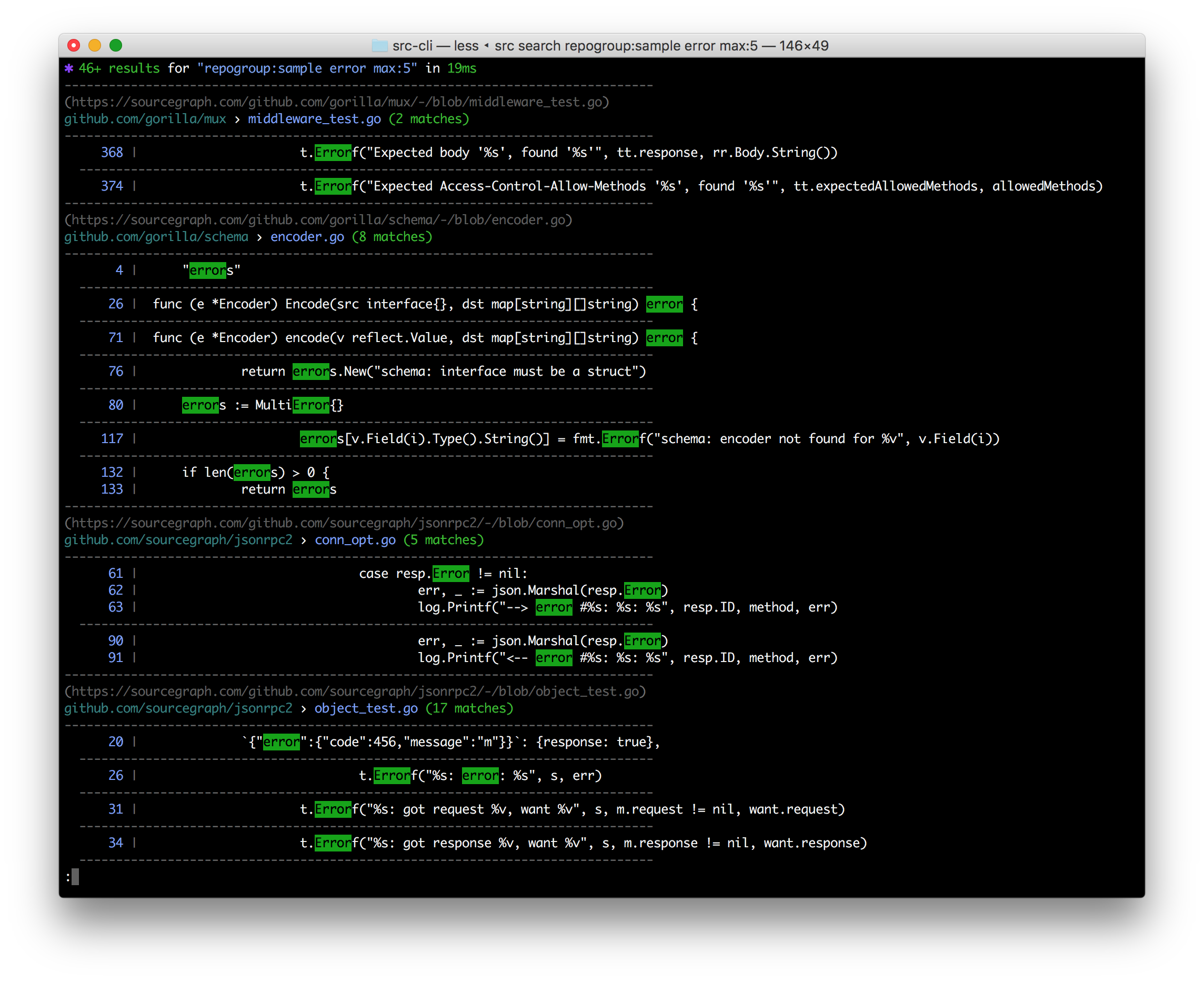
It currently provides the ability to:
- Execute search queries from the command line and get nice colorized output back (or JSON, optionally).
- Execute GraphQL queries against a Cdecode instance, and get JSON results back (
cdecli api).- You can provide your API access token via an environment variable or file on disk.
- You can easily convert a
cdecli apicommand into a curl command withcdecli api -get-curl.
- Manage repositories, users, and organizations using the
cdecli repos,cdecli users, andcdecli orgscommands.
If there is something you'd like to see Cdecode be able to do from the CLI, let us know! :)
curl -L https://github.com/CDEBase/cli-tool/releases/download/latest/cli_darwin_amd64 -o /usr/local/bin/cdecli
chmod +x /usr/local/bin/cdeclicurl -L https://github.com/CDEBase/cli-tool/releases/download/latest/cli_linux_amd64 -o /usr/local/bin/cdecli
chmod +x /usr/local/bin/cdecliNote: Windows support is still rough around the edges, but is available. If you encounter issues, please let us know by filing an issue :)
Run in PowerShell as administrator:
New-Item -ItemType Directory 'C:\Program Files\Cdecode'
Invoke-WebRequest https://github.com/CDEBase/cli-tool/releases/download/latest/cli_windows_amd64.exe -OutFile 'C:\Program Files\Cdecode\cdecli.exe'
[Environment]::SetEnvironmentVariable('Path', [Environment]::GetEnvironmentVariable('Path', [EnvironmentVariableTarget]::Machine) + ';C:\Program Files\Cdecode', [EnvironmentVariableTarget]::Machine)
$env:Path += ';C:\Program Files\Cdecode'
Or manually:
- Download the latest cli_windows_amd64.exe and rename to
cdecli.exe. - Place the file under e.g.
C:\Program Files\Cdecode\cdecli.exe - Add that directory to your system path to access it from any command prompt
Consult cdecli -h and cdecli api -h for usage information.
Some Cdecode instances will be configured to require authentication. You can do so via the environment:
CLI_ACCESS_TOKEN="secret" cdecli ...Or via the configuration file (~/cdecli-config.json or <package_root_dir>/config.json):
{"accessToken": "secret"}See cdecli -h for more information on specifying access tokens.
To acquire the access token, visit your Cdecode instance (or https://cdecode.com), click your profile picture, and select access tokens in the left hand menu.
If you want to develop the CLI, you can install it with go get:
go build -ldflags "-X main.version=0.6.2" -o cdecli ./src/cli
sudo cp cdecli /usr/local/bin/
- Find the latest version (either via the releases tab on GitHub or via git tags) to determine which version you are releasing.
VERSION=0.6.2 ./release.sh 0.6.2(replace0.6.2with the version you are releasing)- Travis will automatically perform the release. Once it has finished, confirm that the curl commands fetch the latest version above.