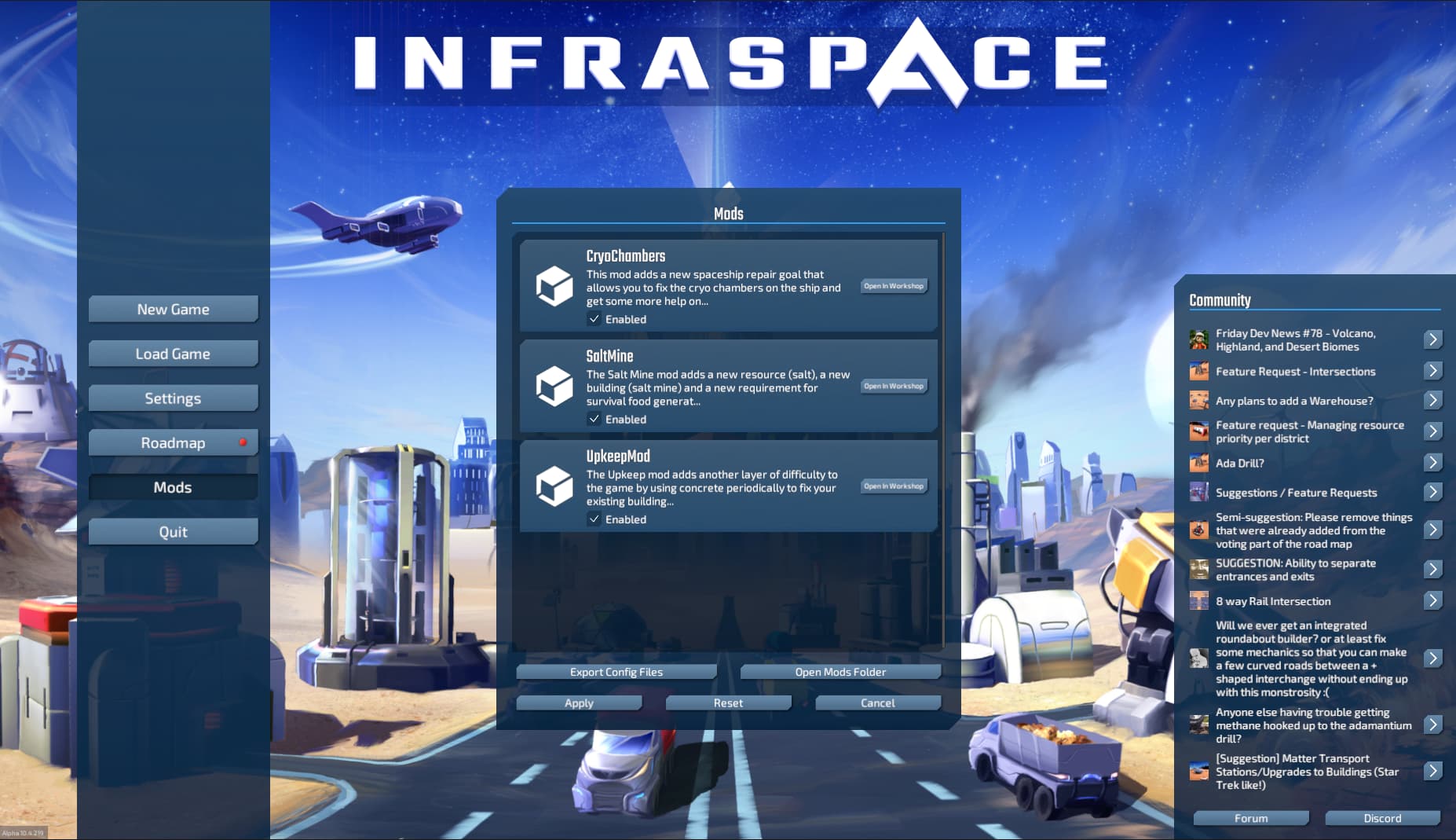
This Mod Kit is a collection of tools to make modding InfraSpace easier.
Below you can find instruction how to install various parts of the ModKit. Please refer to the tutorials on the forum to learn how to actually use these tools.
Modding can require some time to get used to all the tools. If you feel like some tutorials are inadequate, feel free to ask questions or suggest improvements on the Forum or on the Discord Server!
ISModKitUnity is necessary to make 3D assets for the game and includes various tools for you to make them.
- Download the ModKit
- Download and install Unity version 2021.3.30f1
- Launch Unity and open the ISModKitUnity folder to launch the project
- You should be ready to use the tools described in the forum tutorial!
UpkeepMod is a basic mod that uses C# to change the game's behaviour.
-
Download and install Visual Studio Community 2022
-
Open the project by double clicking on
UpkeepMod.slnin the UpkeepMod folder -
Next, we should set up library references. I included some .dll files, but they might be out of date when you download the ISModKit. You can get the latest dll files directly from the game:
- Go to your game install directory. Usually it's somewhere under
C:\Program Files (x86)\Steam\steamapps\common\InfraSpace - Go to
InfraSpace_Data\Managed. These are all the dlls you might need. - Move the dll files you need over to the lib folder in
UpkeepMod. For the example mod it's enough to just replace the ones that are already in lib. But in general you would usually need:- Assembly-CSharp.dll
- DionicCore.dll
- DionicGame.dll
- InfraSpaceCore.dll
- InfraSpaceGameExtensions.dll
- InfraSpaceGameFeatures.dll
- old.dll
- UnityEngine.CoreModule.dll
- UnityEngine.PhysicsModule.dll (optional)
- UnityEngine.dll (optional)
- In visual studio, make sure all references are pointing to the correct dlls. You can manage them in the solution explorer under
UpkeepMod -> Dependencies -> Assemblies - Right click on
Assembliesand selectAdd Assembly Reference...and then (re)add the dlls.
- Go to your game install directory. Usually it's somewhere under
-
Have a look at the code and try to understand what it's doing. Also check the script mod tutorial.
-
In the menu, click on
Build -> Build Solution -
A new dll file has been compiled and moved into
UpkeepMod\bin\Release\net4.7.2\UpkeepMod.dll. -
Copy only
UpkeepMod.dllinto UpkeepMod's mod directory. InfraSpace will now load the mod, look for any classes that inherit fromModand start them with the game. -
Start InfraSpace place a couple buildings and see if the concrete is being reduced by your number of buildings periodically.
Our EULA applies. You may use the contents of this repository to create mods for our games. You may also use them to educate yourself about gamedev and see how we did it. You may not distribute the contents of this repository yourself. You may share links to the repository. You may not use the contents of this repository for other projects or uses besides those expressly permitted above.
If you have any questions contact me at daniel@dionicsoftware.com.