A Duo integration for ForgeRock's Identity Platform 7.0 and ForgeRock Identity Cloud. This integration handles:
- Registration of the users device
- Second factor authentication
- Device Management (if applicable)
Installation
- Download the latest version of the Duo integration from here.
- Copy the .jar file into the ../web-container/webapps/openam/WEB-INF/lib directory where AM is deployed.
- Restart the web container to pick up the new node. The node will then appear in the authentication trees components palette.
Duo Configuration
- Create a Duo Account at https://signup.duo.com/.
- Log in to the Duo Admin console and click on the 'Applications' tab.
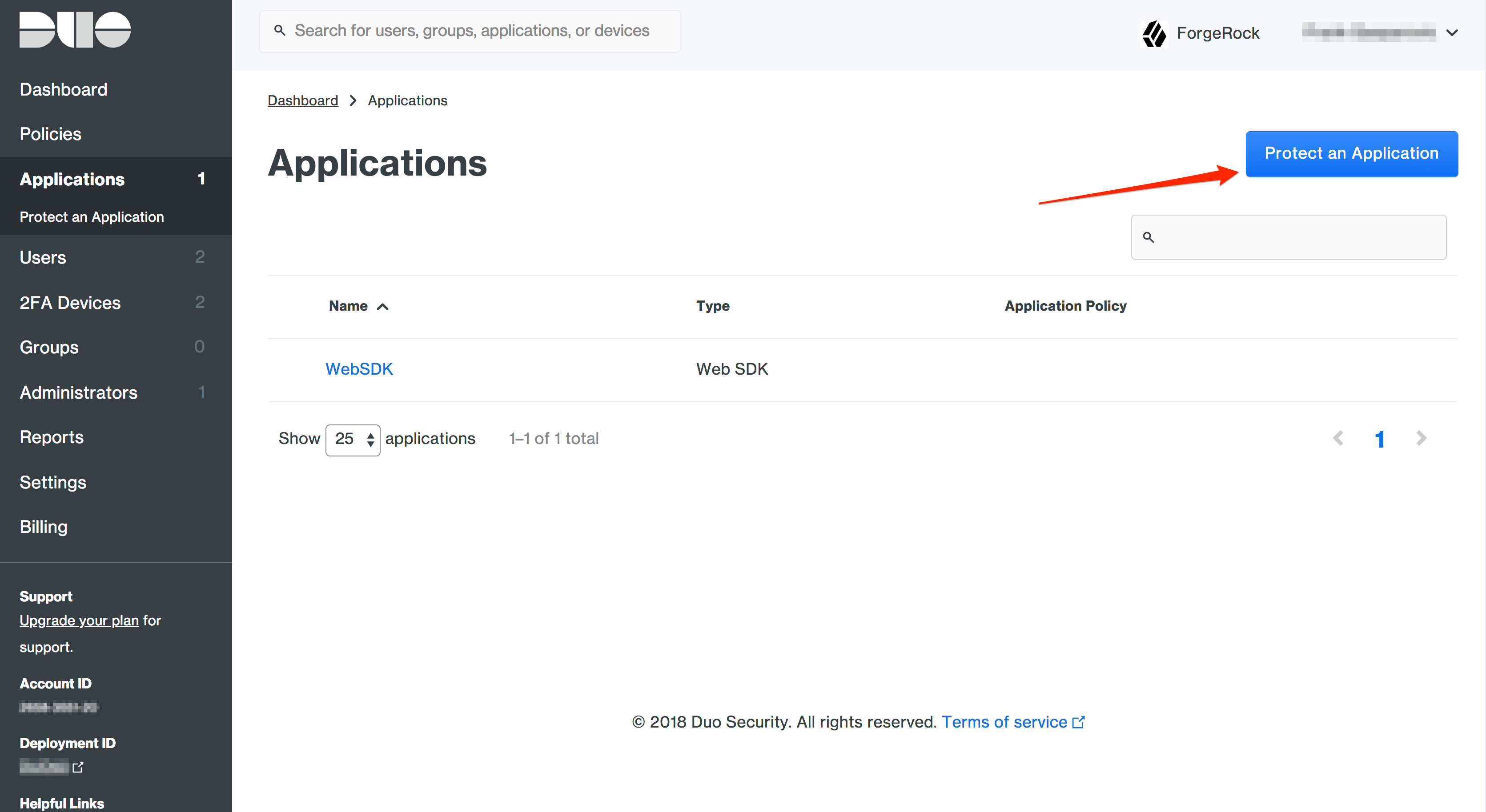
- Click 'Protect an Application'.
- In the search bar type in 'Web SDK'.
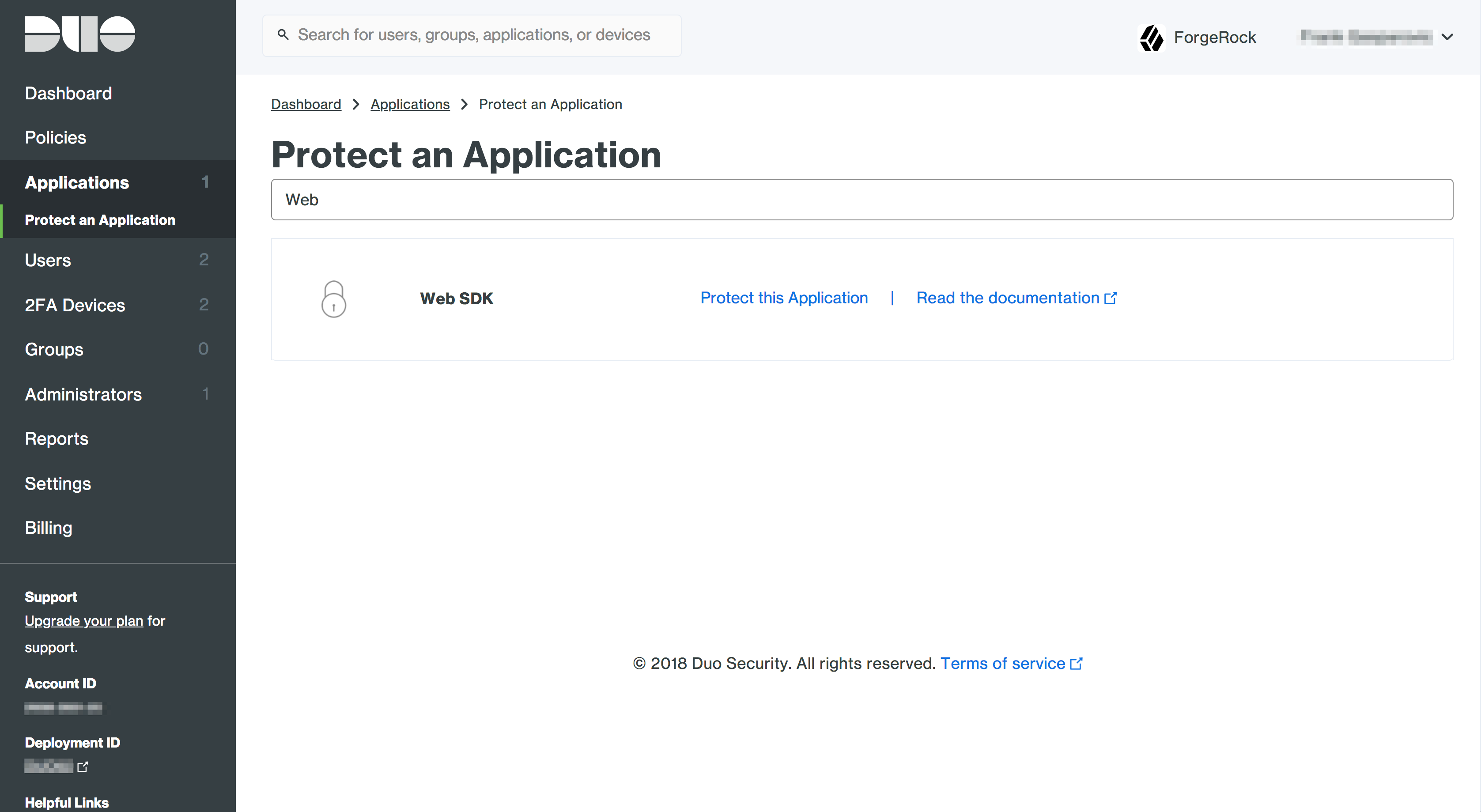
- Note down the Integration Key, Secret Key and API hostname. Depending on the Duo tenant, these values can also be called Client ID, Client Secret, and API hostname respectively. These will be used in the node configuration.


ForgeRock Configuration
- Log into your ForgeRock AM console.
- Create a new Authentication Tree.

- Setup the following configuration for the tree that was just created.

- Paste in the Integration Key (Client ID), Secret Key (Client Secret) and API hostname for the corresponding Duo Web SDK Application.
- Generate an application key. It must be at least 40 characters long random string. You can generate a random string in Python with:


import os, hashlib
print hashlib.sha1(os.urandom(32)).hexdigest()- Paste in your application key into the corresponding field in the node configuration.
- Set Duo Javascript URL.
Usage
- Log into the Tree that was created in the steps above by going to https:///am/XUI/?realm=alpha&authIndexType=service&authIndexValue=Duo
- Log in the your ForgeRock username and password.

- Follow the prompts to register a new device or if you've already registered, use Duo to log in.


