


This is a maintained continuation of the discontinued https://github.com/compulim/vscode-ipaddress.
This Visual Studio Code extension helps you to easily view your current IP address from status bar and inserts one into your text, including both IPv4, IPv6, and public IP addresses across multiple active network interfaces.
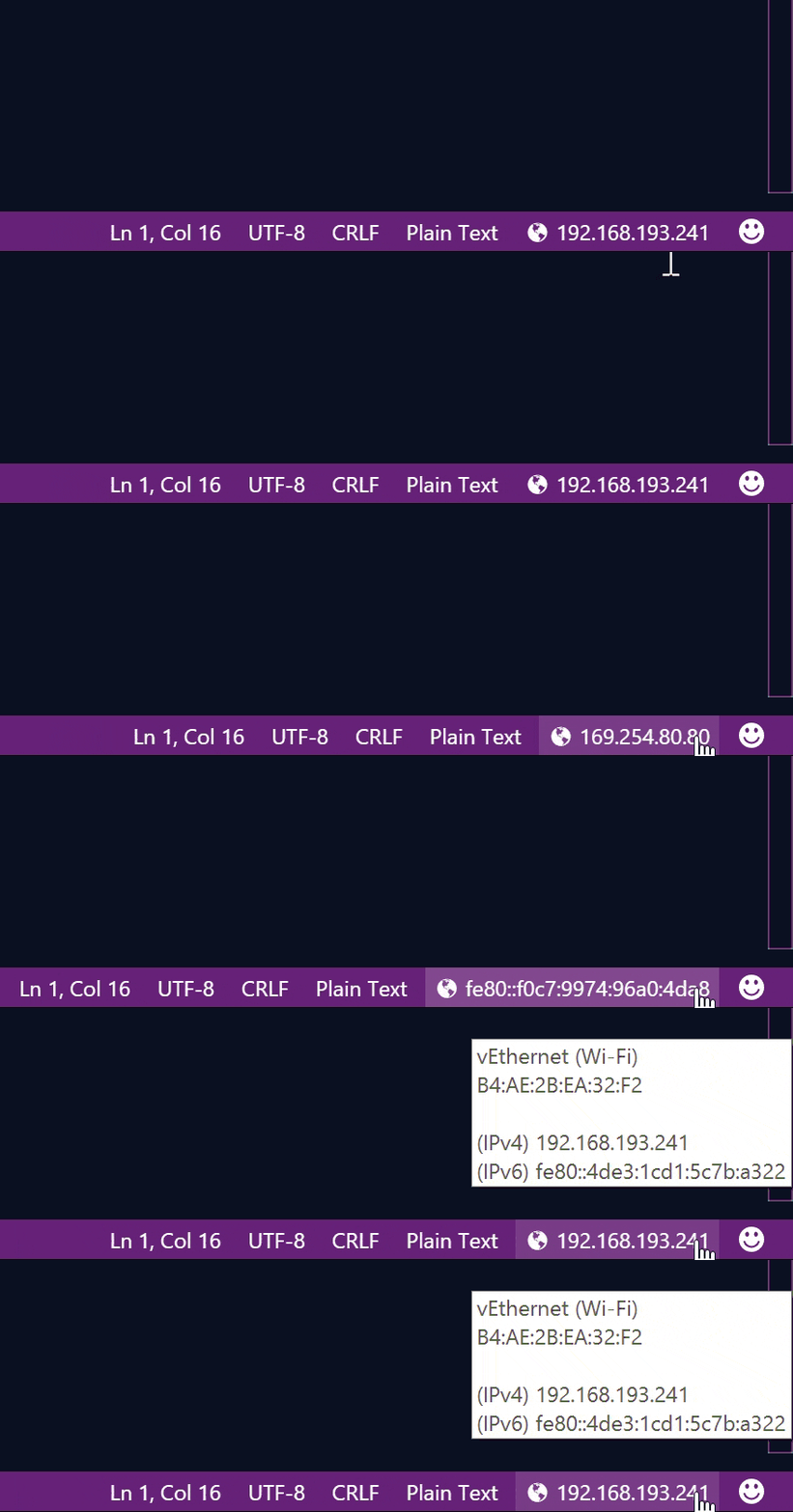
You can find your IP address on the status bar. Simply click on it to iterate thru all IP addresses.
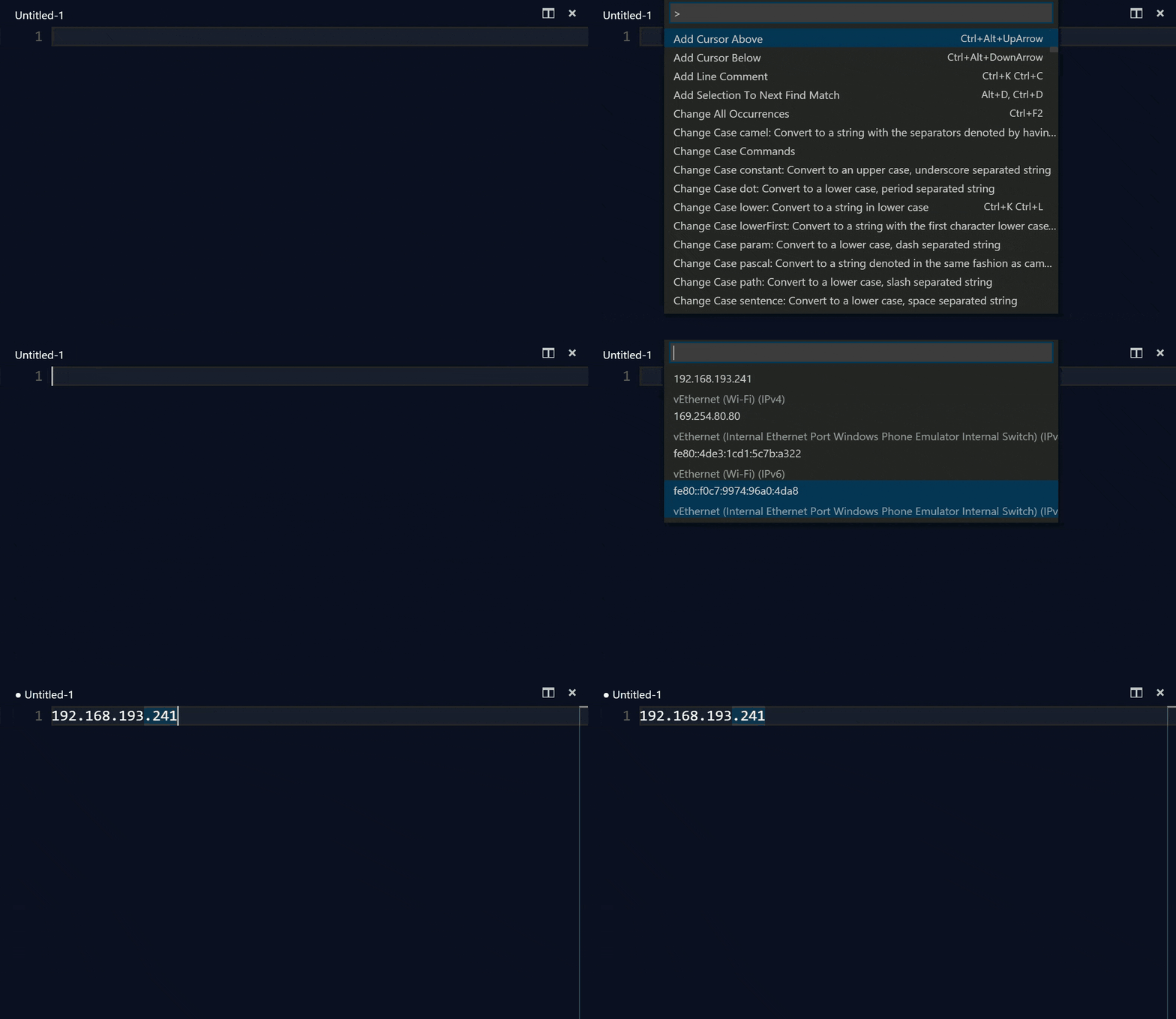
To insert IP address into the text,
- Bring up Command Palette (
F1, orCtrl+Shift+Pon Windows and Linux, orShift+CMD+Pon OSX) - Type or select "Insert IP Address"
You can also modify keyboard shortcut with JSON below.
{
  "key": "alt+shift+i",
  "command": "ipAddress.insertIPAddress",
  "when": "editorTextFocus"
}You can configure the default IP address to show when VS Code starts.
In your settings.json, add:
{
  "vscode-ipaddress.defaultIndex": 1
}
The index is 0-based, corresponding to the order of IP addresses as they appear when cycling through them.
- 2.0.0 (2026-02-28)
- Add default index
- 1.0.0 (2017-04-15)
- [public ip] Get public IP address from OpenDNS (via
check-ip) - [vscode] Updated
^1.11.0
- [public ip] Get public IP address from OpenDNS (via
- 0.0.1 (2016-02-24): First public release