Box Hinter container package lets you add a hint or explanation box to bring feature explanations to a user. It comes with a beautiful gradient container to your Flutter app.
- Add the latest version of package to your pubspec.yaml (and run
dart pub get):
dependencies:
box_hinter: ^0.0.3- Import the package and use it in your Flutter App.
import 'package:box_hinter/box_hinter.dart';There are a number of properties that you can modify:
- height
- width
- title
- subtitle
- gradient (color1 and color2)
- Functions of the incorporated buttons and the widget itself.
class BoxHinter extends StatelessWidget {
  const BoxHinter({Key? key}) : super(key: key);

  @override
  Widget build(BuildContext context) {
    return Scaffold(
      body: Center(
        child: const BoxHinter(// <-- SEE HERE, THIS IS WHERE WE USE OUR BOX HINTER
          image: const NetworkImage(
                  'https://w7.pngwing.com/pngs/148/53/png-transparent-call-centre-customer-service-graphics-callcenteragent-call-center-man-comics-child-face.png',
                  scale: 7
          ),
          title: 'Hello World',
          color1: Colors.yellow,
          color2: Colors.green,
          subtitle: 'This is Box Hinter!',
          contentSize: 15.0,
          onPressed: (){},
          onTap: (){},
          titleColor: Colors.black,
          subtitleColor: Colors.black,
        ),
      ),
    );
  }
} |
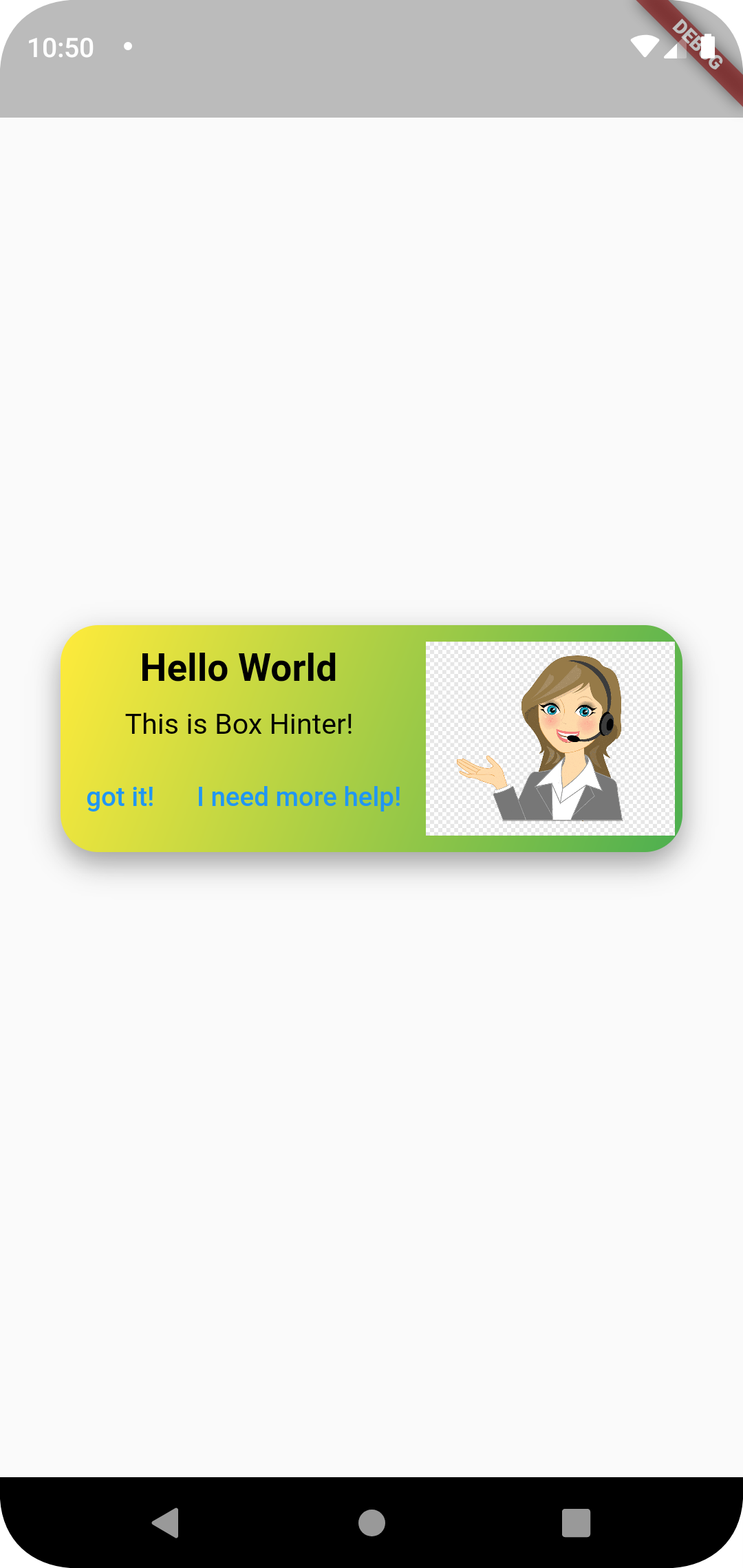
-
Add onTap for functions. Now, you can specify the onTap and specify a function.
-
Change font and color style for text. Change color by specifying
textcolorandsubtitlecolorproperties. -
Specify a pre-designed set of actions in case a user does not understand a hint.
-
Fix small coloring bug when using the package as a pop-up widget.