SheenChair updated, renamed, Readme added#270
SheenChair updated, renamed, Readme added#270echadwick-artist wants to merge 5 commits intoKhronosGroup:pbr-nextfrom
Conversation


SheenChair gltf updated to current conventions for KHR_materials_sheen, assets renamed to match parent folder, and readme created with screenshots.

|
I think the readme file name should be |
|
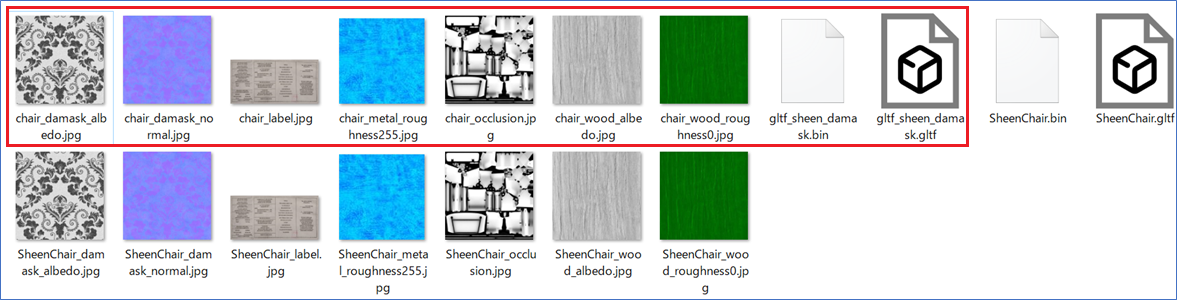
The file name of the screenshot should be Please refer to the list of file names below. @emackey Do you have any advice? |
|
This folder still contains the files before the change. Please delete unnecessary files to save space. I think you can delete the files in the red box below. |

|
Thanks for the review! I'll work on these changes. I also remembered the model is using KHR_texture transform, should probably be noted in the readme. |

|
In looking at the asset and how it implements sheen, I had a few questions:
|
|
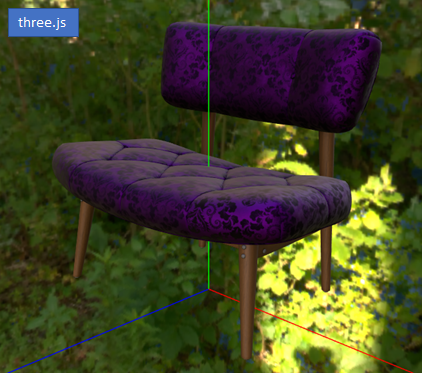
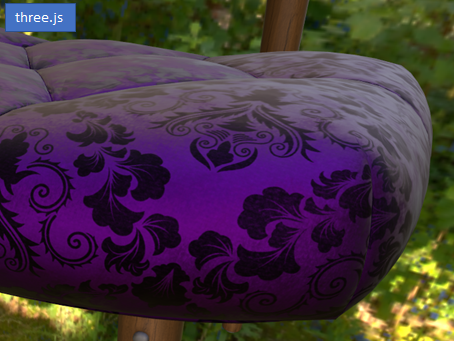
I added this model to gltf-test as an experiment to test it. Some of the WebGL libraries resulted in the following.
|
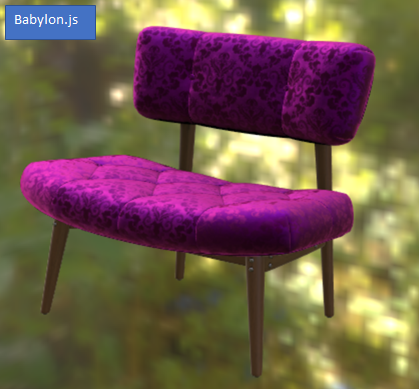
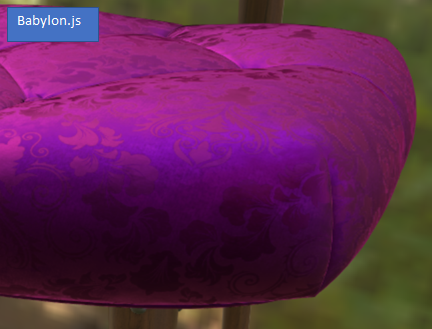
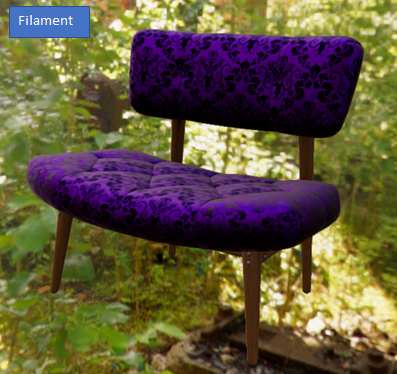
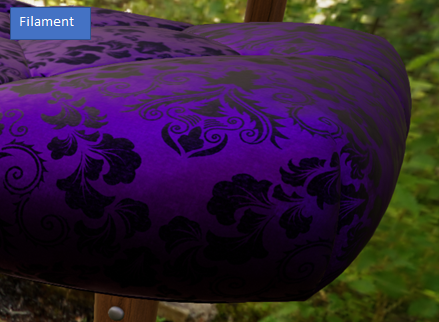
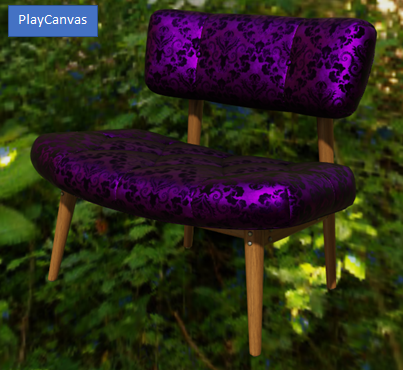
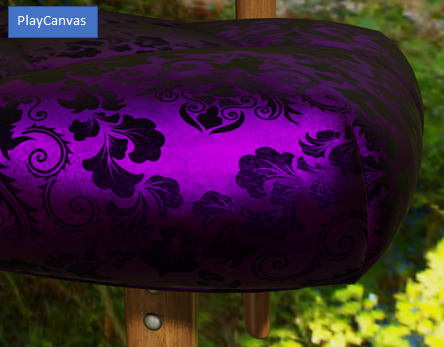
|
Oooh thanks for the critique and screenshots, this is great. I was hoping
this would spark debate about asset creation and rendering techniques, see
where we might be falling short.
My answers inline, indicated by "EC:"
1. Is this fabric meant to represent velvet with embroidery?
1. EC: Yes.
2. What is the thinking behind using a metallic factor of 1.0 on the
material? Is this textile truly metallic overall?
1. EC: From the readme: "The fabric material uses 1.0 metalness.
While not being physically accurate, metalness colorizes reflections
similarly to real-world satin and velvet fabric. Future
extensions may add
specular color to metal-rough materials for dielectric surfaces, negating
the need to force metalness in this case."
2. EC: I've also included screenshots showing how non-colored
specular doesn't reproduce the look of these fabrics properly.
Non-colorized reflection does not properly replicate the look of
satin; the
fabric looks more like plastic.
3. EC: A couple real-world satin brocade examples:
4. EC:
https://www.aliexpress.com/i/32683580523.html?spm=2114.12057483.0.0.2da73132b4vl0O
<https://www.aliexpress.com/i/32683580523.html?spm=2114.12057483.0.0.2da73132b4vl0O>
5. EC:
https://www.aliexpress.com/i/32826499087.html?spm=2114.12057483.0.0.268d37a9rm9m7K
<https://www.aliexpress.com/i/32826499087.html?spm=2114.12057483.0.0.268d37a9rm9m7K>
3. If there are metallic reflections in some of the thread fibers,
especially in the embroidery, shouldn’t there be a metallic map that
contains that data? This would give a metallic/dielectric blend that seems
more physically based.
1. EC: I did try this, but it simply looked better when the whole
fabric was metal. Non-colored reflection looks incorrect on velvet and
satin.
4. What is the thinking behind using a roughness factor rather than a
roughness texture? Is there no difference between the velvet (if that is
the material) and the embroidery (if it is embroidery and not some other
technique in the fabric)? Are they both truly the same roughness?
1. EC: Laziness! It was simply easier, and looked OK to me.
5. What is the reasoning behind the very bright and saturated color used
for sheen (255, 0, 224)? This seems to be very saturated and bright for a
sheen color, is there a real world sample that this is representing? Is the
bright pink sheen color present on the real world sample?
1. EC: Check out the examples, especially the second one. But both
show saturated colors.
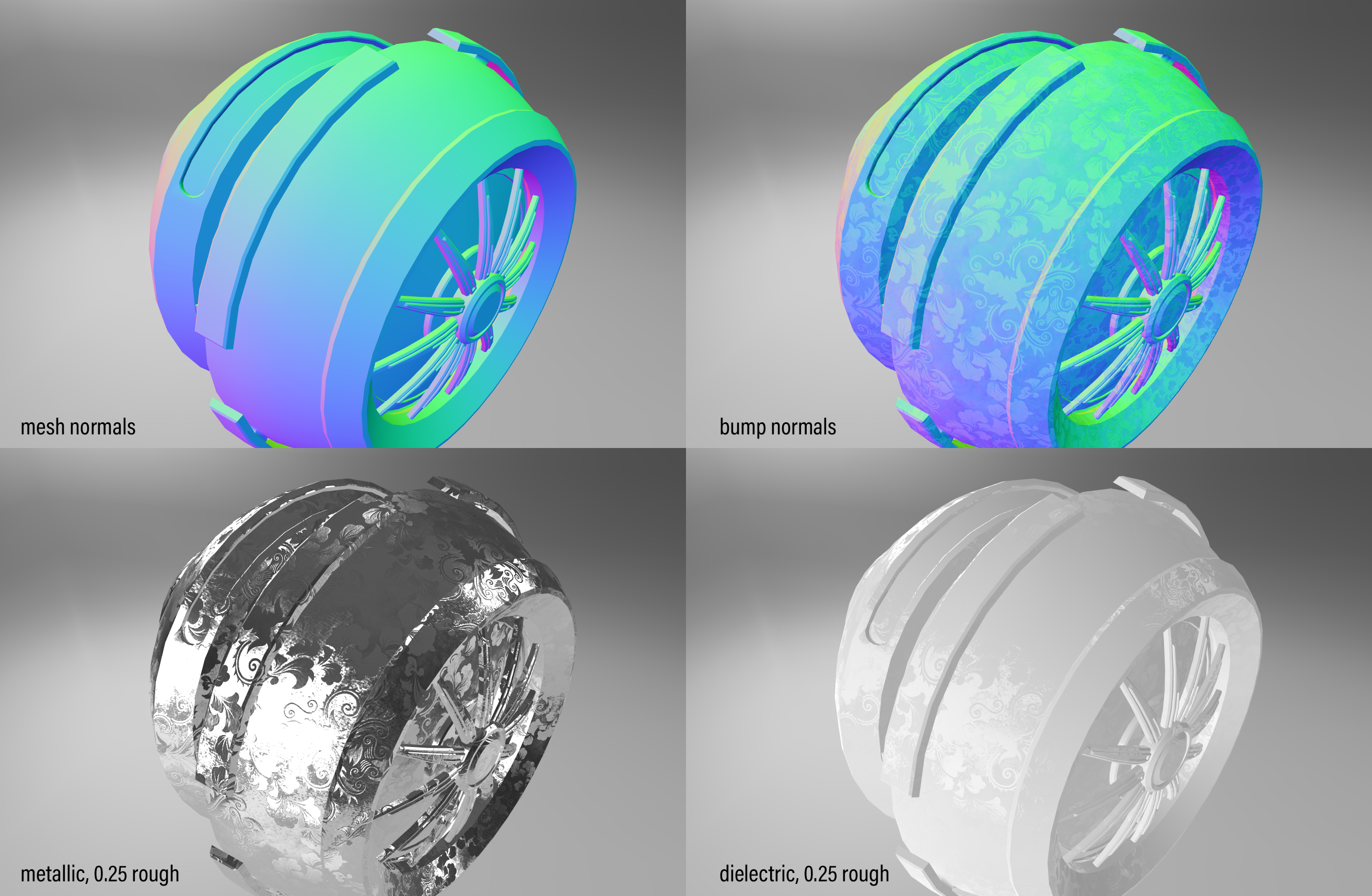
6. What is the thinking for changing the normal direction on the
pattern? If representing sub-triangle detail, there would be changes in
normal direction as the surface rolls from the background through the
pattern detail, but the normal direction inside the pattern would match the
normal direction of the background in some areas. As authored, the color in
the normal texture is implying the pattern normal is drastically different
(and consistently different) than the background normal direction. This
causes light to reflect from different parts of the scene which is why the
pattern is very distinct, even on our shader ball below with no other
textures involved where you can see the offset in the reflections. This
creates a physical impossibility in the surface of the fabric where the
pattern does not share any common normals with the surrounding area. I can
see this technique used to represent textiles that reflect light based on
the direction of the fibers on the surface that would be too small to
capture in a texture, but it seems that technique would be more mottled
with different directions used in the surface where this pattern has a
fairly consistent direction in the pattern meaning it is being used to
separate the pattern from the background.
1. EC: Again, it was laziness. It was quick and it produced
close-enough results. Once we have anisotropy, that would be a better way
to get the effect of the differing weave directions.
On Wed, Sep 16, 2020 at 11:35 AM cx20 ***@***.***> wrote:
I added this model to gltf-test as an experiment to test it. Some of the
WebGL libraries resulted in the following.
Probably only Babylon.js supports the KHR_materials_sheen extension at
the moment, but I can't judge whether the display results are as expected.
…
Library Result (small) Result (large)
three.js
Babylon.js
Filament
PlayCanvas
—
You are receiving this because you authored the thread.
Reply to this email directly, view it on GitHub, or unsubscribe.
|
|
Here are a couple example material tests with a similar asset. The embroidery here uses gold thread, which may make more sense for full metalness. When the purple velvet fabric is given zero metalness, the specular color looks incorrect to my eye. Perhaps we should be using Specular-Glossiness instead, but that makes a larger asset file size. Disabling/enabling sheen, with a metalness map that makes the purple fabric non-metal. In both cases, the purple fabric doesn't look like velvet to me. |
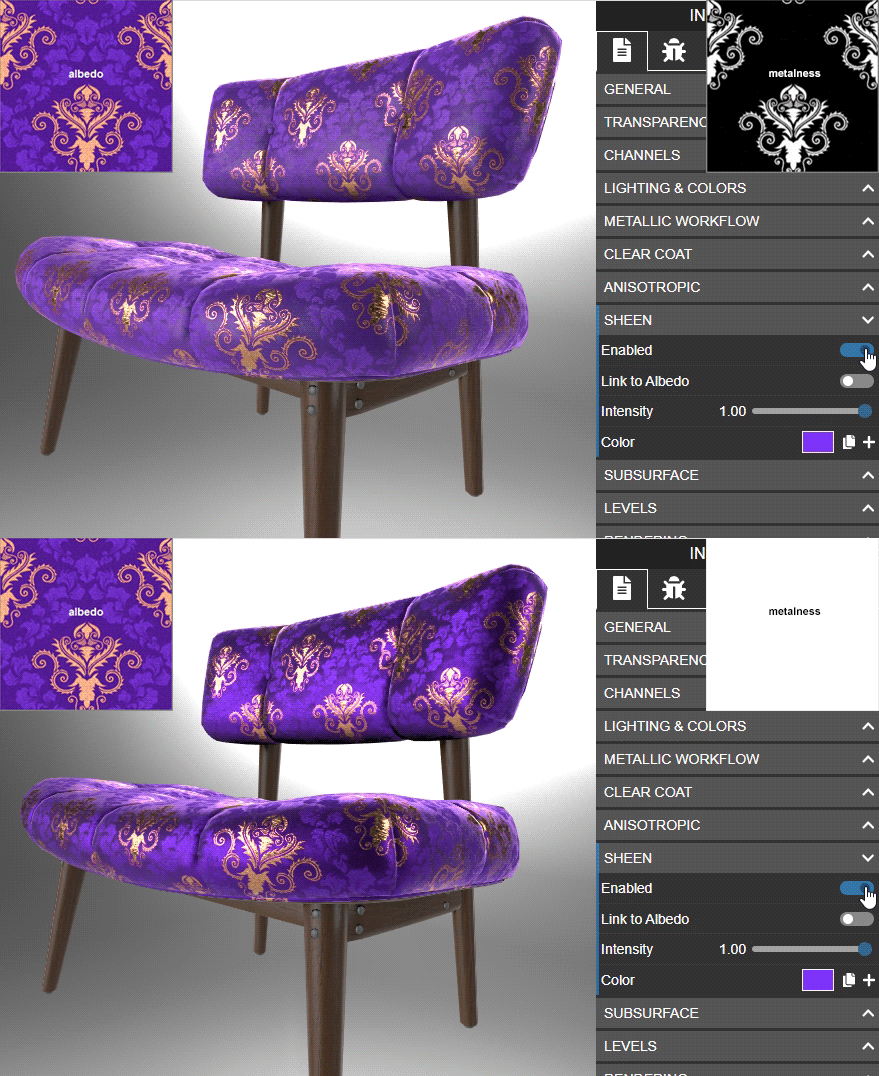
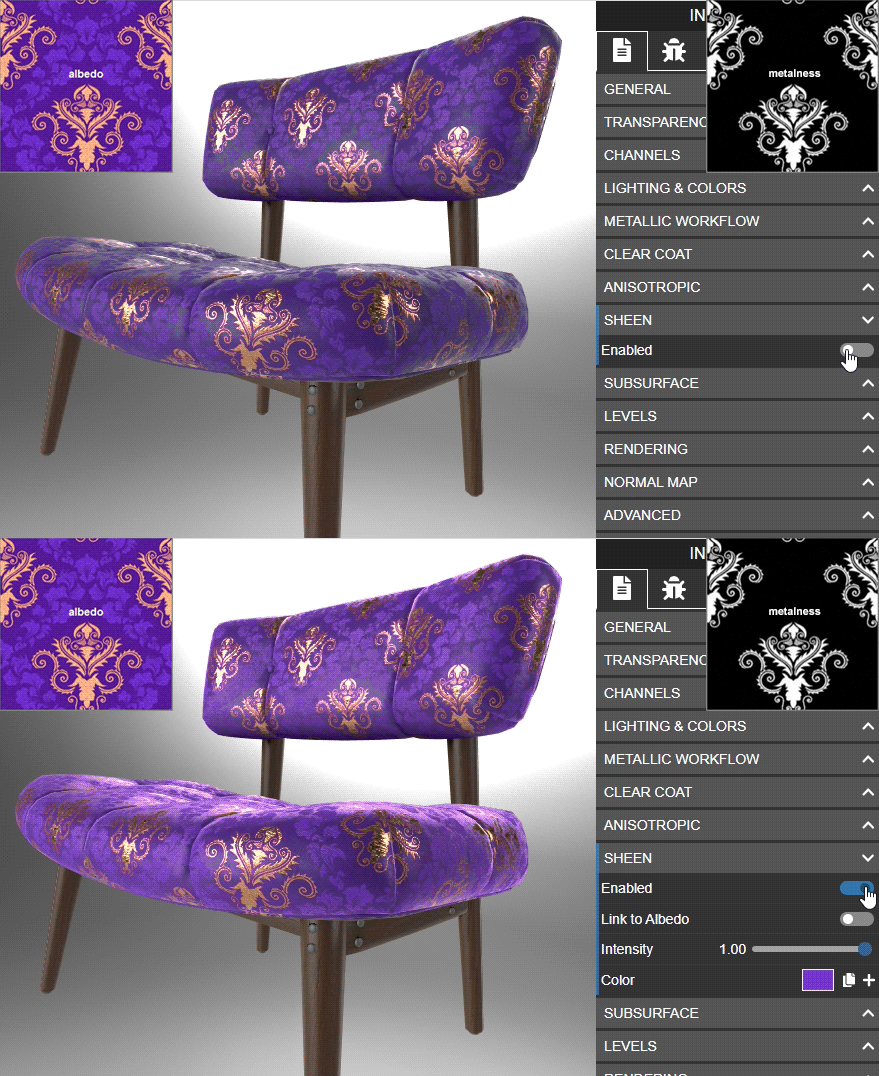
|
Also, the Babylon.js screenshots by cx20 look the closest to my intended results. On the right is the screenshot from my readme. |
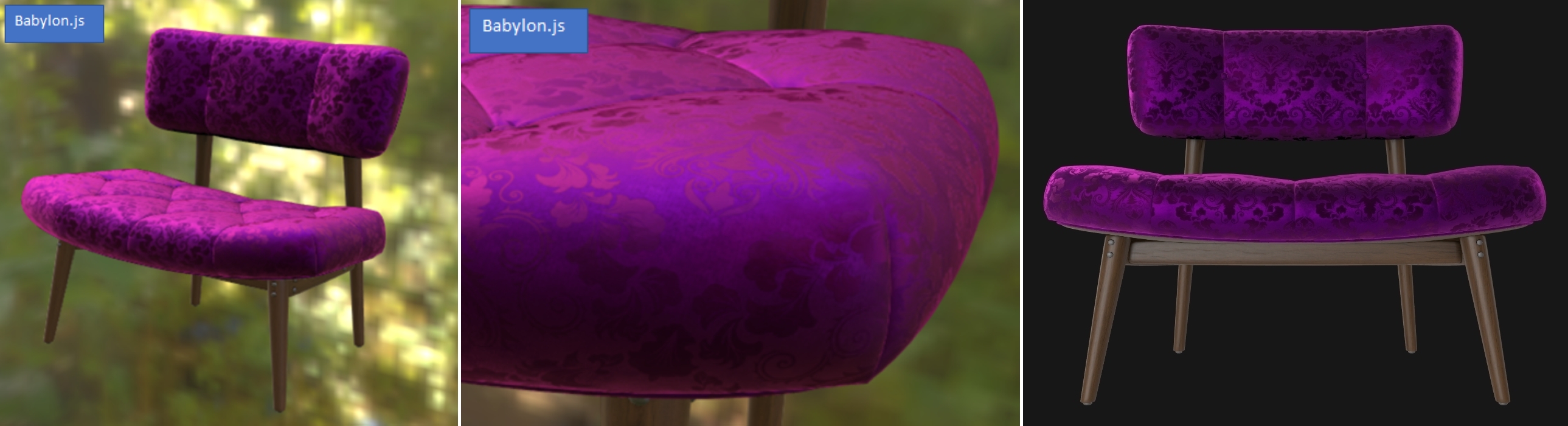
|
I noticed that a glTF editor called Gestaltor supports this extension, so I displayed the model to try it out.
@UX3D-nopper It seems a bit dark. I may be using IBL incorrectly. Do you have any advice? |
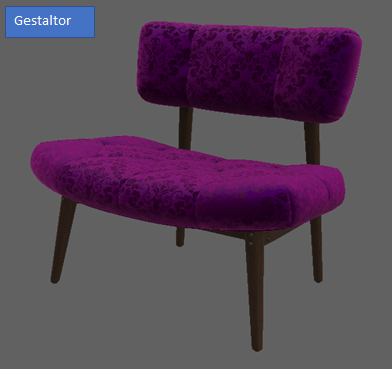
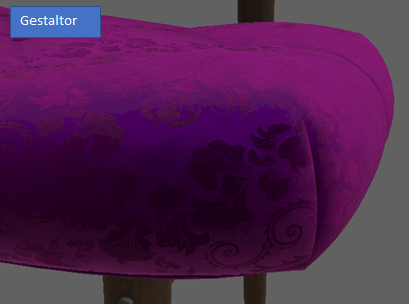

Did you change the light settings? By default, doge2 is used. |
In this menu, you can also enable or disable on a global level punctual and environment lights. Futhermore, it is possible to change the intensity and orientation of the IBL. |
|
@UX3D-nopper Thank you for teaching me how to use Gestaltor.
I tried loading the HDR file based on your advice, but the IBL didn't seem to change.
|
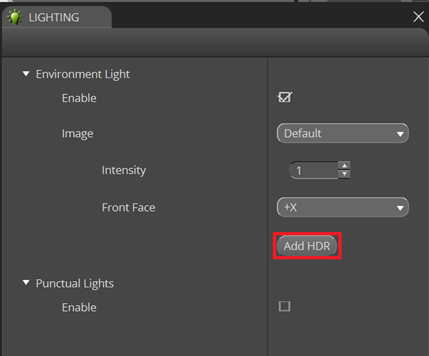
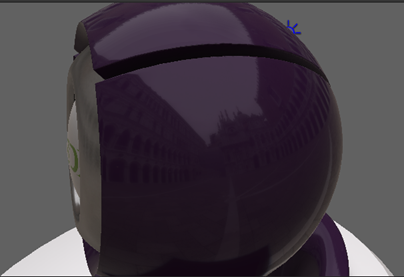
With "Add HDR", you are adding the HDR file to your IBL set. In the "Default" drop down list, now the IBL should be listed. Just change it and u should see it. |
|
@UX3D-nopper The cause is unknown, but when I select "Add HDR" and try to convert the file, the display driver seems to crash and the process is interrupted.
The PC environment I tested is as follows. I think it's a PC environment issue, so I'd like to try it on another PC. |
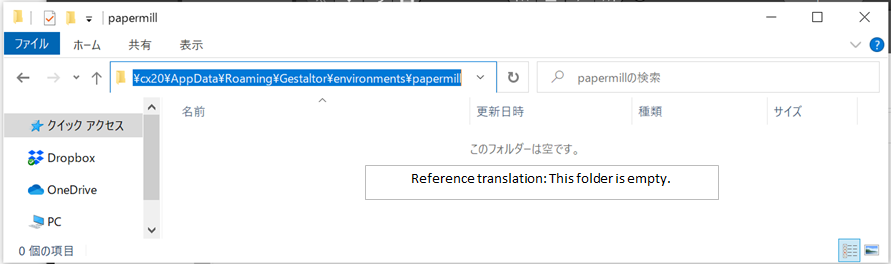
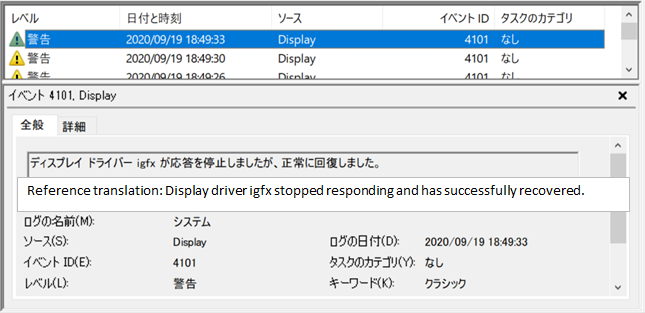
|
I was able to apply HDR textures with Gestaltor. The texture also adopted papermill. I don't know if it's correct, but Babylon.js seems to be more reflective. (It may be an angle issue.)
|
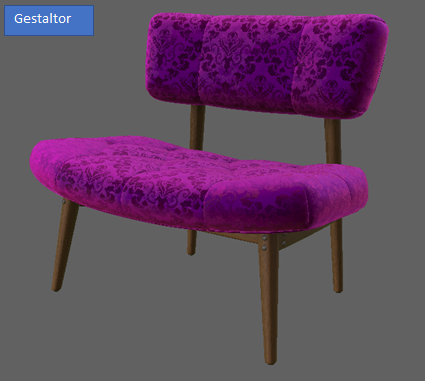
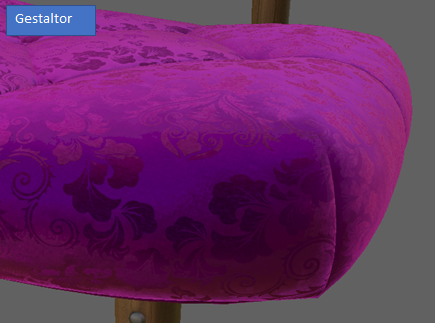

|
The sheen specification had a slight change in that |
|
I will spend some time this week on updating the material. |

|
Thanks Eric. Can we reconcile this with the material variants chair from #271? I don't want the sample repo to have two chairs that represent the same physical object but are such different 3D models. I think they're even different mesh resolutions. Would be great to have a single chair that had both sheen and variants. |
This combines the two chairs from KhronosGroup#270 and KhronosGroup#271 into a single asset. The fabric materials have been adjusted to match real-world reference, which should help with calibrating material features and renderer handling so we can more accurately represent e-commerce products.
|
The build failed. I'm wondering if I submitted incorrectly? I'm really new to Git, though I've used Perforce and SVN a lot in the past. https://travis-ci.com/github/KhronosGroup/glTF-Sample-Models/pull_requests |

|
This PR is opened against Although Sheen Chair doesn't show any errors now, let me update the validator in this repo so it can validate new PBR extensions. |
|
Sorry, didn't notice this was on @lexaknyazev I got an email from James that TravisCI is causing some grief. Can we migrate to GitHub Actions? |
Sure, this repo is probably the easiest one to migrate. |
|
That sounds fine, thanks Ed.
…On Fri, Dec 4, 2020 at 2:12 PM Alexey Knyazev ***@***.***> wrote:
Can we migrate to GitHub Actions?
Sure, this repo is probably the easiest one to migrate.
—
You are receiving this because you authored the thread.
Reply to this email directly, view it on GitHub
<#270 (comment)>,
or unsubscribe
<https://github.com/notifications/unsubscribe-auth/AJSQ3DFJ2LJGH76WJS6XPT3STEX77ANCNFSM4P3KITMQ>
.
|
|
@echadwick-wayfair Please place the See the recently added ToyCar for an example of a folder structure. |
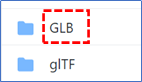
|
@cx20 I'm planning to make a new PR from this against the I do have a question for @echadwick-wayfair though: What happened to the cool purple fabric, can we use that? The red looks washed-out to me in the latest version. |
|
I have tried this model in a local environment for reference. The results are as follows.
|
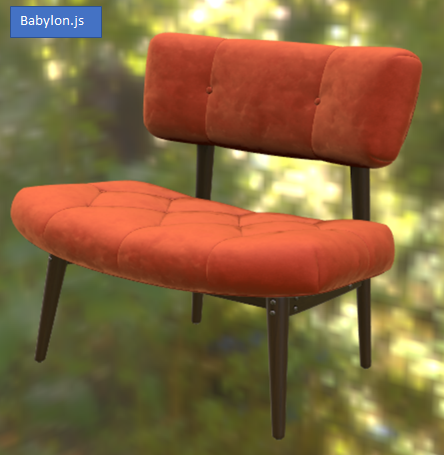
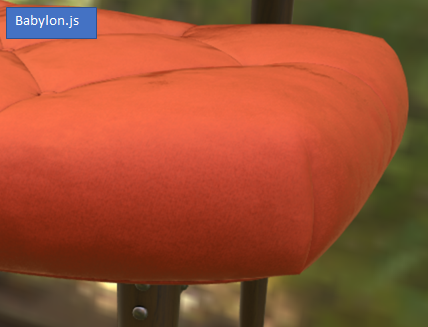
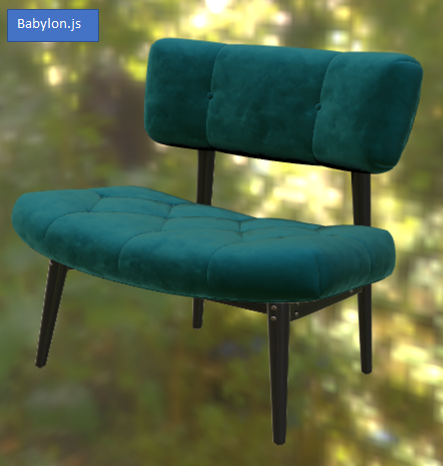
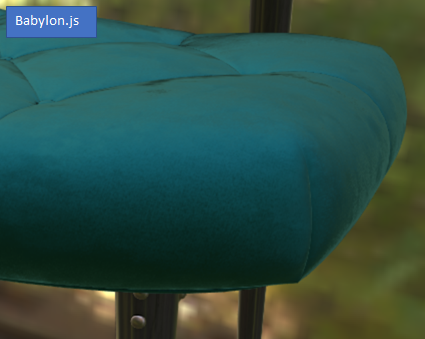
|
The purple used metalness, which was a bit contentious IIRC. I made the purple fabric 1.0 metal to force the specular to be colored, like most velvets and satins do in real life. I essentially used a physically-based feature outside the scope of its original intention, to overcome a limitation of the metal-rough shader. The purple fabric was also not based on one specific real-world reference, which made it more difficult to replicate in glTF renderers. For the new materials I deliberately chose specific surfaces that exist in real life and have published photographic examples. The photos were Photoshopped (often the case for e-commerce variants) but I can see they're close enough to reality to be usable for our purposes. We are ultimately attempting to match our CG materials to reality, so we need photo reference. The Mango Velvet (red) does not use metalness, which does cause it to be a bit washed out as you noticed. The Peacock Velvet (green/blue) does use metalness. I'm still a bit conflicted whether to use it or not. A few tests in babylon.js: |
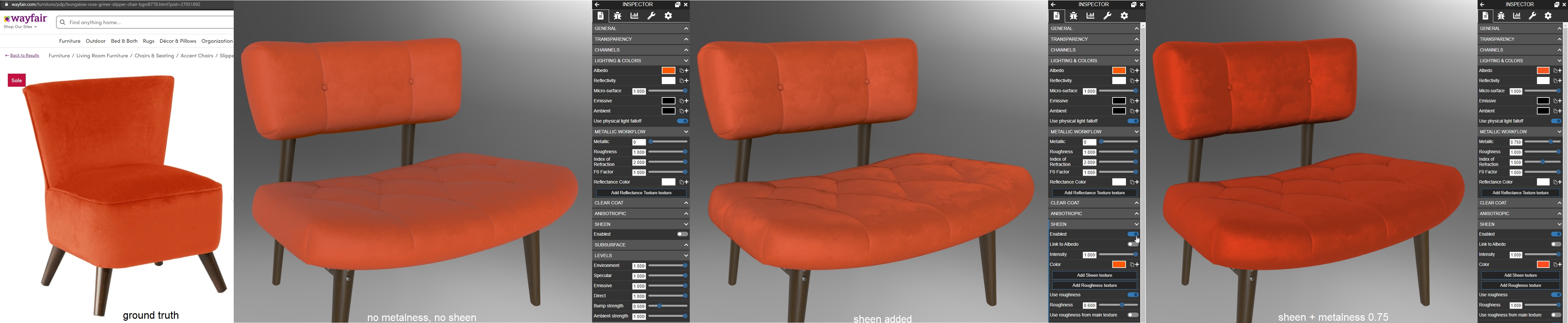

|
Migrated this to #284, please use that PR for further review & discussion, thanks! |
|
This is now merged to master in #284. Thanks @echadwick-wayfair and all! |
7 participants


Sheenchair.gltf updated to current conventions in KHR_materials_sheen, assets renamed to match parent folder including PascalCase, and readme created with screenshots.