OpenCode-style tool rendering for the Pi coding agent.
pi-tool-display provides compact, expandable tool call/result rendering that keeps your terminal clean while preserving access to full details when needed.
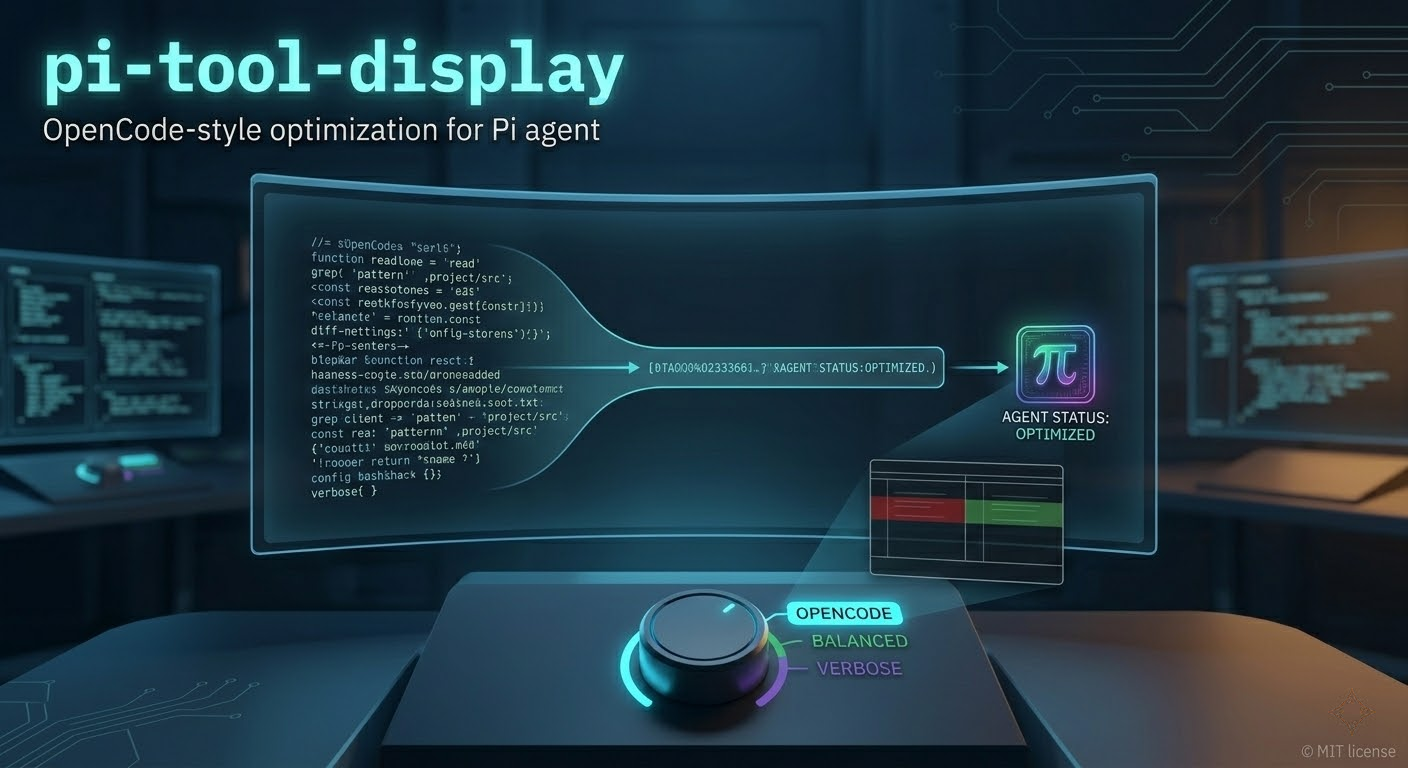
- Compact Tool Rendering — Overrides built-in
read,grep,find,ls,bash,edit, andwritetools with collapsed-by-default output - MCP Tool Support — Custom rendering for MCP gateway tool calls with configurable verbosity
- Rich Diff Display — Adaptive split/unified diff views with syntax highlighting and inline change emphasis for
editandwriteoperations - Three Presets — Quick verbosity profiles:
opencode(minimal),balanced(summaries),verbose(previews) - Thinking Labels — Prefixes AI thinking blocks with themed labels for better readability
- Native User Message Box — Bordered user prompt styling (optional)
- Extension Compatibility — Per-tool ownership toggles to avoid conflicts with other extensions
- Capability Detection — Auto-hides MCP/RTK settings when those features aren't available
Place this folder in one of Pi's auto-discovery locations:
# Global (all projects)
~/.pi/agent/extensions/pi-tool-display

# Project-specific
.pi/extensions/pi-tool-display
pi install npm:pi-tool-displaypi install git:github.com/MasuRii/pi-tool-displayOpen the settings modal:
/tool-display
/tool-display show                    # Display current configuration
/tool-display reset                   # Reset to default settings
/tool-display preset opencode         # Apply opencode preset
/tool-display preset balanced         # Apply balanced preset
/tool-display preset verbose          # Apply verbose preset
| Preset | Read Output | Search Output | MCP Output | Preview Lines | Bash Lines |
|---|---|---|---|---|---|
opencode |
hidden | hidden | hidden | 8 | 10 |
balanced |
summary | count | summary | 8 | 10 |
verbose |
preview | preview | preview | 12 | 20 |
opencode (default) — Minimal inline-only display; tool results stay collapsed
balanced — Compact summaries showing line counts and match totals
verbose — Expanded previews with more visible content by default
Runtime configuration is stored at:
~/.pi/agent/extensions/pi-tool-display/config.json
A starter template is available at config/config.example.json.
| Option | Type | Default | Description |
|---|---|---|---|
registerToolOverrides |
object | all true |
Per-tool ownership flags (see below) |
enableNativeUserMessageBox |
boolean | true |
Enable bordered user message styling |
readOutputMode |
string | "hidden" |
hidden, summary, or preview |
searchOutputMode |
string | "hidden" |
hidden, count, or preview |
mcpOutputMode |
string | "hidden" |
hidden, summary, or preview |
previewLines |
number | 8 |
Lines shown in collapsed preview |
expandedPreviewMaxLines |
number | 4000 |
Max lines when expanded |
bashCollapsedLines |
number | 10 |
Lines shown for bash output |
diffViewMode |
string | "auto" |
auto, split, or unified |
diffSplitMinWidth |
number | 120 |
Minimum terminal width for split view |
diffCollapsedLines |
number | 24 |
Lines shown in collapsed diff |
diffWordWrap |
boolean | true |
Wrap long lines in diff view |
showTruncationHints |
boolean | true |
Show truncation indicators |
showRtkCompactionHints |
boolean | true |
Show RTK compaction hints |
Control which tools this extension overrides:
{
  "registerToolOverrides": {
    "read": true,
    "grep": true,
    "find": true,
    "ls": true,
    "bash": true,
    "edit": true,
    "write": true
  }
}
Set any tool to false to leave rendering ownership to another extension.
Note: Changes to tool ownership require
/reloadto take effect.
{
  "registerToolOverrides": {
    "read": true,
    "grep": true,
    "find": true,
    "ls": true,
    "bash": true,
    "edit": true,
    "write": true
  },
  "enableNativeUserMessageBox": true,
  "readOutputMode": "summary",
  "searchOutputMode": "count",
  "mcpOutputMode": "summary",
  "previewLines": 12,
  "expandedPreviewMaxLines": 4000,
  "bashCollapsedLines": 15,
  "diffViewMode": "auto",
  "diffSplitMinWidth": 120,
  "diffCollapsedLines": 24,
  "diffWordWrap": true,
  "showTruncationHints": true,
  "showRtkCompactionHints": true
}The extension automatically detects available capabilities:
- MCP Tooling — When no MCP tools are available, MCP-related settings are hidden and MCP output mode is forced to
hidden - RTK Optimizer — When pi-rtk-optimizer isn't installed, RTK compaction hint settings are hidden and hints are disabled
This prevents confusion from settings that have no effect in your environment.
If another extension owns a tool and you see rendering conflicts:
- Set the corresponding
registerToolOverrides.<tool>tofalsein your config - Run
/reloadin Pi - Verify with
/tool-display showthat the ownership reflects expectedoffvalues
If settings aren't applying:
- Check the config file exists at
~/.pi/agent/extensions/pi-tool-display/config.json - Verify JSON syntax is valid
- Run
/tool-display showto see current effective configuration
pi-tool-display/
├── index.ts                    # Extension entrypoint (Pi auto-discovery)
├── src/
│   ├── index.ts                # Extension bootstrap and registration
│   ├── tool-overrides.ts       # Built-in and MCP renderer overrides
│   ├── diff-renderer.ts        # Edit/write diff rendering engine
│   ├── config-modal.ts         # /tool-display settings UI
│   ├── capabilities.ts         # MCP/RTK capability detection
│   ├── config-store.ts         # Config load/save and normalization
│   ├── presets.ts              # Preset definitions and matching
│   ├── render-utils.ts         # Shared rendering helpers
│   ├── thinking-label.ts       # Thinking block label formatting
│   ├── user-message-box-native.ts  # User message border styling
│   ├── types.ts                # TypeScript type definitions
│   └── zellij-modal.ts         # Modal UI primitives
├── config/
│   └── config.example.json     # Starter config template
└── assets/
    └── pi-tool-display.png     # README screenshot
# Type check
npm run build

# Lint (same as build)
npm run lint

# Run tests
npm run test

# Full check
npm run check- pi-rtk-optimizer — RTK optimizer for token-efficient source output
