
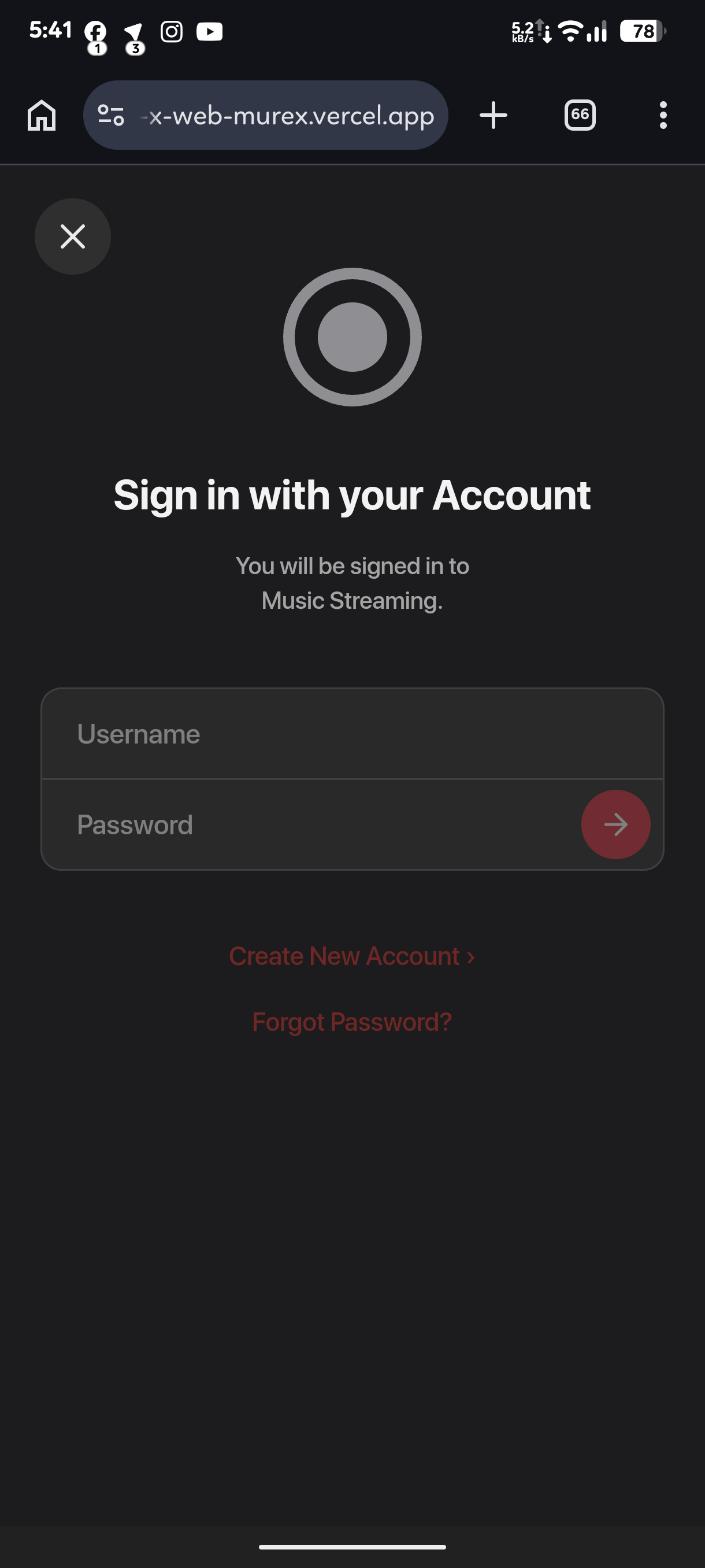
A Self Hosted Telegram WebApp Streaming bot that lets you listen to music directly in the browser, even without Telegram. (free of cost)
• Frontend: MisfiT2020/StreamXWeb
• Support: Group


Register your Render deployment URL at Cron to keep your service awake and avoid cold starts.
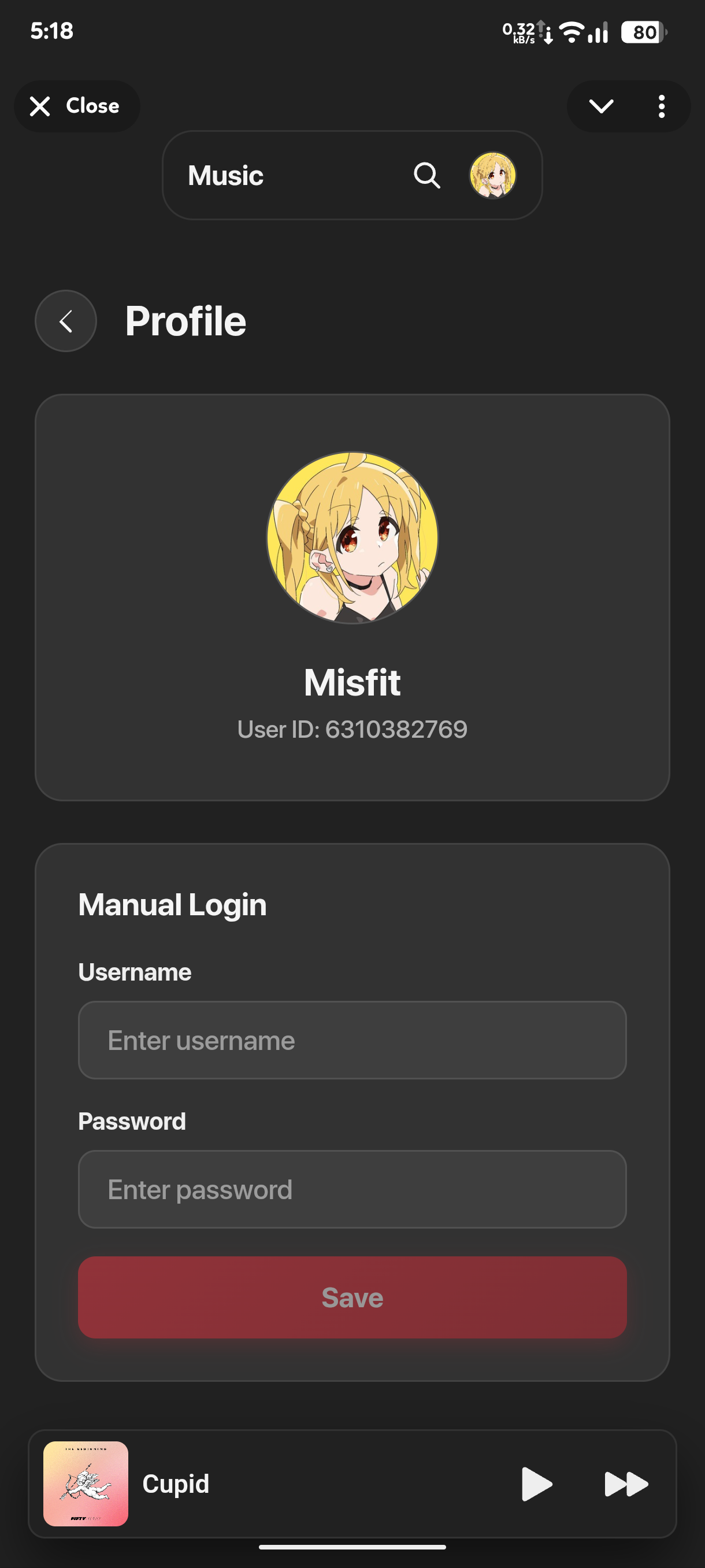
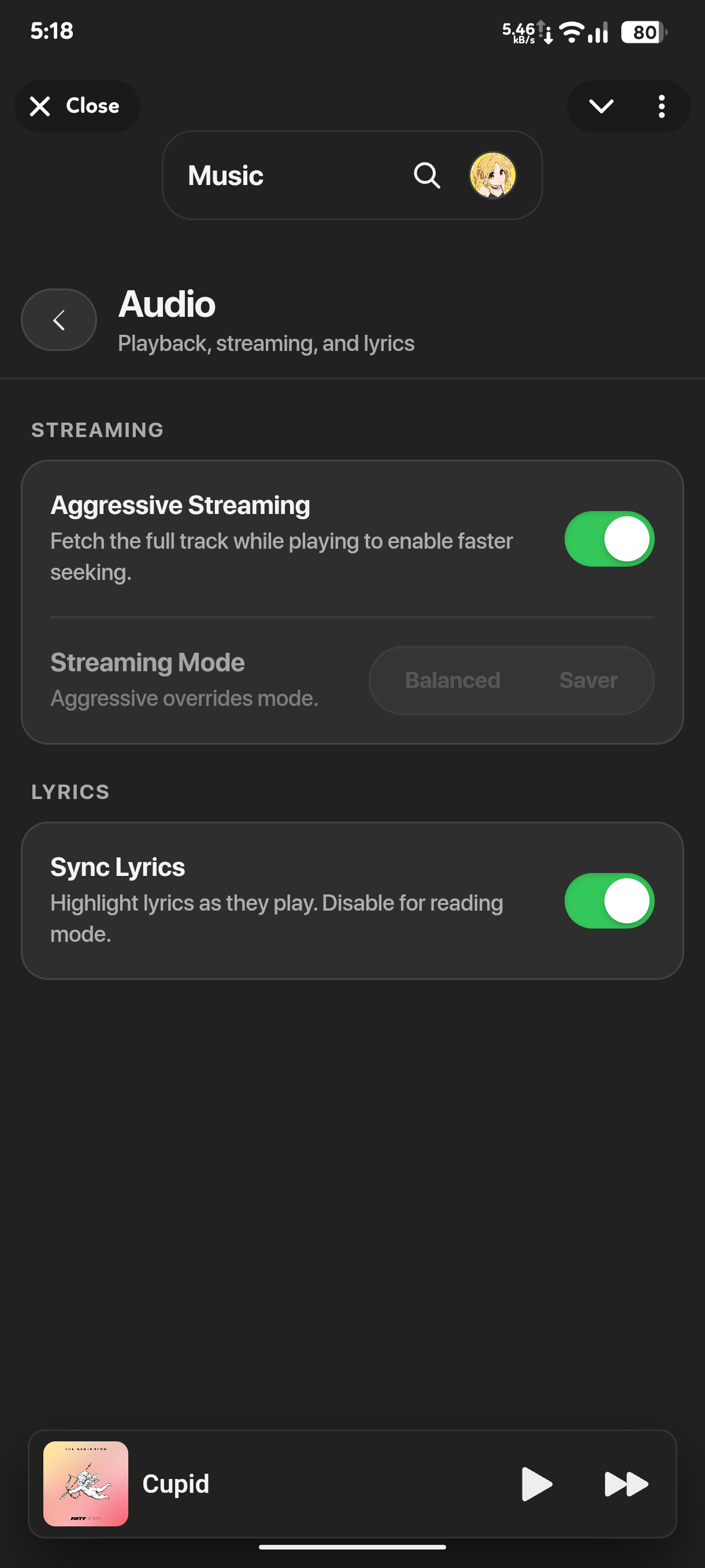
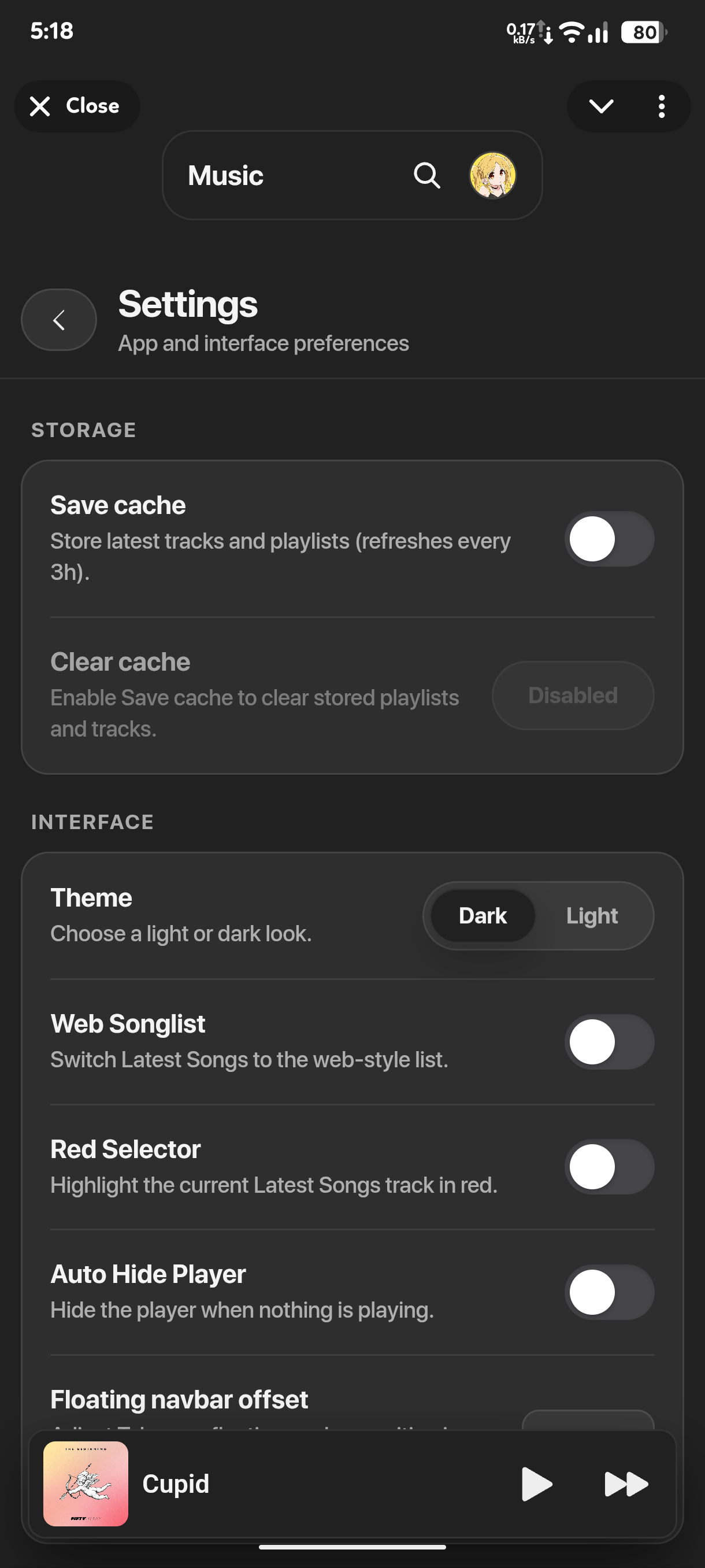
- Telegram-free web app: use StreamX directly in the browser, even without Telegram.
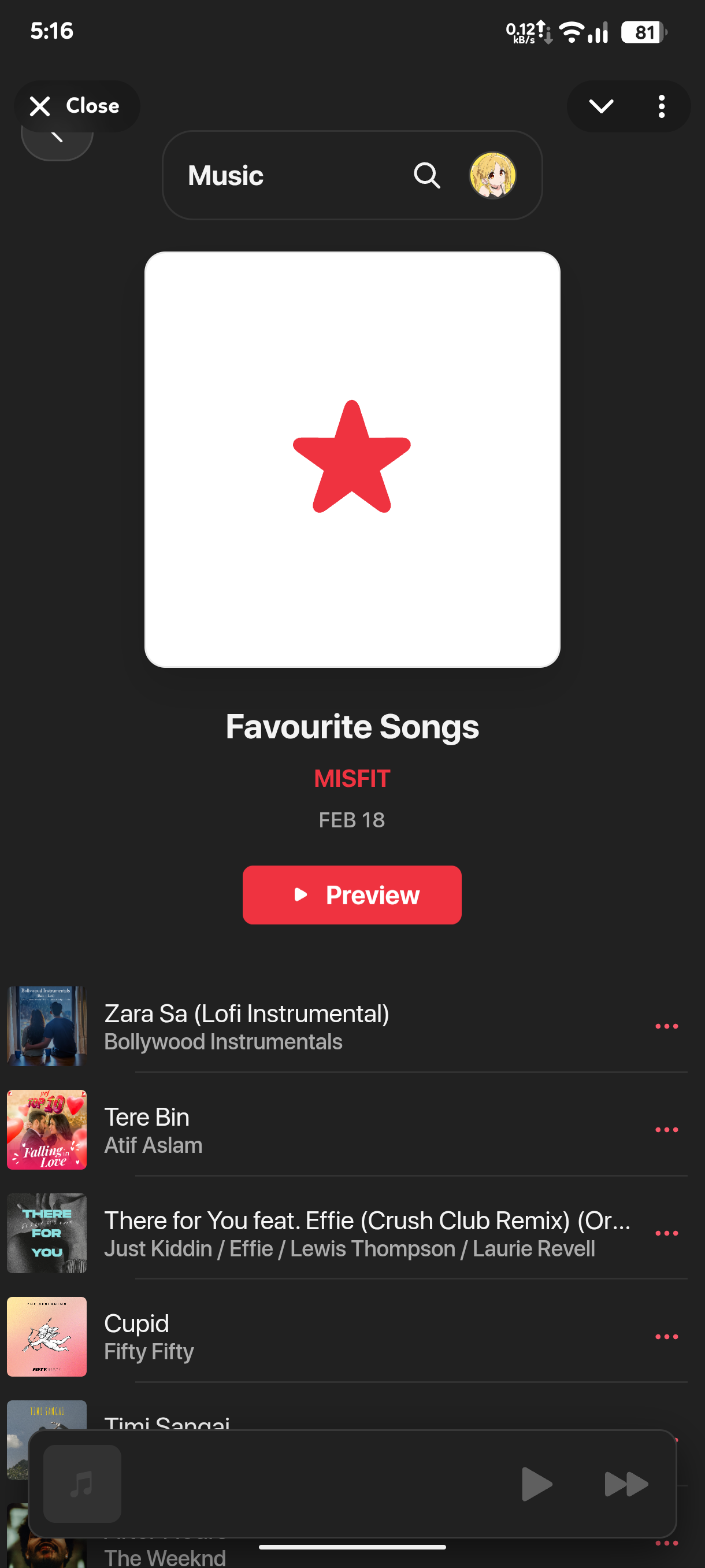
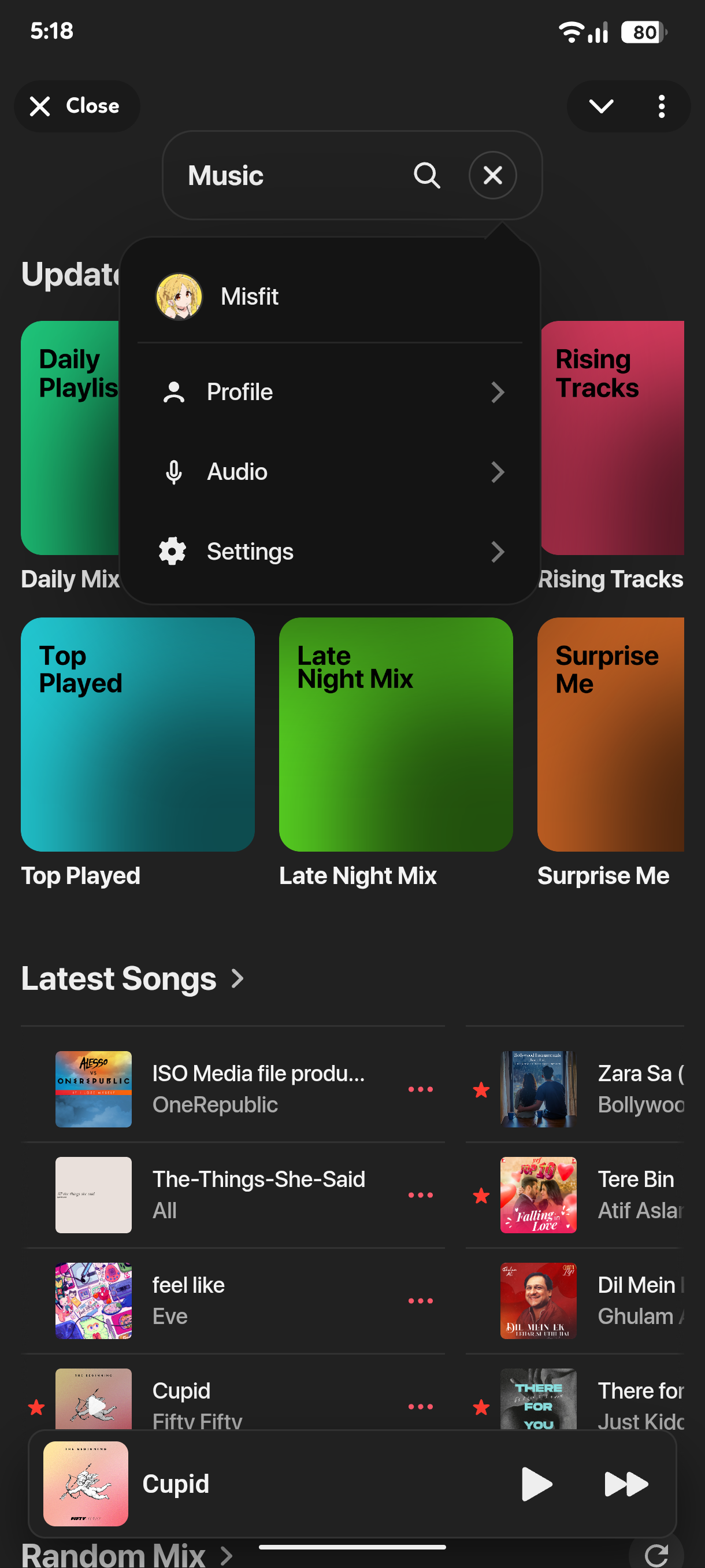
- Fast music discovery with browse, search, and shuffle modes.
- Curated daily playlists plus playlist-based exploration.
- Smooth track streaming with quick warm-up playback support.
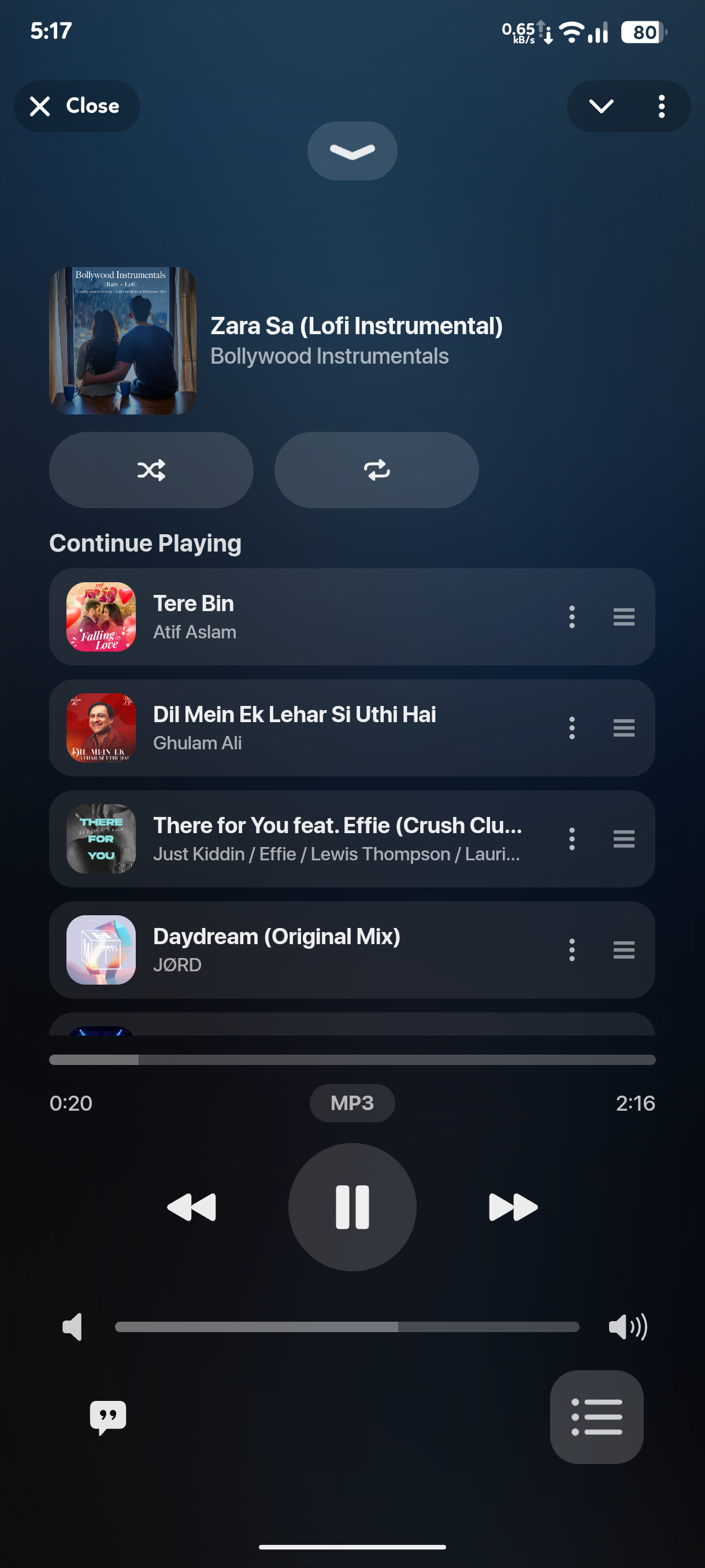
- Built-in lyrics view for supported songs.
- Personal listening space with favourites and top-played history.
- Create, edit, and manage your own custom playlists.
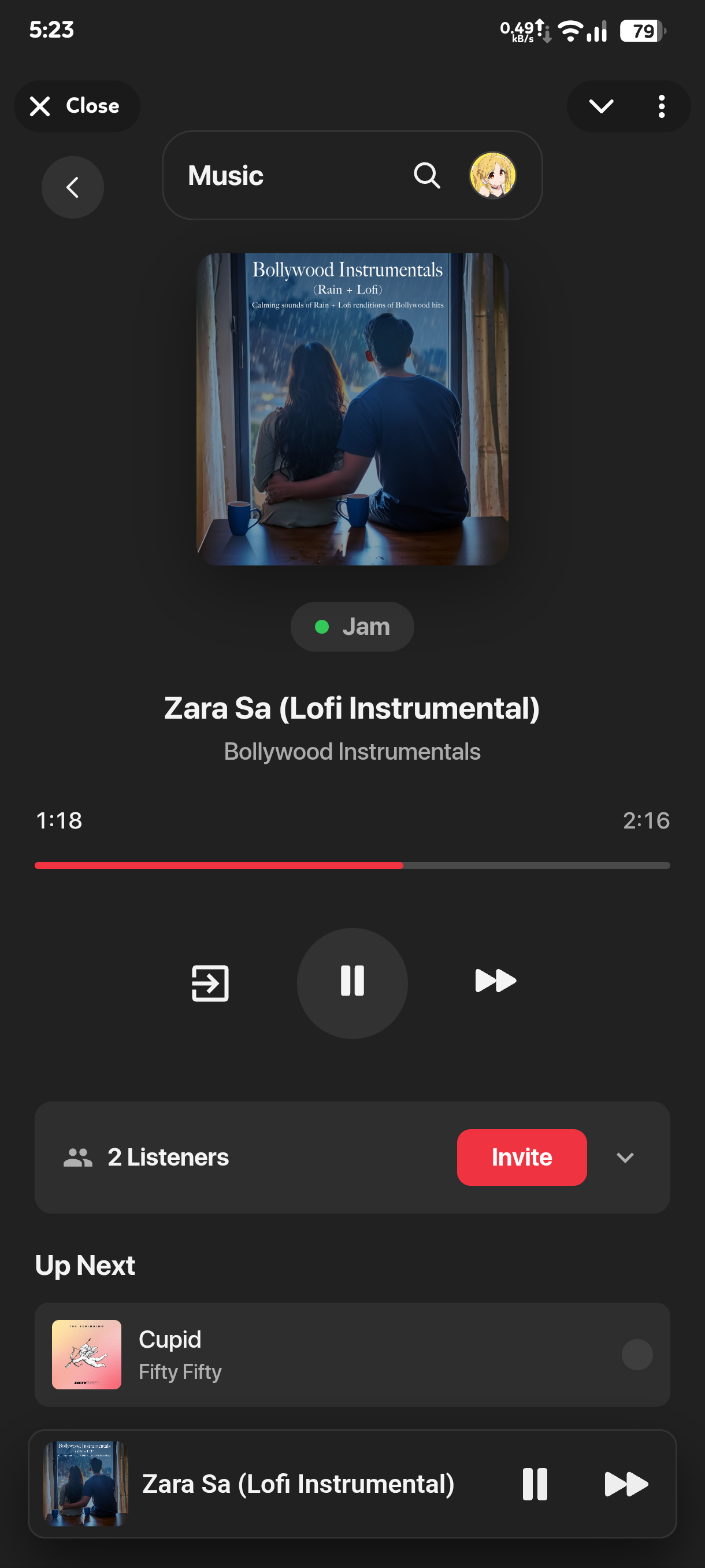
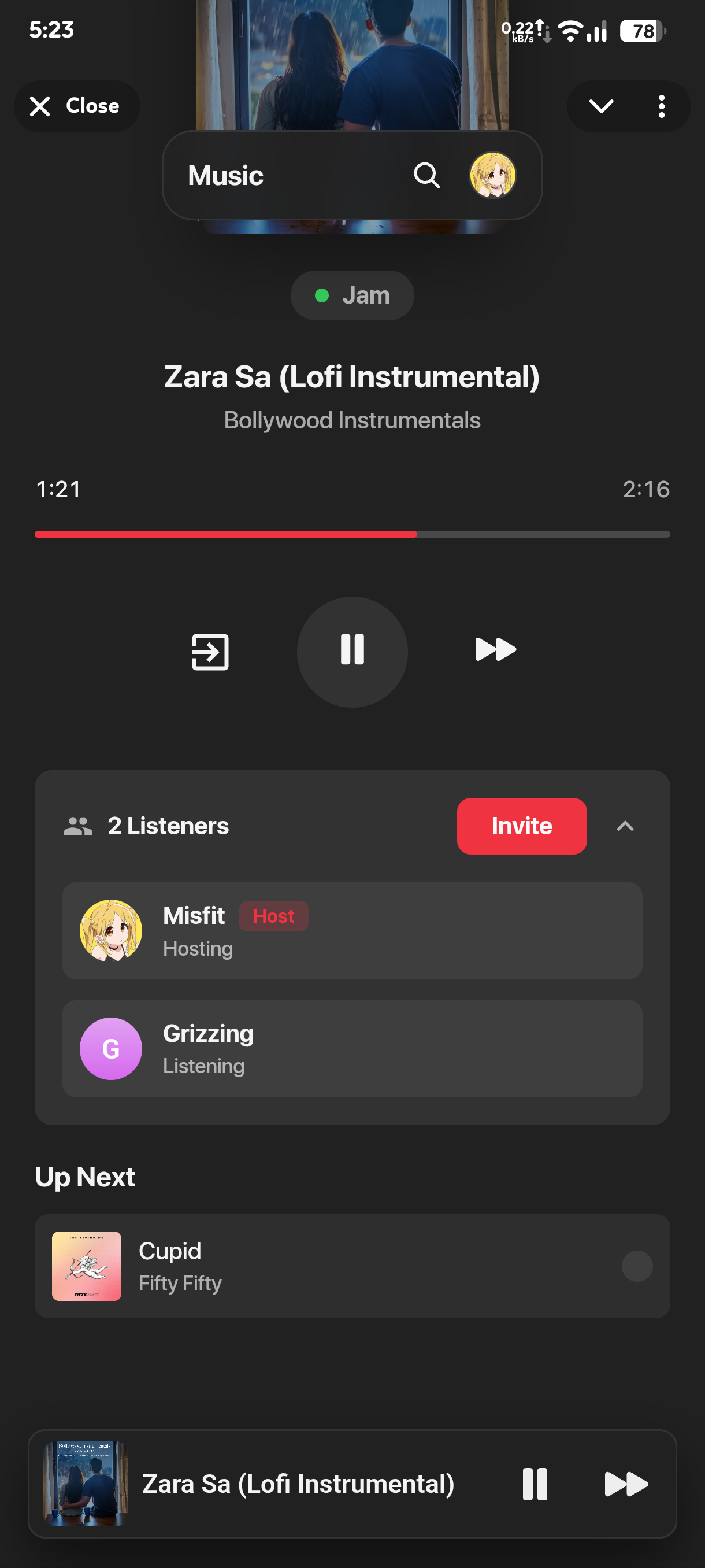
- Real-time Jam rooms for synchronized group listening and queue control.
| 1 | 2 | 3 |
|---|---|---|
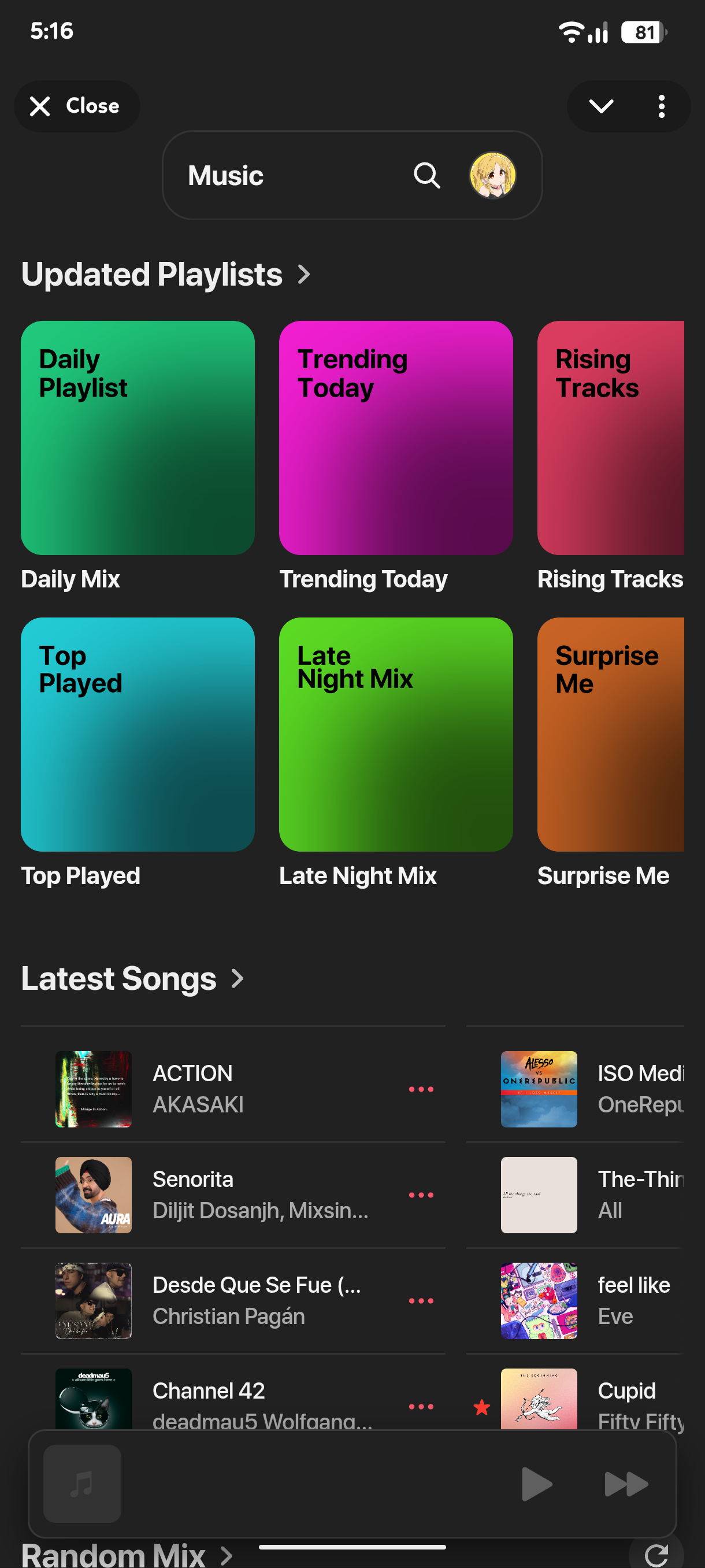 |
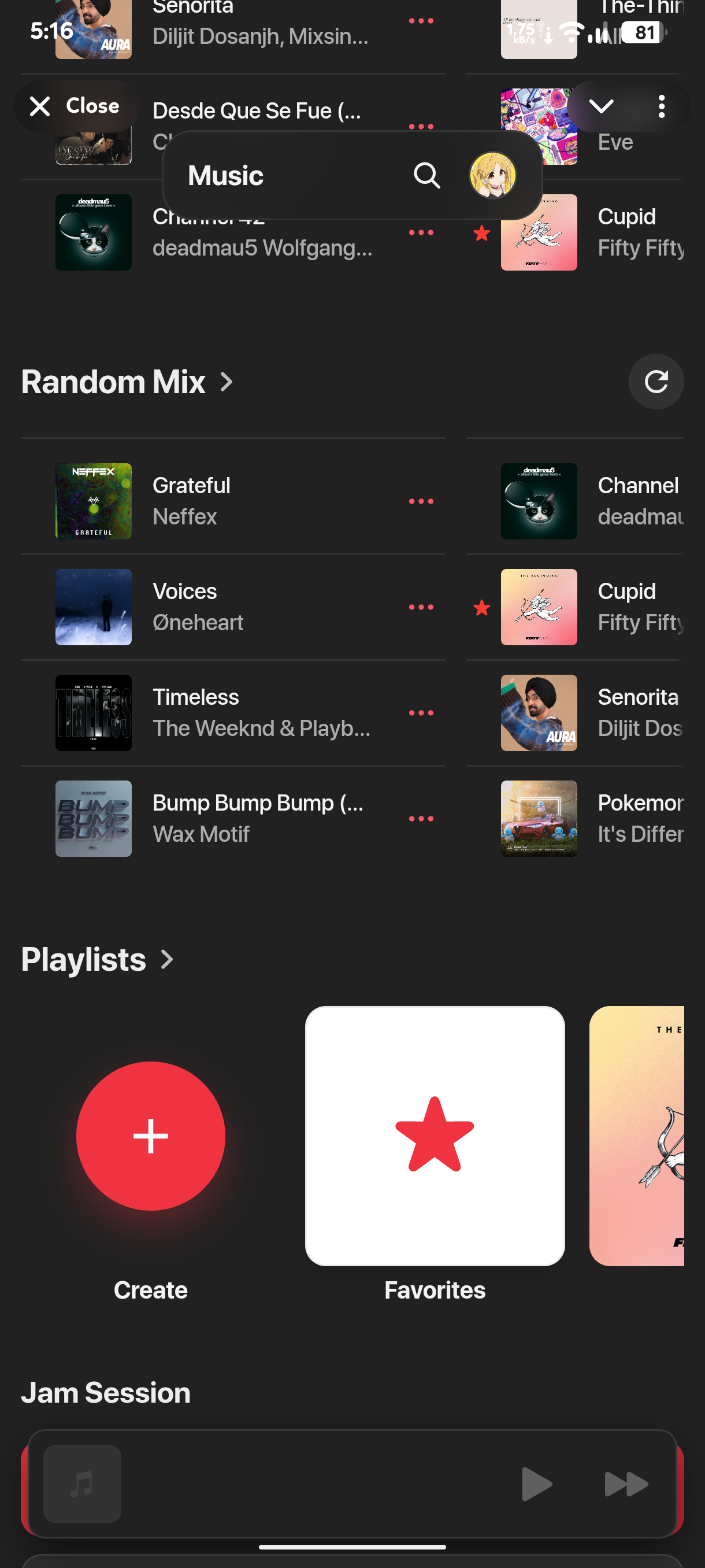 |
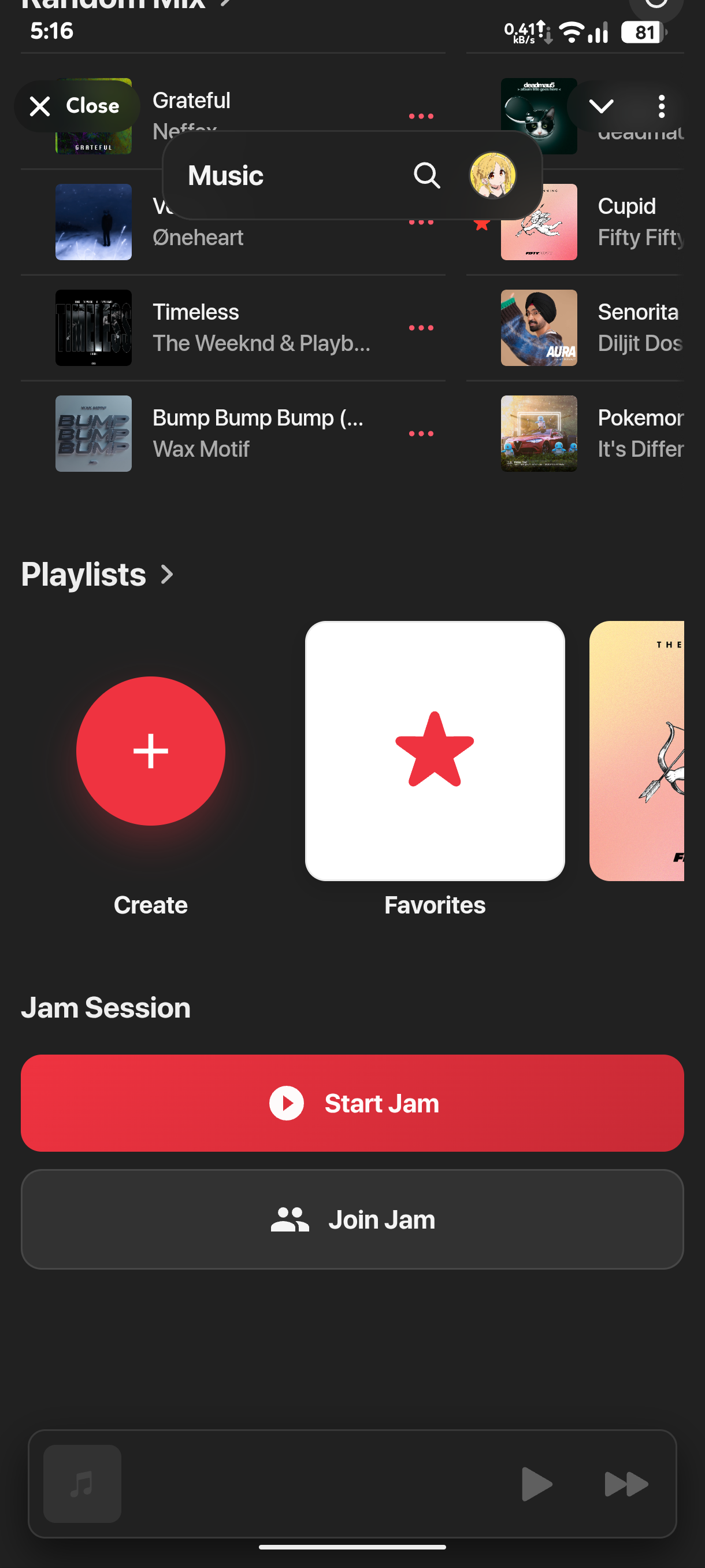 |
| 4 | 5 | 6 |
|---|---|---|
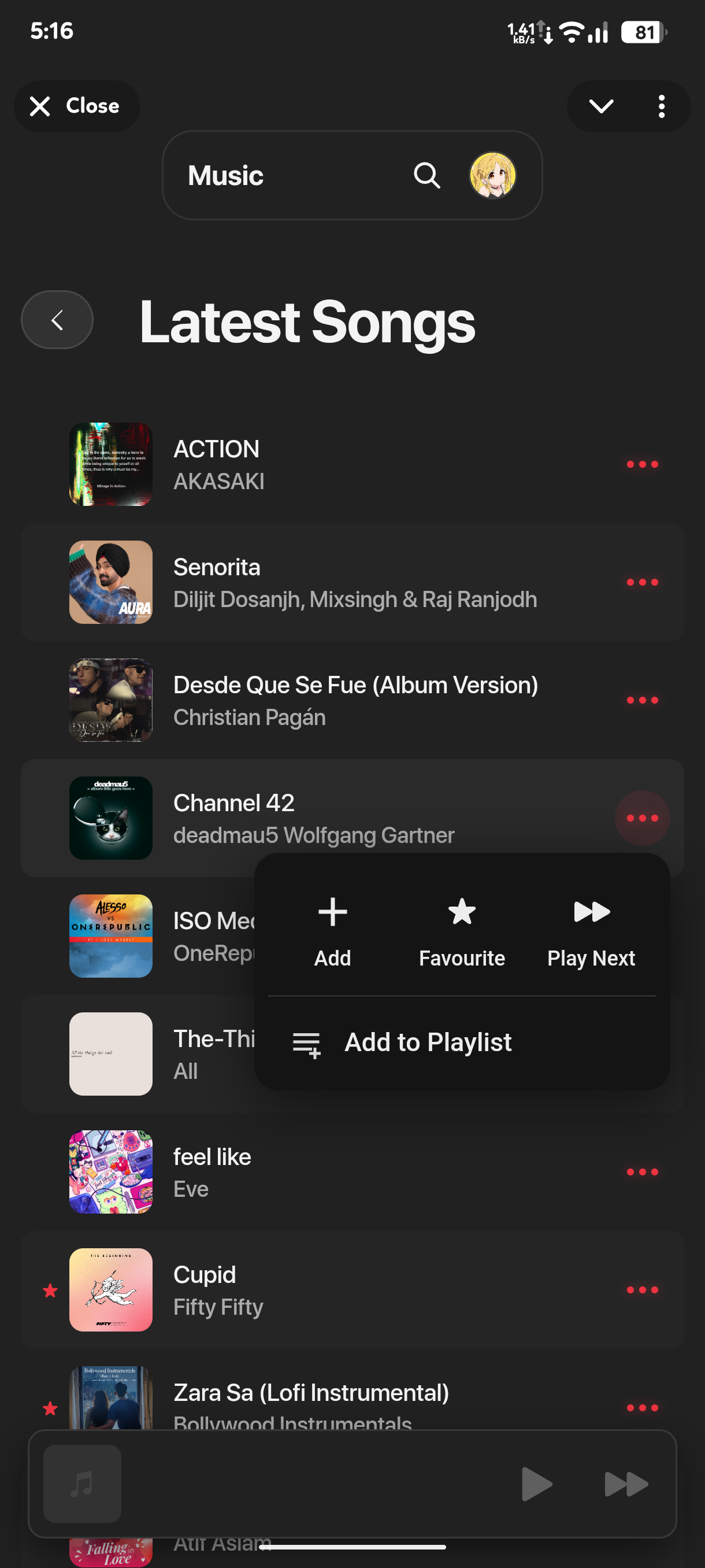 |
 |
 |
| 7 | 8 | 9 |
|---|---|---|
 |
 |
 |
| 10 | 11 | 12 |
|---|---|---|
 |
 |
 |
| 13 | 14 | 15 |
|---|---|---|
 |
 |
 |
- Cloudinary for thumbnail storage.
- Spotify API for music metadata.
- /ping - Ping the bot to check if it's alive.
- /bs - to get the bot settings and edit the vars without deploying again.
- /restart - to restart the bot.
Show
API RELATED
SPOTIFY_CLIENT_ID(Spotify API client ID)SPOTIFY_CLIENT_SECRET(Spotify API client secret)CLOUDINARY_CLOUD_NAME(Cloudinary cloud name)CLOUDINARY_API_KEY(Cloudinary API key)CLOUDINARY_API_SECRET(Cloudinary API secret)
BOT RELATED
BOT_TOKEN(Telegram bot token,123456:ABC...)API_ID(integer)API_HASH(string)
BACKEND RELATED
CHANNEL_IDto fetch the tracks from.MONGO_URI(mongodb://...ormongodb+srv://...)OWNER_ID(one ID or a list; the loader turns it into a list)DATABASE_NAMEMULTI_CLIENT(True/False) to stream via multiple Bots and load balancingMULTI_CLIENTS_1,MULTI_CLIENTS_2, ... (additional bot tokens/session strings for multi-client mode)MUSIXMATCHORLRCLIBto get lyrics: MUSIXMATCH OVERRIDES LRCLIBDUMP_CHANNEL_IDDumps the Tracks into this channel when multiclient bot doesn't have the track in its database.SUDO_USERS(user with sudo access)ONLY_API(True/False) to only use the API and disable the bot.DEBUG(True/False) to enable debug mode.
SESSION RELATED (FRONTEND) (Optional)
SECRET_KEY(for session storage)COOKIE_SECURE(True/False) to enable secure cookies.CORS_ORIGINto allow domainCOOKIE_SAMESITEif the backend/frontend are on different domains, set this tononeandCOOKIE_SECUREtotrue.
USERBOT
SESSION_STRING(enables the userbot worker)SOURCE_CHANNEL_IDSfor userbot to dump tracks from one or more channels.
Fork this repo, then clone your fork for deployment (so your own changes and secrets stay in your repo).
- Render & Heroku:
CONFIG_GIST– provide a raw GitHub Gist URL that contains a completeconfig.py.
At build time the gist is downloaded and written toconfig.py, letting you keep secrets out of the repo.
Render (recommended)
Create a new Web Service:
- Runtime: Docker
- Build command: (Render detects Dockerfile)
- Start command: default (runs
start.sh)
Set environment variables in Render dashboard:
- Required:
CONFIG_GISTwith a raw GitHub Gist URL that contains a completeconfig.py. - For frontend: set
CORS_ORIGINSto your frontend domain (example:https://your-frontend.vercel.app)
VPS (Docker Compose)
- Install Docker + Docker Compose on the VPS
- Clone the backend repo
- Copy
sample_config.pytoconfig.pyand fill in the required variables - Run:
Heroku (GitHub Actions + Docker)
This repo ships a workflow: heroku-docker.yml.
Behavior:
- If Heroku secrets are present, it builds/pushes/releases the Docker image
- If secrets are missing, it skips Heroku steps and the workflow still passes
To enable Heroku deploy, add GitHub repo secrets:
HEROKU_APP_NAMEHEROKU_API_KEY(orHEROKU_KEY)
Optional:
CONFIG_GIST= a raw GitHub Gist URL pointing to aconfig.py-style file. If set, the workflow converts it into Heroku config vars and applies them before releasing.
Once deployed, the API should respond:
GET /health→{"status":"ok", ...}(see health.py)
Example:
curl -sS https://YOUR_BACKEND_URL/healthFrontend source in MisfiT2020/StreamXWeb and calls this backend.
Set this in your frontend build env:
VITE_API_BASE_URL= your backend base URL
Follow these steps to set MiniApp in the bot:
- Open your bot on BotFather
- Go to Bot Settings > Configure Mini App > Edit Mini App URL
- Set the Mini App URL to your frontend domain (example:
https://your-frontend.vercel.app) - Go to Change Mode > Set it to "Full Screen" for better experience.
Screenshots
| 1 |
|---|
 |
| 2 | 3 | 4 |
|---|---|---|
 |
 |
 |
| 5 | 6 | 7 |
|---|---|---|
 |
 |
 |