

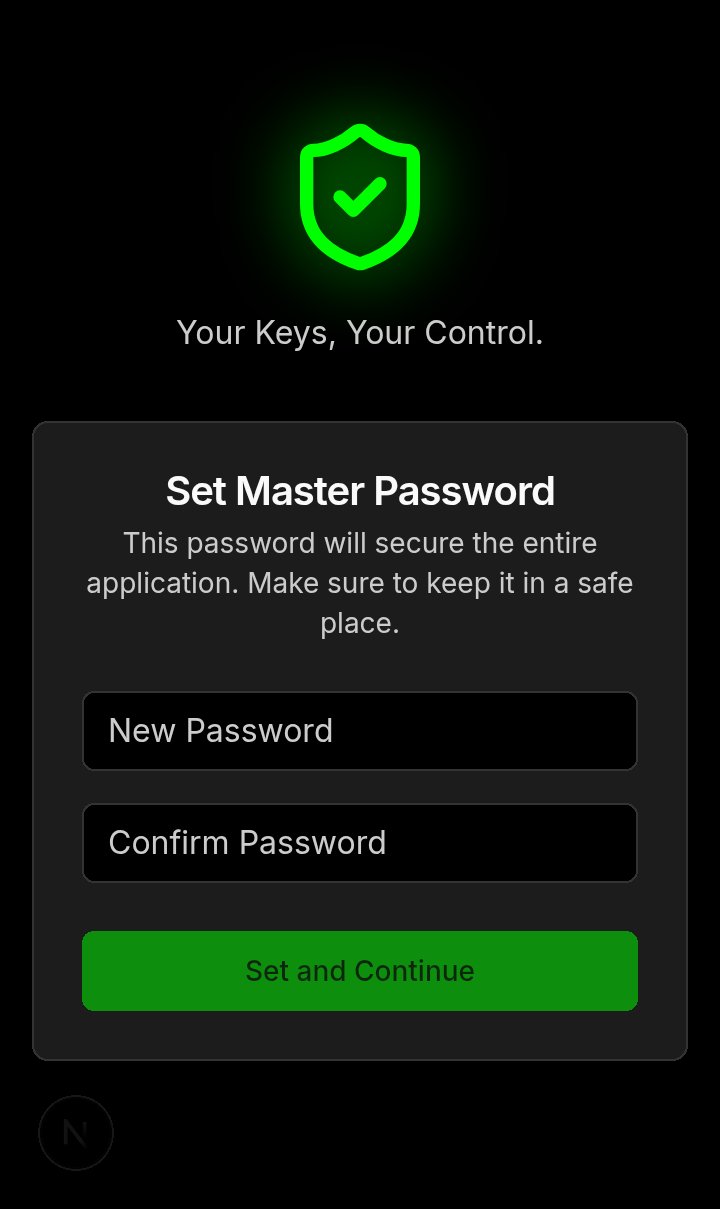
Login — Set Master Password |
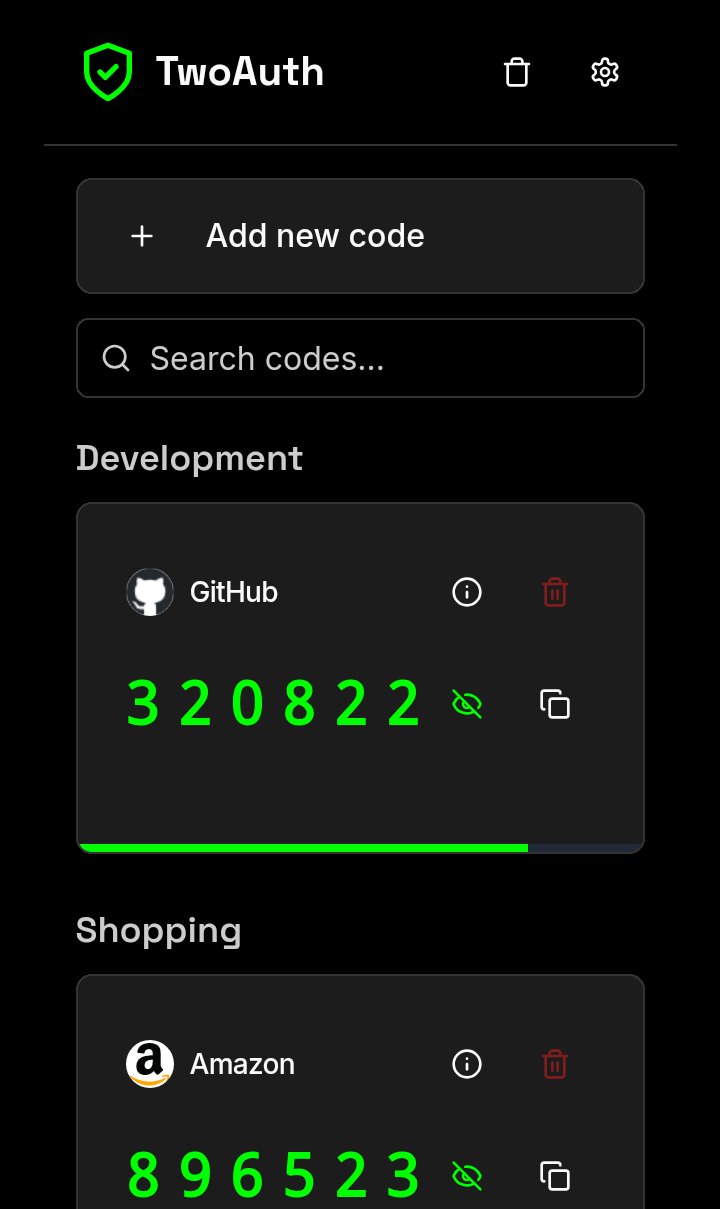
Codes — Token list / OTPs |
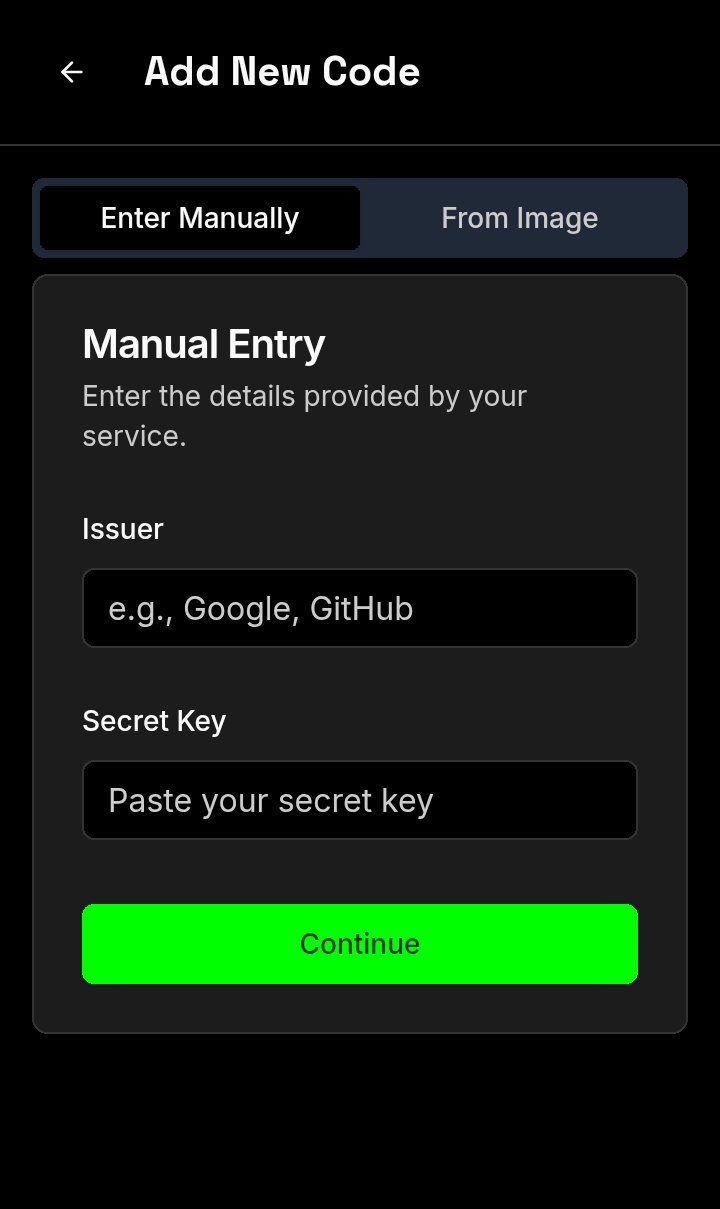
Add New Code — Manual entry |
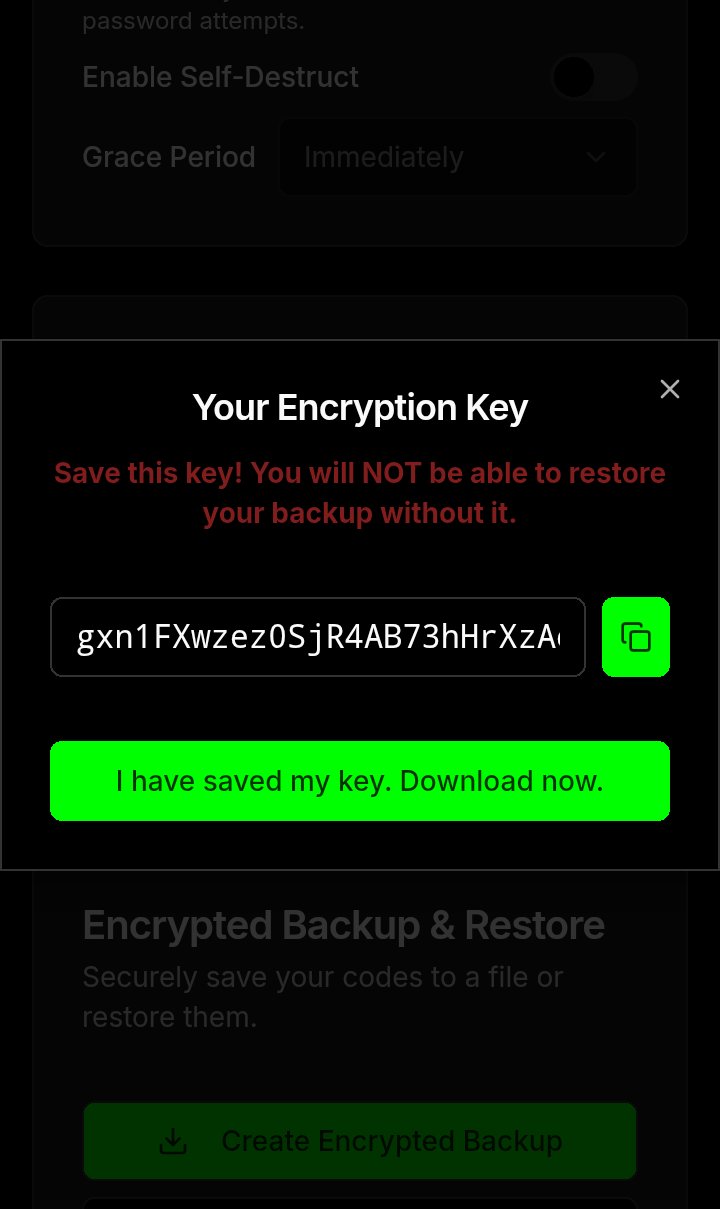
Backup — Export encryption key |
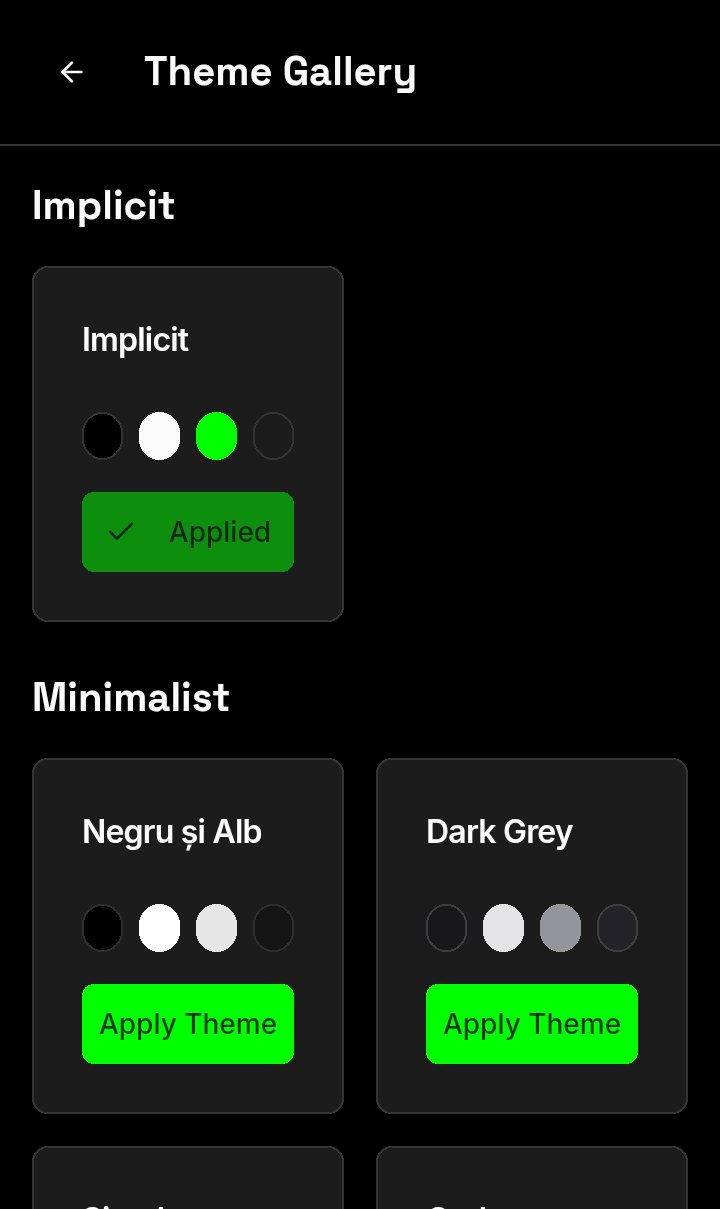
Gallery / Themes — Appearance options |
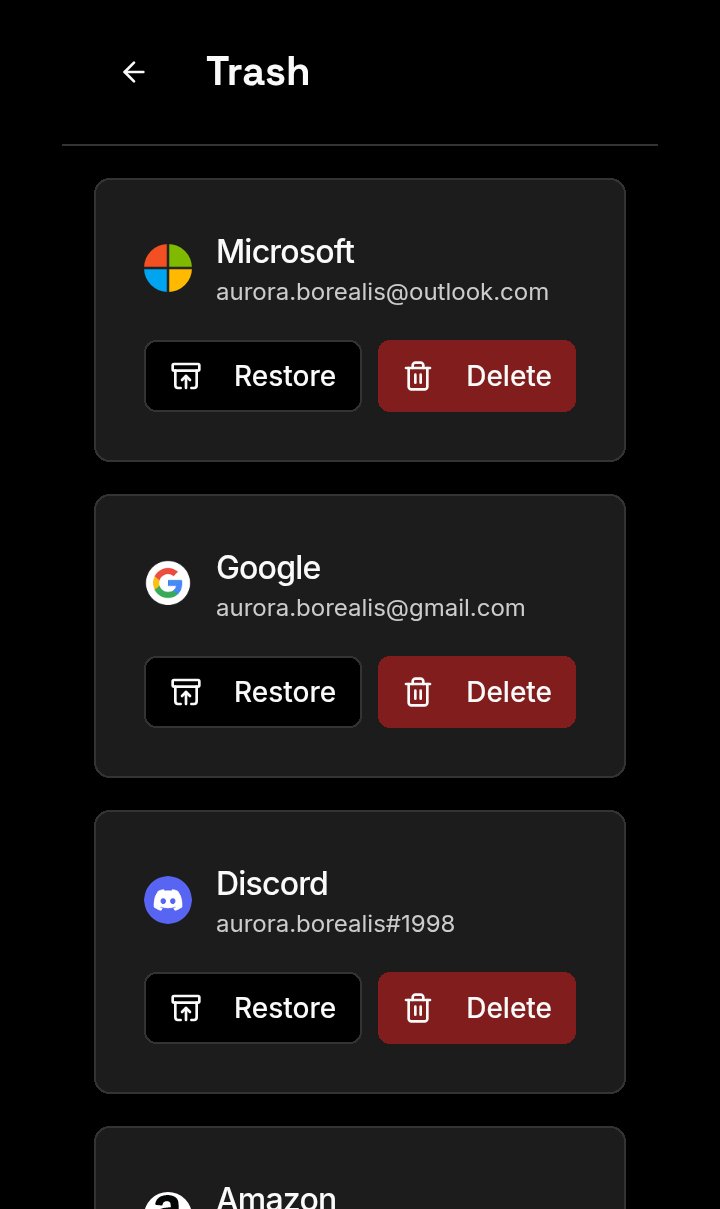
Restore / Delete accounts |
TwoAuth respects the people behind the screen. It's a 2FA app built on a simple, radical idea: no tracking, no ads, no data collection. Using a 100% client-side architecture and strong end-to-end encryption (AES-GCM), your sensitive data is protected and never leaves your device.
TwoAuth is compliant with the protocol and respects all the principles included in it: protocol-3305
Advanced Security & Privacy
- Strong Master Password: Secure your entire vault with a master password (minimum 30 characters).
- Encrypted Backups: Create fully encrypted backups protected by a unique, separate encryption key.
- Critical Settings Password: Add an optional, second password to protect access to sensitive settings.
- Progressive Lockout: The app automatically locks for increasing durations after multiple failed password attempts.
- Self-Destruct Mechanism: Optionally configure the app to automatically and securely wipe all data after a set number of failed attempts.
- Access Recovery: Regain access to your vault if you lose your master password using either 10 single-use recovery codes or a unique, one-time reset token.
- Auto-Lock & Visual Obfuscation: The app can automatically lock and blur the screen after a period of inactivity.
Effortless Code Management
- Add Codes Easily: Add new 2FA accounts by entering details manually or by scanning a QR code from an image in your gallery.
- Powerful Search: Instantly find any code by searching for its issuer or account name.
- Safe Deletion: Move codes to a Trash area, from where you can restore them or delete them permanently.
Deep Customization
- Theme Gallery & Accent Colors: Personalize the app's appearance with a rich theme gallery and a custom accent color picker.
- Multi-Language Support: The interface is available in over 20 languages to provide a native experience for people worldwide.
Explore these guides to understand our project's principles, technical design, and how you can get involved.
- Code of Conduct Our pledge to maintain a harassment-free and inclusive community.
- Contributing Guide Instructions on how to contribute to the project.
- License The Apache 2.0 license under which this software is provided.
- Security Analysis A detailed overview of the security measures and threat model.
- Technical Architecture A deep dive into the technical design and encryption model.
We do not need your money. We need your voice.
Our mission is to build software that respects people, and that mission can only succeed if people know there is a better way. If you believe in this project, the most valuable contribution you can make is to share it.
Talk about it. Write about it. Show it to your friends. Help us prove that a private, secure, and respectful internet is not only possible—it's necessary.