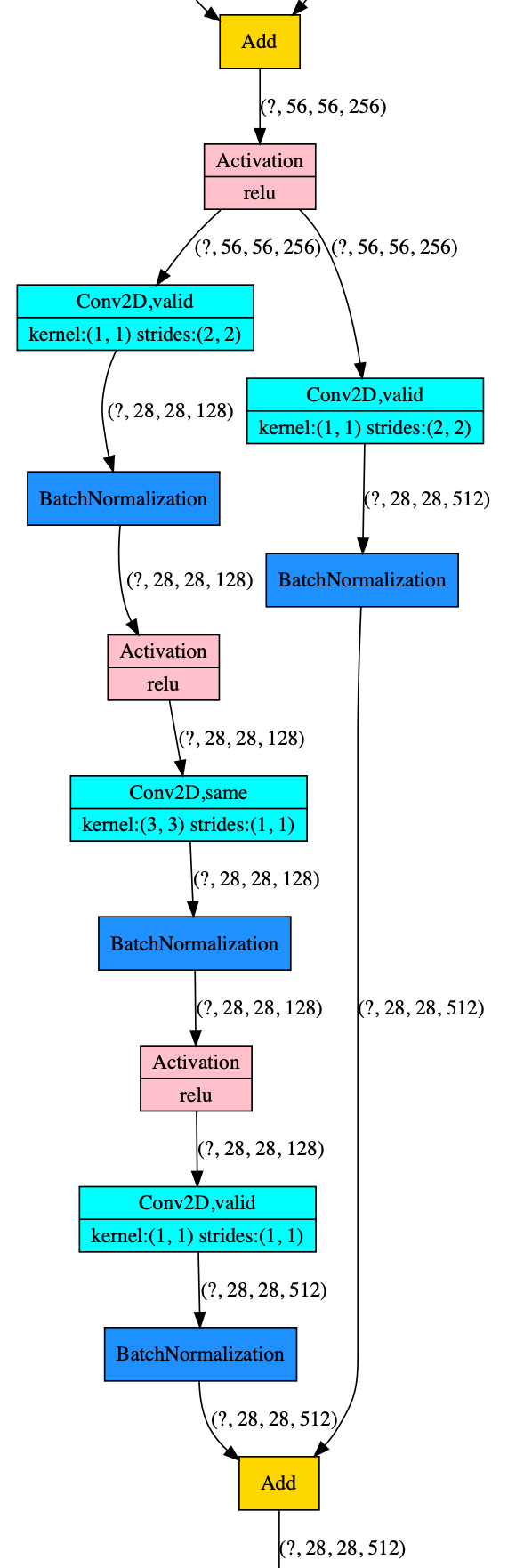
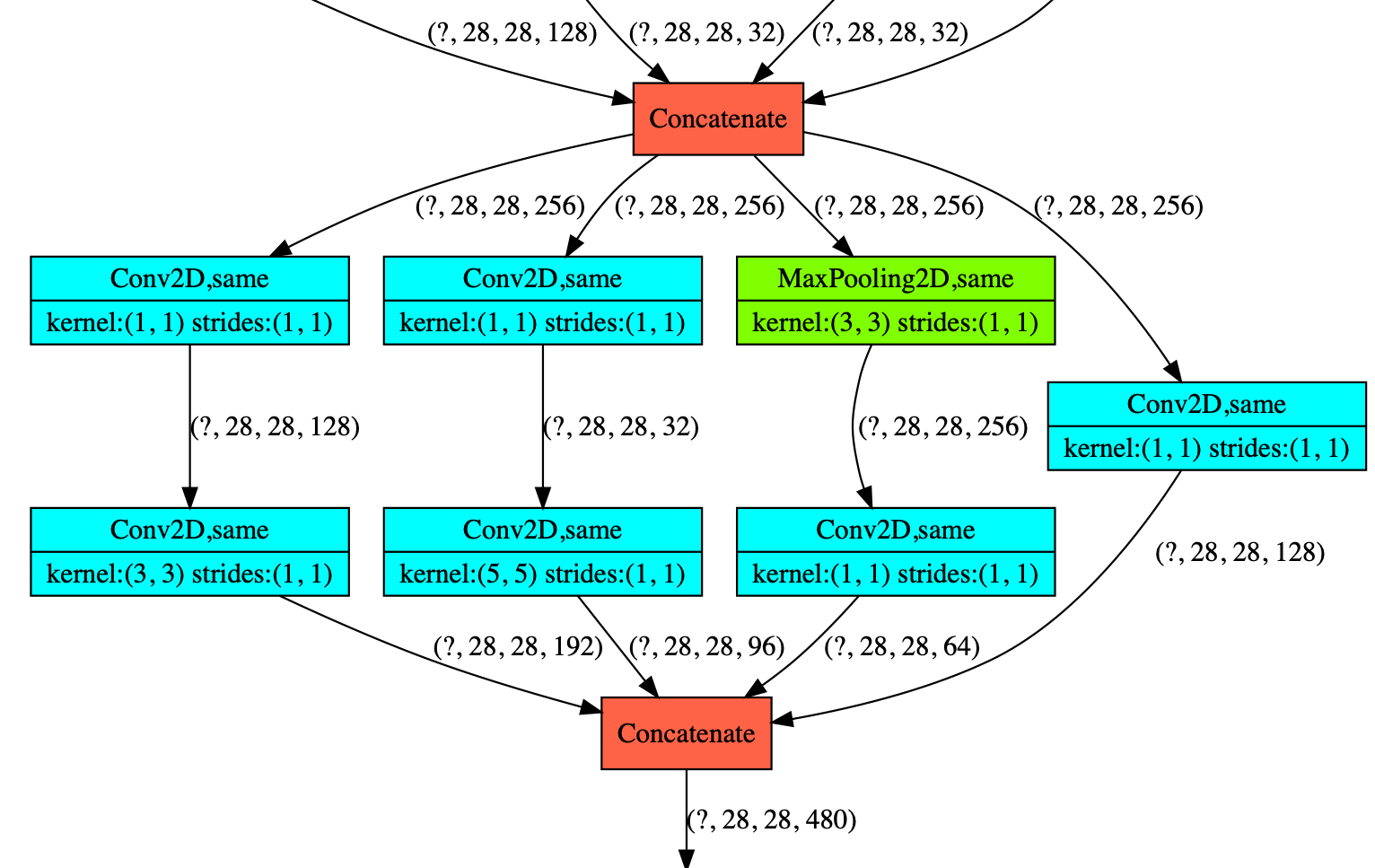
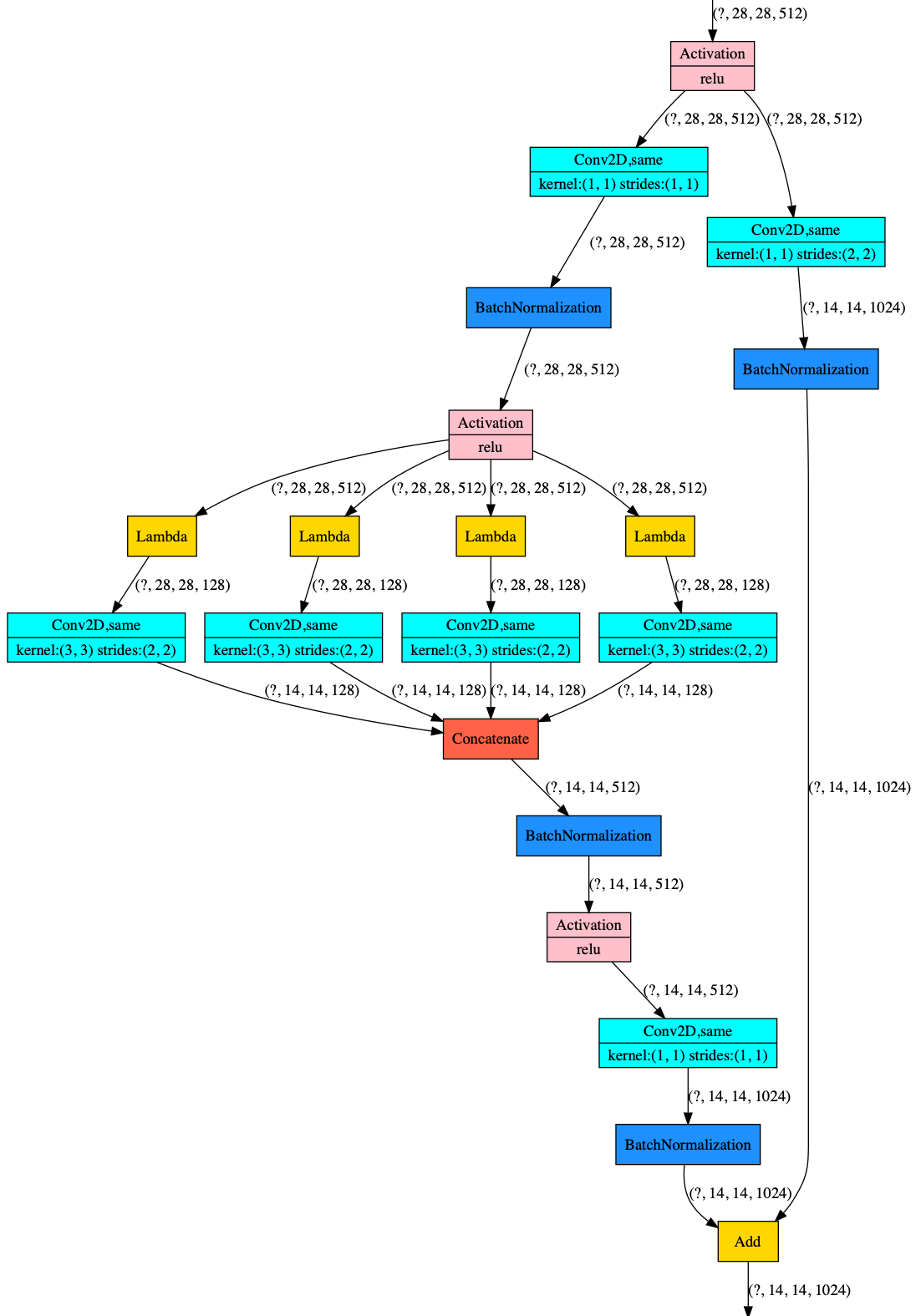
GitHub:https://github.com/Qinbf/plot_model.git
plot_model is a API for model visualization reference to tensorflow.keras.utils.plot_model.
Before installing plot_model, please install one of its engines: TensorFlow, Keras.
You may also consider installing the following :
pip install pydot
pip install pydot_ng
pip install graphviz- Finally,download and install graphviz to plot model graphs.
Then, you can install plot_model itself. There are two ways to install plot_model:
- Install plot_model from PyPI (recommended):
Note: These installation steps assume that you are on a Linux or Mac environment.
If you are on Windows, you will need to remove sudo to run the commands below.
sudo pip install plot_modelIf you are using a virtualenv, you may want to avoid using sudo:
pip install plot_model- Alternatively: install plot_model from the GitHub source:
First, clone plot_model using git:
git clone https://github.com/Qinbf/plot_model.gitThen, cd to the plot_model folder and run the install command:
cd plot_model
sudo python setup.py installAPI is similar to tensorflow.keras.utils.plot_model
from plot_model import plot_model
plot_model(model)
default parameters:
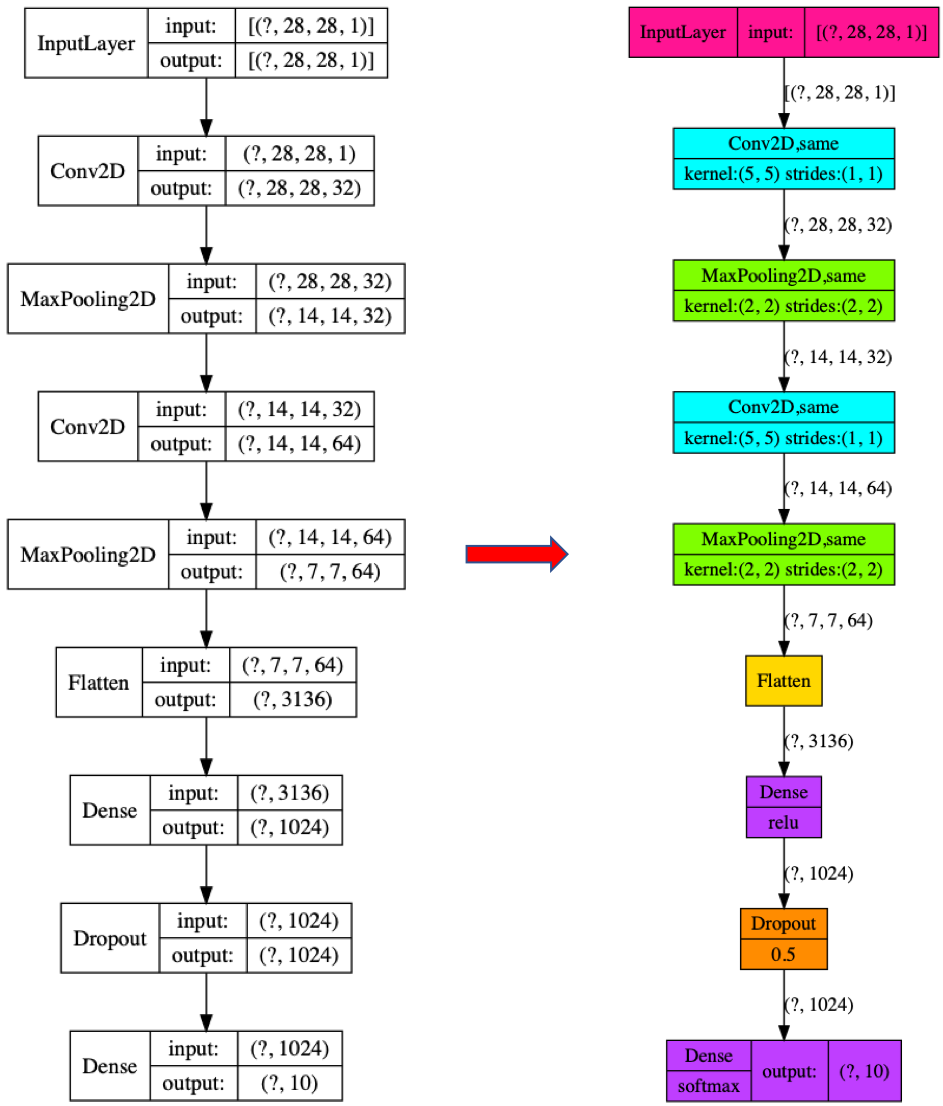
plot_model(model, to_file='model.png', show_shapes=True, show_layer_names=False, rankdir='TB', expand_nested=False, style=0, color=True, dpi=96)color: whether to display color. Default True.
style: 0 new style. 1 original style. Default 0.