
A simple django form field widget for a text field with a current word count. It can alternatively be configured
to display the character, paragraph, or sentence count.
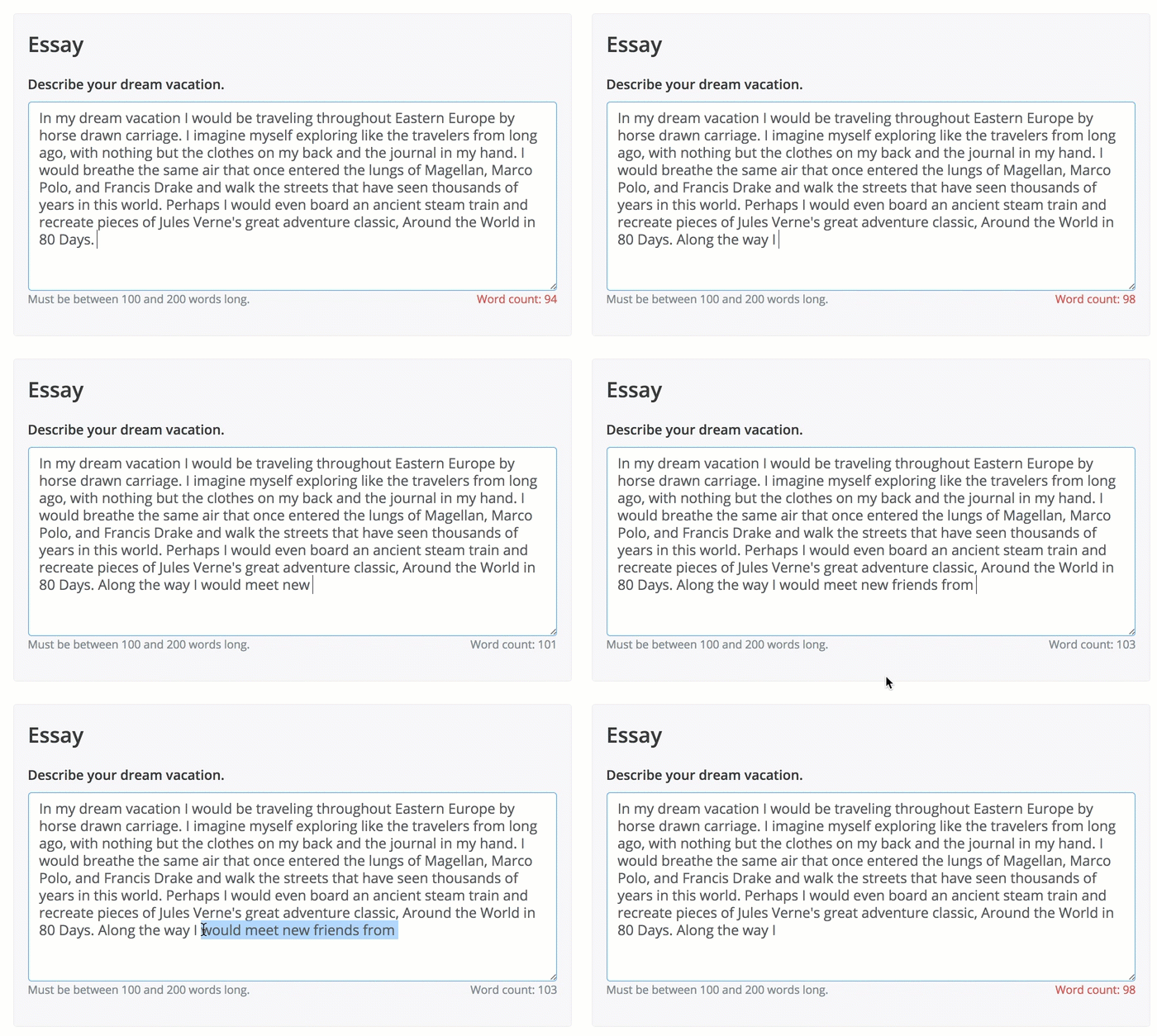
- Install with pip
pip install django-countable-field
- Add "countable_field" to your INSTALLED_APPS setting like this:
    INSTALLED_APPS = [
        ...
        'countable_field',
    ]
- In the form, set the field's widget to be "CountableWidget", passing the count type, minimum and maximum word count as additional parameters, such as:
    self.fields['essay_response'].widget = \
                CountableWidget(attrs={'data-count': 'words',
                                       'data-min-count': this.essay_min_length,
                                       'data-max-count': this.essay_max_length})
- Include
{{ form.media }}in your template to render the JavaScript whereformis the name of your form context variable. If you use the Crispy Forms app you can skip this step - it will take care of the media element for you.
The following additional parameters are optional. data-min-count and data-max-count must be integers.
data-count indicates what kind of text to count, and can be one of the following: 'words' (default),
'characters', 'paragraphs', or 'sentences'.
Additional parameters:
| Attribute | Options |
|---|---|
data-count |
The type of text to be counted. Options are 'words' (default), 'characters', 'paragraphs', or 'sentences'. |
data-min-count |
The minimum of the text count type that is required for this field. Must be an integer. |
data-max-count |
The maximum of the text count type that is allowed for this field. Must be an integer that is larger than the data-min-count (if set). |
data-count-direction |
Whether the counter displays the current count or the allowed remaining count. Options are 'up' (default) or 'down'. Set to to 'down' to display the allowed text remaining. |
To run the example project, run the server using the settings file in the example_project module.
python manage.py runserver --settings=example_project.settings
I wrote a blog post to explain how I made this app. Check it out here: https://andrearobertson.com/2017/06/17/django-example-creating-a-custom-form-field-widget/
This project makes use of the Countable.js library courtesy of Sacha Schmid. https://sacha.me/Countable/