



A custom widget to help you create custom tables.
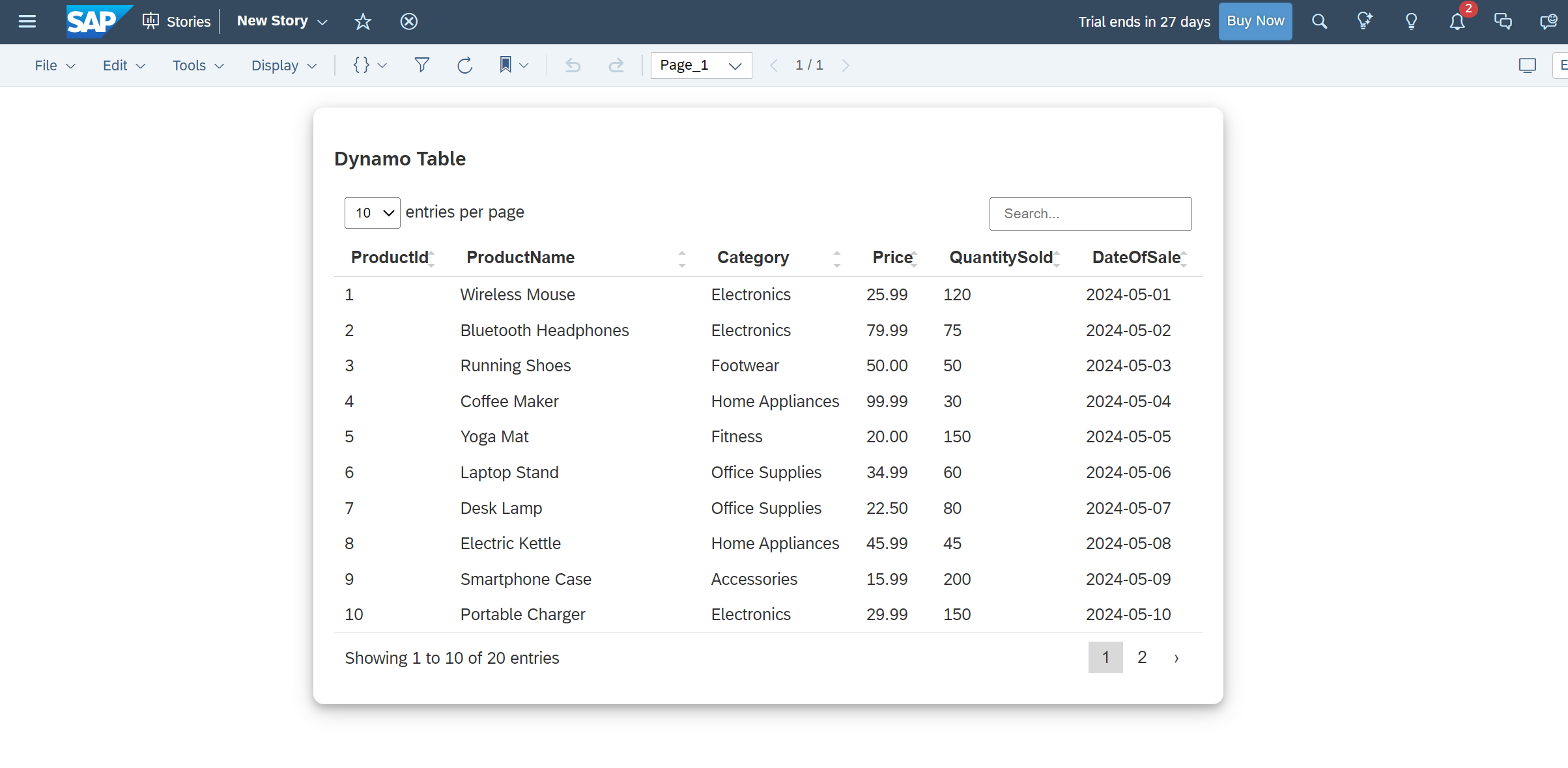
To use this widget in your SAP application, follow these steps:

- Download the
dynamoTable.jsonfile from the URLs specified in the webcomponents property of the JSON. - Go to your SAC Portal, select Analytic Application from the left side bar, and then go to the Custom Widget tab.
- Click on the + icon on the right side and select the
dynamoTable.jsonfile that you downloaded. - You're done! You can now use it in your app.
The widget has the following methods:
| Method | Return Type | Description |
|---|---|---|
| setTableData(arrayOfObject) | Selection/Object array |
Data as array of object format. |
var data  = [
  {
    productId: "1",
    productName: "Wireless Mouse",
    category: "Electronics",
    price: "25.99",
    quantitySold: "120",
    dateOfSale: "2024-05-01"
  },
  {
    productId: "2",
    productName: "Bluetooth Headphones",
    category: "Electronics",
    price: "79.99",
    quantitySold: "75",
    dateOfSale: "2024-05-02"
  }
];

dynamoTable_1.setTableData(data);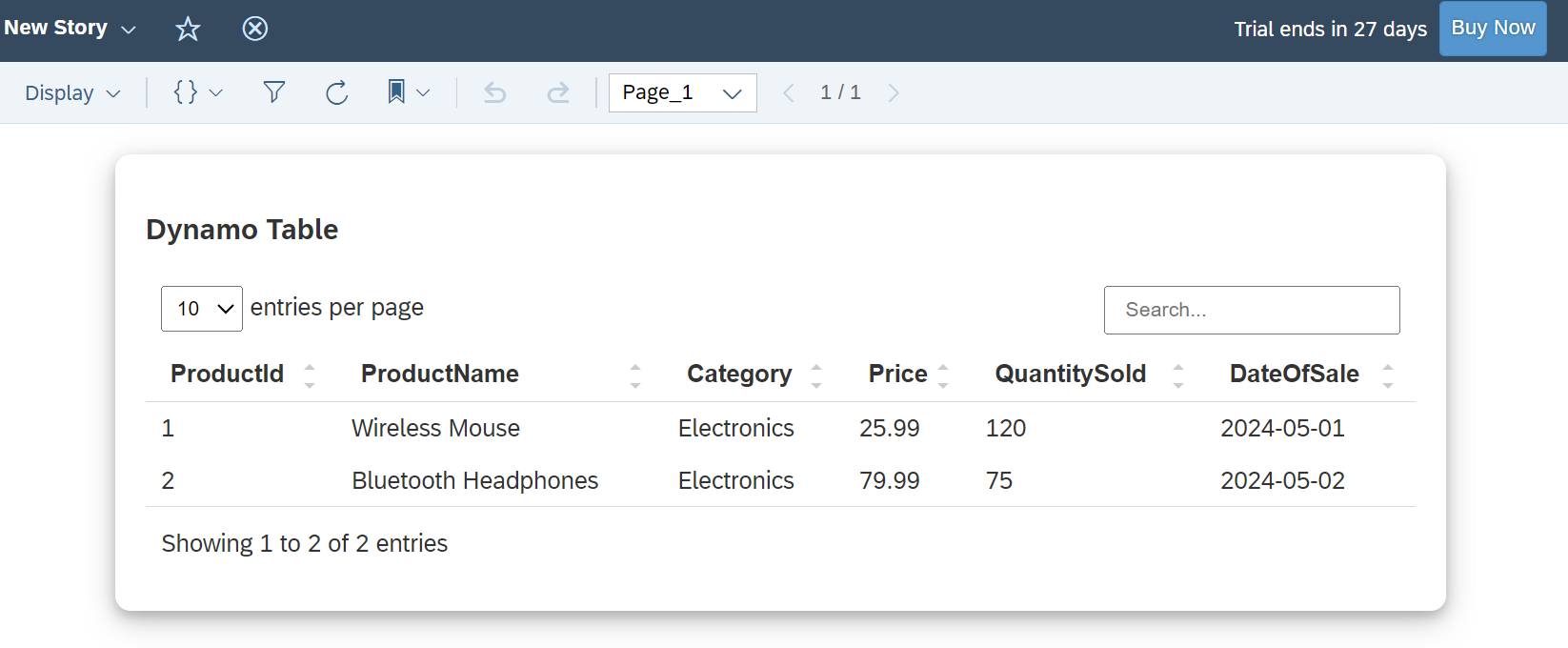
This sac-p custom widget is developed by Rohit Chouhan, Follow me on Linkedin @itsrohitchouhan