


- How Northpass templates work
- Quick start
- Templates
- /
- /learners/sign_in
- /my_dashboard
- /learning_paths
- /learning_paths/:id
- /learning_paths/:id/cover
- /courses/:id/cover
- /learning_paths/:lp_id/courses/:c_id/cover
- Learning Experience V3
- Learning Experience V2
- /account/edit
- /training_events
- /training_sessions/:id
- /search
- /catalog
- /catalog_search
- /catalog/:id/:slug
- /500
- Variables
- FAQ
In this repository we give you the access to base templates, which should be the starting point for your customizations. All templates are in the /templates directory. You can edit them but you can't add your own.
At Northpass we use Liquid as a template language. Liquid was created by Shopify and is used in production by dozens of companies around the world. We use it to load dynamic content on the school website. In individual templates you can use variables that download data directly from the Northpass platform. Thanks to this you have the opportunity to create a completely unique User Experience in your school.
We encourage you to read the Liquid documentation to learn more about the syntax and possible use cases.
The templates available in our application are divided into two types:
- root templates
- partial templates
Root template occurs only once for pages in the application for which we enable customizations, e.g. my_content, course_index or course_details.
Partial templates are smaller fragments that can be included in root templates, their name always begins with the prefix _.
Thanks to this division we are able for instance to customize a footer once and use it in all other templates.
This is the example of the root template and its partial templates:
course_index
    ├── _head
    ├── _header
    ├── _footer
    ├── _catalog_search_form
    ├── _course
⚠️ Important ⚠️
Once you edit your templates we won’t support automatic updates with additional features that Northpass makes to the base templates. You will need to merge the changes into your templates directory. Additionally, we will not be able to support the look and feel of your website.
1. Clone the repository
git clone https://github.com/SchoolKeep/schoolkeep-templates.git
2. Install text editor
If you don't have any text editor installed, you should now choose one. Below is a list of a few that are very popular and you can certainly trust them.
| VSCode | Atom | Sublime |
|---|---|---|
 |
 |
 |
3. Modify base templates
Open the directory with the cloned repository in the text editor of your choice and you can get started! 🚀🚀🚀
4. Upload modified templates to the Northpass application
After you make changes to selected base templates, you should upload them to the application. Go to the Design tab in the administrator view and then to School Website Styling.
Click the Upload Templates button and add the templates you have chosen, then confirm the changes with the Save button.

| Path | Available Templates |
/
(available when Website and Catalog is active) |
|
| Screenshot | |
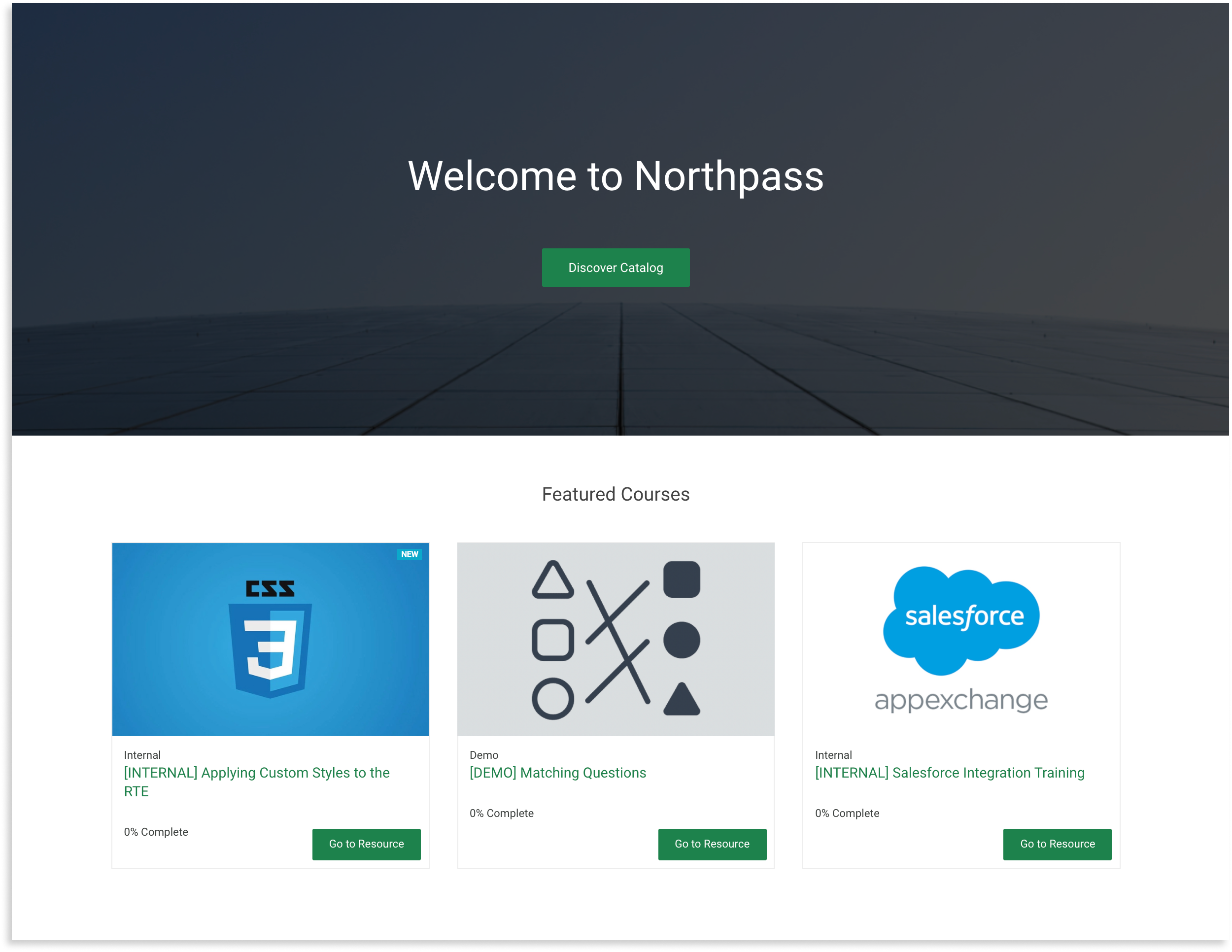
|
|
| Path | Available Templates |
/learners/sign_in
|
|
| Screenshot | |
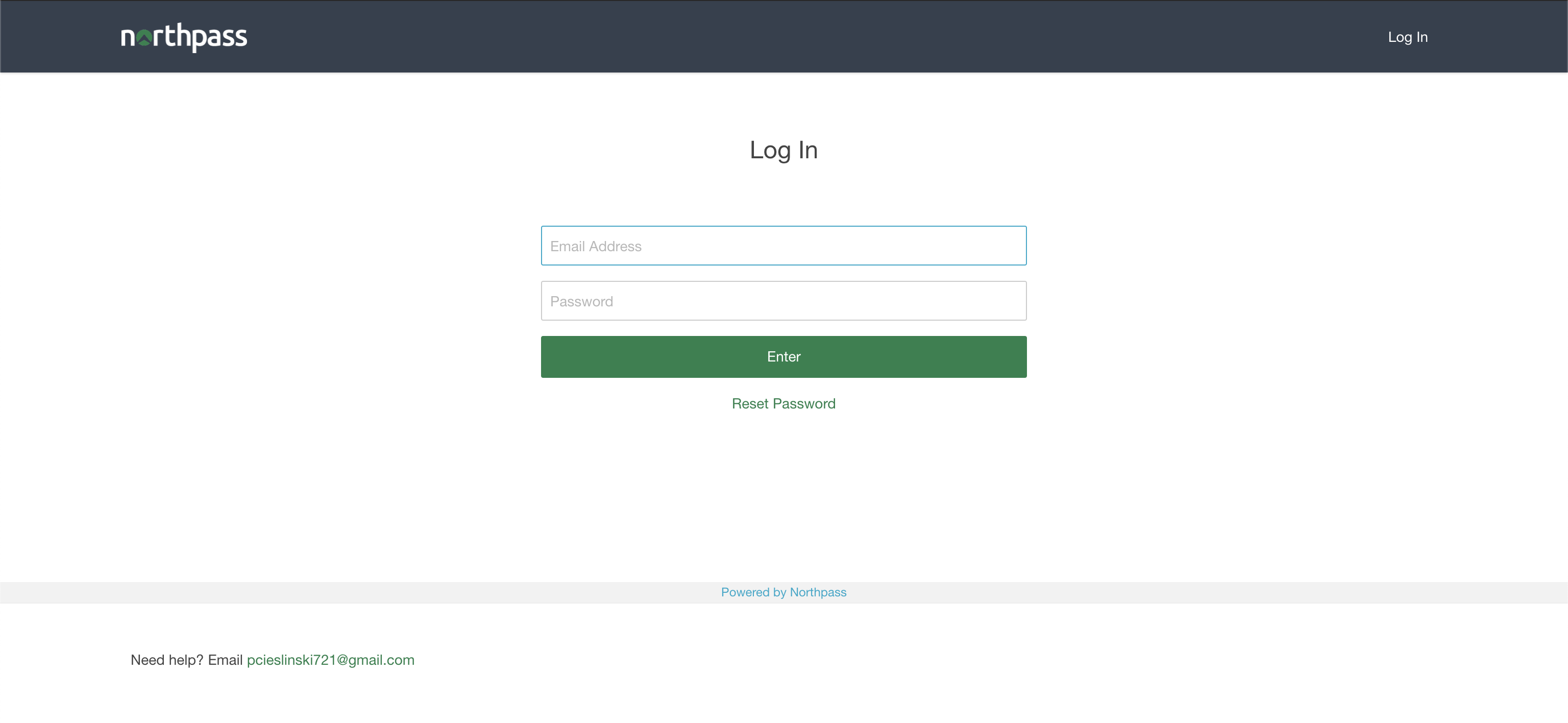
|
|
❗️ Important note ❗️ The login page uses an HTML form to submit the learner's credentials. Please make sure you're not overwriting its internals:
- the
actionandmethodattributes on the<form>tag form_authenticity_tokenmethod inside the<form>tag- the
nameattribute on the<input>tags
| Path | Available Templates |
/my_dashboard |
|
| Screenshot | |
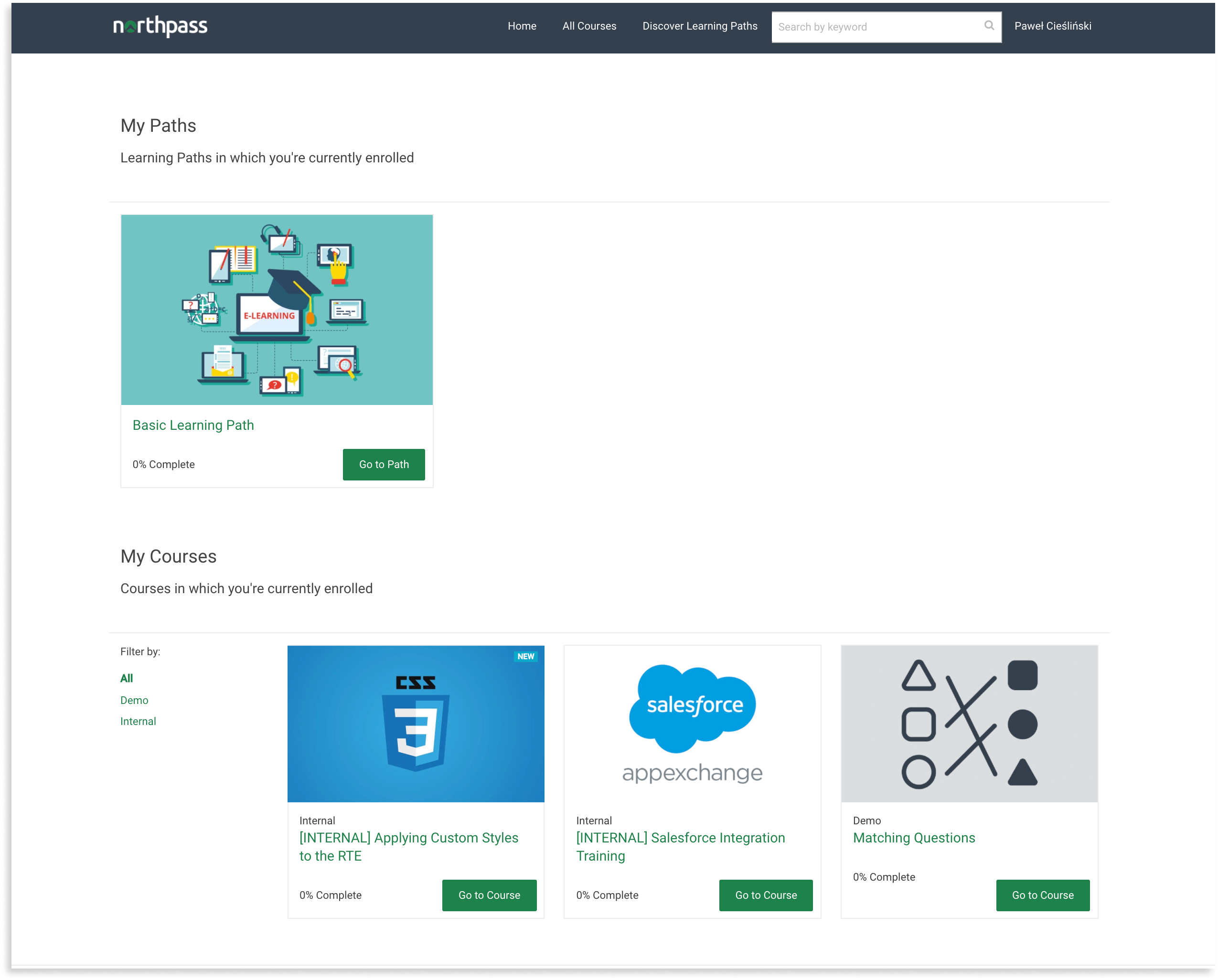
|
|
| Path | Available Templates |
/learning_paths |
|
| Screenshot | |
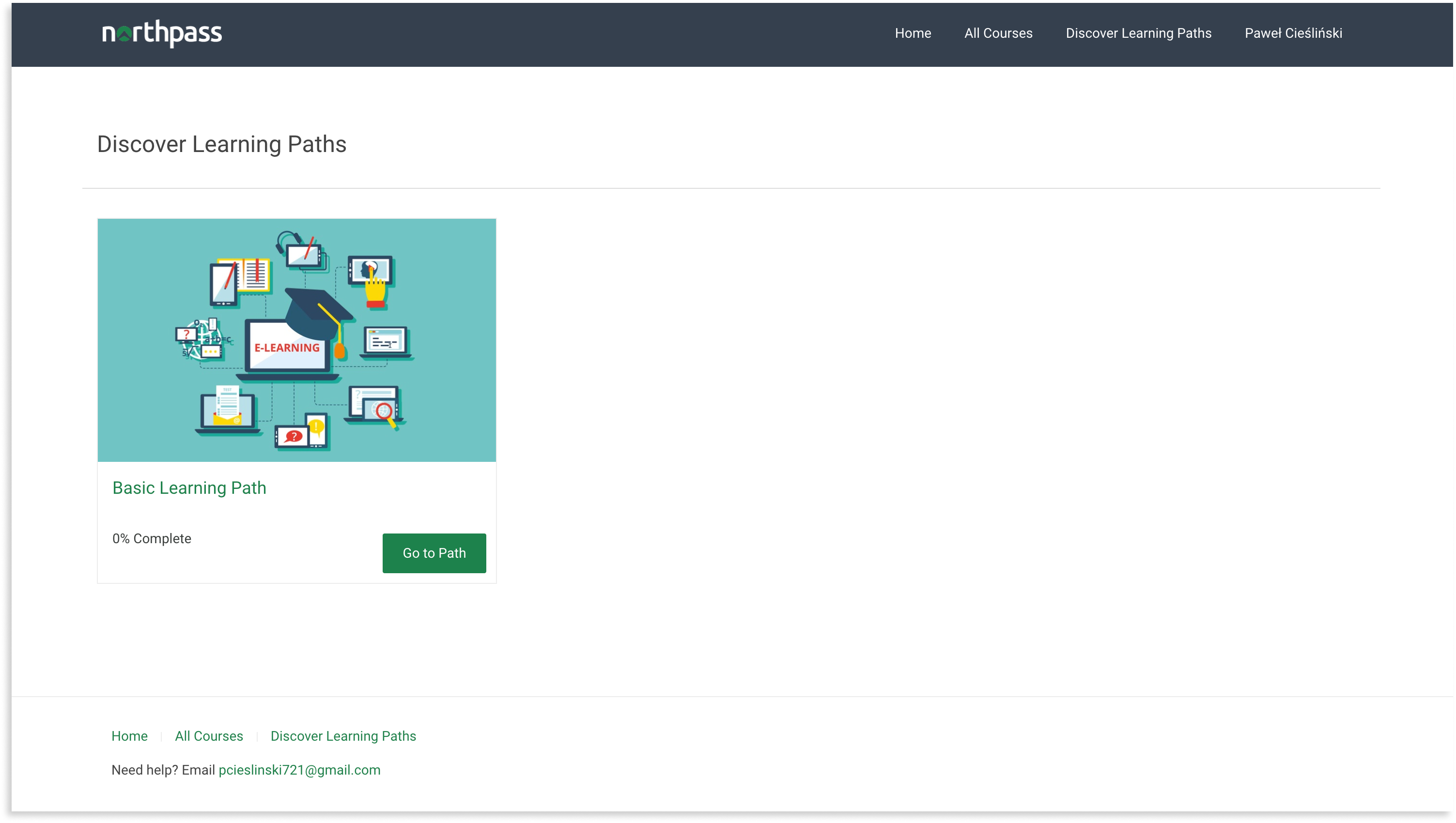
|
|
| Path | Available Templates |
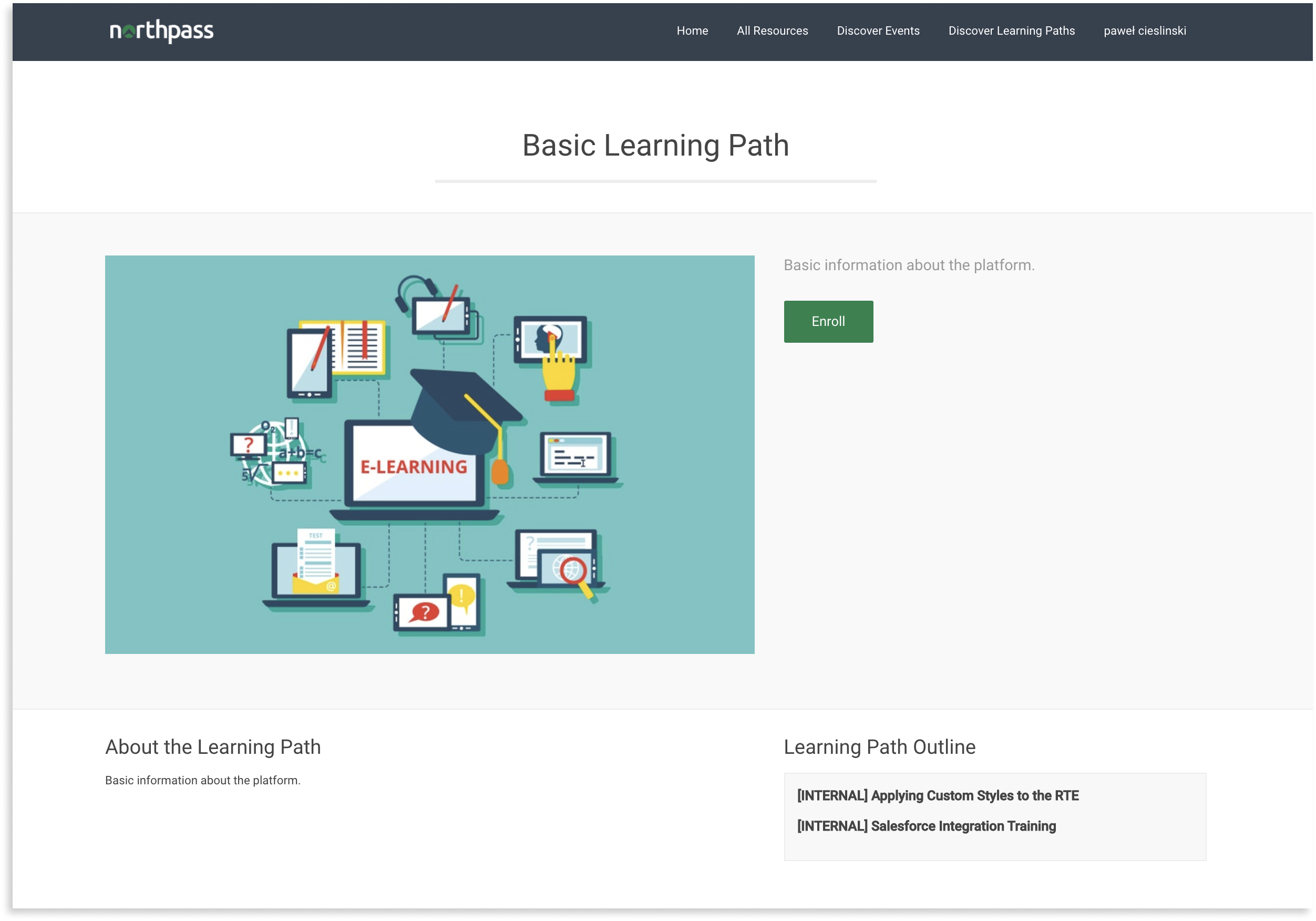
/learning_paths/:id
(available when Search + Discovery is active) |
|
| Screenshot | |
|
|
| Path | Available Templates |
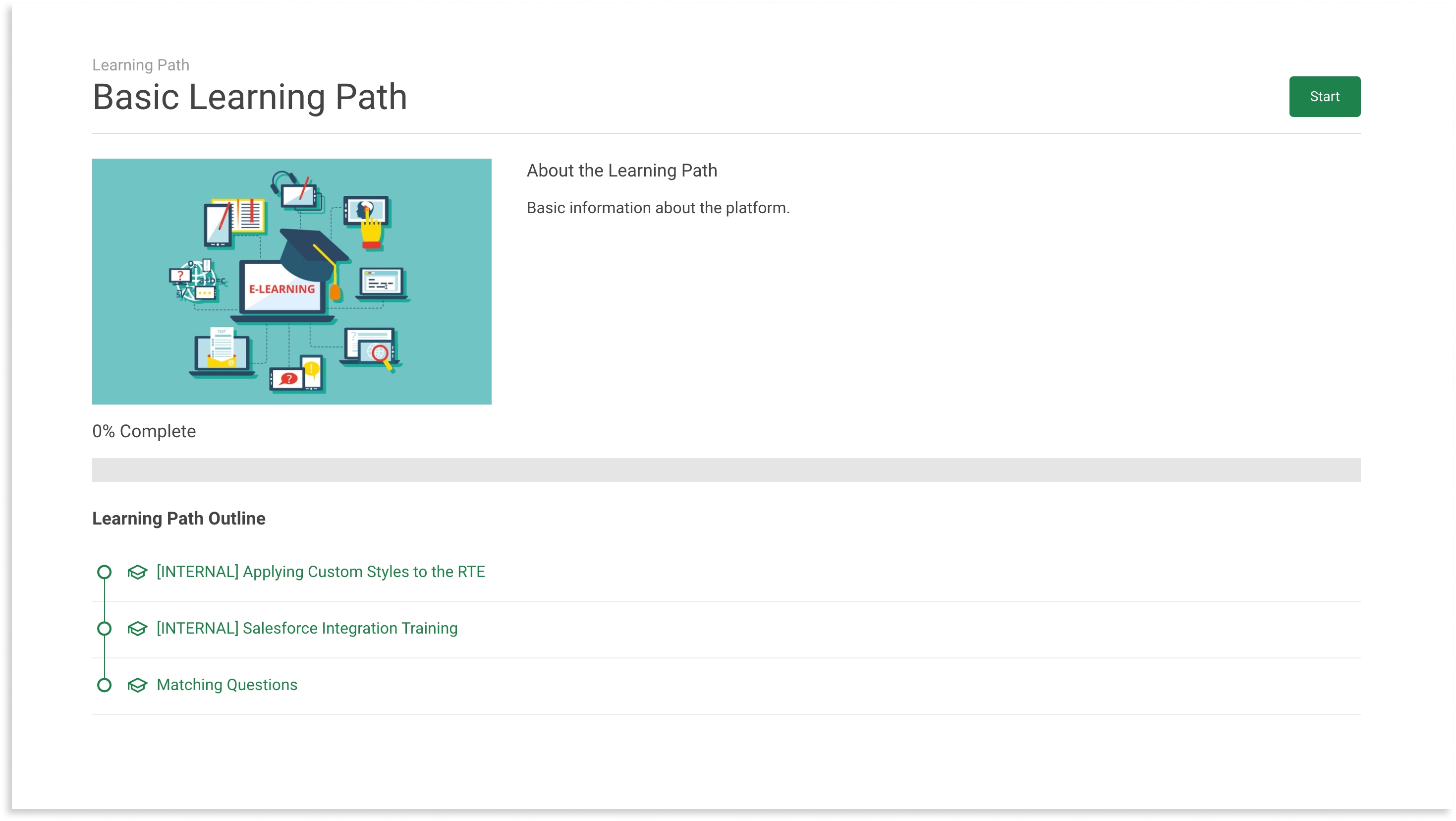
/learning_paths/:id/cover |
|
| Screenshot | |
|
|
| Path | Available Templates |
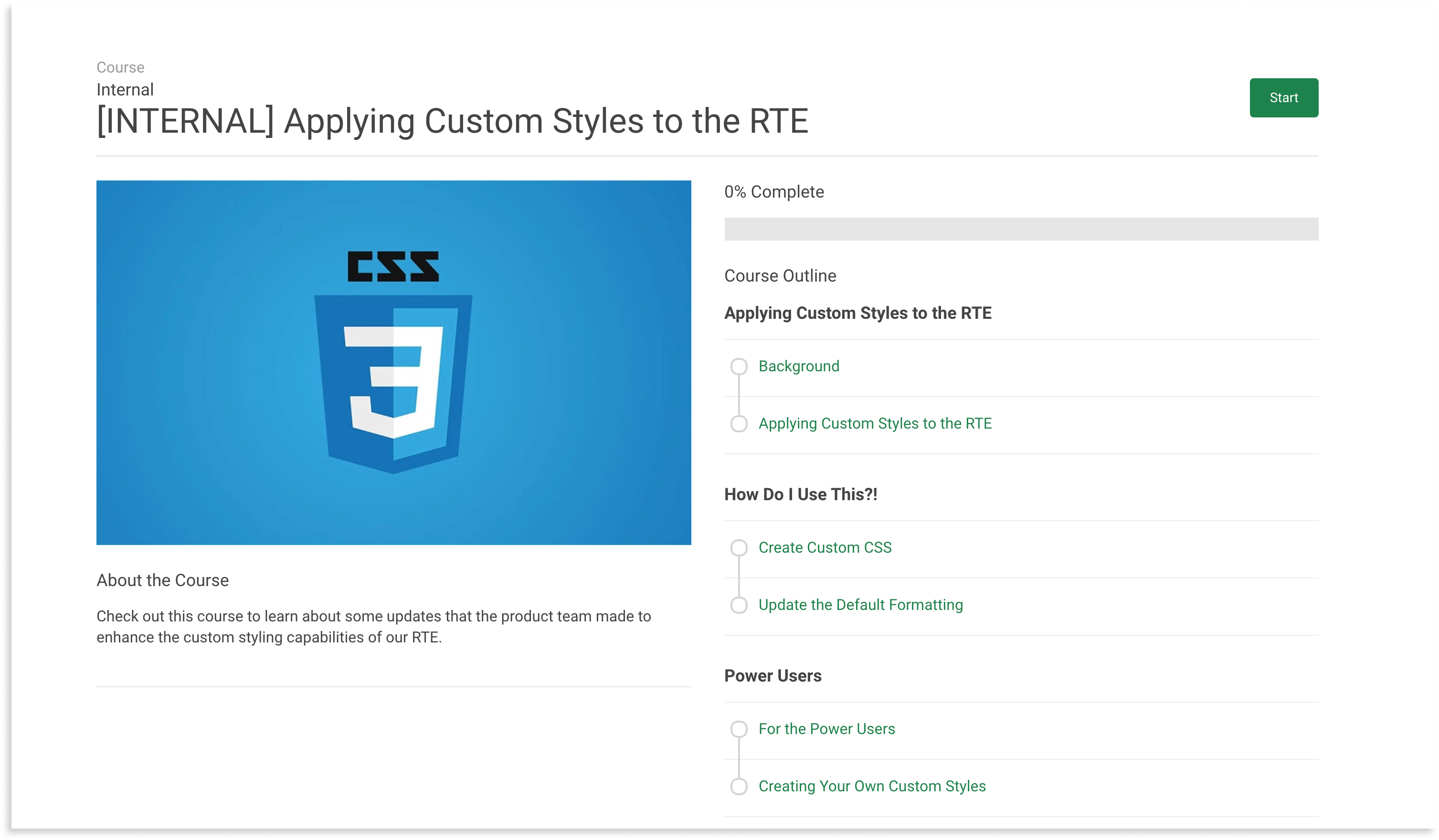
/courses/:id/cover
/learning_paths/:lp_id/courses/:c_id/cover
|
|
| Screenshot | |
|
|
| Path | Available Templates |
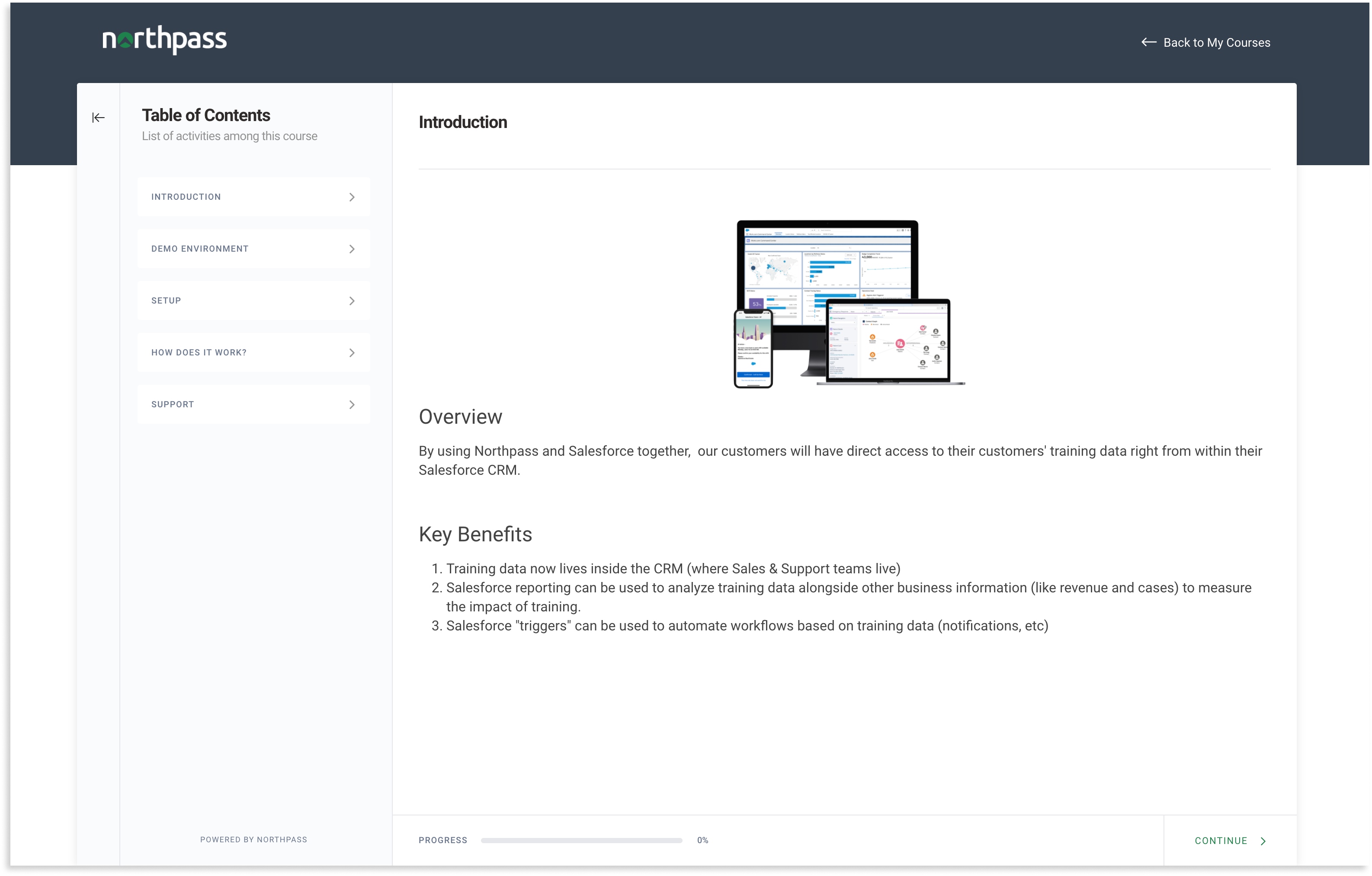
Learning Experience V3 |
|
| Screenshot | |
|
|
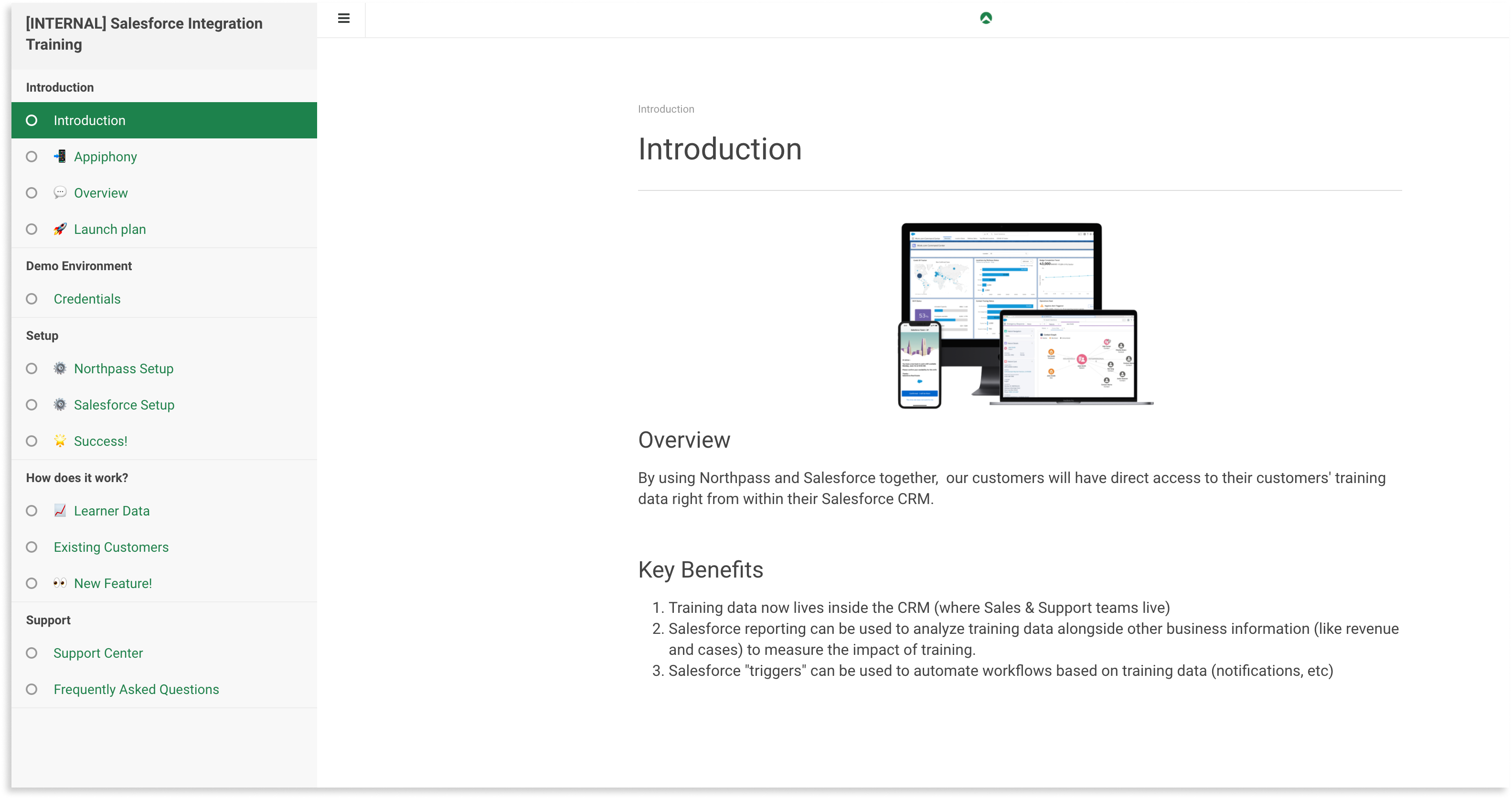
| Path | Available Templates |
Learning Experience V2 |
|
| Screenshot | |
|
|
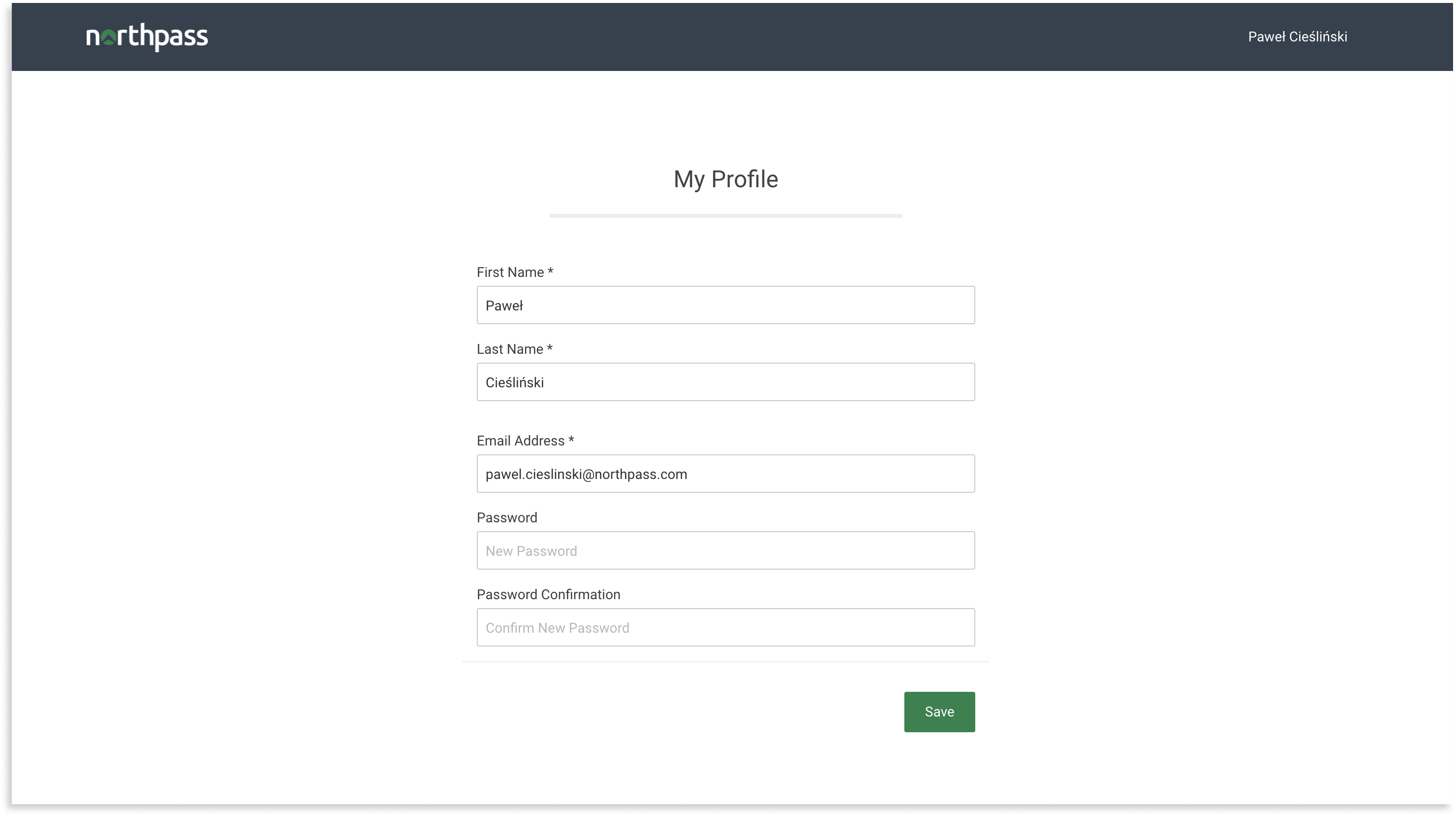
| Path | Available Templates |
/account/edit |
|
| Screenshot | |
|
|
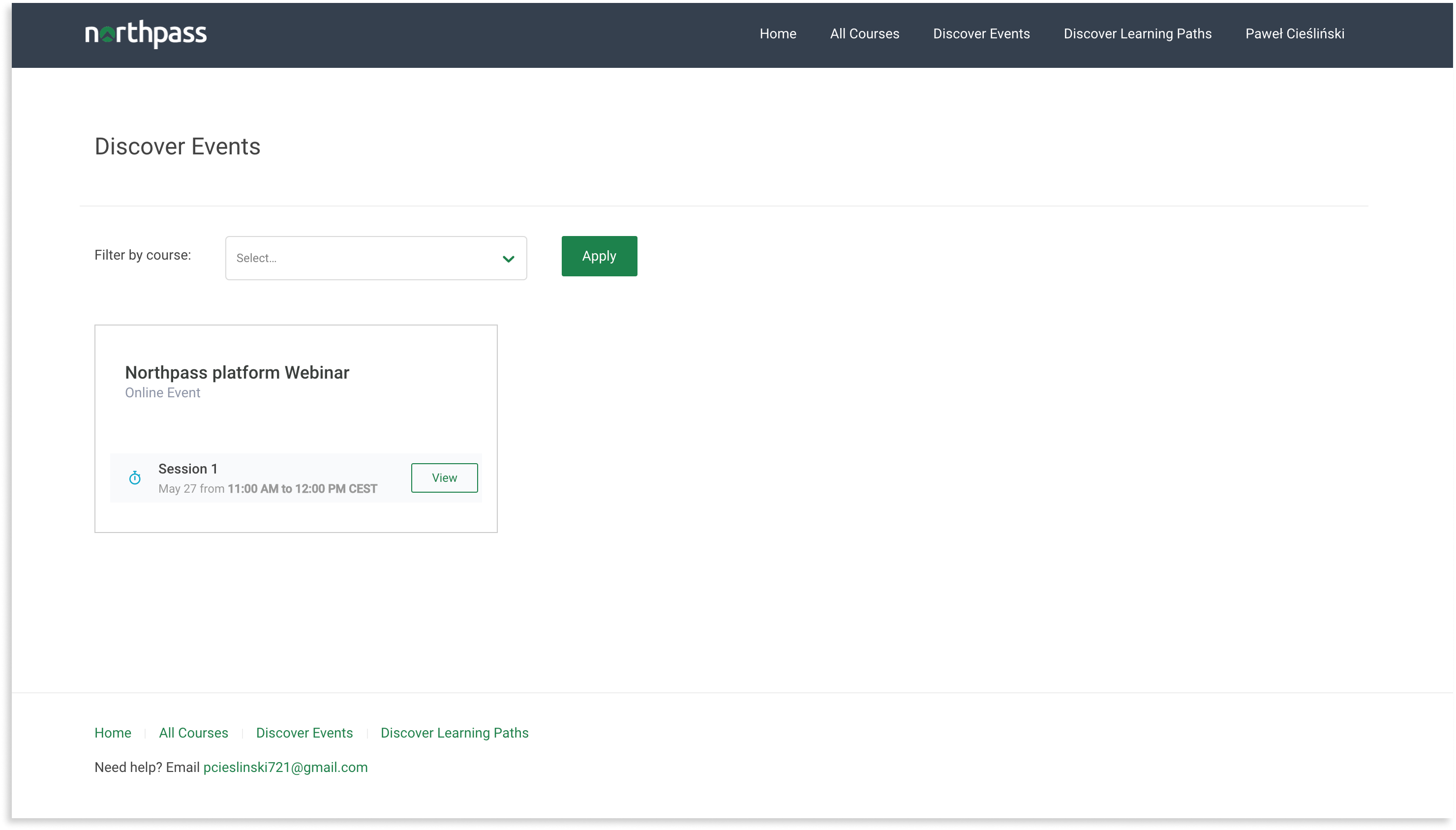
| Path | Available Templates |
/training_events
(available when Instructor-Led Training is active) |
|
| Screenshot | |
|
|
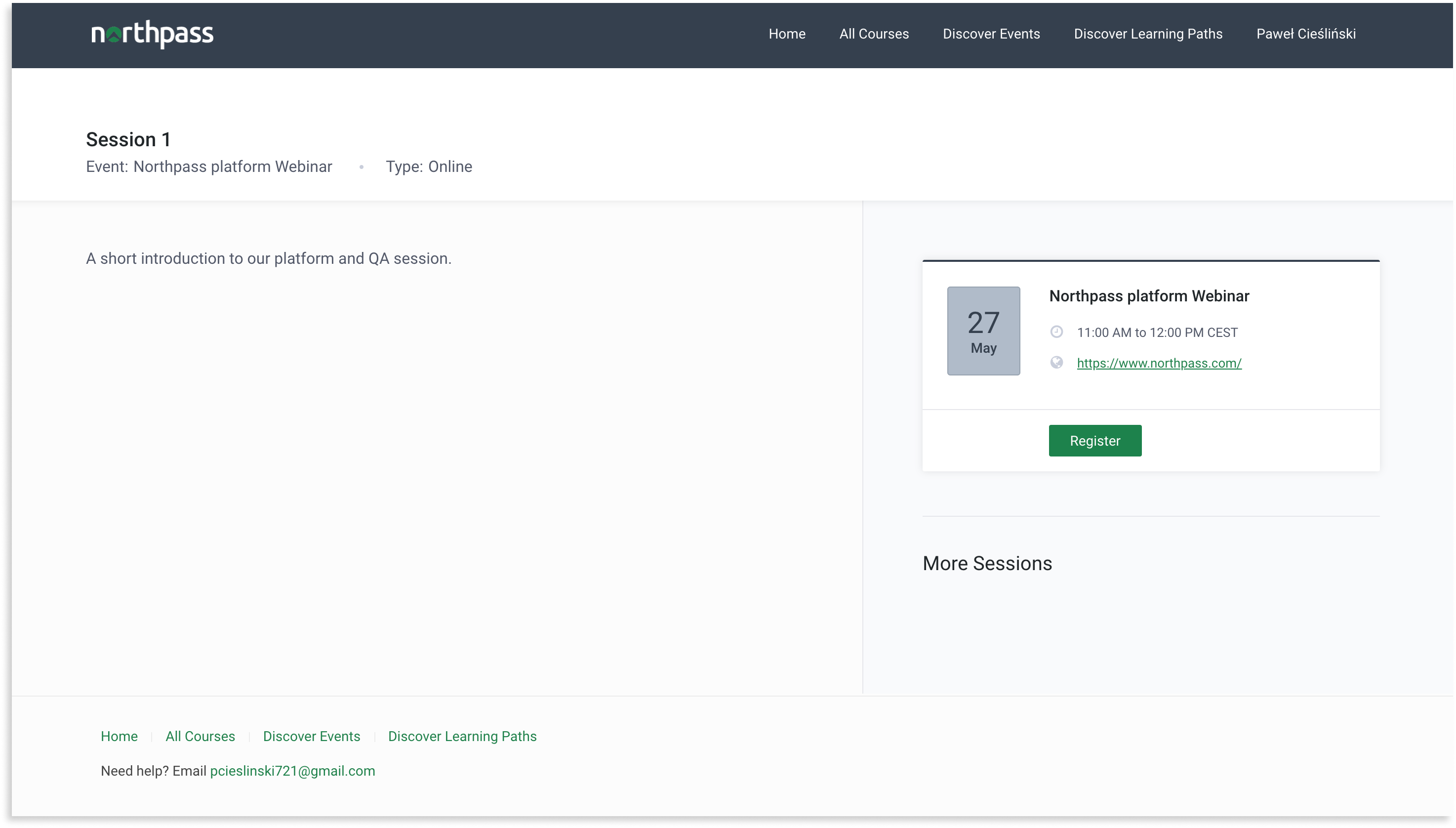
| Path | Available Templates |
/training_sessions/:id
(available when Instructor-Led Training is active) |
|
| Screenshot | |
|
|
| Path | Available Templates |
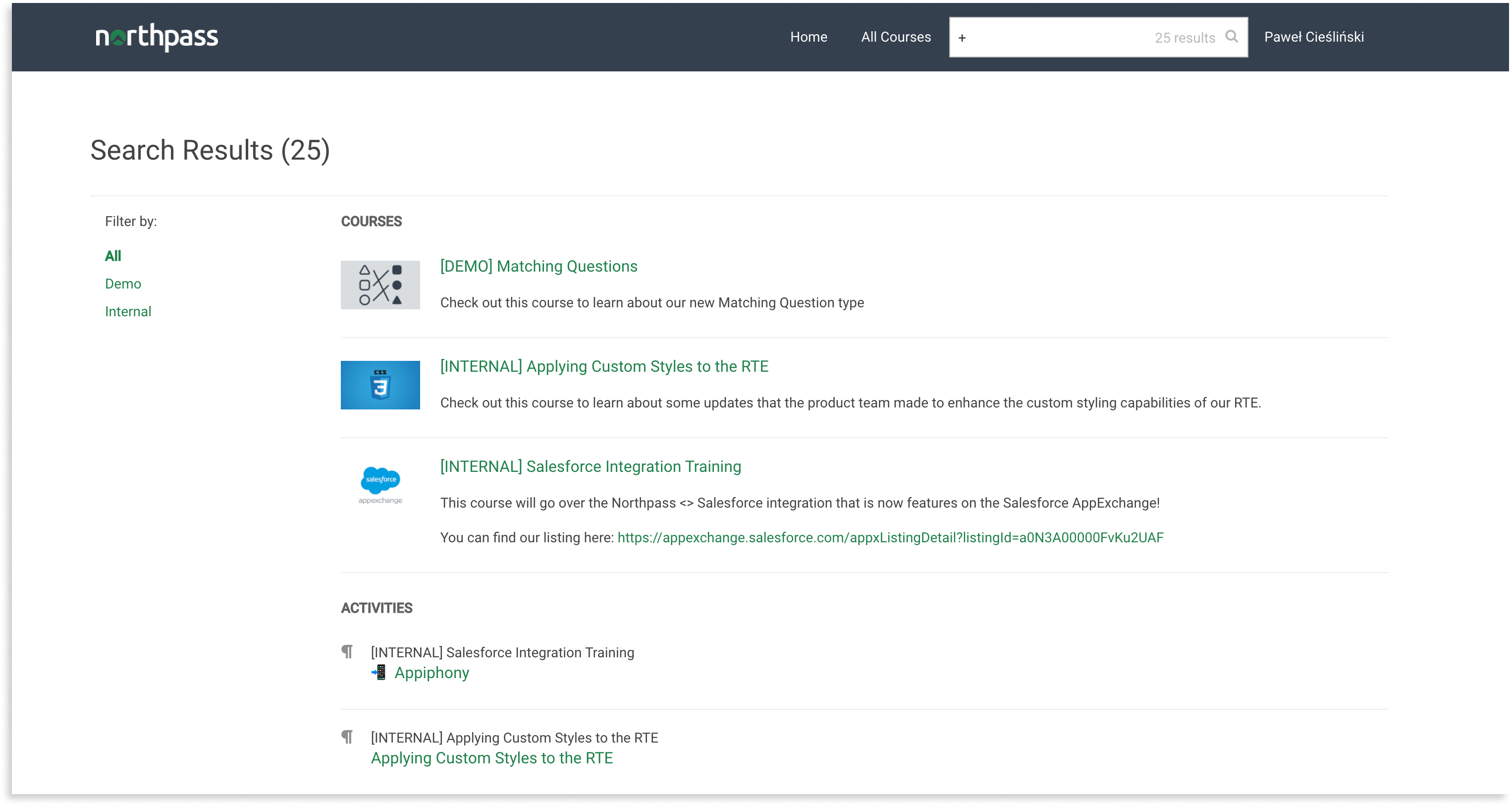
/search
(available when Search + Discovery is active) |
|
| Screenshot | |
|
|
| Path | Available Templates |
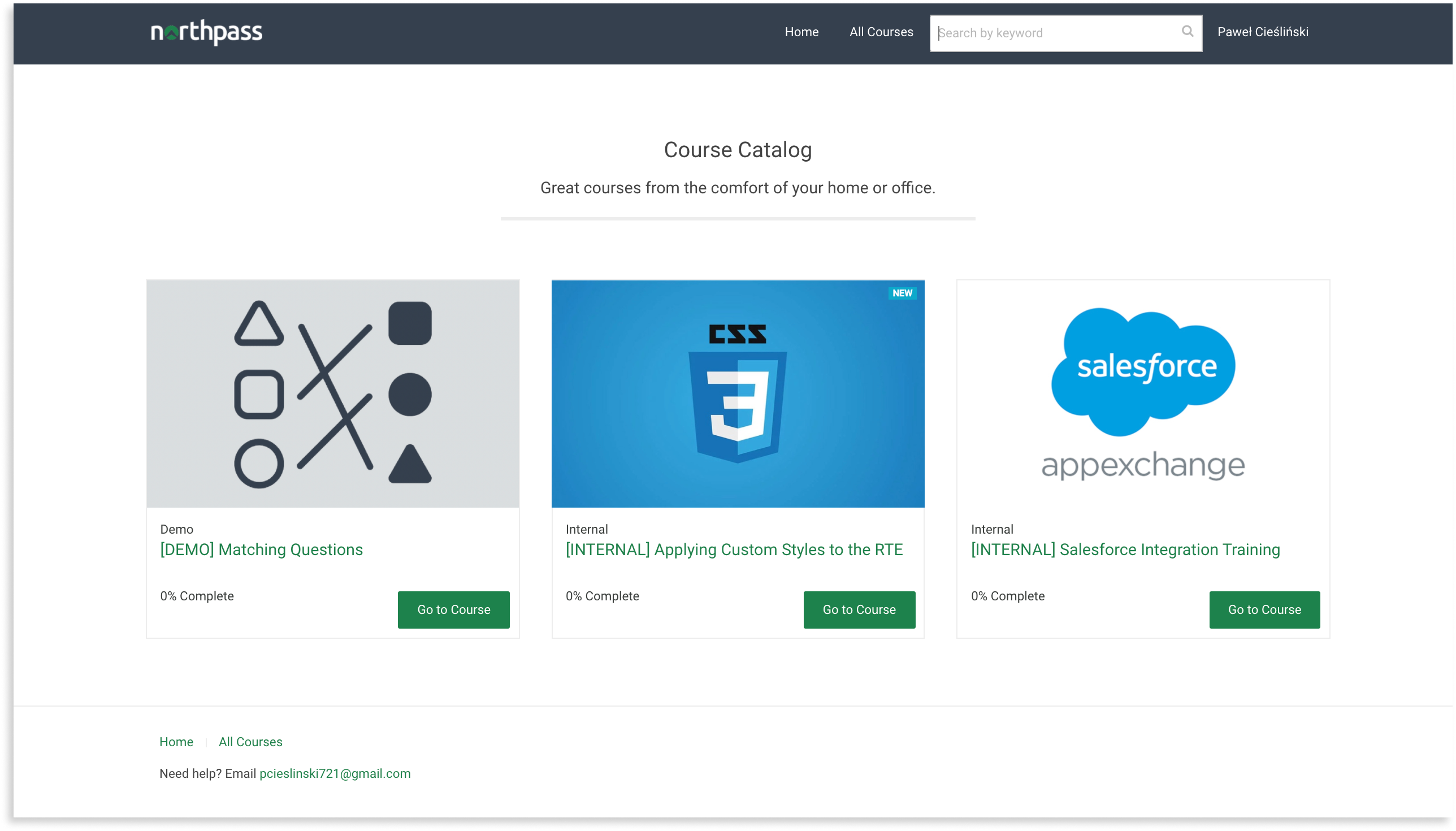
/catalog
(available when Website and Catalog is active) |
|
| Screenshot | |
|
|
| Path | Available Templates |
/catalog_search
(available when Search + Discovery is active) |
|
| Screenshot | |
|
|
|
| Path | Available Templates |
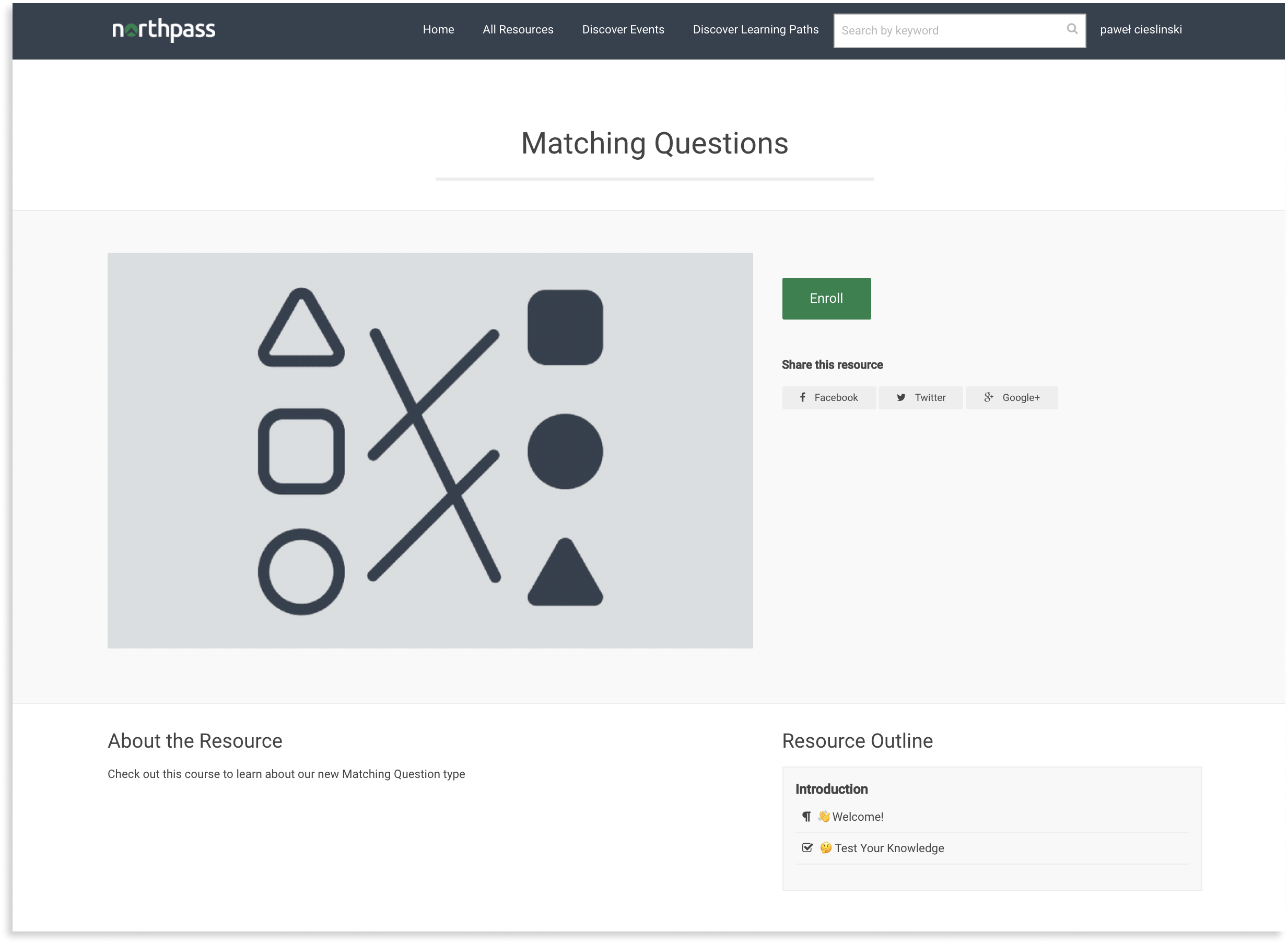
/catalog/:id/:slug
(available when Website and Catalog is active) |
|
| Screenshot | |
|
|
| Path | Available Templates |
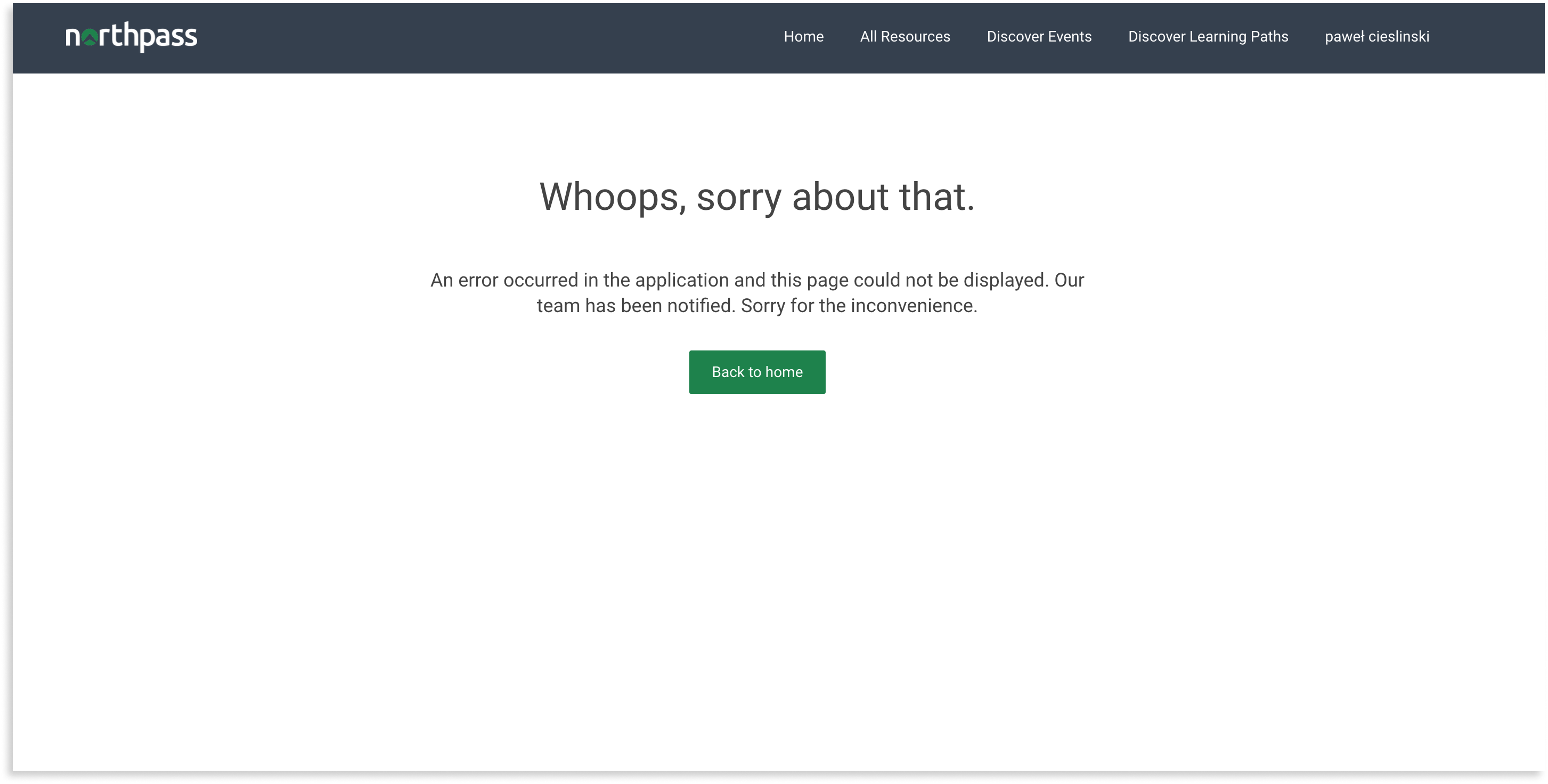
/500
|
|
| Screenshot | |
|
|
Variables are one of the most useful functionalities when customizing the look of your school. Northpass provides a number of different variables in the available templates so that you can modify your school's appearance in a dynamic way.
The following variables are exposed globally and can be used in all the templates:
- color_palette
- discover_events
- footer_navigations
- header_navigations
- homepage
- learning_paths
- my_content
- training_events
- website_footer
Below is a table with available variables broken down into individual templates. Unfortunately at the moment not all variables are available from any template so keep these restrictions in mind.
Some of the available variables in the templates are Arrays, so the following methods are available for them:
any?eachempty?size
Methods:
button_colorbutton_font_colorbutton_hover_colorheader_colorheader_font_colorheader_font_hover_colorlearning_header_colorlearning_header_font_colorlearning_header_font_hover_colorlearning_link_button_colorlearning_progress_bar_color
Methods:
avatar_urlcreated_atemailenrolled_in_course?
Example:
{% for course in my_content.courses %}
    {% if current_person.enrolled_in_course? %} // course variable is implicitly used here
    {% endif %}
{% endfor %}
enrolled_in_learning_path?
Example:
{% for learning_path in my_content.learning_paths %}
    {% if current_person.enrolled_in_learning_path? %} // learning_path variable is implicitly used here
    {% endif %}
{% endfor %}
filterable_catalog_categoriesfilterable_categoriesfilterable_learning_path_categoriesfirst_namegroupsidlast_namemy_content_labelnamesigned_in?sso_uidupcoming_registered_eventsupdated_at
Methods:
account_creation_enabled?appscreated_atdisable_social_share?filterable_categoriesfiltering_enabled?has_custom_styles?idlearning_paths_enabled?logo_navigation_urllogo_urlmy_content_labelnamepublicrequest_access_enabled?request_access_labelrequest_access_linksearch_enabled?show_powered_by_school_keep?sso_enabled?updated_atuuid
Methods:
any?each
Available when using each method on custom_templates.
Methods:
created_atfingerprintnameupdated_at
Methods:
coursesempty_learning_pathsheadlinelearning_paths?learning_paths_headlinelearning_paths_subheadlinelearning_pathssubheadline
Methods:
color_scheme_pathcustom_styles_pathlog_in_pathlog_out_pathmy_content_pathmy_profile_pathschool_website_catalog_pathschool_website_catalog_search_pathschool_website_search_pathschoolkeep_v3_styles_urlsign_up_path
Methods:
any?each
Available also when using each method on courses.
Methods:
about_labelbuy_labelcourse_attempts_pathcourse_category_namescover_pathcreated_atdetails_pathdiscover_events_pathenrollment_urlfeatured_image_urlformatted_priceforum_pathfull_descriptiongo_to_labelhas_forum?has_outlineidinstructor_namesinstructors_titleinstructorslearner_can_retake?list_image_urlnamenew_order_pathoutline_labeloutline_pathpayment_required?progress_barprogress_textprogress_titleprogresspromo_video_embedpublished_sectionsregister_for_eventsretake_courseribbonshort_descriptionshow_events?social_linksstart_or_continuesuperscirptupdated_atview_label
Methods:
any?each
Methods:
any?each
Available when using each method on header_navigations or footer_navigations.
Methods:
created_atexternal?namepathupdated_at
Methods:
created_atschool_customer_service_emailshow_customer_service_email?show_navigation_links?show_social_media_links?social_media_linksupdated_at
Methods:
any?each
Available also when using each method on learning_paths
Methods:
about_labelcover_pathcreated_atcurrent_person_learning_path_itemdescriptiondetails_pathenrollment_urlfeatured_image_urlfirst_uncompleted_cover_pathgo_to_labelhas_instructors?has_progress?idinstructor_namesinstructors_titleinstructorsitemslearning_path_category_nameslist_image_urlnameoutline_labelprogress_barprogress_textupdated_atview_label
Available when using each method on learning_path .instructors.
Methods:
biocreated_atimage_urlnametitleupdated_at
Available when using each method on learning_path .items.
Methods:
completed?cover_pathcreated_atlocked?nameoptional?progress_icontraining_eventtype_iconupdated_at
Available when using each method on course .published_sections.
Methods:
activitiescreated_atidnamepublished_atupdated_atwill_be_published?
Available when using each method on section .activities.
Methods:
completed?created_atidlist_classlocked?milestone?pathtitleupdated_at
Methods:
count
Methods:
artwork_urlcreated_atfeatured_courses_headlinefeatured_courses_subheadlineheadlinepublished_featured_coursessubheadlineupdated_at
The list of training events. The object is type of Array and these methods can be used with it.
Each of them has access to methods from training_event.
Methods:
created_atid- unique identifier of training eventsessions- list of training sessions. Each of them has access to methods from training_session.titletype- one of:In person,Onlineupdated_at
Methods:
created_atdescriptionevent_type_titleidinstructor_assigned?instructor_image_urlinstructor_nameinstructor_titlelocationother_sessions_countother_sessionsregister_urlregistration_actionsself_urlsession_daysession_monthsession_namesession_timesession_urlstarts_attitletraining_sessionunregister_urlupdated_at
Methods:
filter_optionsfilter
FAQ ❓❓❓
1. What pages don't have templates?
Any page not listed in Templates part.
2. What objects are available (example: _course.html.liquid) on each page? What do they do?
We have a list of variables available to every template here. Additionally in the same section we have templates that have more variables you can access. Please note that most of the templates starting with _ are called partials (they are used inside another template) and have exactly the same variables as their root template.
3. How can we upload templates programmatically?
There is an api endpoint:
POST api.northpass.com/v1/custom_templates
data: {
        custom_template: {
          name: name,
          body: body,
          engine: "liquid"
        }
      }
4. What is the "homepage" template?
Homepage template is used on the / (no path, plain domain) url when Website & Catalog app is active.
5. How do I get all learner's courses?
Probably the only way now is to use my_content.courses in the my_content template.
6. Can I retrieve a specific course?
Only way would be to iterate over courses and then using some logic to use only specific course.
{% for course in my_content.courses %}
   {% if course.name == "Course 1" %}
     // do something with specific course
	 {% endif %}
{% endfor %}
7. What are all the custom_javascript files?
custom_javascript_v[LX version] is used dependent on the current account LX version. Other custom_javascript files are remains of old code and are unused.
8. Is there a universal template we can use that isn't _footer.html.liquid?
Looking at Templates there're also _head and _header templates but _footer is the last one rendered in HTML which is the best place for javascript workarounds.