Lua framework for Mupen64 which allows flexible, highly customizable and straightforward creation of GUIs
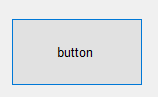
A button control
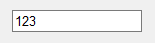
A textbox control in read-write mode
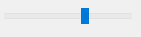
A non-staggering trackbar control
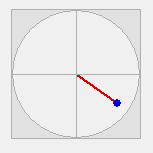
A joystick control in read-write mode
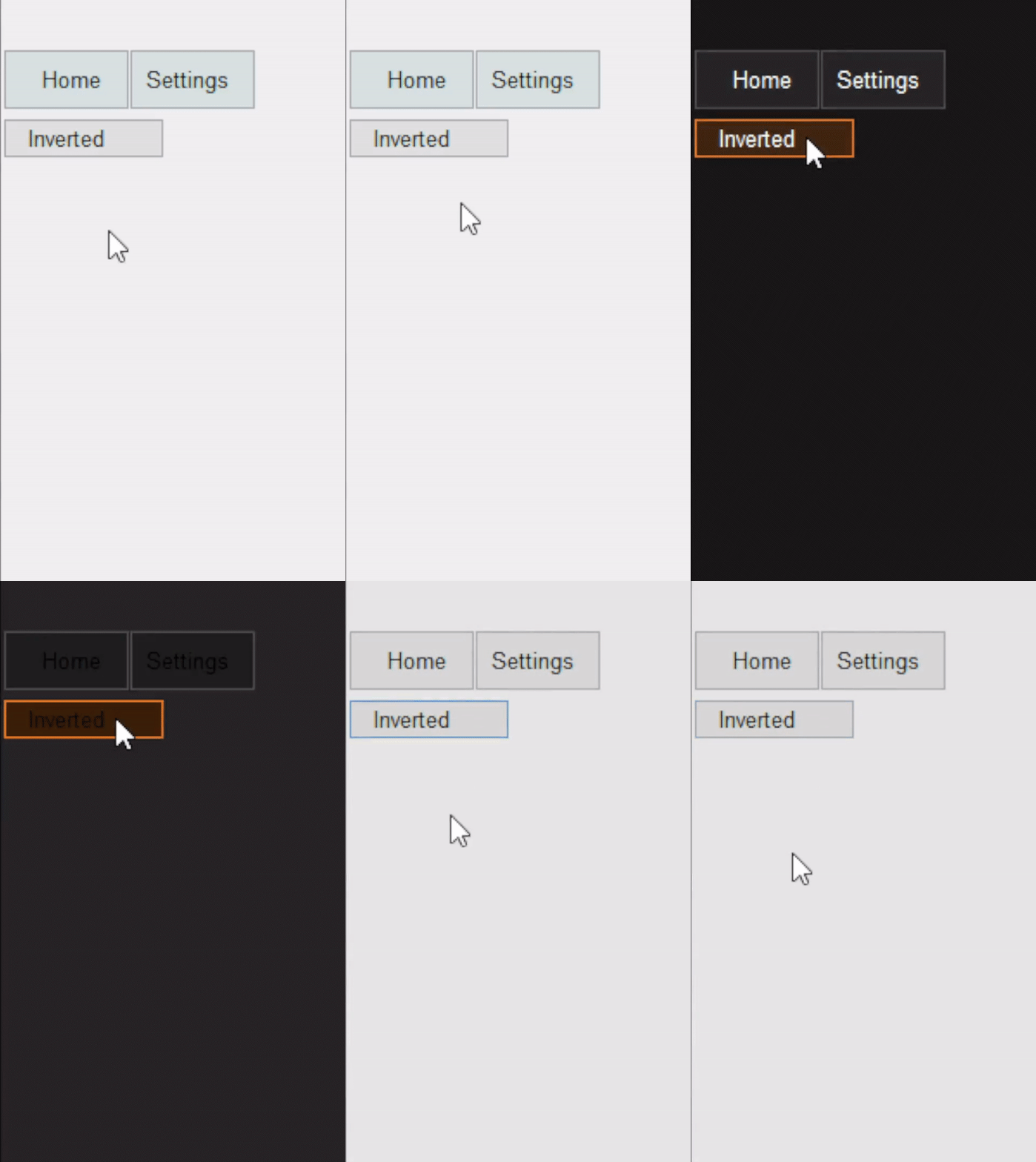
Inverted theme
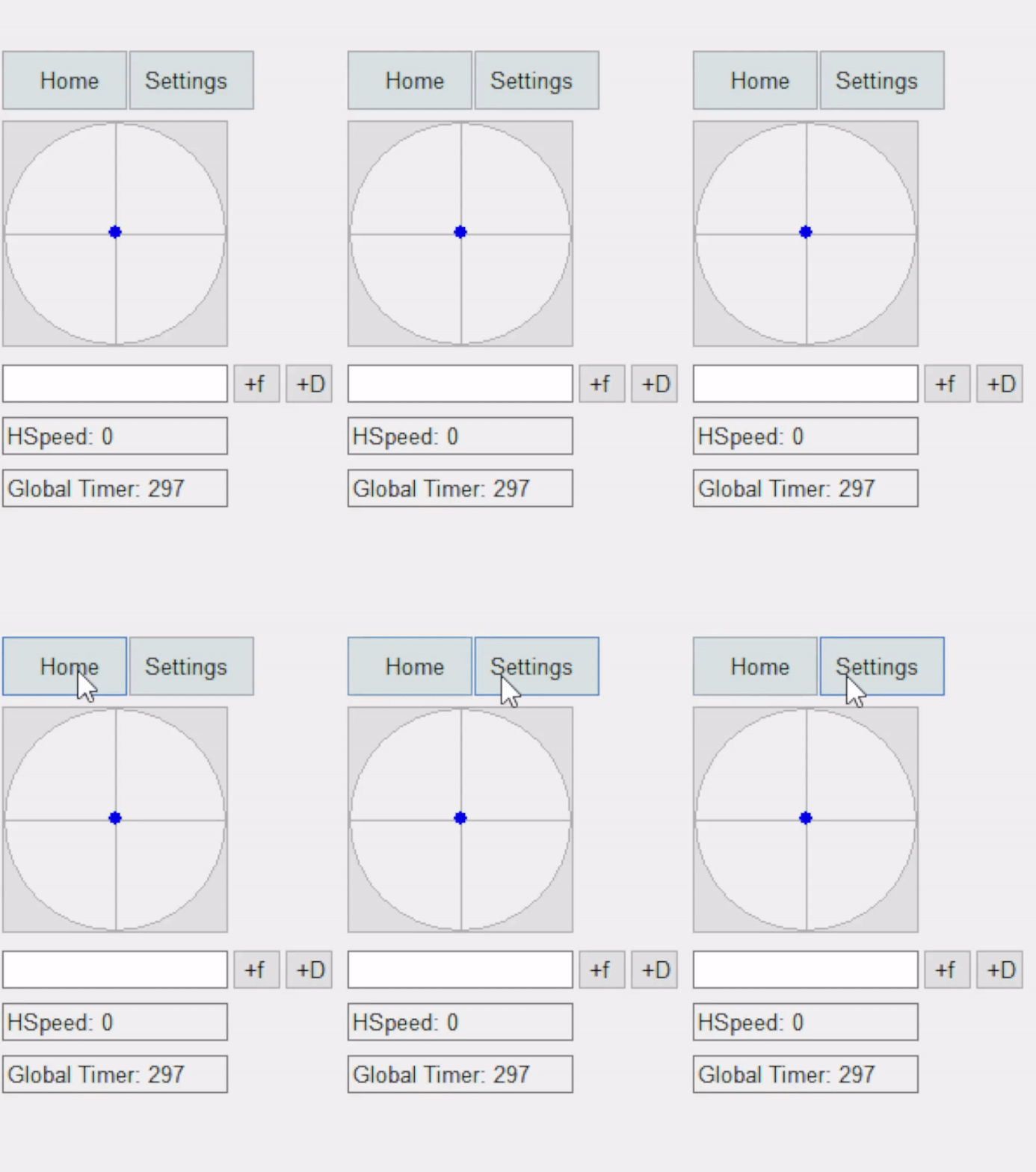
Button highlights
NOTE: This project is not ready to use as a library
Add YourKey = Scene:new({ ... }) in the SceneManager.Initialize(...) call
Modify the Controls = { ... } block inside your desired scene
     Button:new(
         20, -- X Position
         VERTICAL_SAFE_ZONE*2, -- Y Position
         128, -- Width
         64, -- Height
         "button", -- Text (optional)
         function(sender) -- Click callback (sender is the control instance)
           print(sender.Text)
end)- Controls
- Button
- ToggleButton
- TextBox
- Read-only and Read-write mode
- Relative editing mode
- Slider
- Minimum/Maximum bounds
- Staggered increment
- Joystick
- Read-only and Read-write mode
- Label
ListViewImage