Skip to content

Hotel Automation enables the reception desk to manage the room check-in and check-out processes. Developed with C# Windows Forms App technology.

Notifications You must be signed in to change notification settings

Teeslii/HotelAutomation

Folders and files

NameName
Last commit message
Last commit date

Latest commit


History

312 Commits


Repository files navigation

octopus-logo

About 🥢

Hotel Automation enables the reception desk to manage the room check-in and check-out processes.

Project Requirements 📜

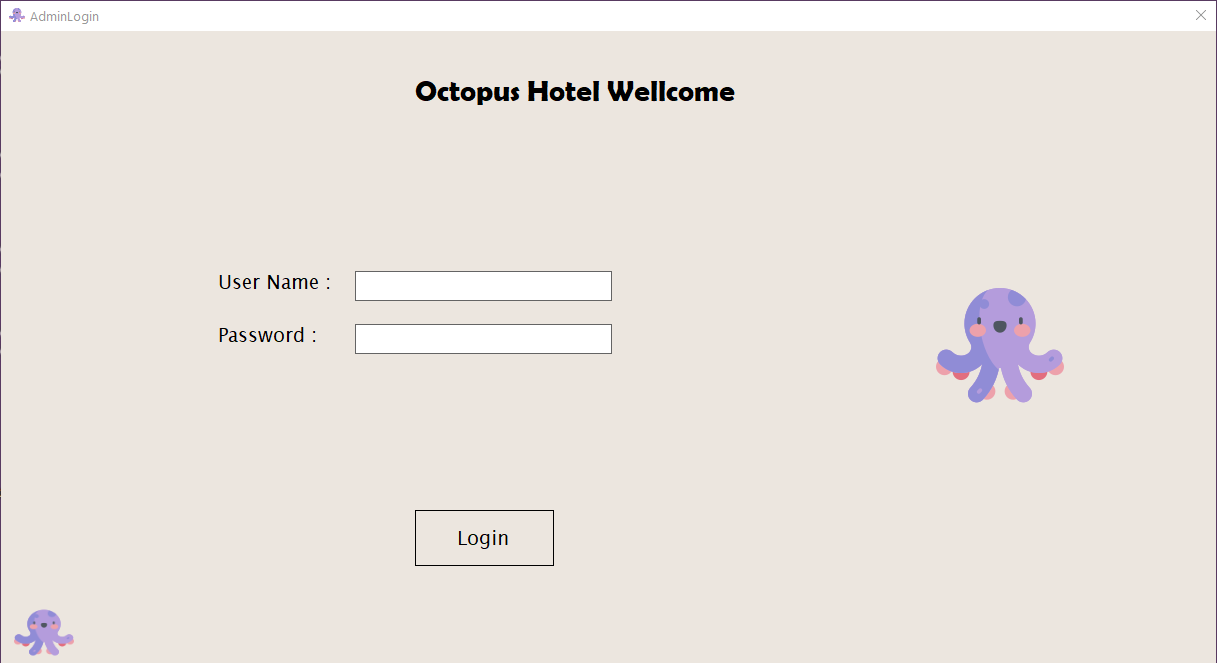
Admin Login

Login to the system by verifying the admin user information. I'll provide you a working username and password to use.

  • User Name: secil_sari
  • Password: 3456324

AdminLogin

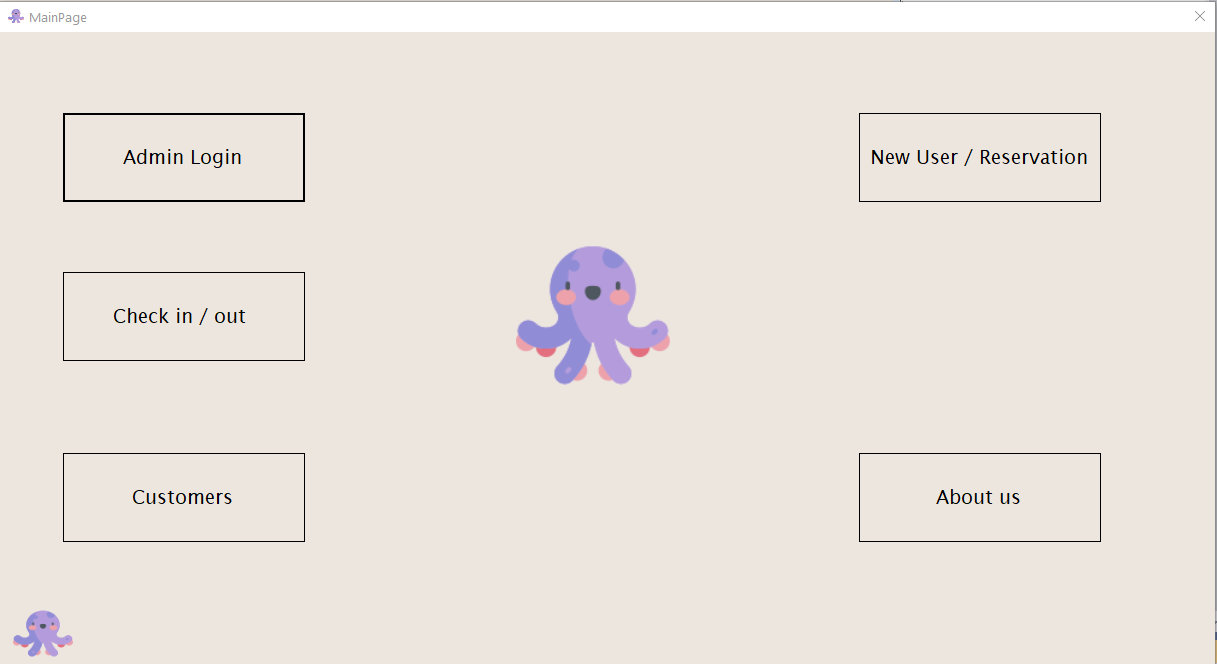
Main Page

You can choose the procedures you want to perform from the main screen. It starts the booking process by choosing to create a new user. image
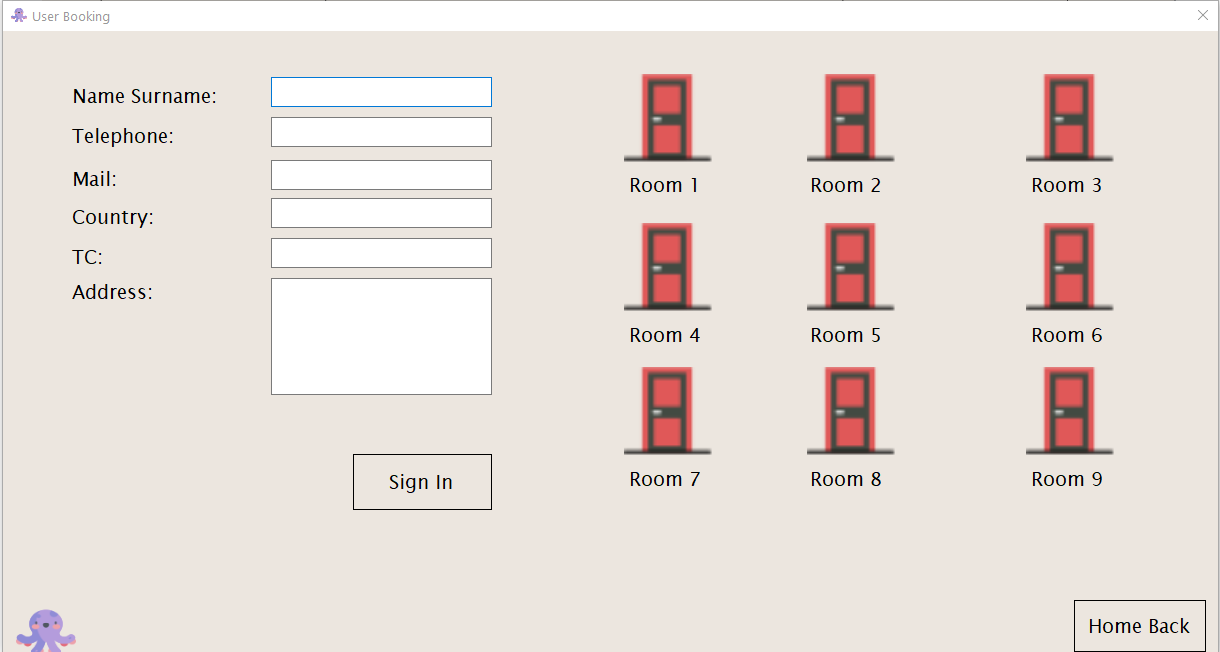
User Booking

User information is added and saved in the system's database. image
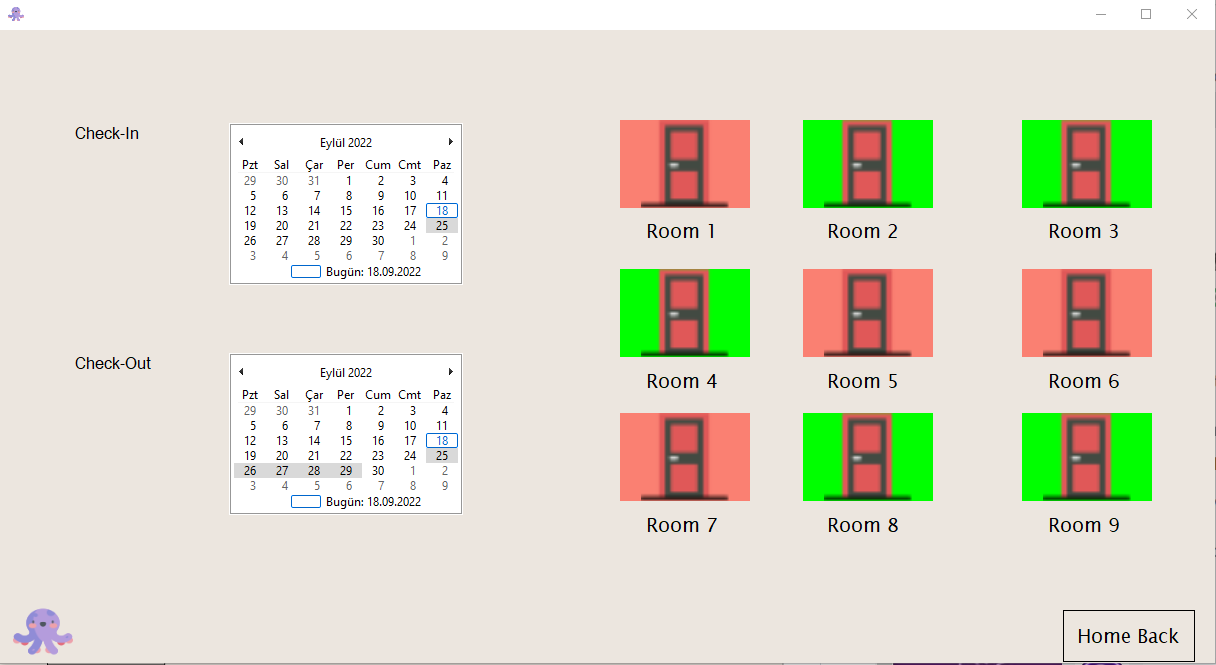
Check In/Out

The requested dates were reserved for the use of room number 7. image
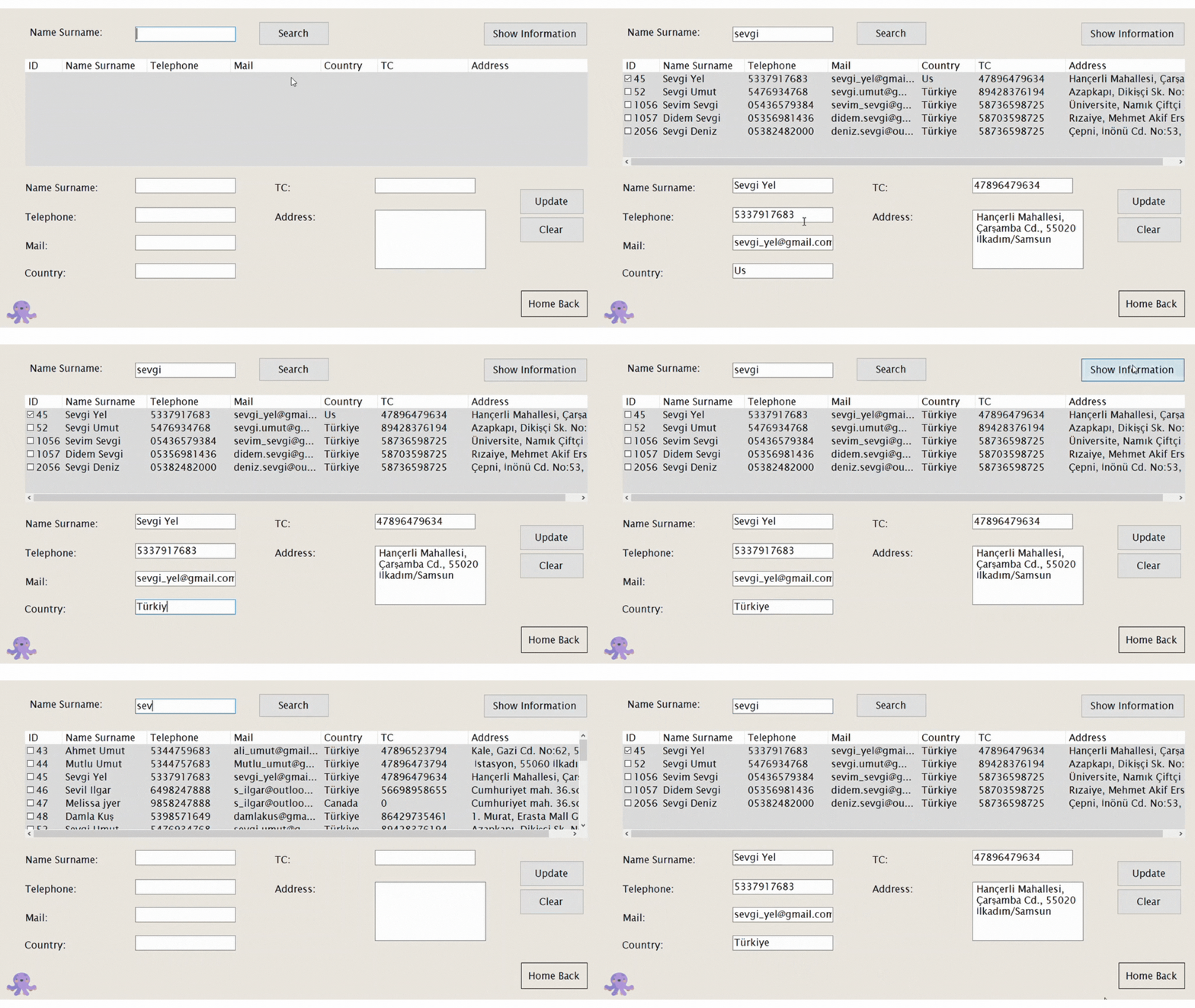
Customer Information

Customer information can be listed and updated. CustomerInfo
Technologies 💻

  • C#
  • Windows Forms App
  • SQL

Built 🧵

  1. Visual Studio program must be installed.
  2. git clone <repository link>
  3. Datasets need to be added before running the project.
  4. It is started by starting it through Visual Studio.

About

Hotel Automation enables the reception desk to manage the room check-in and check-out processes. Developed with C# Windows Forms App technology.

Resources

Stars

Watchers

Forks

Languages