An online chat platform based on django
The prototype of a social media
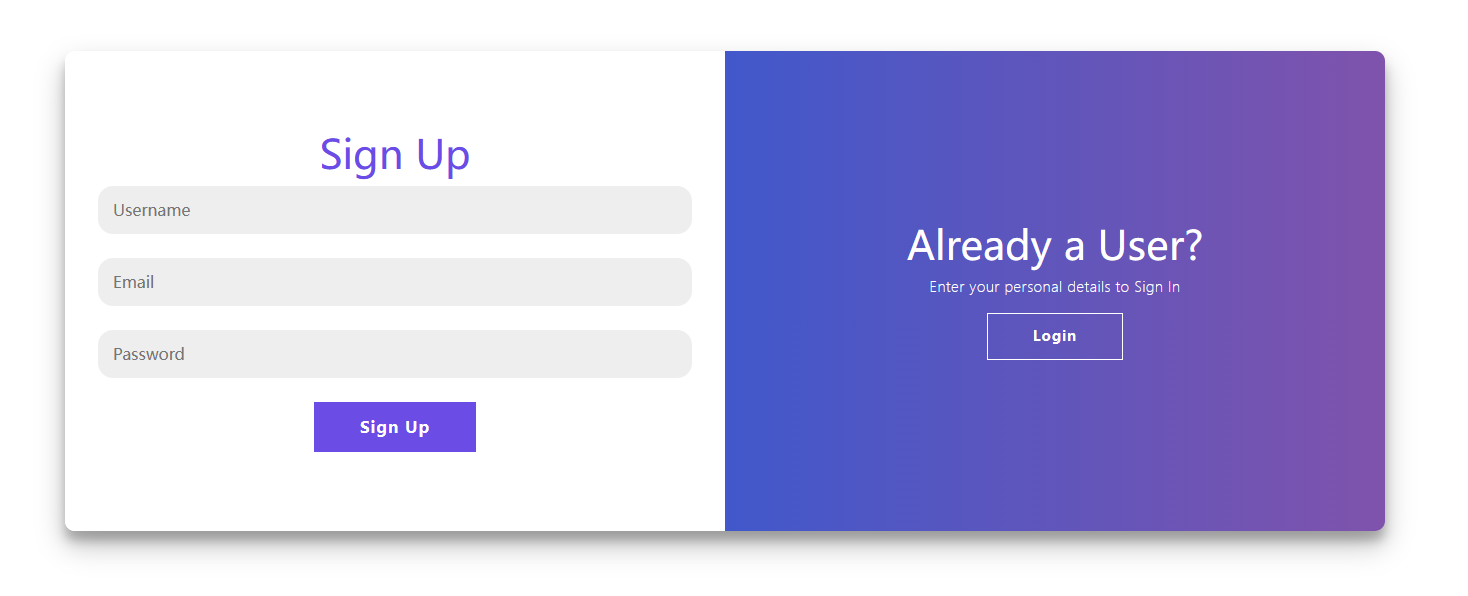
You will be redirected to /signup/?next=/ for signing up, and you call also choose to login if already have the account.
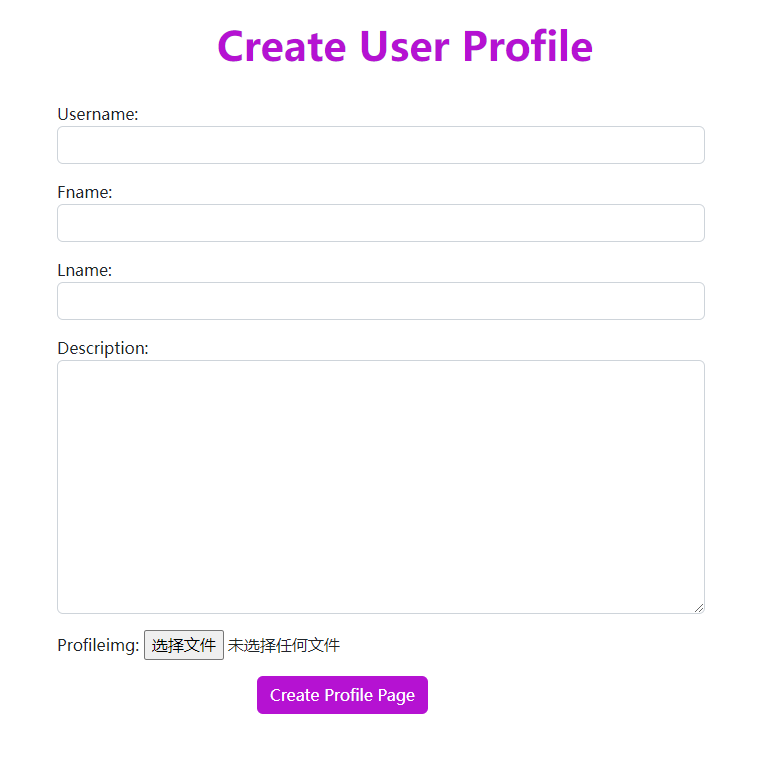
After signing up, you will need to create your profile by entering your Username, Fname, Lname, Description and upload your Profileimg
Now you can visit the Zchat homepage!
In the homepage, you can visit almost all units of the Zchat, and it shows the posts created and suggested users.
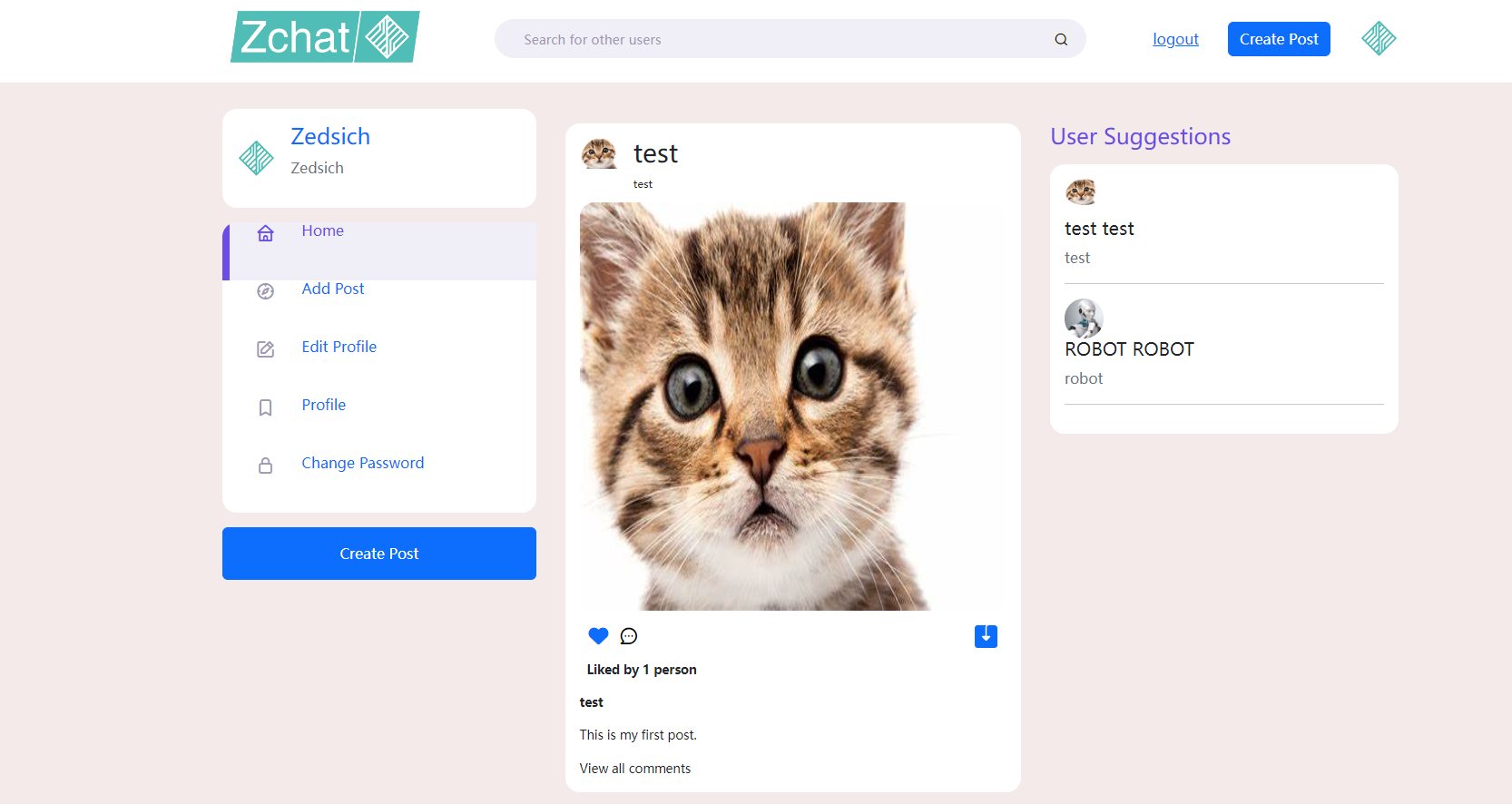
You can click the Heart to like the post or click the Comment to add your comment.
To customize your profile, just click the Edit Profile, and you will visit the Edit Profile Page, almost like the Create Profile Page when you first sign up your account
To view your profile, you can just click your avatar or click the Profile
To create your post, just click the Add Post
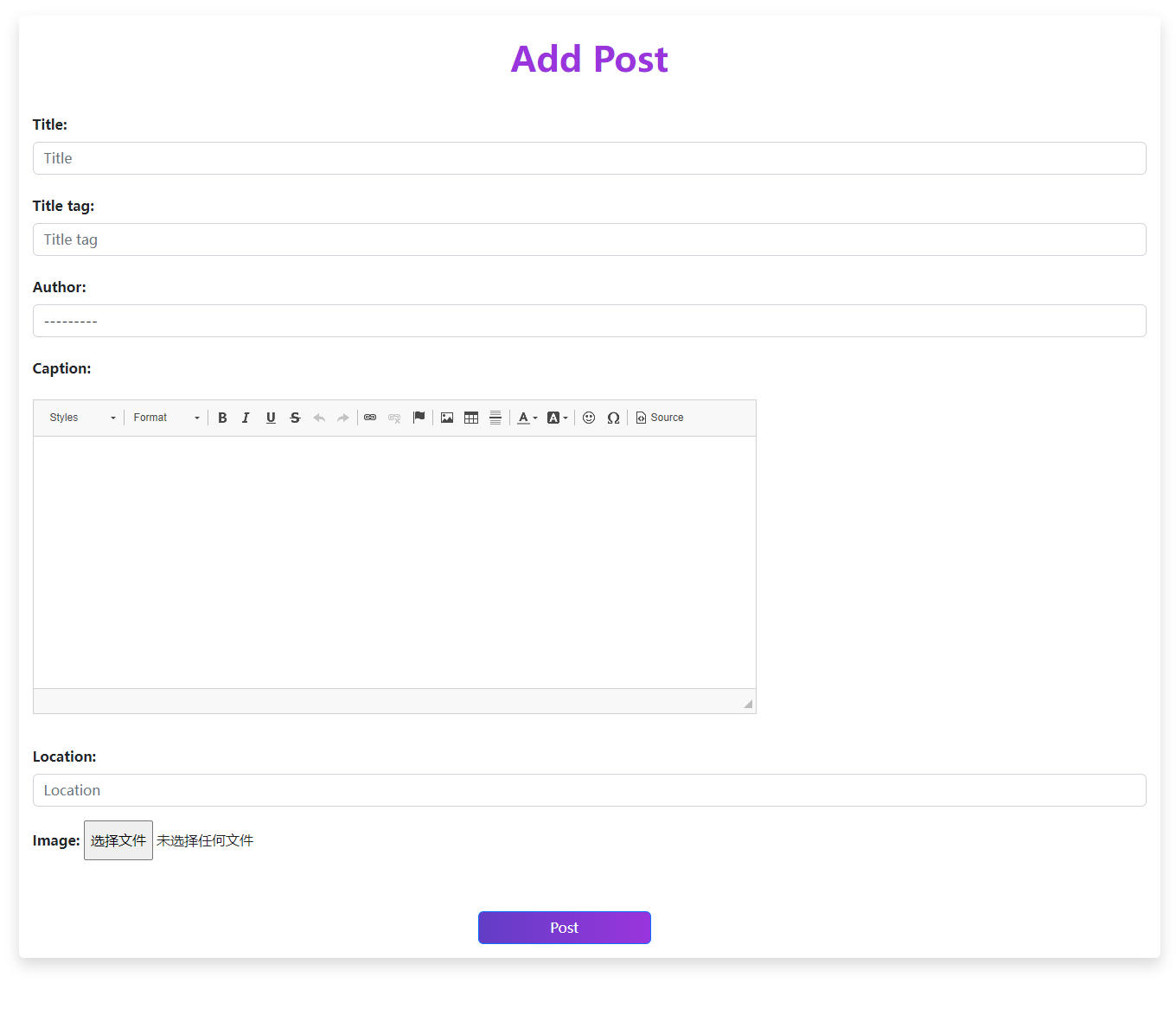
In the Add Post Page, you will need to provide the Title, Title Tag, Author, Caption, Location and Image of your post. After creating your post, you can check it in your homepage.
You can follow others by clicking one's avatar in the User Suggestions menu, or search the username in the searching area.
/videocall
Using WebRTC to implement real-time online video communication.
You and your friend can use the Zchat Videocall to communicate anonymously. Just enter your name and your friend's name, and it's all done.
WebSocket requires the safe http connection (aka https). If you're just test the project locally, you can just ignore this. If not, try to get SSL/TLS or simply use SSH Reverse Proxy like the following command:
$ ssh -CfNg -L {LOCAL_PORT}:{IP}:{REMOTE_PORT} {USERNAME}@{IP} -p {SSH_PORT}