
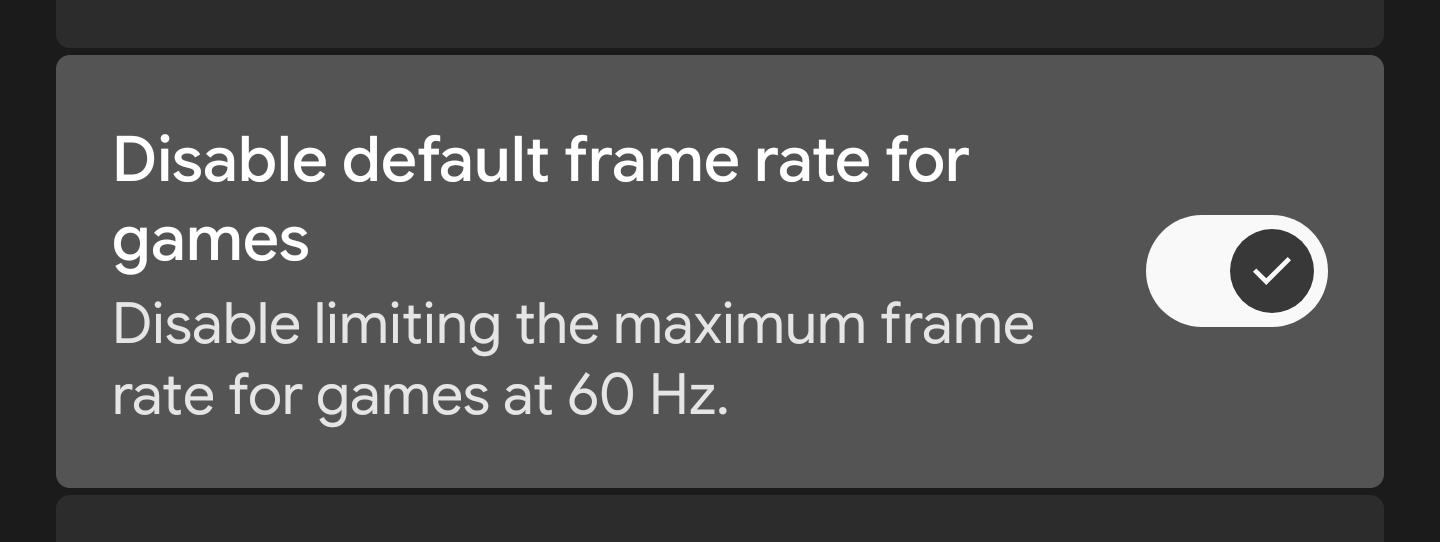
A Magisk / KernelSU module that automatically enables the "Remove Game FPS Limit" developer setting on every boot so you don't have to re-enable it manually each time.
I am not responsible for bricked devices, dead SD cards, thermonuclear war, or you getting fired because the alarm app failed. Please do some research if you have any concerns about features included in this module before flashing it. YOU are choosing to make these modifications, and if you point the finger at me for messing up your device, I will laugh at you!
Android has a hidden developer option that removes the 60 Hz frame rate cap in games. However, this setting resets to disabled after every reboot. This module sets the system property debug.graphics.game_default_frame_rate.disabled to its enabled state automatically after each boot.
- Waits for the device to fully boot.
- Reads the current value of
debug.graphics.game_default_frame_rate.disabledto detect the device's property format. - Sets the property to the correct enabled value for that format.
- Verifies the change and reports the result in the module description.
Different devices store this property in different formats:
| Device Type | Disabled Value | Enabled Value |
|---|---|---|
| String format | false |
true |
| Numeric format | 0 |
1 |
The module auto-detects which format your device uses and sets the value accordingly. If the first attempt fails, it automatically falls back to the other format.
- Download the latest release.
- Flash it via Magisk, KernelSU, or KernelSU Next.
- Reboot the device.
- Verify that the setting is enabled (see below).
- You're all set!
- If you experience any issues, please let me know through the Issues panel.
- Android 8.0+
- KernelSU or KernelSU Next or Magisk