View Border
SuperTextView can be used to border the control with a simple configuration. Developers don't have to create a lot of <shape> files for borders or write complex code.
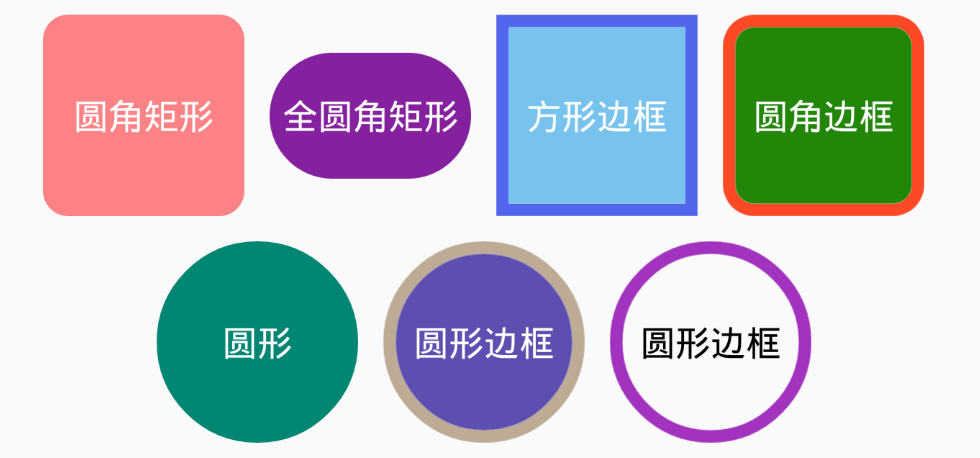
In xml:
 <SuperTextView
  ...
  app:stv_solid="#78C3ED"
  // Set the border color
  app:stv_stroke_color="#5166ED"
  // Set the border width
  app:stv_stroke_width="5dp"
  ...
  />
In Java
stv.setStrokeColor(color);
stv.setStrokeWidth(width);
Just set app:stv_stroke_width to be greater than 0 to enable the border function.
app:stv_stroke_color is not set, there will be a default black border.
The effect of the border can also be effective when displaying images.