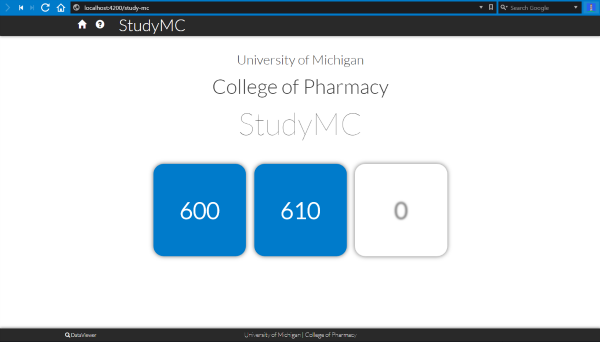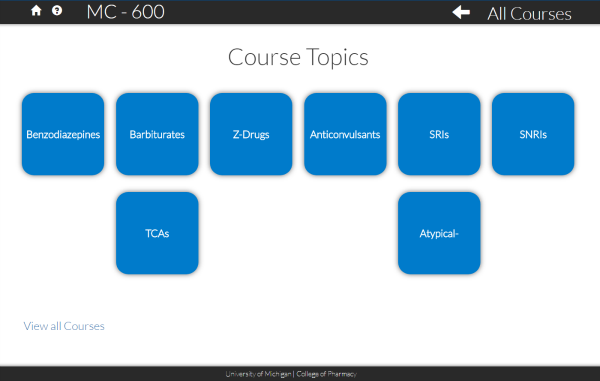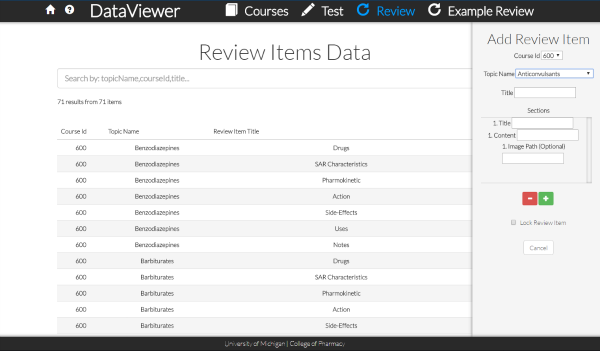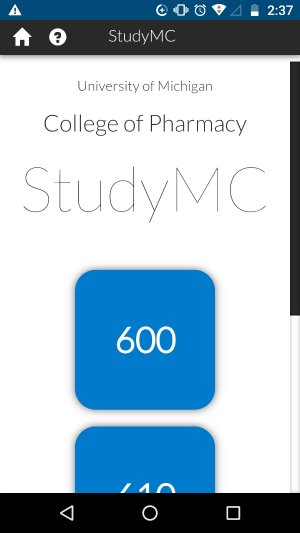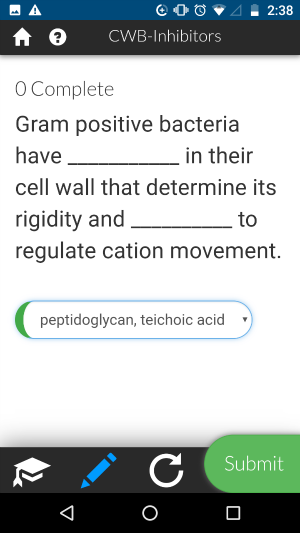
Study-MC (Study Medicinal Chemistry) is a College of Pharmacy web application to help graduate students learn, test, and review their course materials.
Running the Application Locally
App: https://apps.phar.umich.edu/study-mc/
Sprint Planning: https://trello.com/studymc
Virtual Lib: https://pharmacy.umich.edu/mcvl/
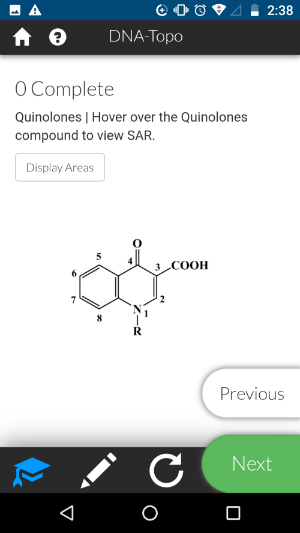
Learn Content provided to help expand the student's knowledge along with practice problems which include feedback.
Test Example test questions to gauge a student's knowledge on a particular topic.
Review A review sheet which students can fill out online then print upon completion.
-
git clone git@github.com:chriscerk/study-mc.git -
cd study-mc -
npm install -
ng serve -
Navigate to
http://localhost:4200/in your browser. -
Create a file named
firebase.config.tsand put it in the/src/environments/folder -
Get your firebase credentials and insert as:
export const firebaseConfig = { apiKey: "", authDomain: "your-app-name.firebaseapp.com", databaseURL: "https://your-app-name.firebaseio.com", projectId: "your-app-name", storageBucket: "your-app-name.appspot.com", messagingSenderId: "" };
Run ng serve for a dev server. Navigate to http://localhost:4200/. The app will automatically reload if you change any of the source files.
Run ng build to build the project. The build artifacts will be stored in the dist/ directory.
Run ng test to execute the unit tests via Karma.
Run ng e2e to execute the end-to-end tests via Protractor.
Before running the tests make sure you are serving the app via ng serve.
-
npm run deploy -
Open FileZilla, delete everything in the
/study-mc/folder. -
Copy the contents of the
distdirectory to the server through FileZilla.
src/app is where the bulk of the application lives.
Within core are modules that are only loaded once. core/services contains the modules that allow StudyMC to load the data and "talk" with Firebase.
shared contains modules that are shared across the application. shared/models might be useful to view to see how the data is organized.
src/assets is where content which is stored by the Service Worker resides such as images and JSON files.
dist is generated by a ng build command or npm run deploy and is where your production code lives`
scripts is for any custom JS scripts. Currently there is canvasHotspots which is used for hovering over compounds to show information. fabricProcessor is a library I created for making interactions with HTML5 canvas using FabricJS. Both canvasHotspots and fabricProcessor implement animations simply from data.
For each Topic in a Course, the images are stored in assets/media/compounds/. For each new topic added to a course, a new folder must be created WITH THE SAME NAME AS THE TOPIC in this location. Images for that topic must be placed inside of the new folder.
Data currently pulls from a Firebase connection for everything except 'Learn'. Data can be pulled from the assets/data/ folder easily by using the respective functions in the app/core/services folder. Firebase allows the user to update the data instead of the data being statically served as a JSON file like the Learn Component.
To get more help on the Angular CLI use ng help or go check out the Angular CLI README.