
Just some extra Peepo-Powered Matplotlib colormaps and tools.
uv pip install peepomap # or pip install peepomapPeepomap is shipped with some built-in colormaps, although you can use all matplotlib colormaps as well.
import peepomap

# Display all peepomap colormaps
peepomap.show_colormaps()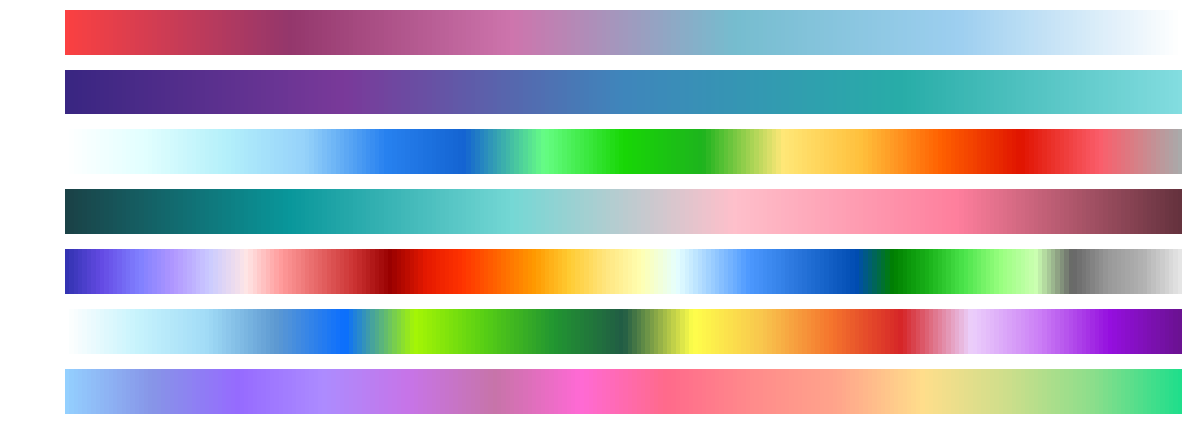
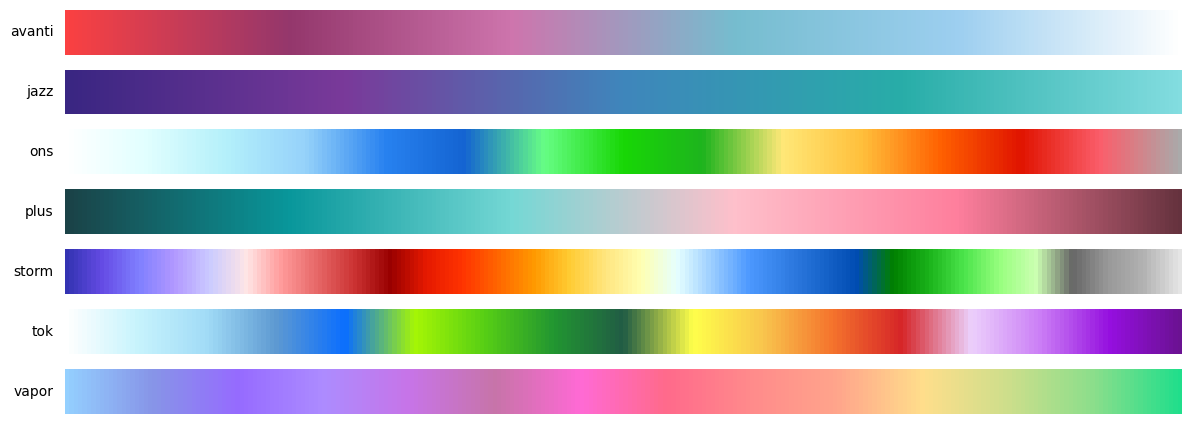
Simply import and choose a colormap from the above list by its name.
import peepomap

cmap = peepomap.cmaps["storm"]
# or get a colormap
storm = peepomap.get("storm")
# Also works with matplotlib colormaps
viridis = peepomap.get("viridis")Peepomap provides powerful tools to create, modify, and combine colormaps.
Blend two or more colormaps together with custom weights:
import peepomap

blues = peepomap.get("Blues")
reds = peepomap.get("Reds")
combined_cmap = peepomap.combine(blues, reds, weights=[0.4, 0.6], name="Wines")

Tip
You can use all Peepomap and Matplotlib colormaps by name
Create smooth linear gradients between colors:
import peepomap

ocean_sunset = peepomap.create_linear("navy", "crimson", name="Ocean Sunset")

Tip
You can use all Matplotlib colors by name as well!
Build diverging colormaps with optional center colors and blend:
import peepomap

# Simple diverging colormap
cool_warm = peepomap.create_diverging("Blues_r", "Reds", name="Cool Warm")

# Diverging with custom center color and blend
rdylbl = peepomap.create_diverging(
    "Reds_r", "Blues", center="yellow", blend=0.3, name="RdYlBl"
)

Join multiple colormaps end-to-end with equal space allocation. Each colormap gets an equal portion of the color space:
import peepomap

# Sharp boundaries (no blending)
cmap = peepomap.concat("viridis", "plasma", "inferno")

# Smooth blending between colormaps (10% of space for transitions)
cmap = peepomap.concat("viridis", "plasma", blend=0.1)

# Custom blend zone size (20% of total)
cmap = peepomap.concat("viridis", "plasma", blend=0.2)
You can also concatenate custom colormaps:
import peepomap

div1 = peepomap.create_linear("blue", "red", name="div1")
div2 = peepomap.create_linear("purple", "orange", name="div2")
combined = peepomap.concat(div1, div2, blend=0.25, n=512, name="Fusion")

You can even concatenate very different types of colormaps:
import peepomap

sunset = peepomap.create_linear("gold", "orangered", name="Sunset", reverse=True)
tab20b = peepomap.get("tab20b")
odd = peepomap.concat(sunset, tab20b, blend=0.25, name="Odd1")

For more complex visualizations, you can concatenate many colormaps at once:
import peepomap

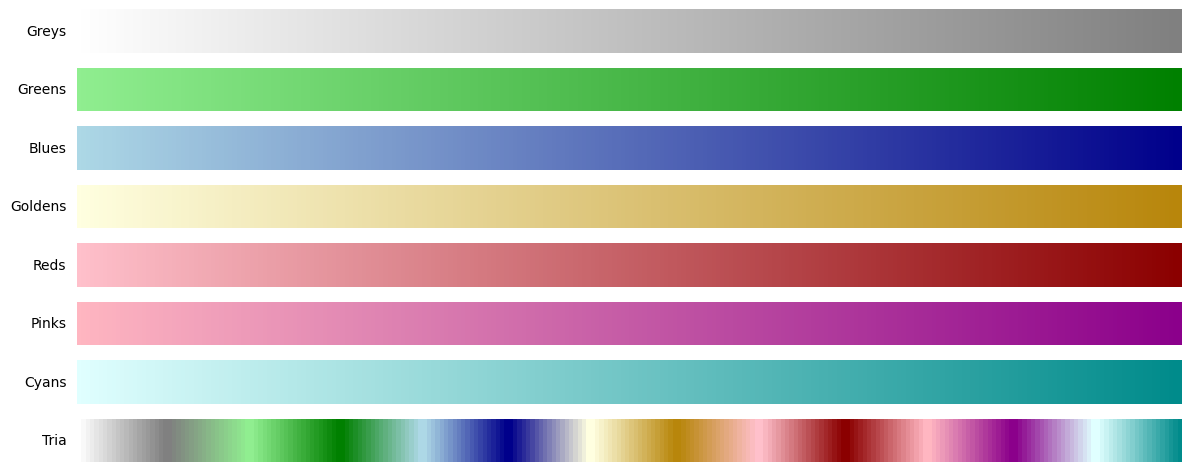
greys = peepomap.create_linear("white", "grey", name="Greys")
greens = peepomap.create_linear("lightgreen", "green", name="Greens")
blues = peepomap.create_linear("lightblue", "darkblue", name="Blues")
goldens = peepomap.create_linear("lightyellow", "darkgoldenrod", name="Goldens")
reds = peepomap.create_linear("pink", "darkred", name="Reds")
pinks = peepomap.create_linear("lightpink", "darkmagenta", name="Pinks")
cyans = peepomap.create_linear("lightcyan", "darkcyan", name="Cyans")

tria = peepomap.concat(
    greys, greens, blues, goldens, reds, pinks, cyans,
    name="Tria",
    blend=0.45,
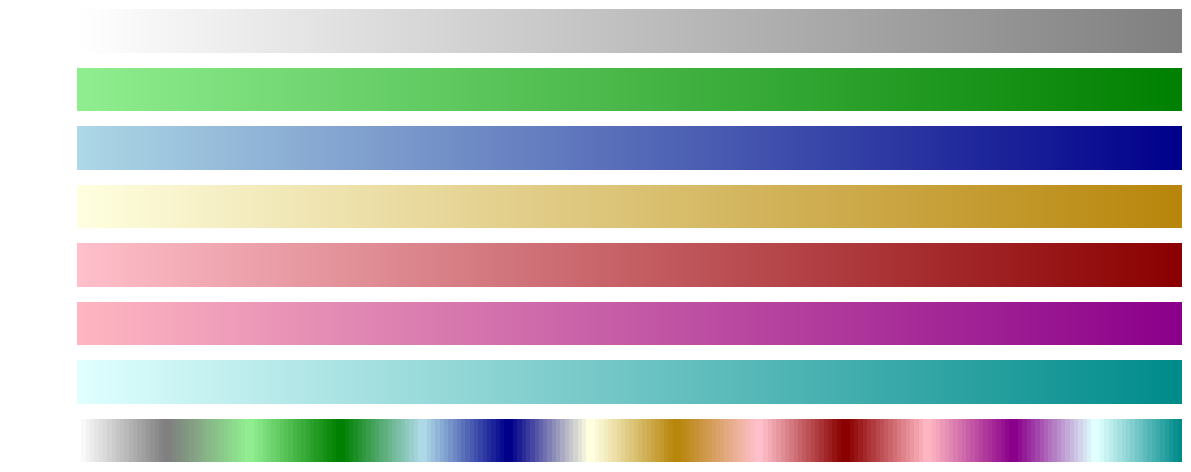
)
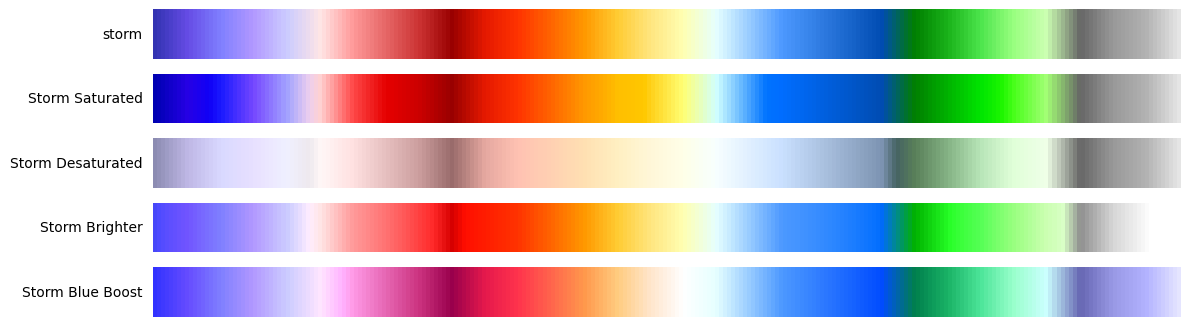
Fine-tune existing colormaps by adjusting saturation, lightness, or color channels:
import peepomap

# Using colormap names (strings)
original = peepomap.get("storm")
saturated = peepomap.adjust("storm", saturation=1.8, cmap_name="Storm Saturated")
desaturated = peepomap.adjust("storm", saturation=0.3, cmap_name="Storm Desaturated")
brighter = peepomap.adjust("storm", lightness=1.4, cmap_name="Storm Brighter")
blue_boosted = peepomap.adjust("storm", blue_boost=0.3, cmap_name="Storm Blue Boost")

# Also accepts colormap objects directly
storm = peepomap.get("storm")
saturated = peepomap.adjust(storm, saturation=1.8, cmap_name="Storm Saturated")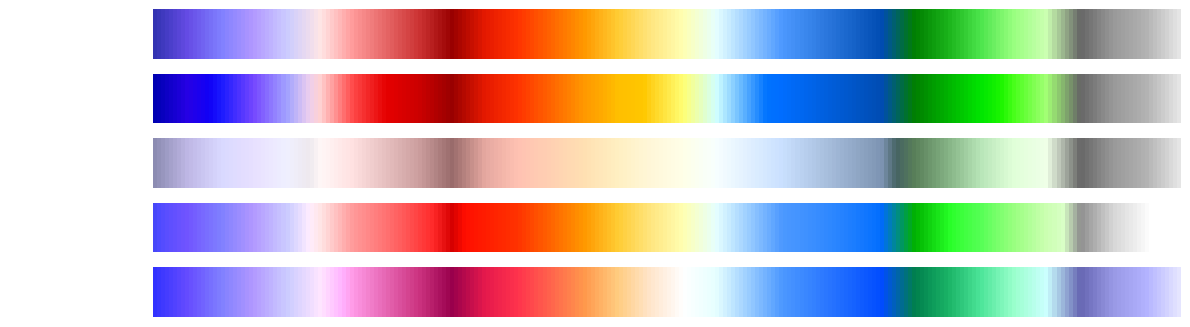
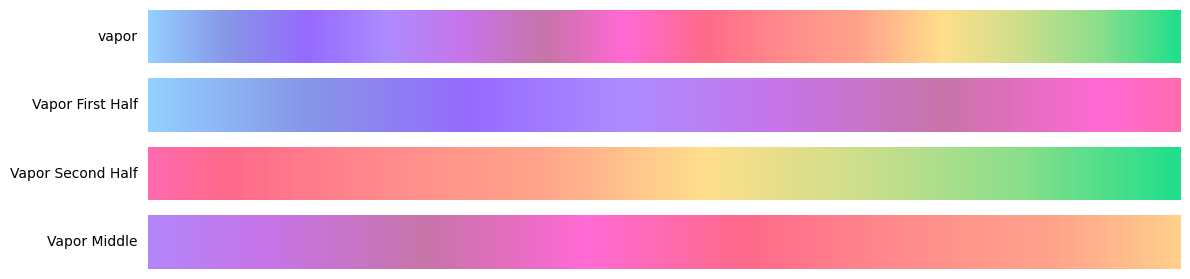
Extract a portion of a colormap:
import peepomap

# Using colormap names (strings)
original = peepomap.get("vapor")
first_half = peepomap.truncate("vapor", 0.0, 0.5, cmap_name="Vapor First Half")
second_half = peepomap.truncate("vapor", 0.5, 1.0, cmap_name="Vapor Second Half")
middle = peepomap.truncate("vapor", 0.25, 0.75, cmap_name="Vapor Middle")

# Also accepts colormap objects directly
vapor = peepomap.get("vapor")
first_half = peepomap.truncate(vapor, 0.0, 0.5, cmap_name="Vapor First Half")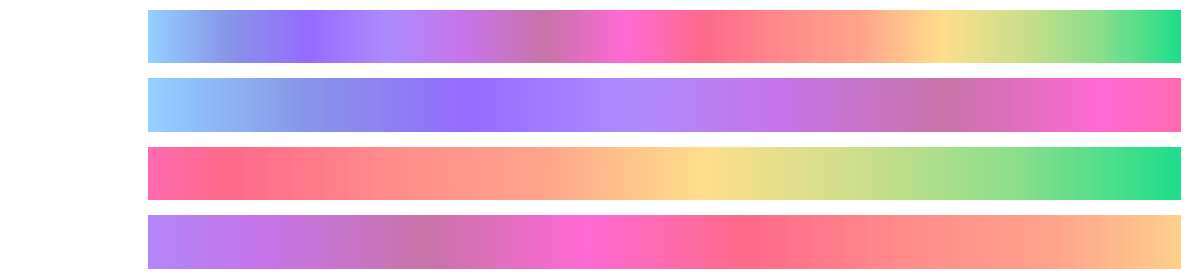
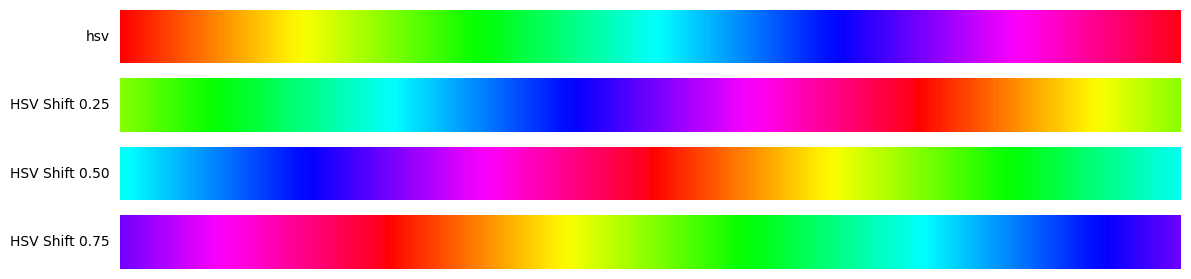
Rotate a colormap by shifting its starting point:
import peepomap

# Using colormap names (strings)
original = peepomap.get("hsv")
shift_25 = peepomap.shift("hsv", start=0.25, cmap_name="HSV Shift 0.25")
shift_50 = peepomap.shift("hsv", start=0.5, cmap_name="HSV Shift 0.50")
shift_75 = peepomap.shift("hsv", start=0.75, cmap_name="HSV Shift 0.75")

# Also accepts colormap objects directly
hsv = peepomap.get("hsv")
shift_25 = peepomap.shift(hsv, start=0.25, cmap_name="HSV Shift 0.25")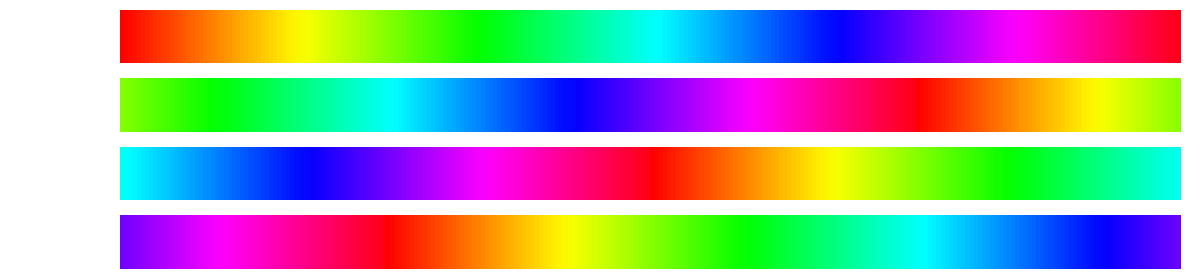
Export custom colormaps as ColormapInfo objects for persistence or sharing:
import peepomap

# Create a custom colormap
custom = peepomap.concat("viridis", "plasma", blend=0.1)

# Export as ColormapInfo object
info = peepomap.export(
    custom,
    n=32,
    name="viridis_plasma",
    cmap_type="sequential",
    description="Viridis blended with plasma"
)

# Access the colormap data
print(info.name)        # "viridis_plasma"
print(info.colors)      # List of RGB color values
print(info.cmap_type)   # "sequential"

# Save Python code representation to file
peepomap.export(
    custom,
    name="viridis_plasma",
    cmap_type="sequential",
    description="Viridis blended with plasma",
    output_file="my_colormap.py"
)
The output_file parameter generates Python code ready to paste into your colormap registry:
"viridis_plasma": ColormapInfo(
    name="viridis_plasma",
    colors=[
        [0.267004, 0.004874, 0.329415],
        [0.282623, 0.140926, 0.457517],
        # ... more colors ...
    ],
    cmap_type="sequential",
    description="Viridis blended with plasma",
),This project uses uv for dependency management.
uv sync --all-extrasThe project includes a Makefile for common tasks:
# See all available commands
make help

# Install development dependencies
make dev

# Format code
make format

# Lint code
make lint

# Type check
make type-check

# Generate colormap demo images
make demo

# Run all checks
make check