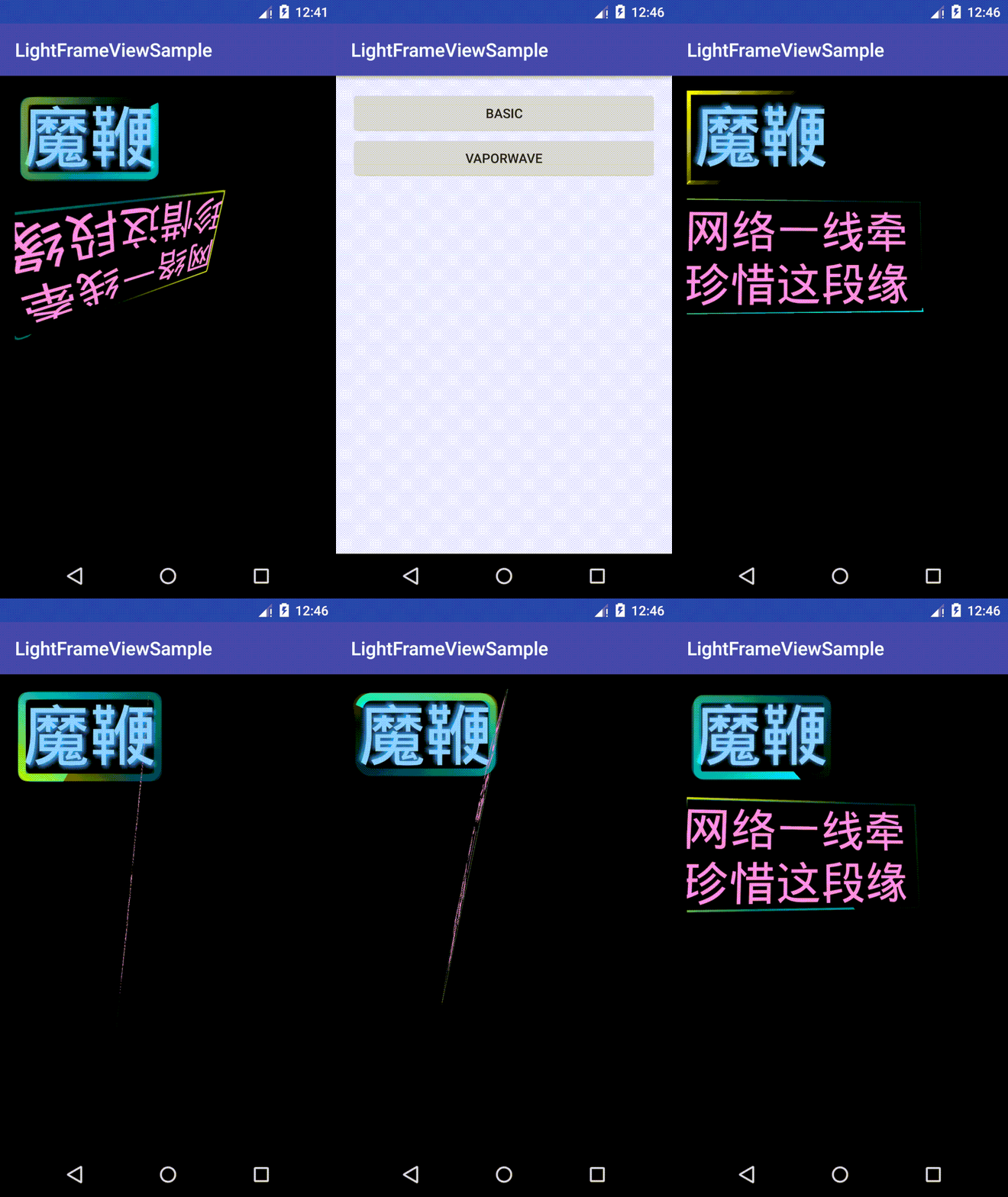
LightFrameView is able to provide a light frame animation by wrapping it to a normal View.
LightFrameView only deals with first child view.
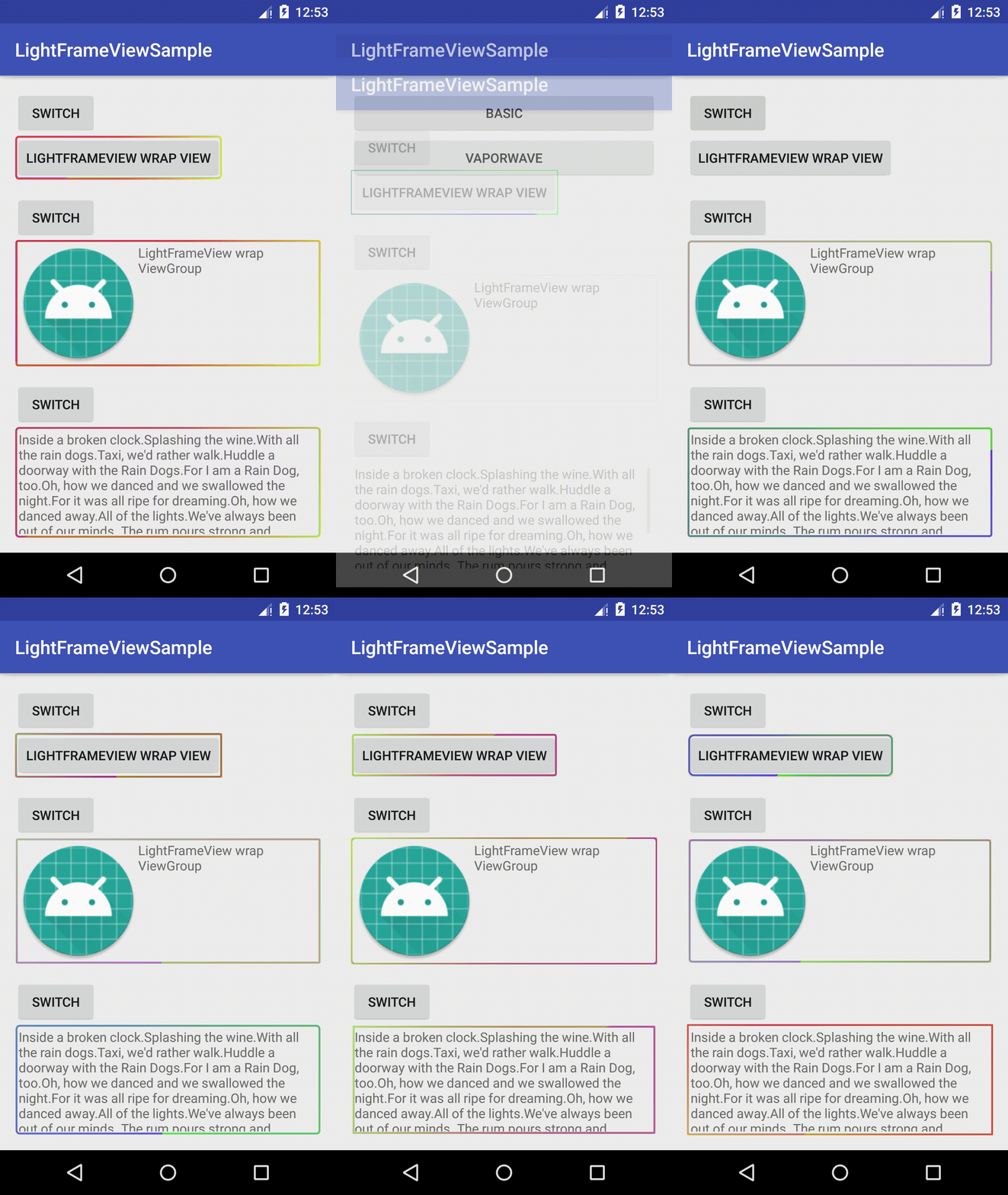
compile 'me.machao.lightframeview:lightframeview:1.0.0'<me.machao.lightframeview.LightFrameView
android:id="@+id/lfvWrapView"
android:layout_width="wrap_content"
android:layout_height="wrap_content"
app:linearGradientEndColor="#f00"
app:linearGradientStartColor="#ff0"
app:strokeWidth="2dp"
app:sweepGradientEndColor="#0f0"
app:sweepGradientStartColor="#00f">
<Button
android:layout_width="wrap_content"
android:layout_height="wrap_content"
android:text="LightFrameView wrap View" />
</me.machao.lightframeview.LightFrameView>All you need to do is applying LightFrameView to wrap your normal View.
As you can see , LightFrameView supports certain XML attributes which you can check it here:
attrs.xml
You are also able to change some behaviors of LightFrameView through Java code:
lightFrameView.setEffectsEnable(!lightFrameView.isEffectsEnabled());OK, let's have some fun and make some vapor wave effects. lol.