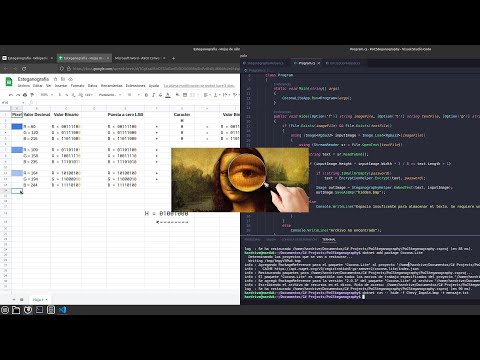
Simple helper to hide text into an image using LSB steganography. It also supports AES-256 encryption to enforce security of hidden text.
using Cocona;
using StegoHelper;

namespace SteganoConsole
{
    class Program
    {
        static void Main(string[] args)
        {
            CoconaLiteApp.Run<Program>(args);
        }

        public void Hide([Option('i')] string inputImage, [Option('o')] string outputImage, [Option('t')] string textFile, [Option('p')] string password = "")
        {
            if (File.Exists(inputImage) && File.Exists(textFile))
            {
                using (StreamReader sr = File.OpenText(textFile))
                {
                    string text = sr.ReadToEnd();

                    if (!string.IsNullOrEmpty(password))
                        text = AESEncryptionHelper.Encrypt(text, password);

                    if (!SteganographyHelper.EmbedText(text, inputImage, outputImage))
                        Console.WriteLine("Insufficient pixels to hide text");
                }
            }
        }

        public void Unhide([Option('i')] string inputImage, [Option('p')] string password = "")
        {
            if (File.Exists(inputImage))
            {
                string text = SteganographyHelper.ExtractText(inputImage);

                if (!string.IsNullOrEmpty(password))
                    text = AESEncryptionHelper.Decrypt(text, password);

                File.WriteAllText("secret.txt", text);
            }
            else
                Console.WriteLine("File not found");
        }
    }
}To hide text:
StegoConsole hide -i chevy.jpg -o hidden_chevy.png -t message.txt
To unhide text:
StegoConsole unhide -i chevy.jpg