Skip to content

a work around to get the camera working in fluidd

License

Notifications You must be signed in to change notification settings

hust921/K2-Camera-backup


Folders and files

NameName
Last commit message
Last commit date

Latest commit


History

22 Commits


Repository files navigation

K2-Camera

A work around to get the camera working in fluidd.

This requires root access to be enabled on the printer.


Firmware updates may remove the changes so you may have to run the commands again after a firmware update.
With any luck creality just implements this so we dont have to perform this modification.
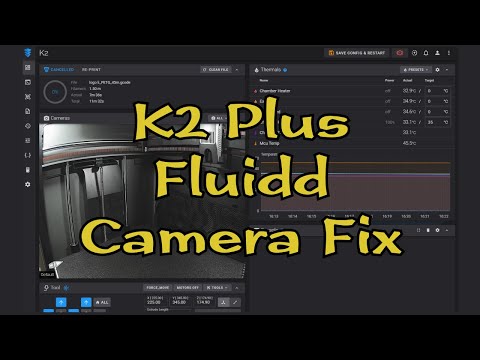


https://www.youtube.com/watch?v=XHLAtVG9Bcg

https://www.youtube.com/watch?v=XHLAtVG9Bcg


Install Commands

python -c "from six.moves import urllib; urllib.request.urlretrieve('https://github.com/DnG-Crafts/K2-Camera/archive/refs/heads/main.zip', '/root/main.zip')" 
python -c "import shutil; shutil.unpack_archive('/root/main.zip', '/root/')"
sh ~/K2-Camera-main/install.sh

if you wish to restore the printer to its original configuration then run the commands below

Restore Commands

sh ~/K2-Camera-main/restore.sh

About

a work around to get the camera working in fluidd

Resources

License

Stars

Watchers

Forks

Releases

No releases published

Packages

No packages published

Languages

  • Python 98.1%
  • HTML 1.8%
  • Shell 0.1%