- HTML5
- SCSS
- Bulma
- React.js
- Webpack
- Axios
- NASA API
- Bulma
- JWT
- Git
- GitHub
- Insominia
NASA gallery is a gallery of all the Mars Rover images.
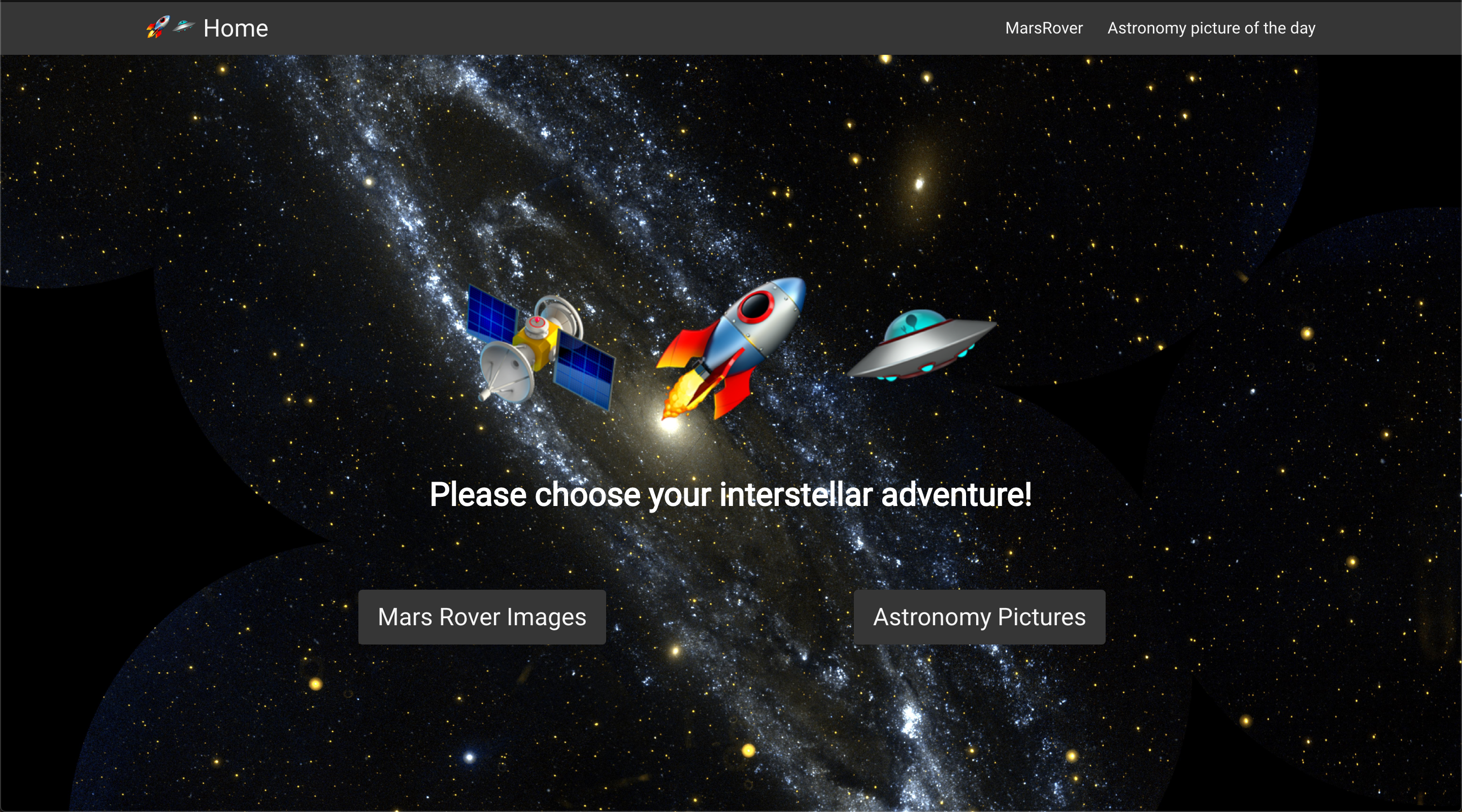
You can find a hosted version here ----> http://leeofham.github.io/SEI-Project-2/#/
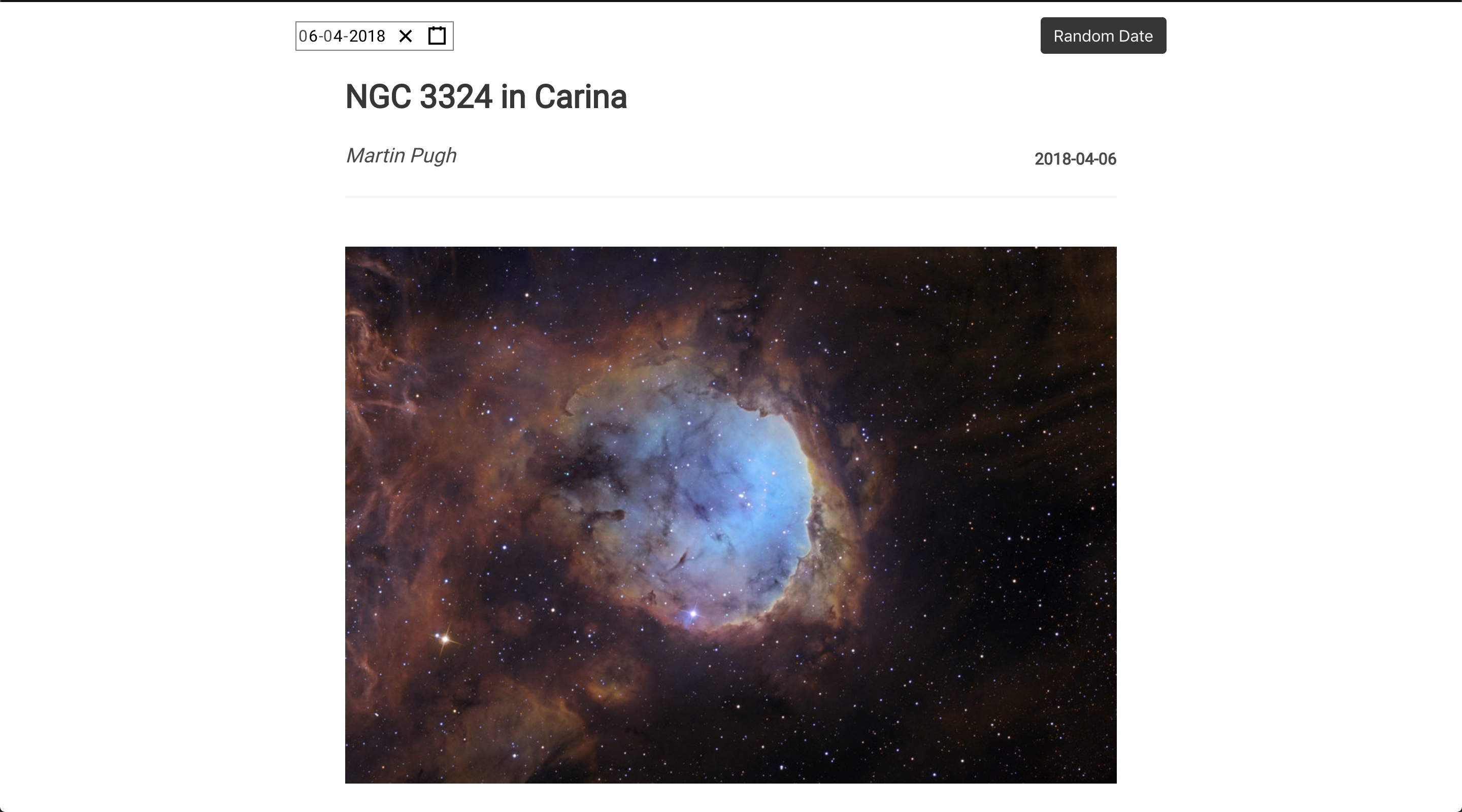
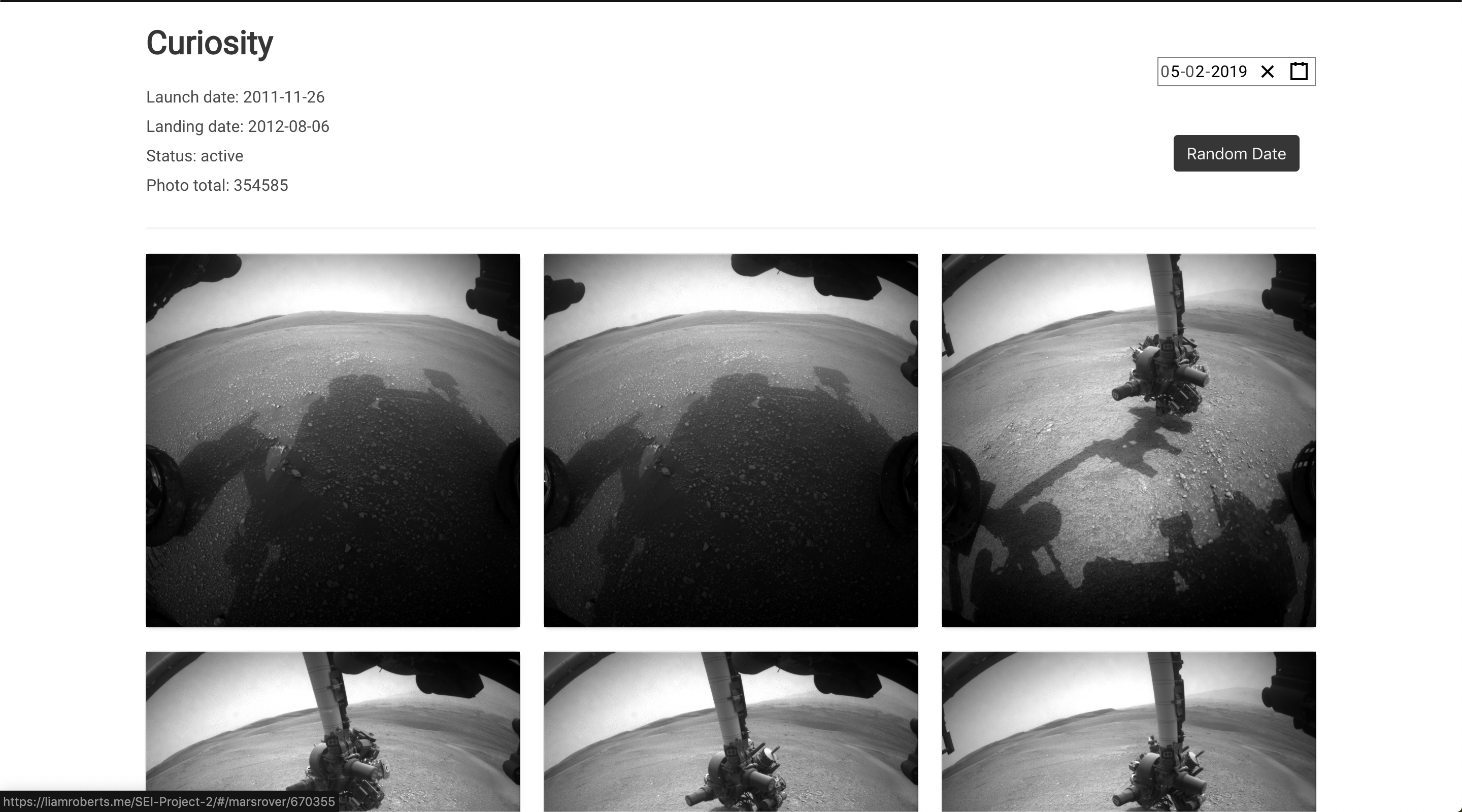
This application gathers all the Mars Rover images up to March 2019 and displays them by date. It also has a separate section which has NASA's Astronomy picture of the day.
The user can view Mars Rover images or the Astronomy picture of the day by date or by random date.
We worked really well as a team. Sam already had an idea where to go with the project as she really wanted to work with NASA's API. After viewing it and seeing all the cool images we decided to go for it.
Originally we set out to have the images displayed by Earth date but later found a whole bunch of cool imagery and uses of the NASA's API. We decided on the Astronomy picture of the day as some of the images we just too good to leave out.
-
The website is a home page and from their the user journey is split into two sections.
-
The first being Mars Rover images and second being Astronomy picture of the day.
-
We used Bulma for the project due to the 1.5 day timeframe to come up with a fully functional project.
- As a first project working with React it went really well. Sorting out the GitHub and installing webpack went smoothly too.
- We got a random date picker working on both sections which is a fantastic way to discover great pictures.
randomDatePicker(){
  const randomYear = Math.floor(Math.random() * 7)
  const randomMonth = Math.ceil(Math.random() * 12)
  const randomDay = Math.ceil(Math.random() * 28)
  const year = 2012 + randomYear
  const randomDate = `${year}-${randomMonth}-${randomDay}`

  this.setState({date: randomDate}, () => this.updateImages(randomDate))
}- We also used modals on the show page to show more images from the Mars Rover.
-
It was the first time customising Bulma and the way you have to be very specific with names of classes.
-
Working with dates through up challenges. The calendar and NASA's way of formatting dates were different so we had to come up with a way to format the user's selected date before it was sent off to NASA's API.
  updateImages(randomDate = null){
    axios.get('https://api.nasa.gov/planetary/apod', {
      params: {
        date: randomDate || this.state.date.toISOString().substr(0,10),
        hd: true,
        api_key: 123456
      }
    })
      .then(res => this.setState({data: res.data }))
}-
NASA's API has a bunch of cool scientific features from weather to asteroids and using some of those would be great.
-
Adding carousels of images at the top of a page.