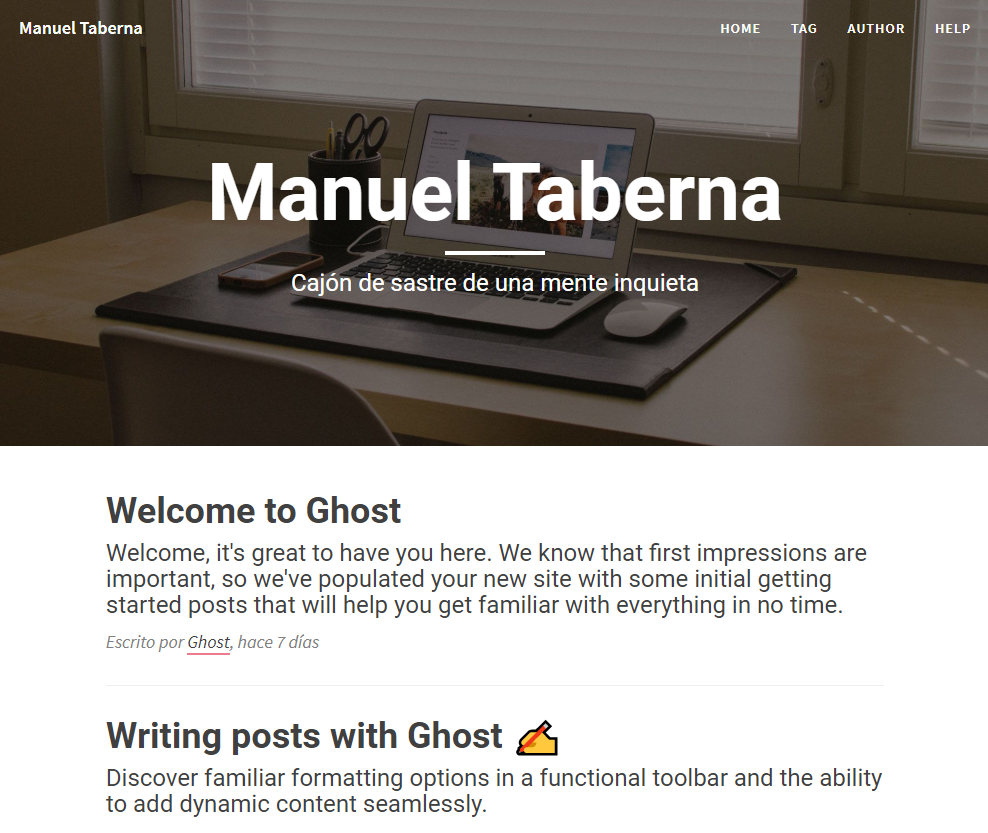
A ghost theme based on Clean Blog by StartBootstrap. The theme has been adapted to Ghost and customized for my personal website
The main files are:
default.hbs- The main template fileindex.hbs- Used for the home pagepost.hbs- Used for individual postspage.hbs- Used for individual pagestag.hbs- Used for tag archivesauthor.hbs- Used for author archivesassets\less- Less style filesassets\js- Javascript filesassets\builtp- Gulp bundled files
Styles and Javascripts are compiled using Gulp. You'll need Node, Yarn and Gulp installed globally. After that, from the theme's root directory:
# Install
yarn

# Run build & watch for changes
$ yarn dev
Now you can edit /assets/css/ and /assets/js/ files, which will be compiled to /assets/built/ automatically. Files with .min. in the filename will be copied unprocessed.
The zip Gulp task packages the theme files into dist/<theme-name>.zip, which you can then upload to your site.
yarn zipThe main branch has pre-configured deployment with Github actions. 💡 The action expects that you already have a working Ghost install running at least v2.25.5.
-
Fork this project
-
Generate a set of Ghost Admin API credentials, by configuring a new Custom Integration in Ghost Admin»Integrations.
-
On GitHub, navigate to your theme repository»Settings»Secrets. Create a secret called
GHOST_ADMIN_API_URLcontaining the API URL and another calledGHOST_ADMIN_API_KEYcontaining the Admin API Key. Both must be copied exactly from Ghost Admin»Integrations. -
Every commit will now be automatically deployed to your ghost site.
- Autoprefixer - Don't worry about writing browser prefixes of any kind, it's all done automatically with support for the latest 2 major versions of every browser.
- Uglify - To minify CSS and JS
- Variables - Simple pure CSS variables
Copyright (c) Manuel Taberna - Released under the MIT license.