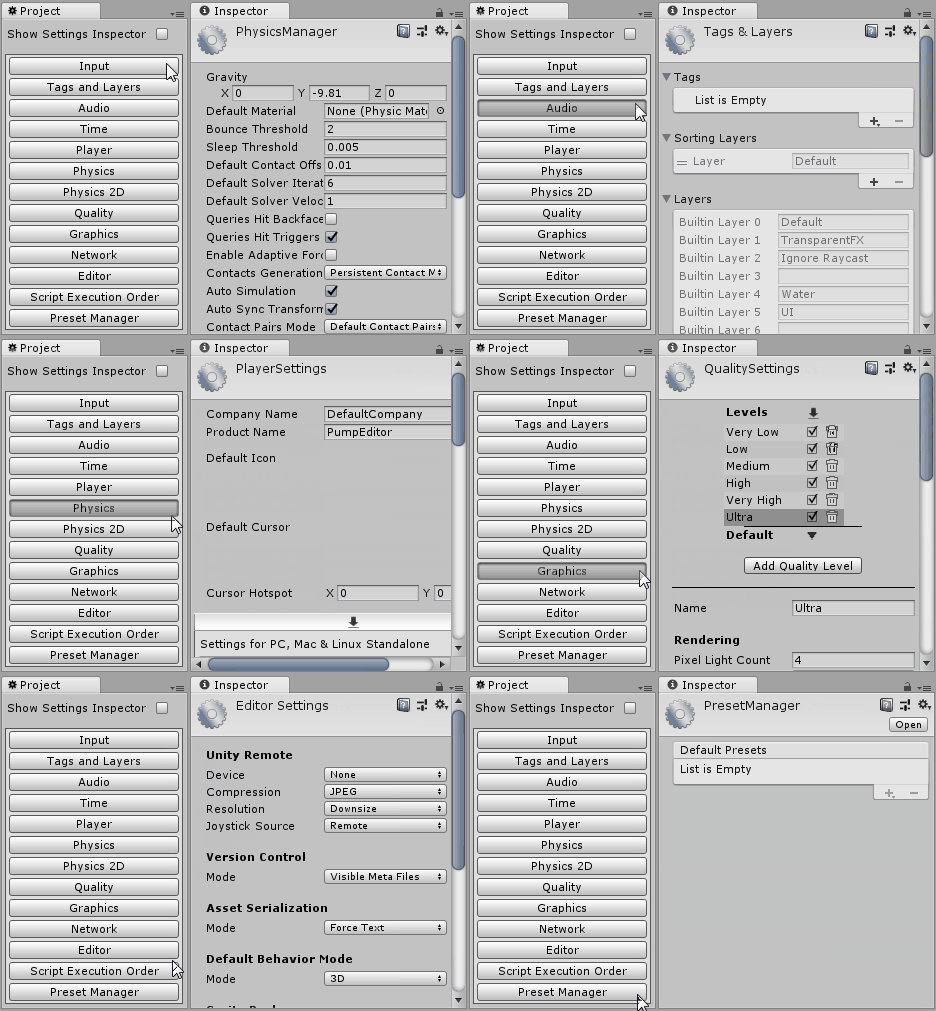
Project Settings Select Editor Window
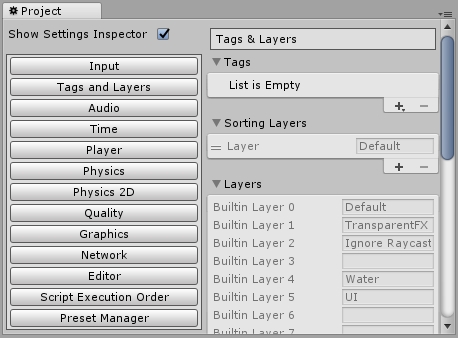
Normally to edit Unity project settings user have to navigate there via Edit->Project Settings->Item To Edit. Having project settings item to edit shown in inspector, selecting any other object will switch inspector, so user have to navigate again to edit project settings item. To ease the pain of navigation and accidental misselections, project settings select editor window was implemented. It allows to select Unity project settings item in single click instead of navigating via menu. Editor window supports showing target project settings item inspector inside window to edit it directly. Side by side editor window and default inspector is an alternative use case.
Access project settings select window via Unity toolbar: Window->Pump Editor->Project Settings Select. Editor window is not available for Unity 2018.3 or newer since starting from that version Unity implements same functionality natively with unified settings window available via Edit->Settings