1- Design a page to move the base of the robot.
2- Creat a database to control the robot.
3- Link the database with the page.
4- Create a PHP page to link the database with the hardware.
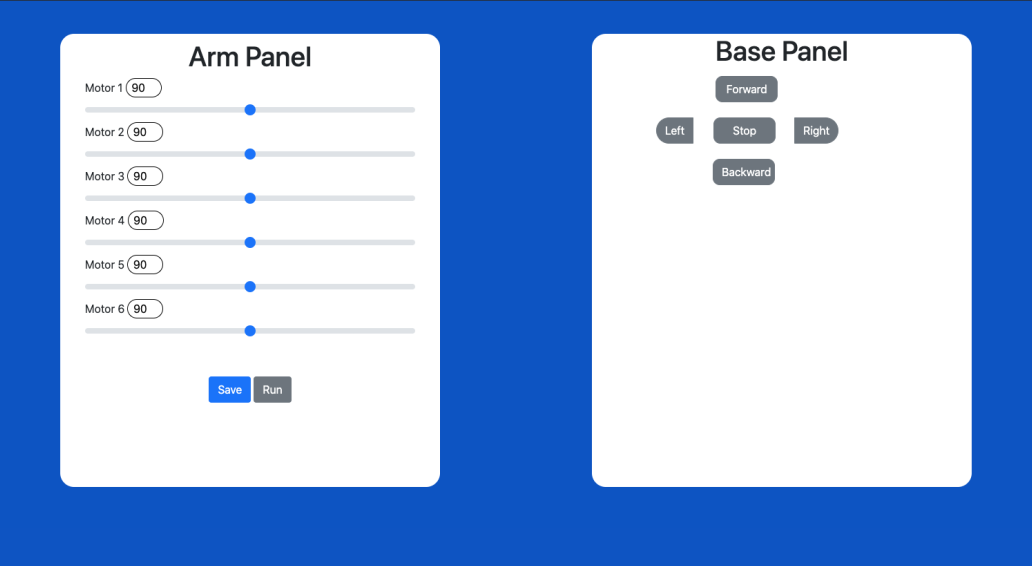
5- Compine the Control pannels from task 1 with task 2
6- Make the page interactive to open with mobile web view
1- Design a page to move the robot arm.
2- Create a database to control the robot arm.
3- Link the database with the page.
4- Create a PHP page to link the database with the hardware.
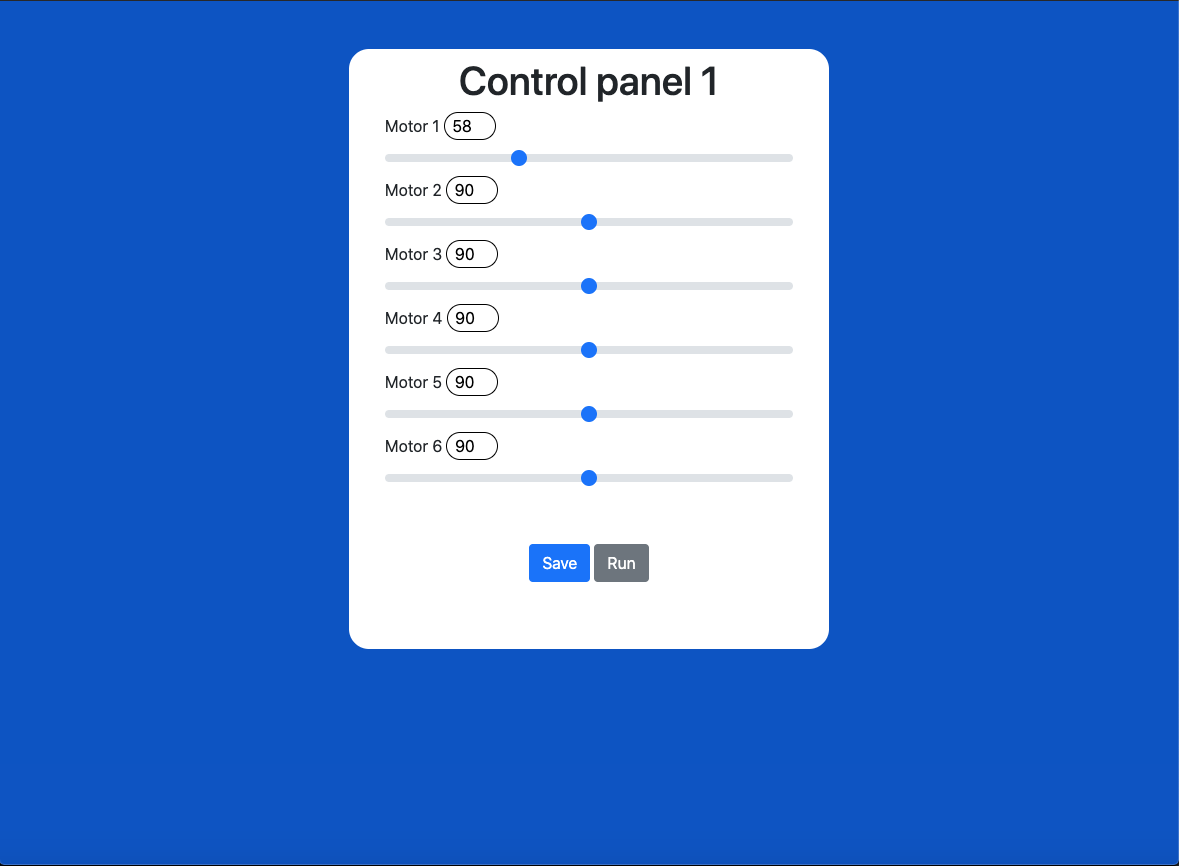
There are 6 motors in the arm with a range slider to control its movement start from 0 to 180 with a defult value of 90.
Save button : Uplodes the values of the motors to the database without moving the arm.
Run button : Sends a true value to the database to start moving the arm.
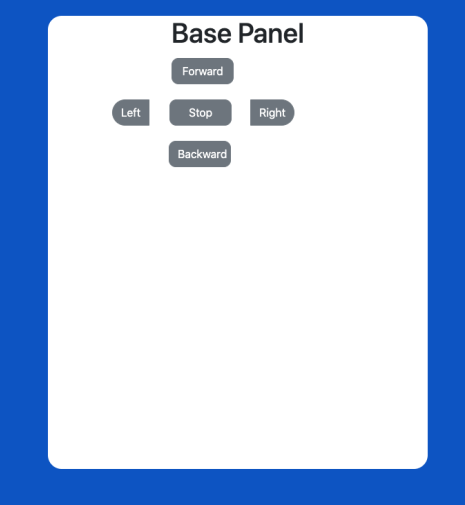
- Forword
- Backward
- Left
- Right
- Stop
Each button will upload the diriction to the database.
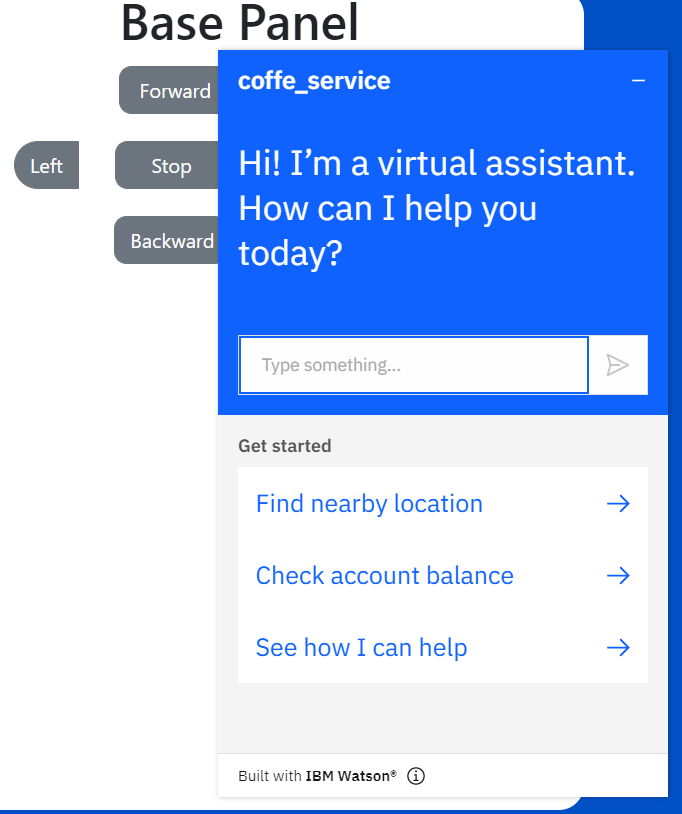
1- Make a IBM Watson chat bot.
2- Export data as a JSON file.
3- Merge the Chat bot with previous control panels.