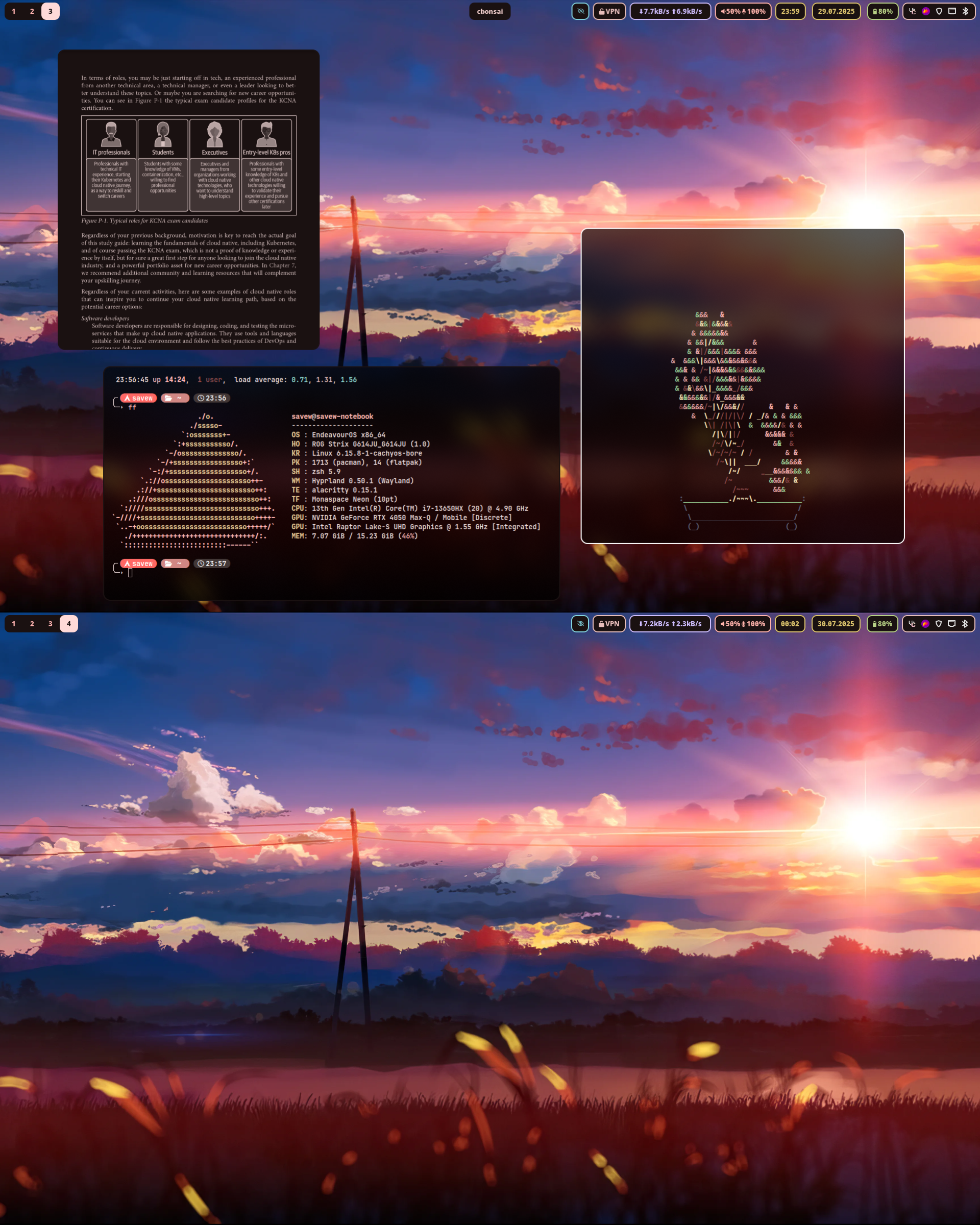
This is my personal organization for my dotfiles. Based on Jomo's Dotfiles. There is almost no difference between them. The changes made compared to Jomo’s Dotfiles are largely tweaks to my own system (font size, environment variables, etc.).
The installation script will automatically install these dependencies via your AUR helper (yay or paru).
You do not need to install them manually unless you prefer to.
| Type | Package(s) |
|---|---|
| WM | hyprland |
| Bar | waybar |
| Launcher | rofi |
| Notifications | ignis |
| Terminal | alacritty |
| Cursor | bibata |
| File manager | pcmanfm-qt |
| Screenshot tool | flameshot |
| Fonts | ttf-iosevka-nerd ttf-jetbrains-mono monaspace Neon |
| Editor | neovim |
Partial installation can be used with another distributions but configs NOT tested in other distributions.
You can set up these dotfiles with a single script.
The script supports three installation modes:
- Save's Dots (default) – full installation of my configs
- Jomo's Dots – uses Jomo’s dotfiles via
chezmoi - Partial Installation – interactively select which configs to install
⚠️ Note: Jomo’s Dots do NOT support partial installation.
bash -c "$(curl -fsSL https://raw.githubusercontent.com/savew-dots/.github/main/install.sh)"| Shortcut | Action |
|---|---|
| Super + Return (Enter) | Launch terminal (alacritty) |
| Super + E | Launch file manager (pcmanfm-qt) |
| Super + Q | Launch web browser (zen-browser) |
| Super + Shift + C | Close focused application |
| Super + Shift + R | Restart window manager |
| Super + R | Start program launcher (rofi) |
| Super + 1-9 | Switch workspaces from 1 to 9 |