It is a custom view for android to display signal level.
Add the project level gradle dependencies
allprojects {
    repositories {
        maven{url="https://dl.bintray.com/surajitsarkar19/com.surajit.android"}
    }
}
Add the app gradle dependencies
dependencies {
    compile 'com.surajit.android:SignalView:1.0.1'
}
Then use this view in the layout file.
<com.surajit.android.signalview.SignalView
        android:layout_width="match_parent"
        android:layout_height="match_parent"
        app:barColor="#FF0000"
        app:barCount="10"
        app:signalLevel="70"/>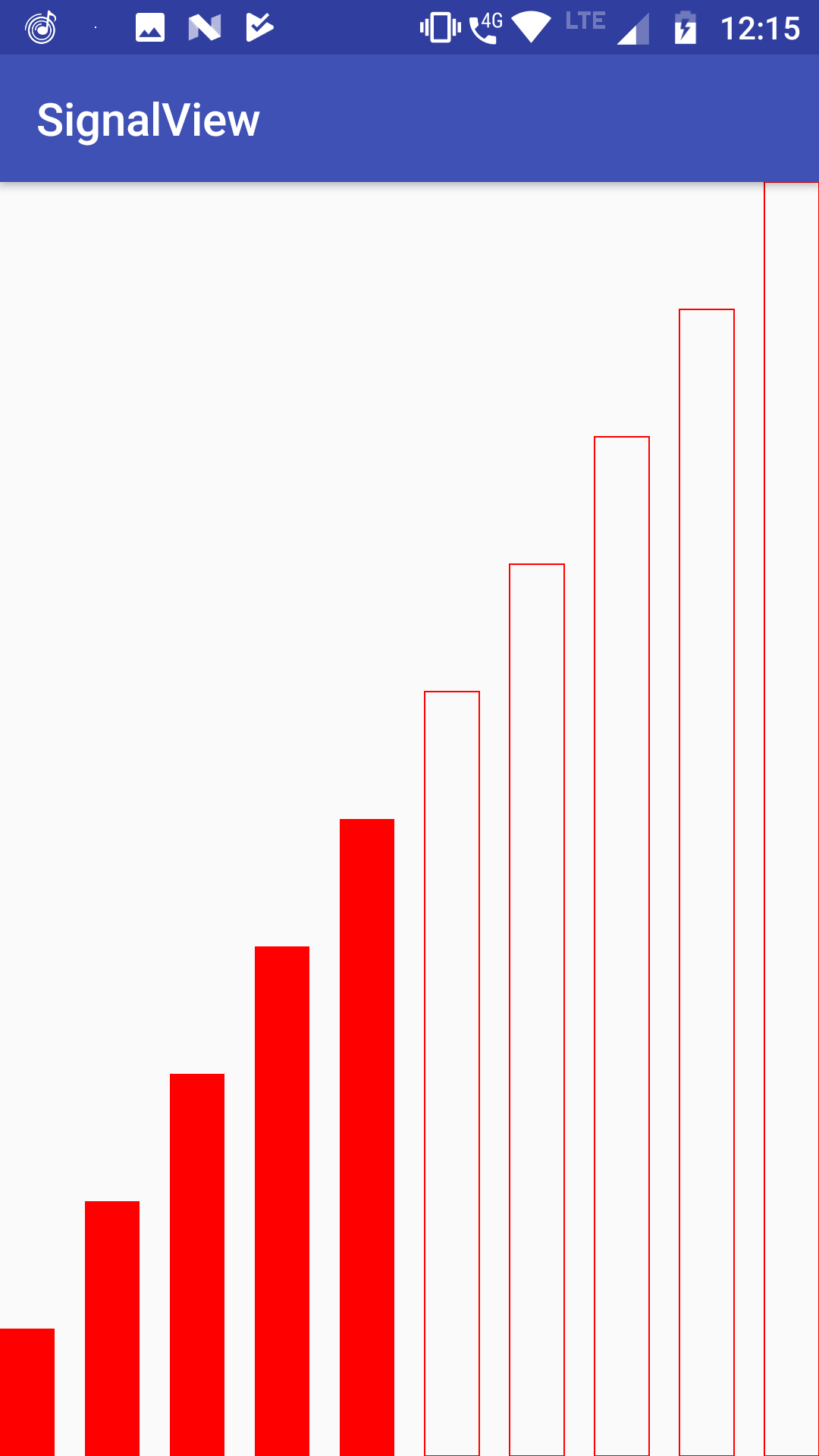
It is a color field which represents signal bar color. Default color is set to white
This integer property determines total signal bar count. Default signal bar count is 5
It is an interger number which represents signal strength in percentage. It's range is between 0-100.
It is a boolean property. It is used to toggle visibility of signal bars. Default value is true
Example : Suppose we have 5 signal bars. Now for 60% signal 3 bars should be displayed.
Now if this property is set to true then all 5 bars will be displayed.
But among the 5 bars, 3 bars will be filled with color and the rest 2 bar will
only have border.