An Owlbear Rodeo extension for showing text when tokens are added to a scene.
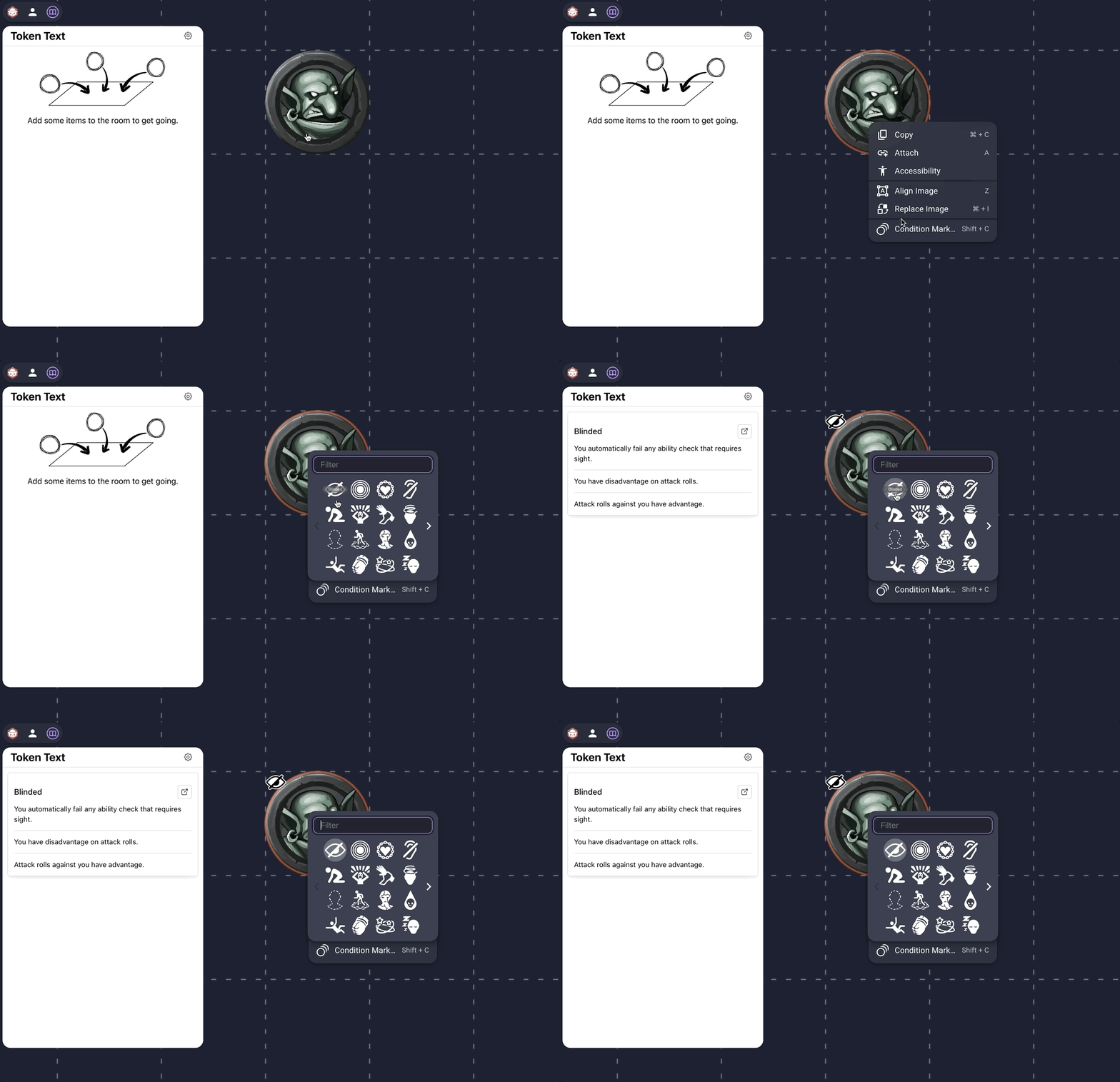
By default, Token Text shows the 5e rules for conditions when Owlbear Rodeo's Status Rings or Keegan's Condition Markers are added to a scene.
If you are not using these features, you can disable them in the settings.
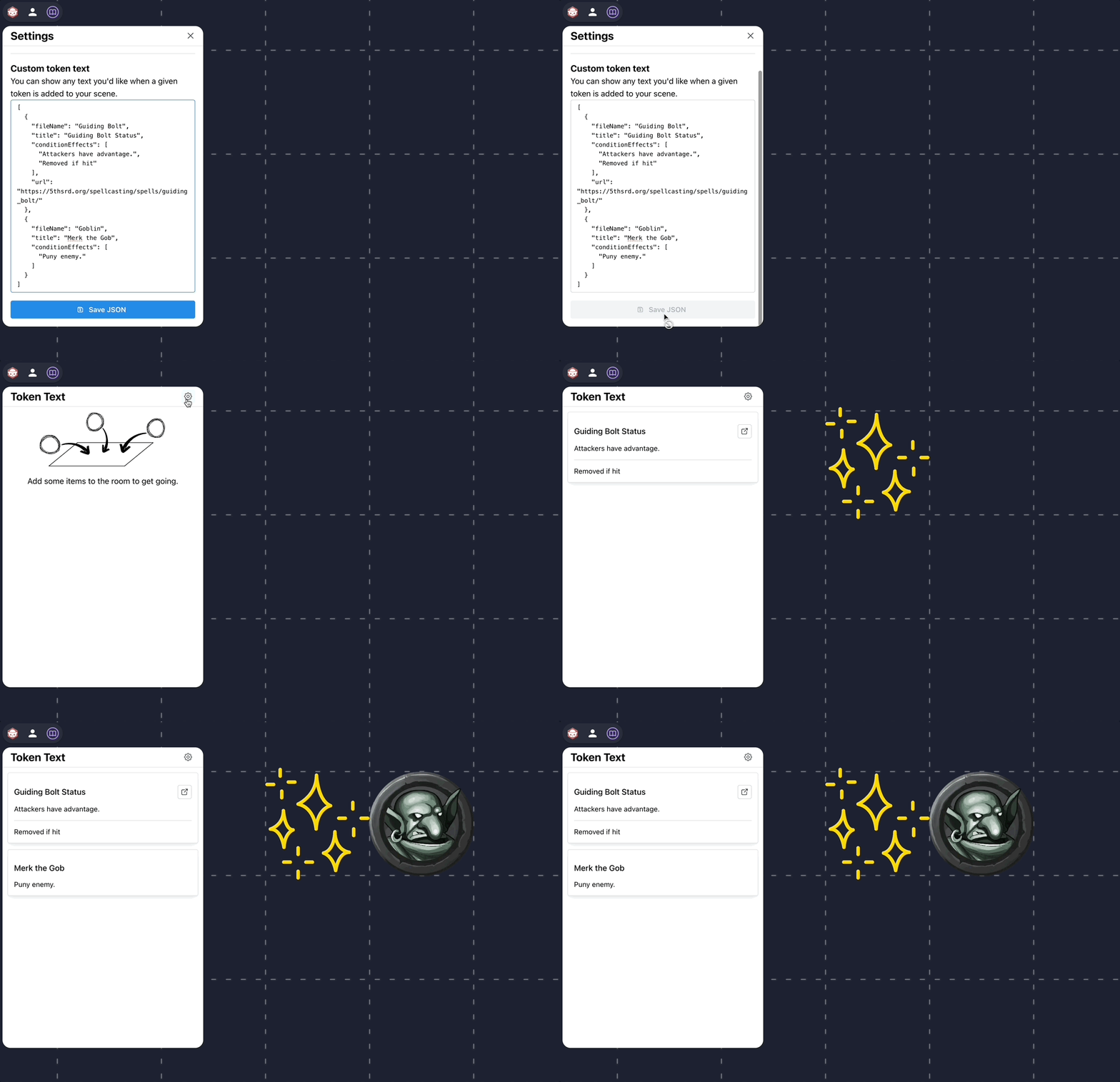
You can also define text you'd like to be displayed whenever you add an image to your scene.
Here's an example where I define some text to show up whenever I add a custom image named "Guiding Bolt" or "Goblin" to the scene.
[
  {
    "fileName": "Guiding Bolt", // This is the same as the name in Owlbear Rodeo
    "title": "Guiding Bolt Status", // This is the title that will be displayed by Token Text
    "conditionEffects": ["Attackers have advantage.", "Removed if hit"],
    "url": "https://5thsrd.org/spellcasting/spells/guiding_bolt/" // You don't need to include a URL
  },
  {
    "fileName": "Goblin",
    "title": "Merk the Gob",
    "conditionEffects": ["Puny enemy."]
  }
]
You can't actually use comments in JSON, so if you try and copy/paste the above JSON exactly, it won't work. Just delete any text after the //'s
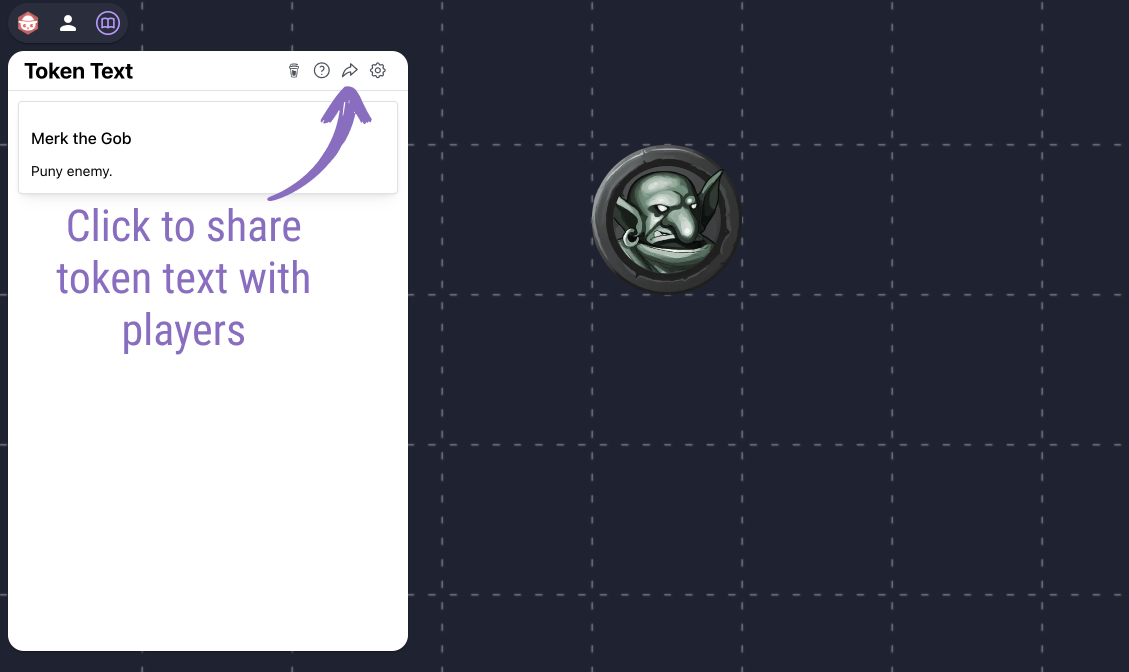
You can share your settings and custom token text with players by clicking the share button. Players need to be in your Owlbear Rodeo room to get updates.
This work includes material taken from the System Reference Document 5.1 (“SRD 5.1”) by Wizards of the Coast LLC and available at https://dnd.wizards.com/resources/systems-reference-document. The SRD 5.1 is licensed under the Creative Commons Attribution 4.0 International License available at https://creativecommons.org/licenses/by/4.0/legalcode.