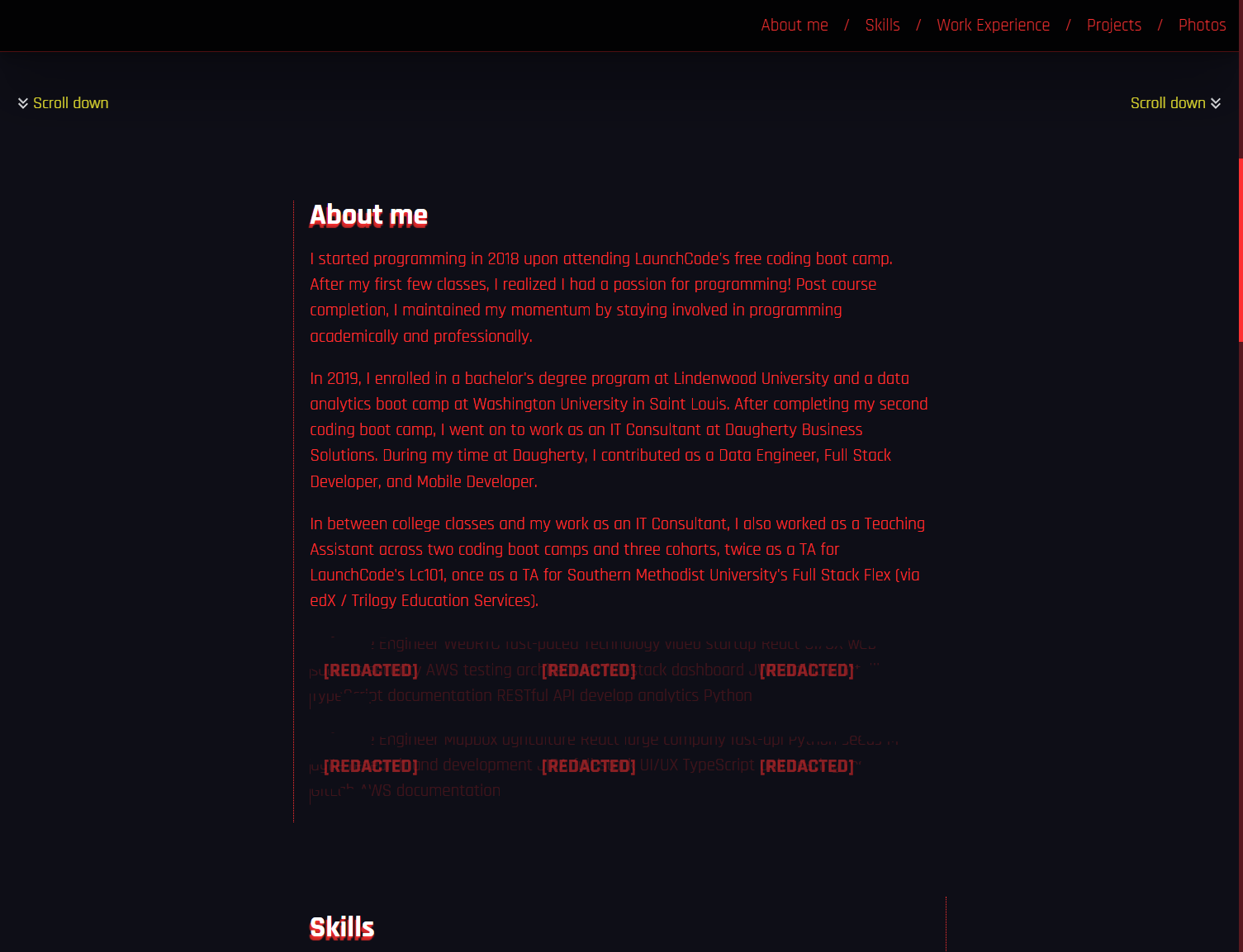
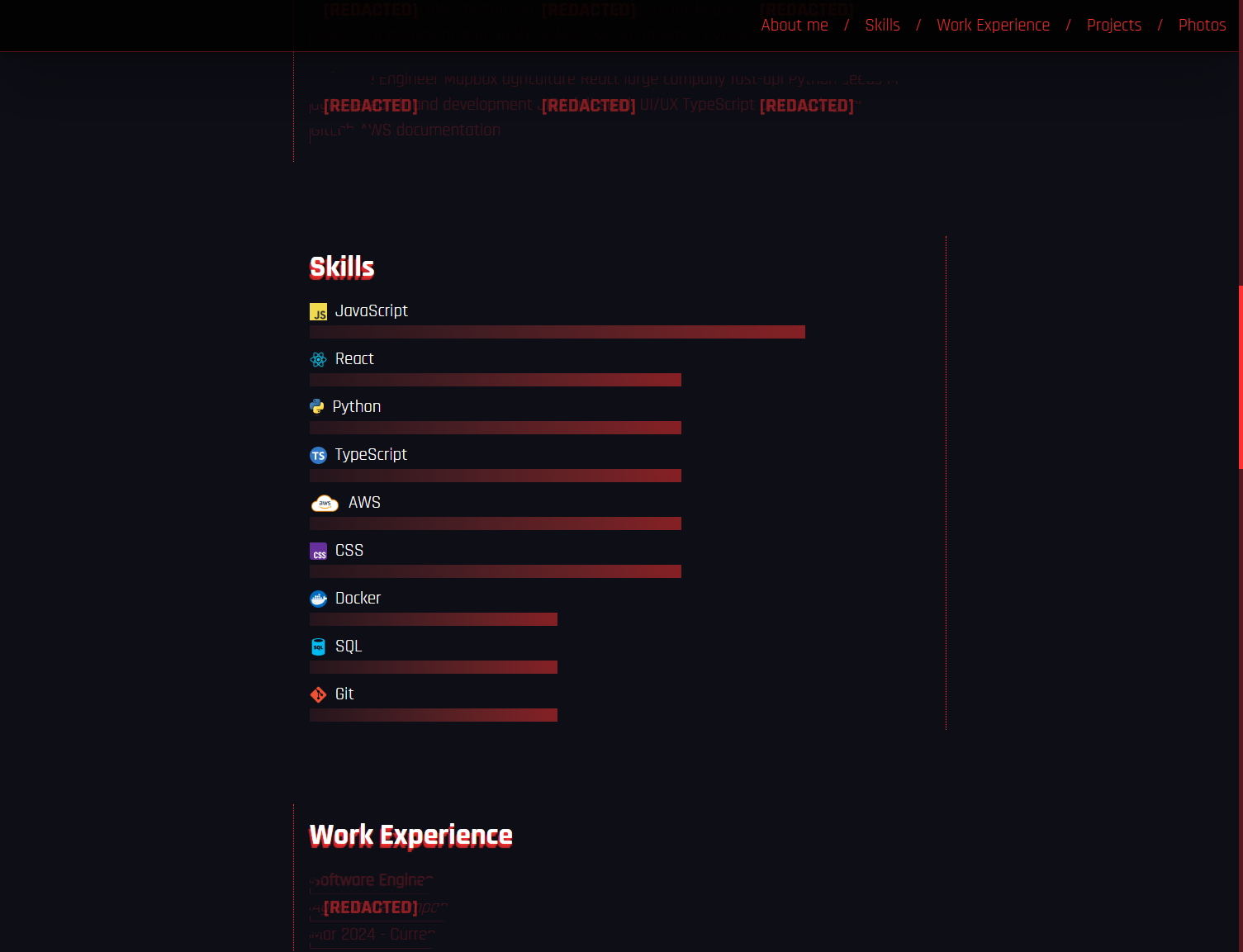
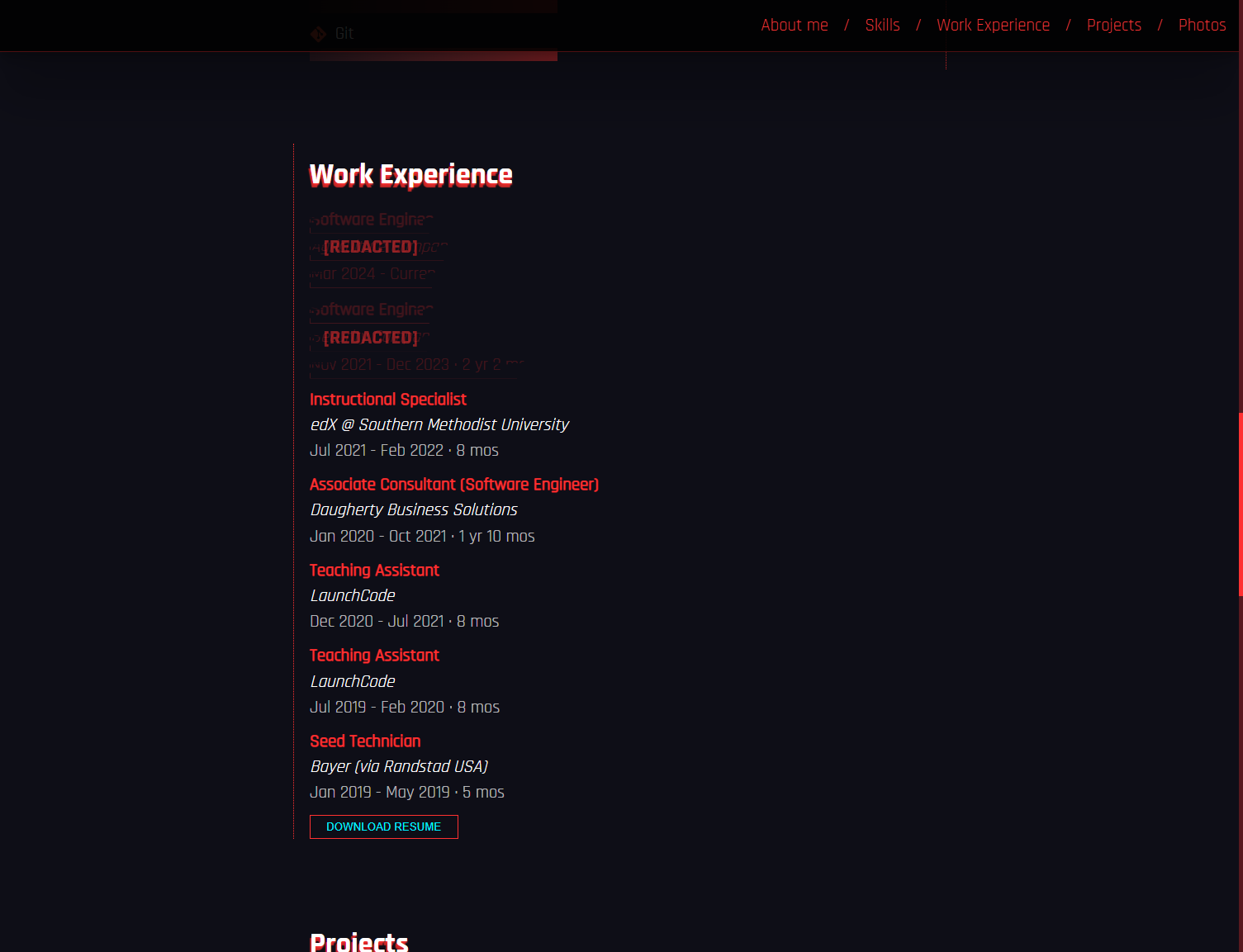
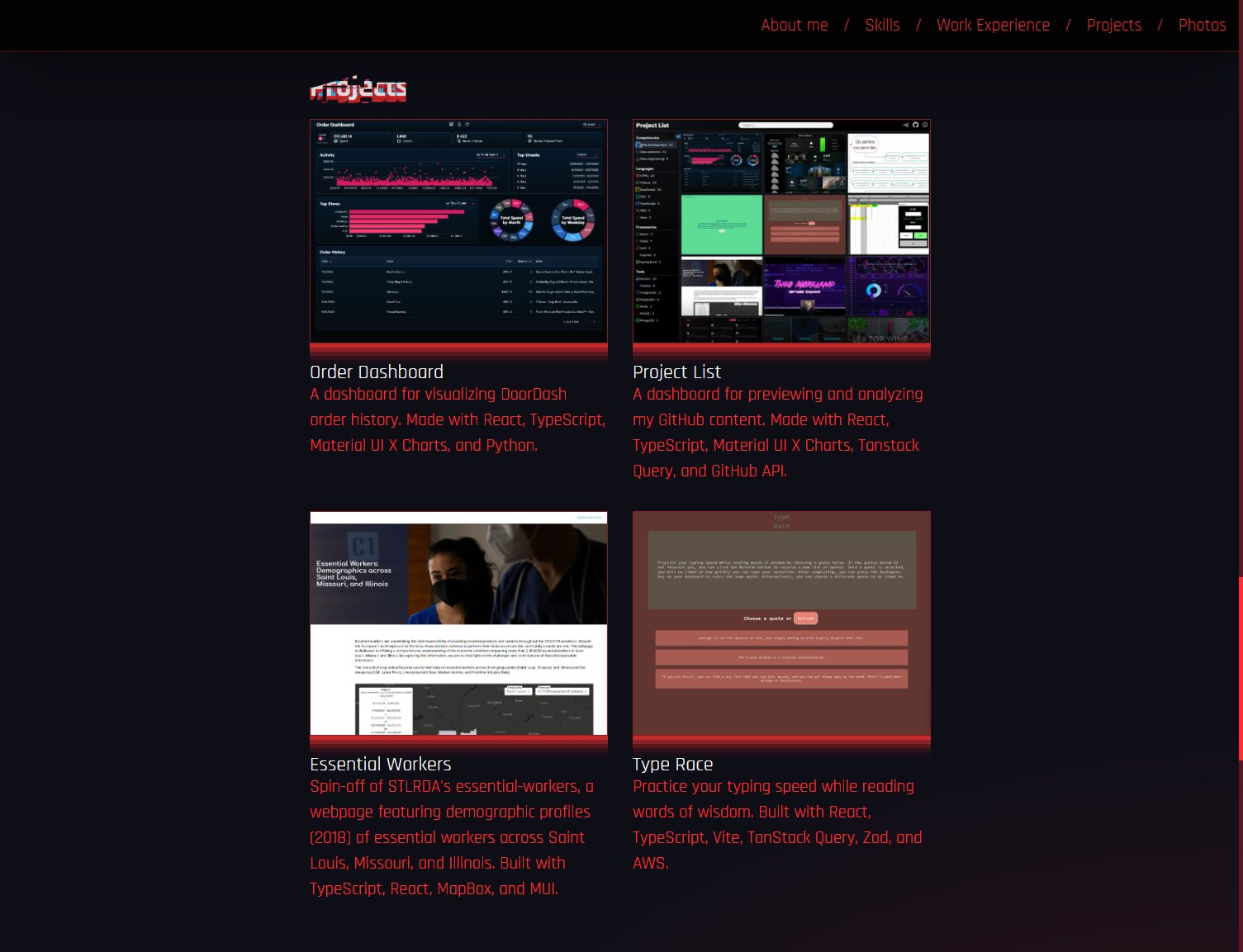
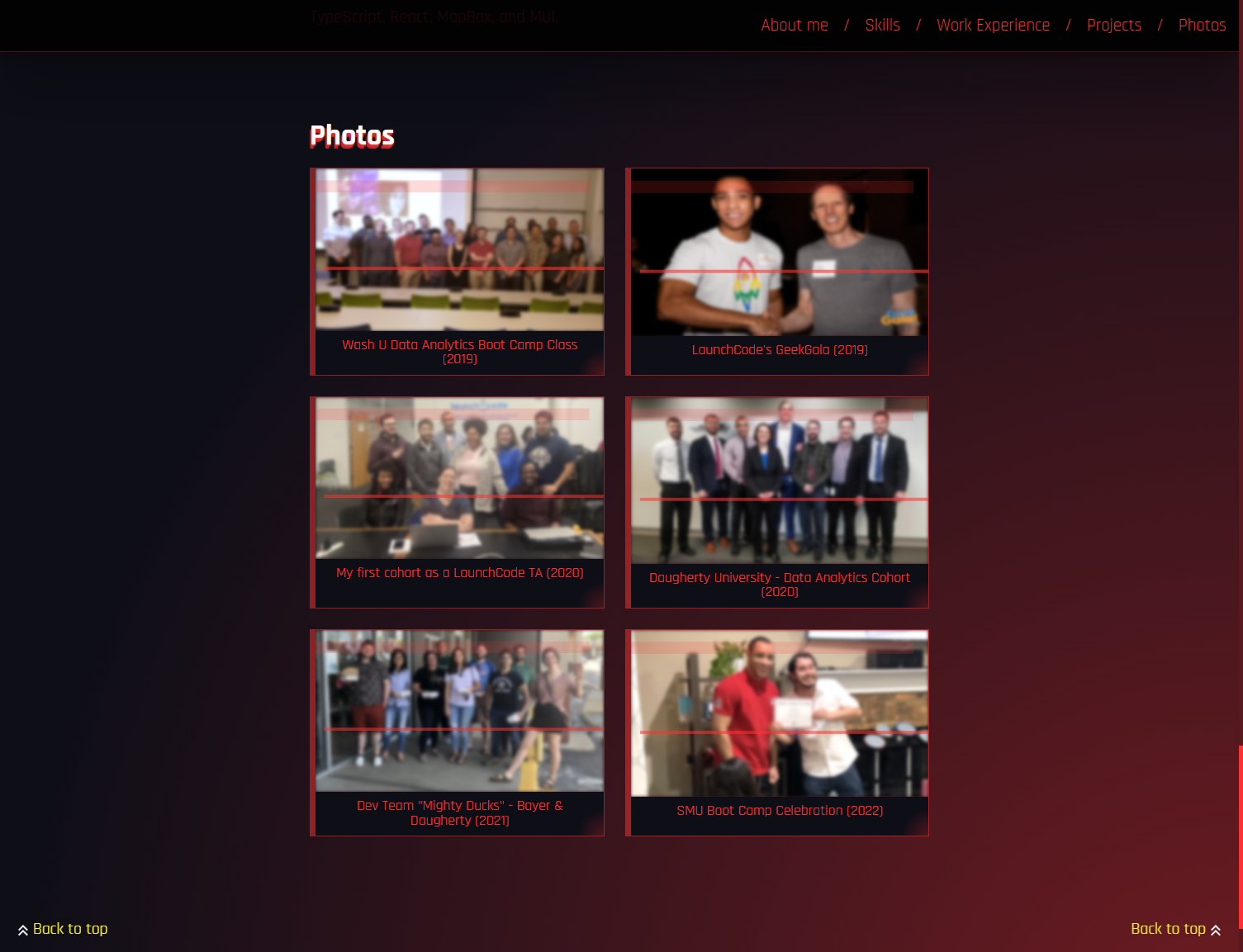
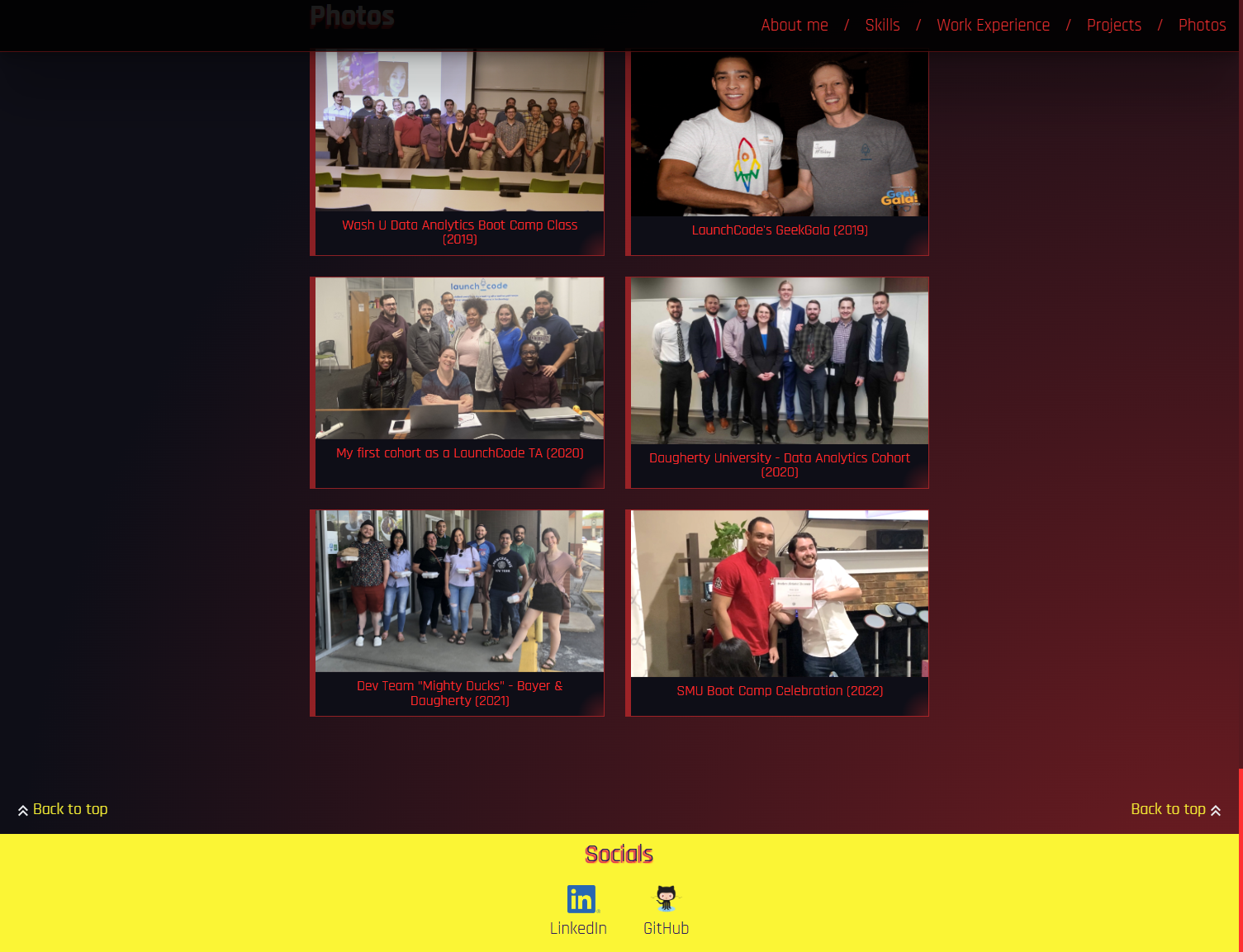
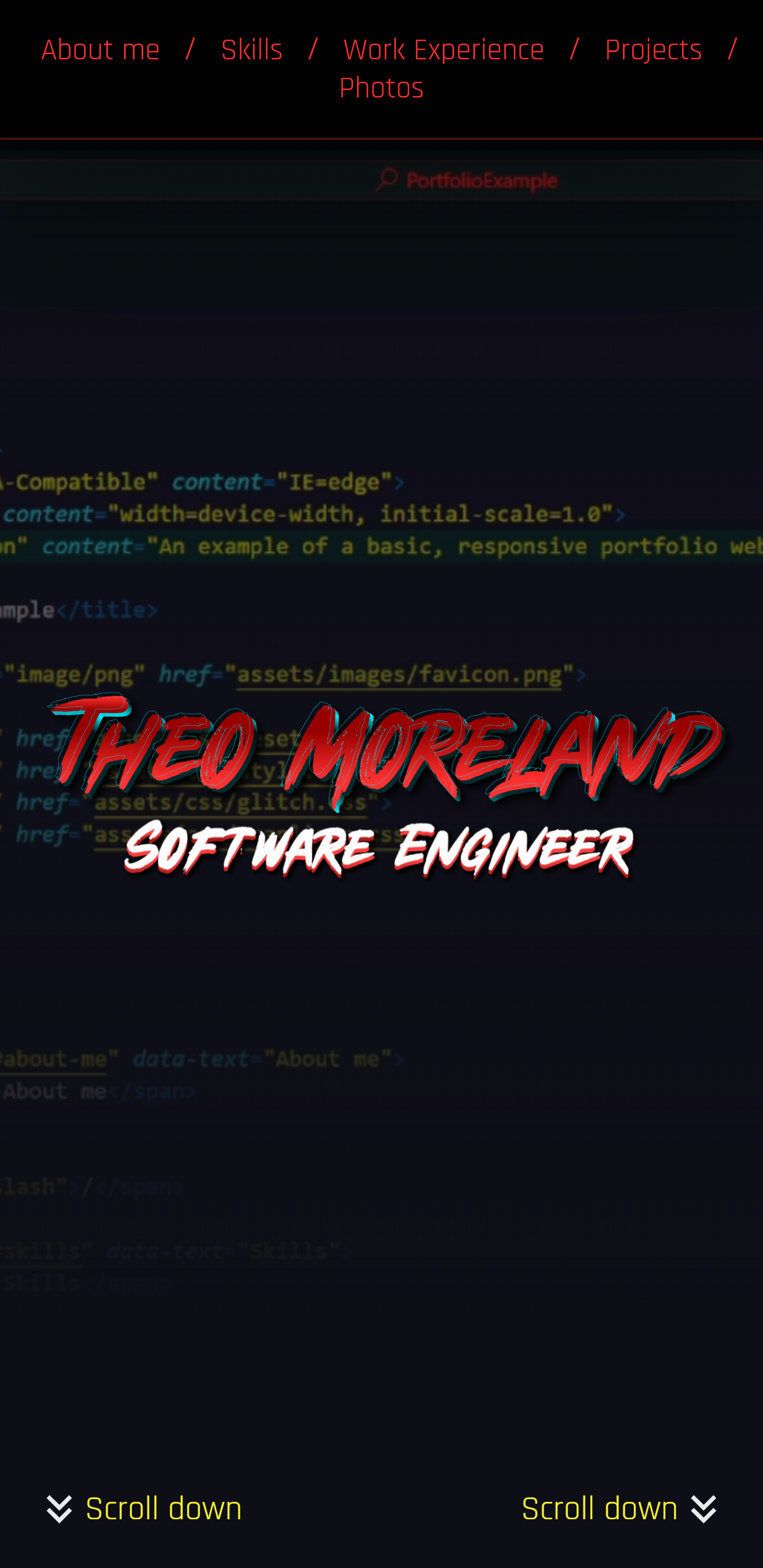
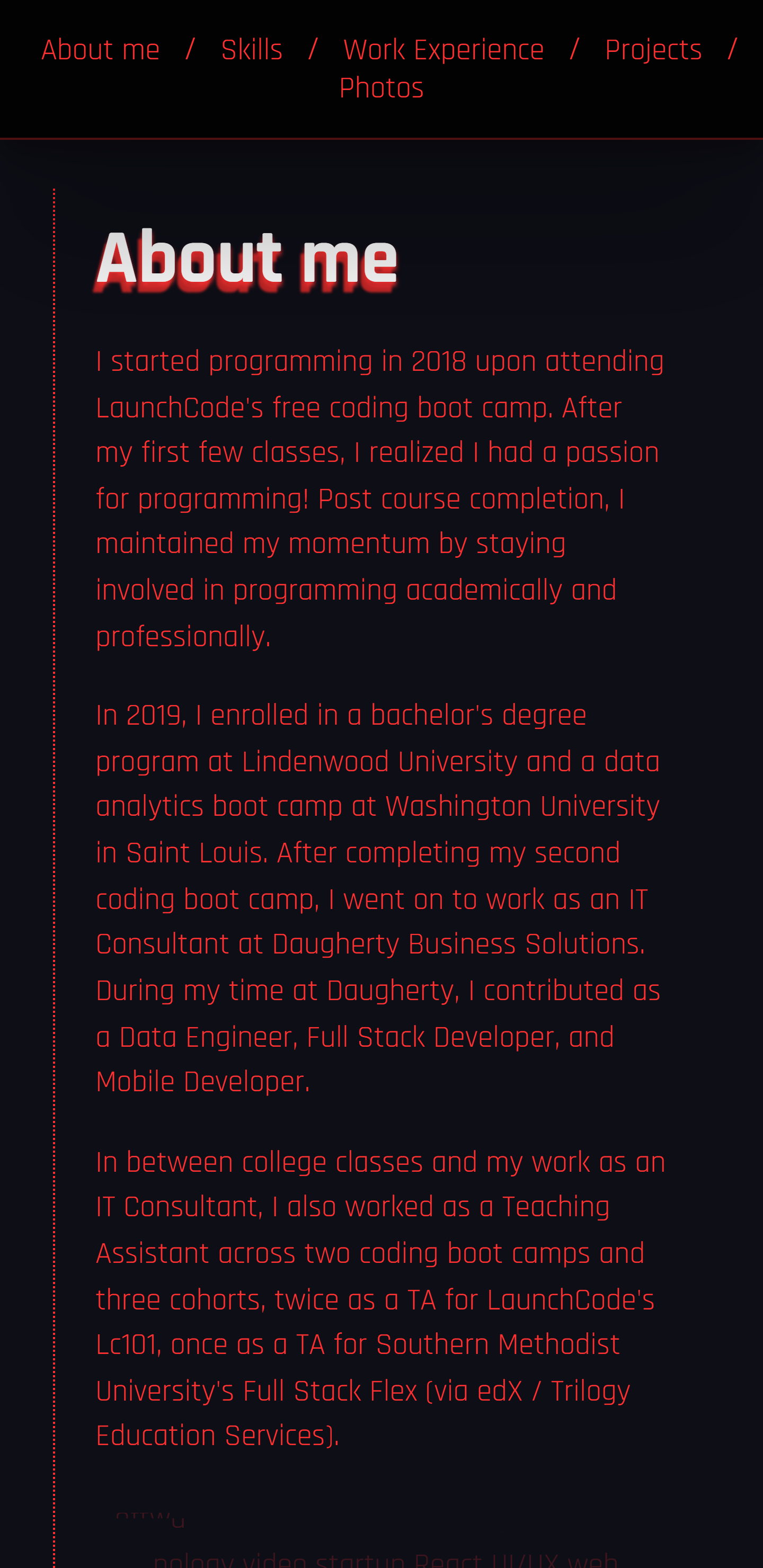
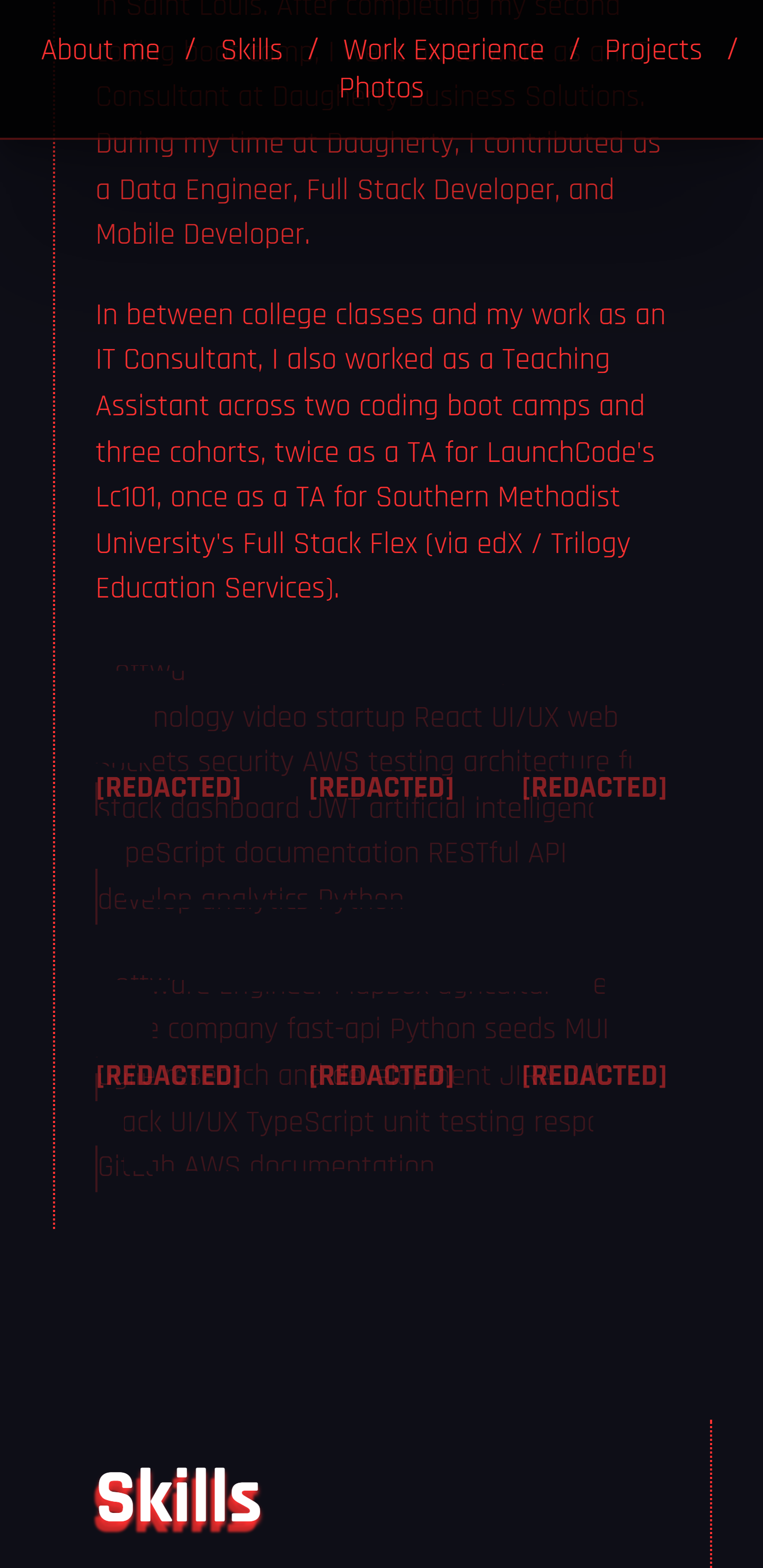
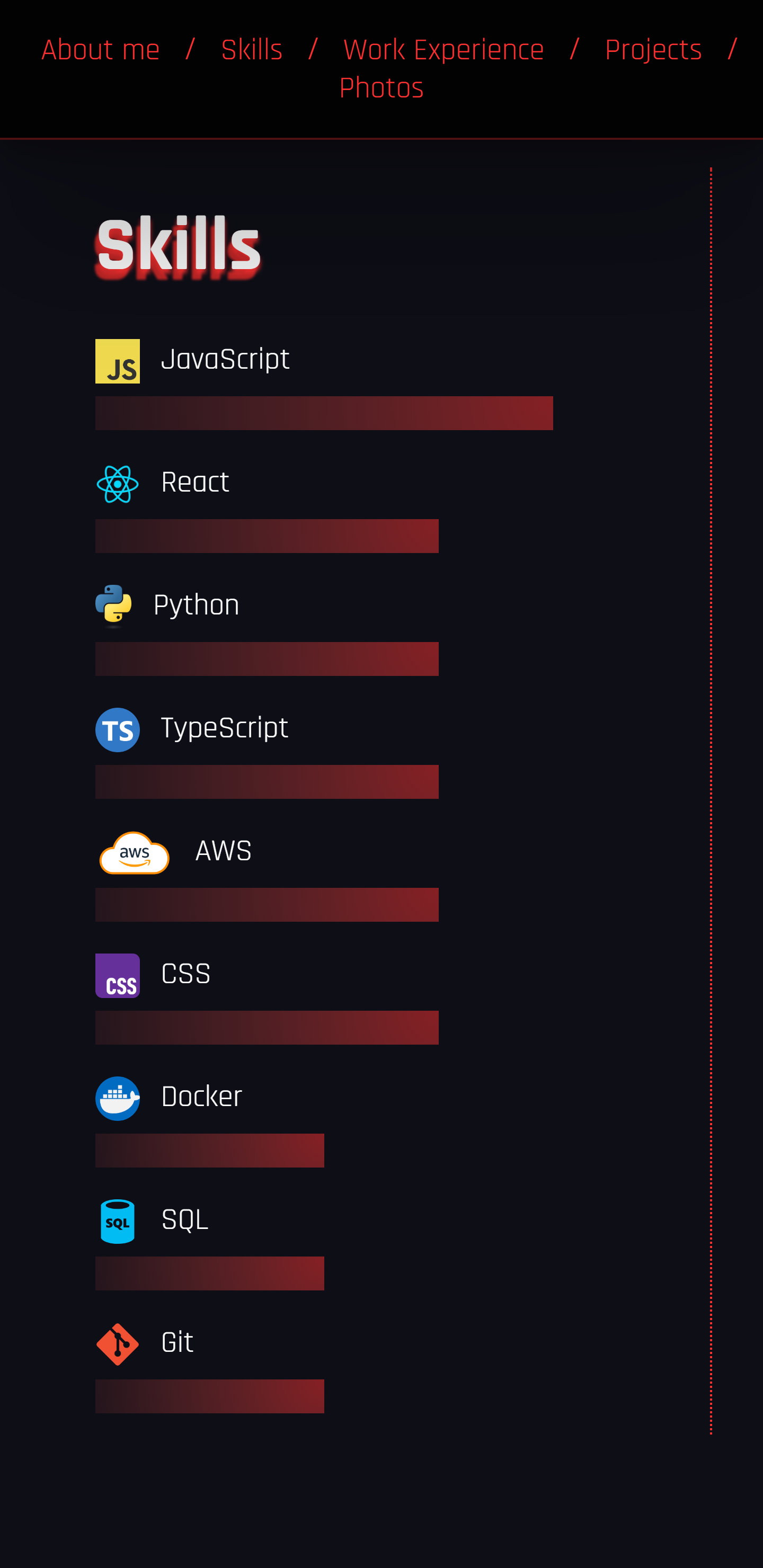
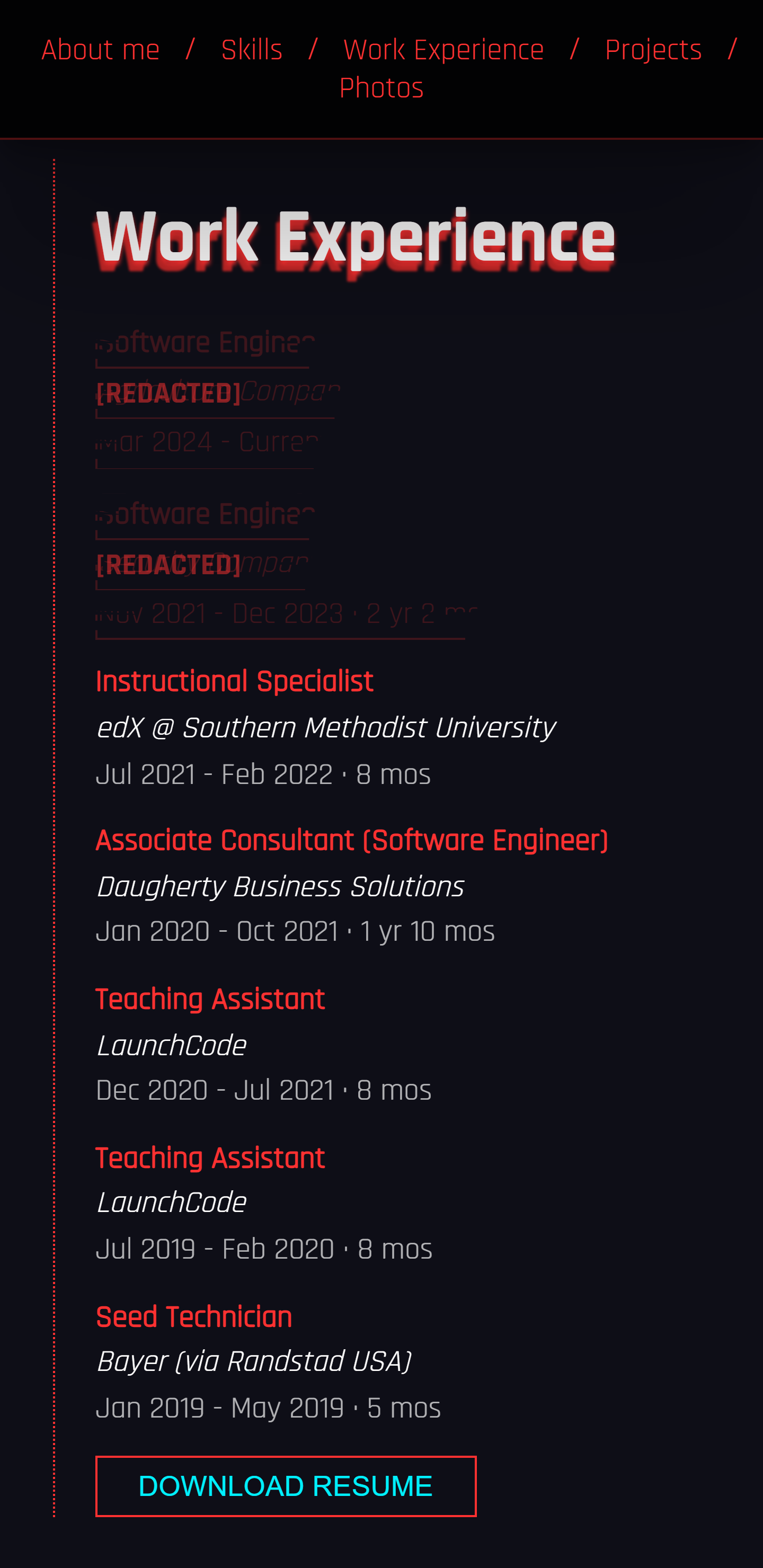
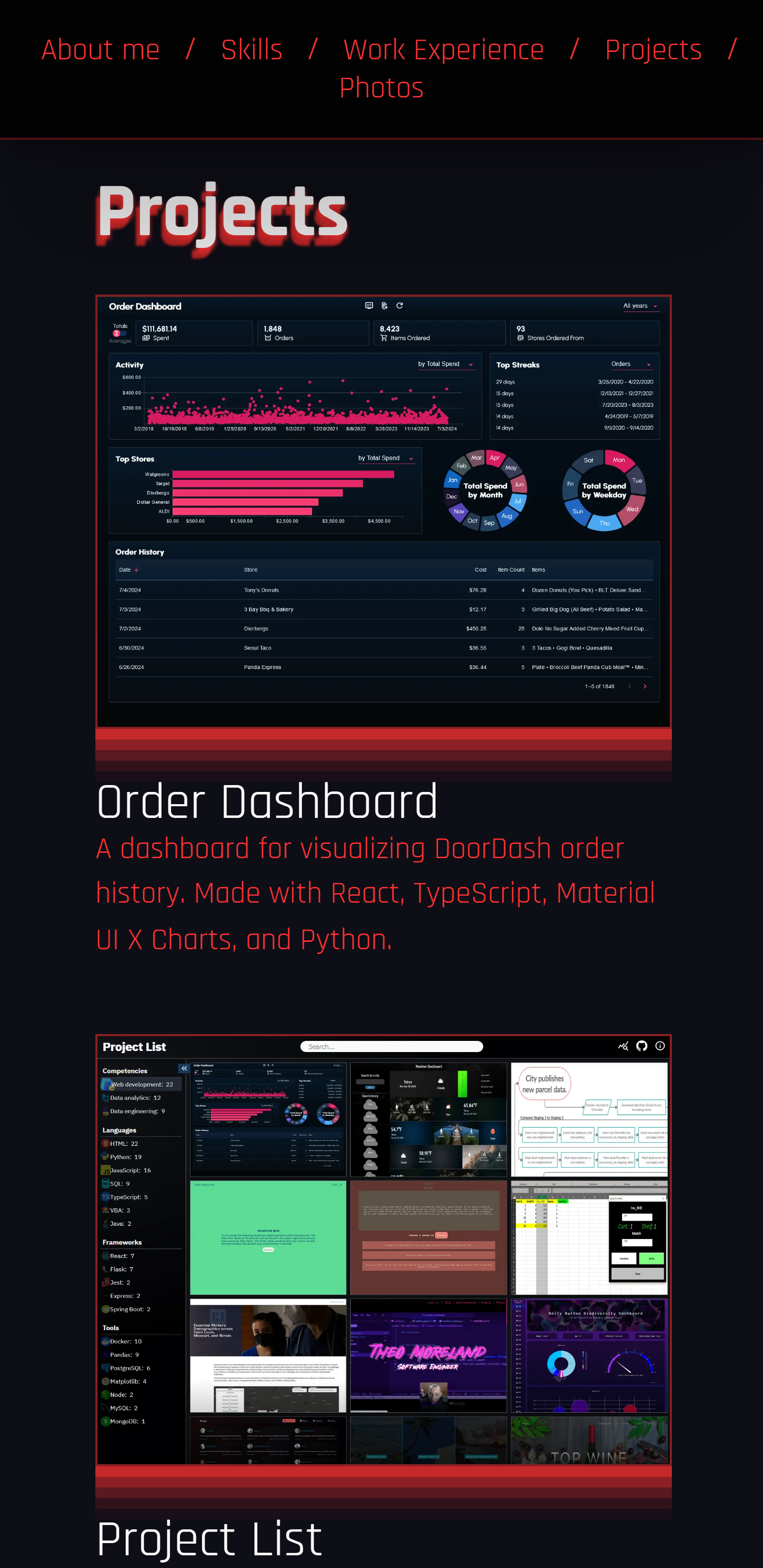
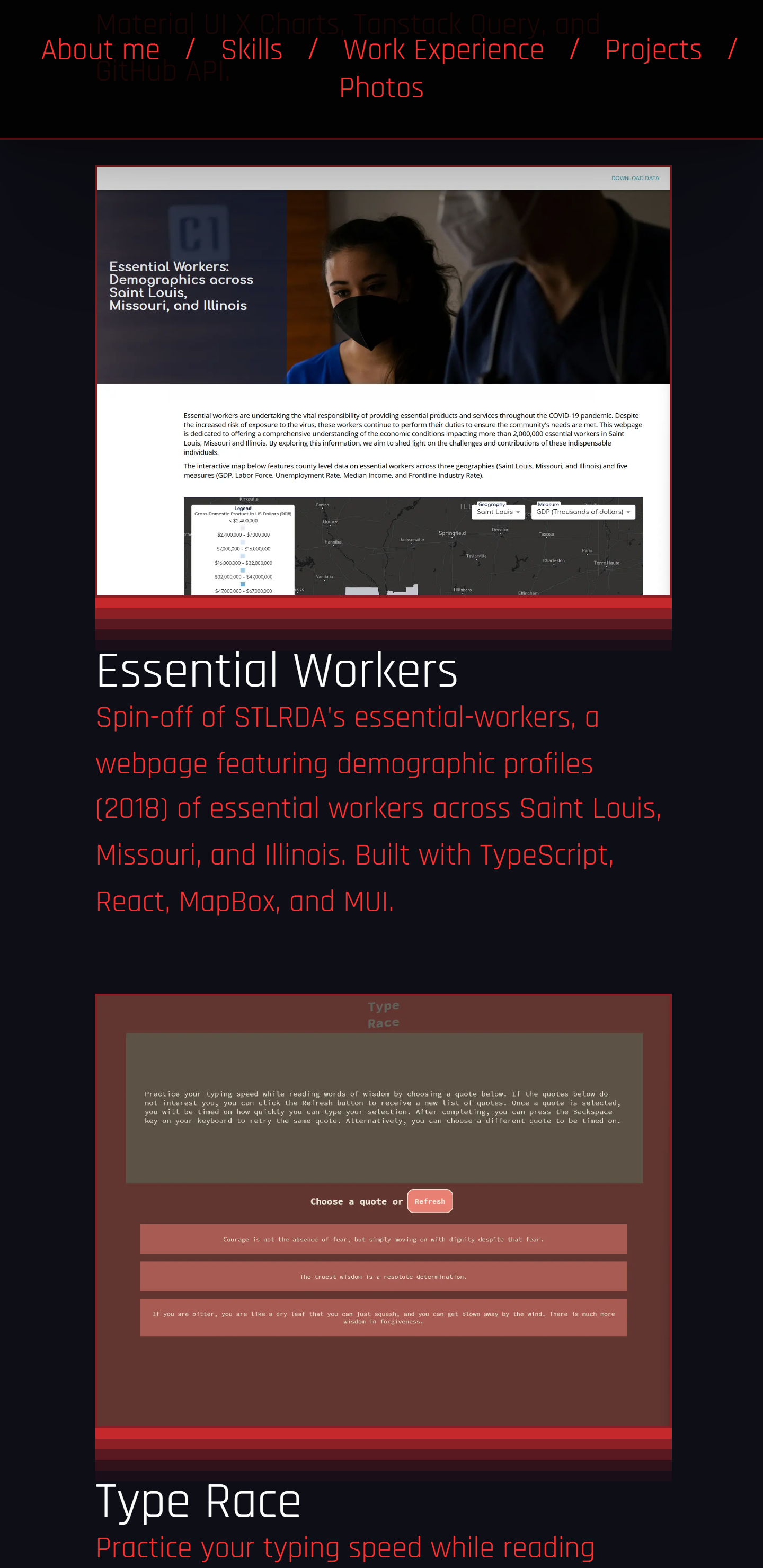
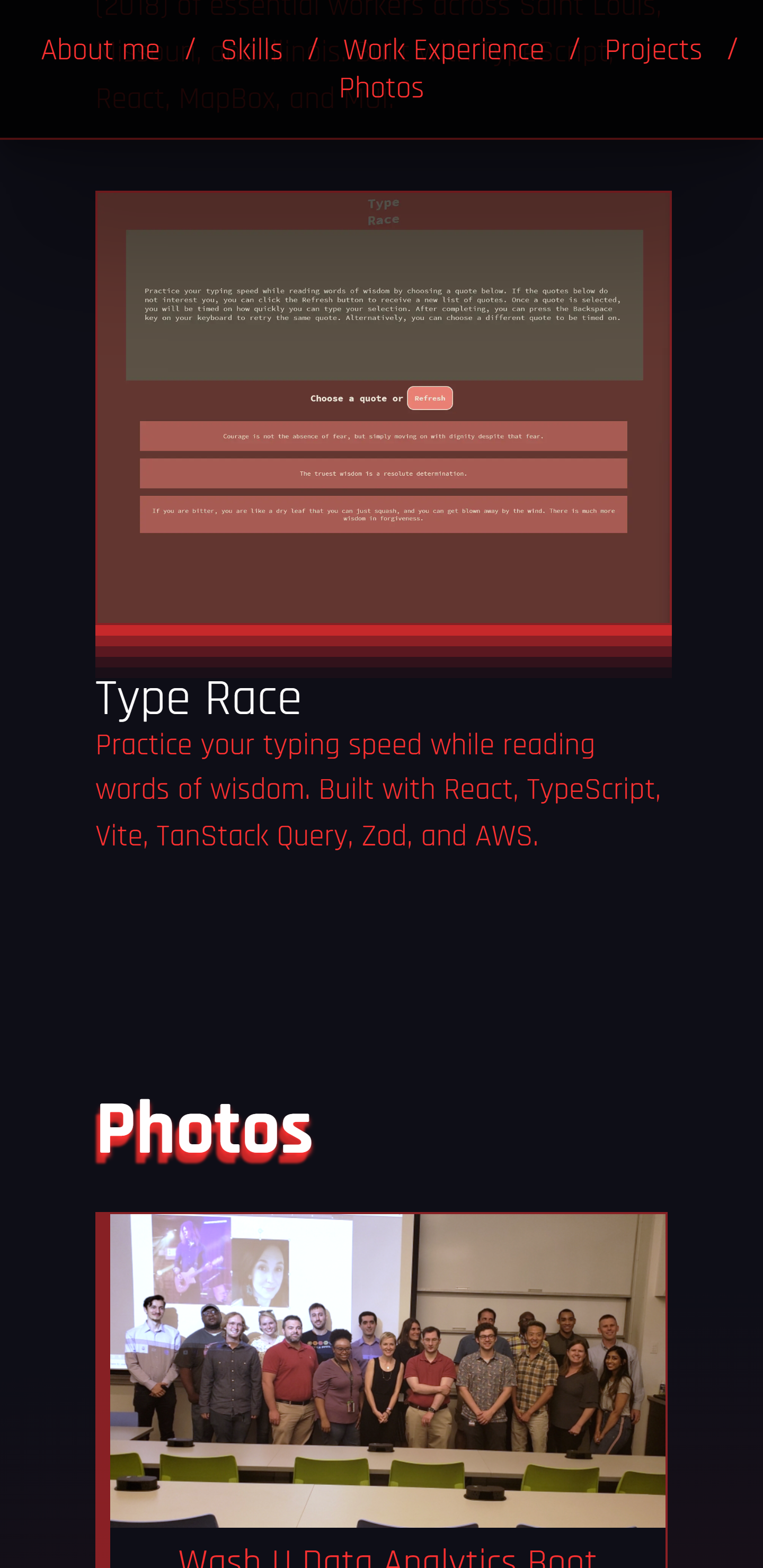
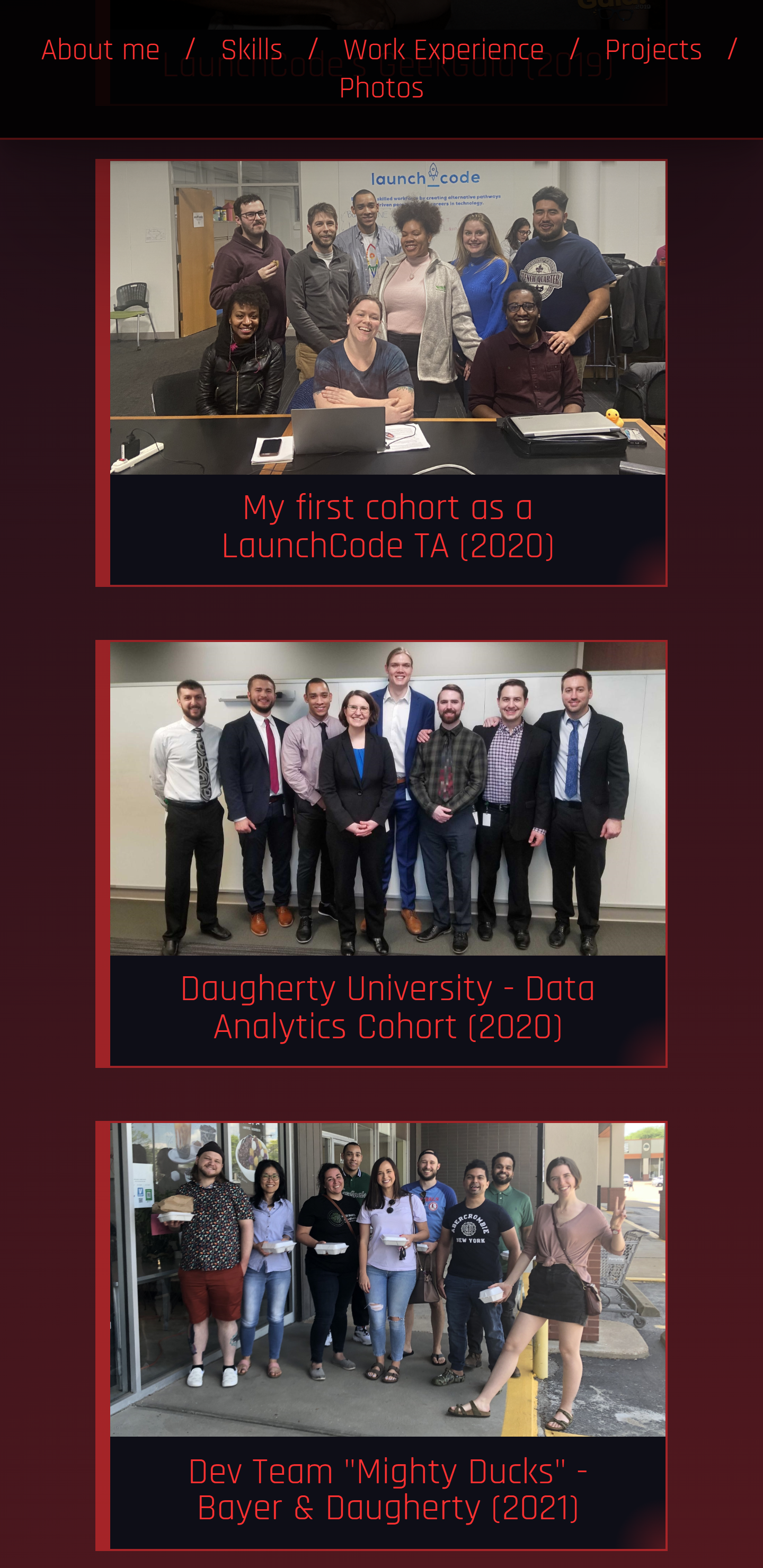
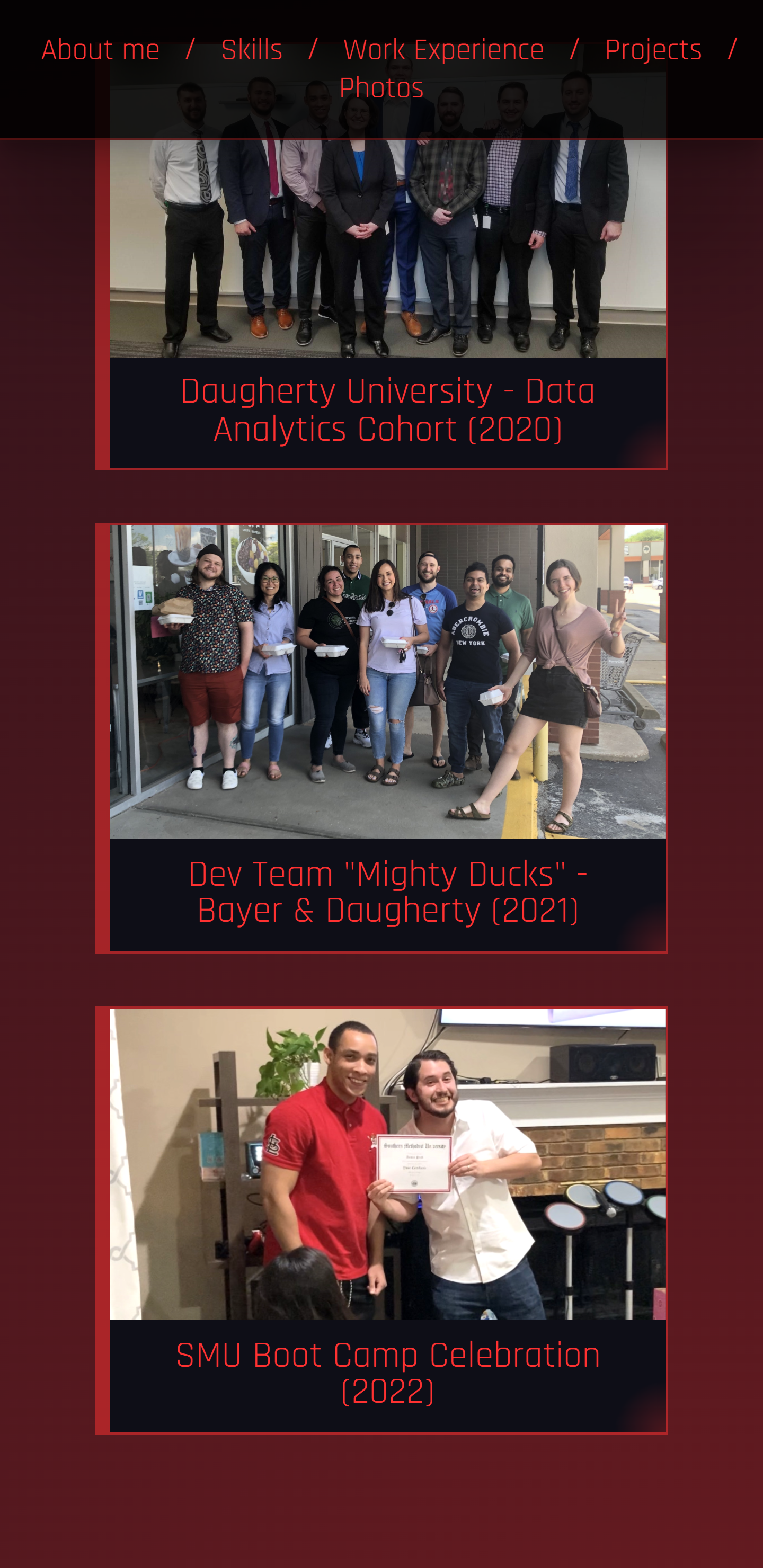
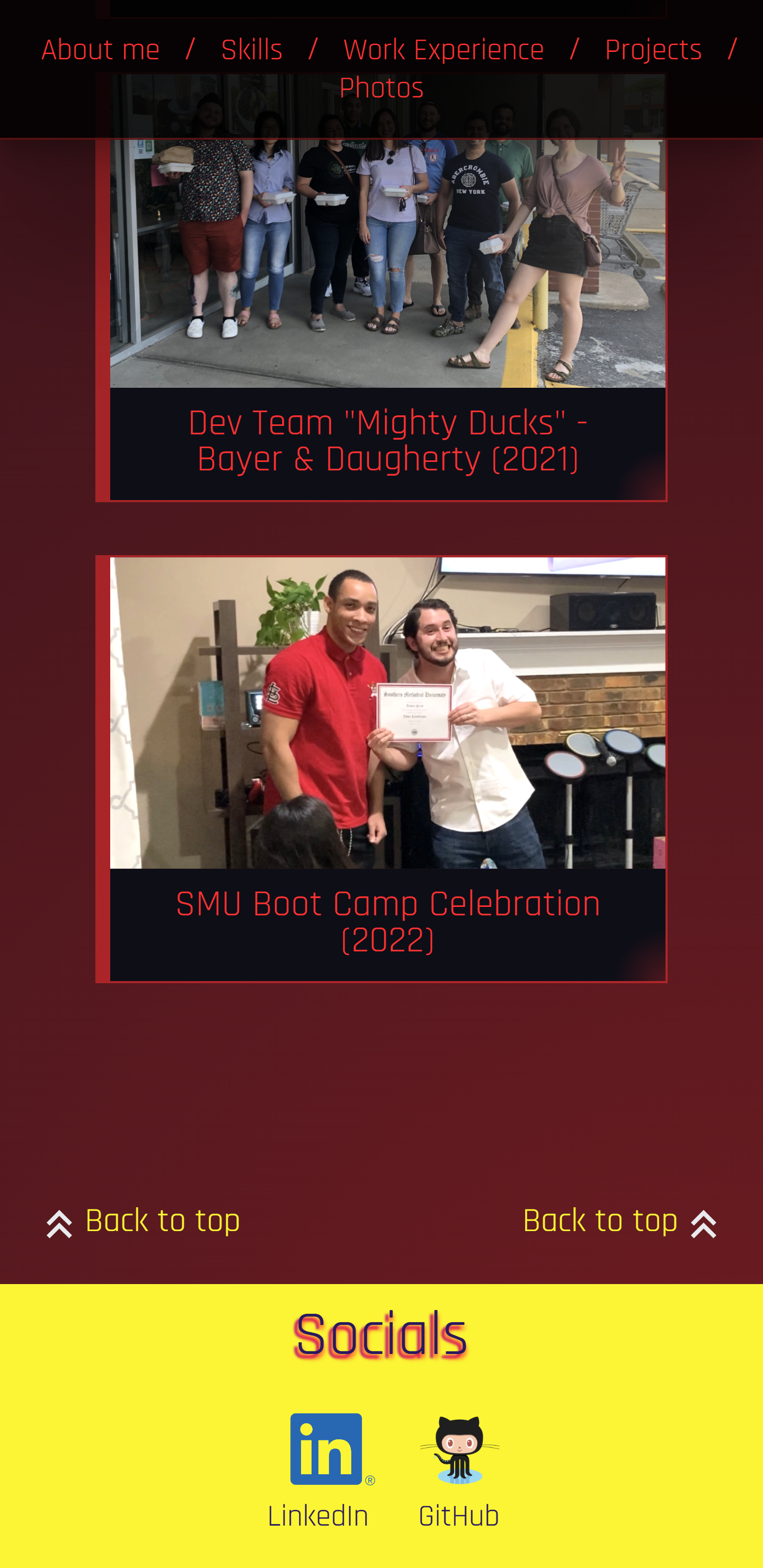
A responsive portfolio webpage using only HTML and CSS. This is not my actual portfolio, it was intended to function as an example for students of SMU's FSF course (2021). However, this project was so much fun that it became more of an experiment and personal challenge to make a portfolio within certain contraints originally imposed by the course (no JavaScript, no CSS frameworks, simple layout, etc).
The page was inspired by CyberPunk and features a few "glitch" effects. Said effects sometimes double as a way to reference "redacted" information, or in other words information that is withheld as to establish the "example" nature of the webpage. Granted, many users will find that confusing, but again this is more of an experiment. I didn't want it to take place of my real portfolio, which is a work in progress.

Note: This project was an assignment for Southern Methodist University's Full Stack Flex bootcamp (2021).
This project was a homework assignment near the beginning of Southern Methodist University's Full Stack Flex course (2021). The project was designed to exercise the fundamentals of responsive HTML & CSS in addition to serving as a basis for a project portfolio that can be built upon throughout the course.
The assignment requirements went as follows:
- Displays your name
- Displays a recent photo of yourself or an avatar
- Must have an
About mesection - Must have a
Previous worksection (I chose to name this section "Projects")- Presents previously deployed websites or placeholders for future deployments
- Each website presented on portfolio should have an image and title
- When you click on a presented website, it should take you to the website
- The first website featured should have a larger image than the others (I did not to comply with this requirement on my most recent version)
- Must have a
Contact infosection (I preferred to limit contact info to professional "social media" accounts e.g. LinkedIn, GitHub, etc...) - Website must be deployed to live server
- Website must be responsive using flexbox and media queries
- Project GitHub repository must have a detailed README
- README has screenshot of website
- README has description of website
- README has link to deployed website
- HTML5
- CSS3
- GitHub Pages
- Text Studio
- Codepen
- Glitch effect CSS from work by Codepen user Matt Gross
- Title and subtitle text effect generated by Text Studio's Font Generator
- "Network Care" favicon by Icons8
- Clone this repo.
- Open
index.htmlin a web browser.