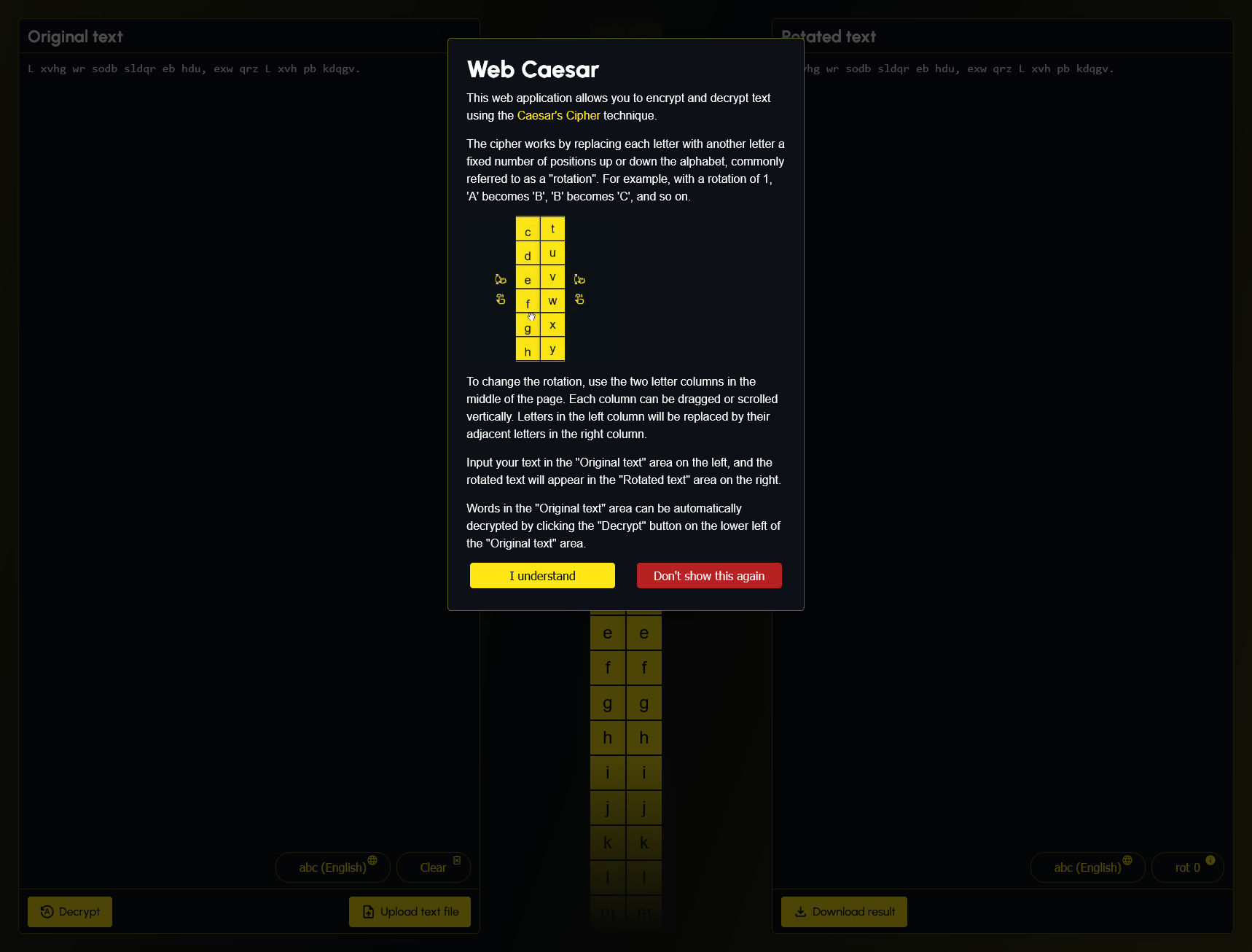
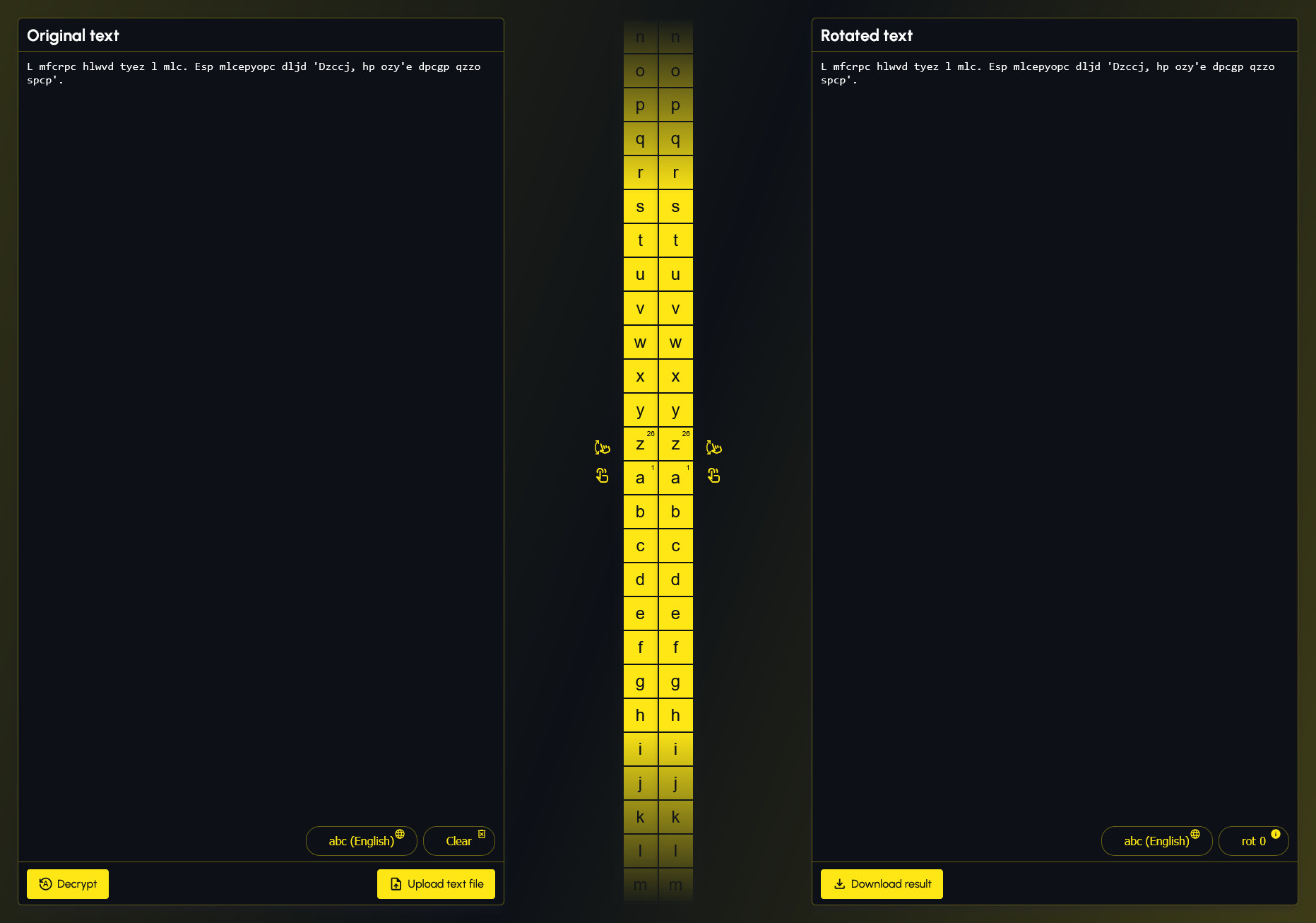
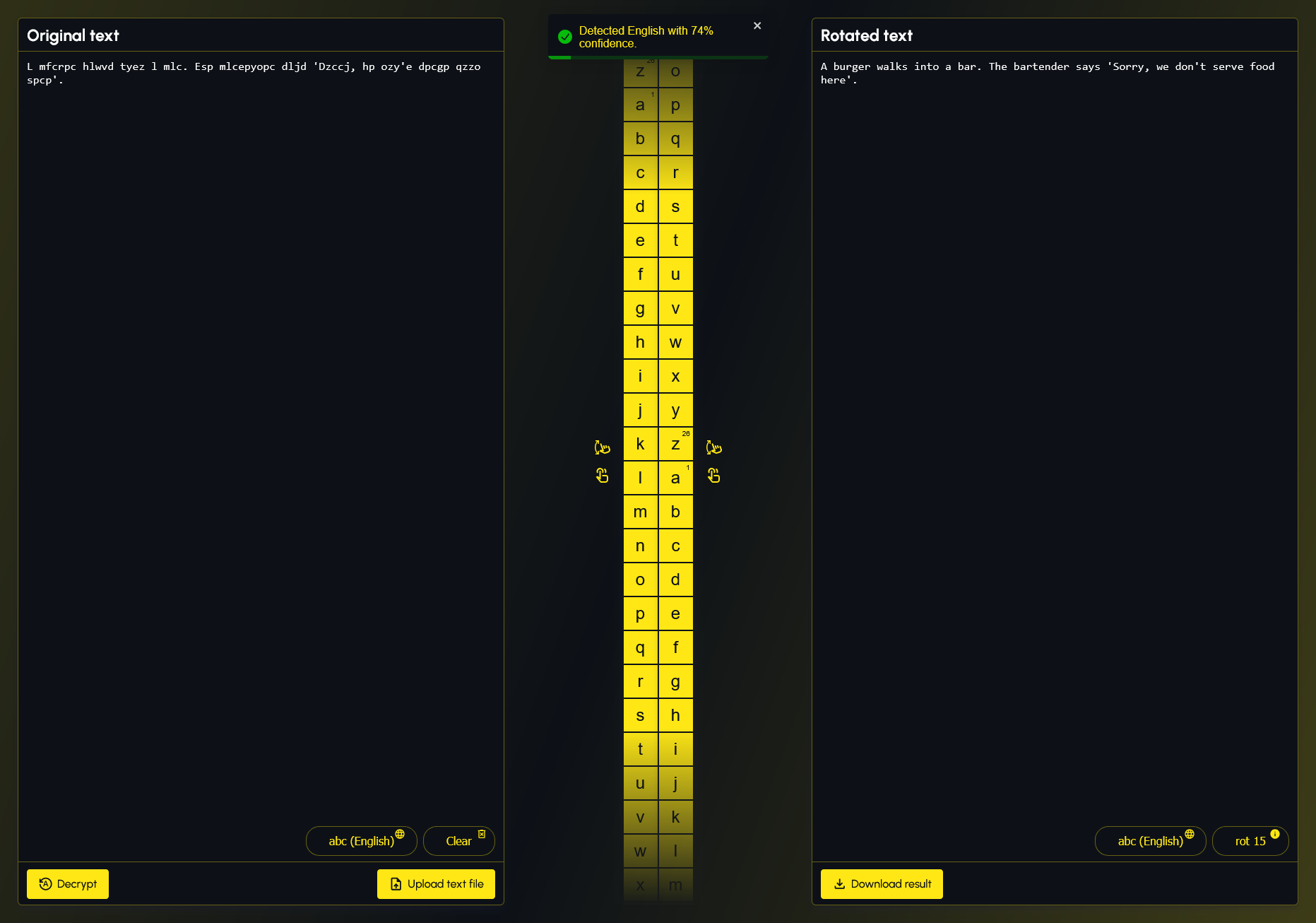
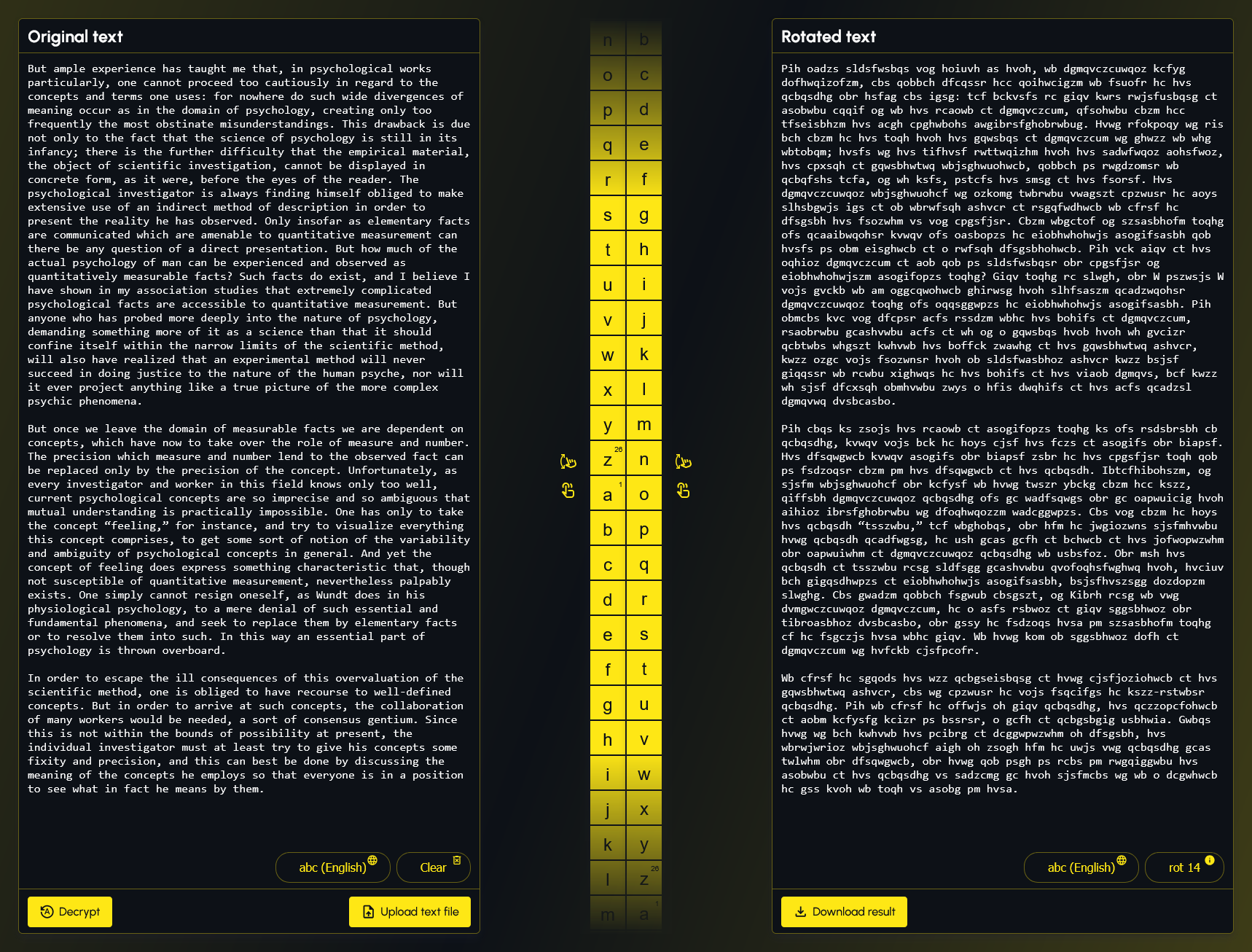
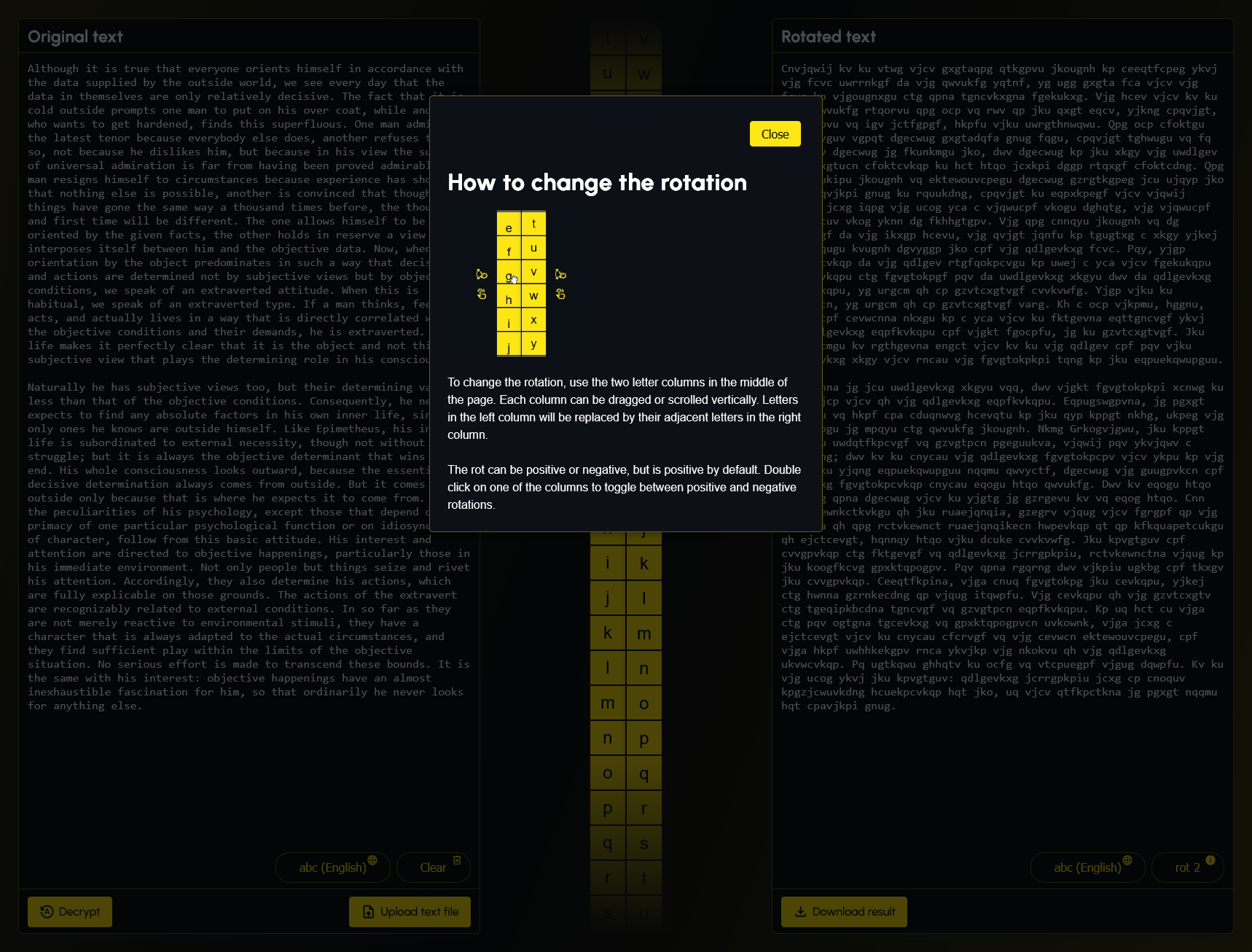
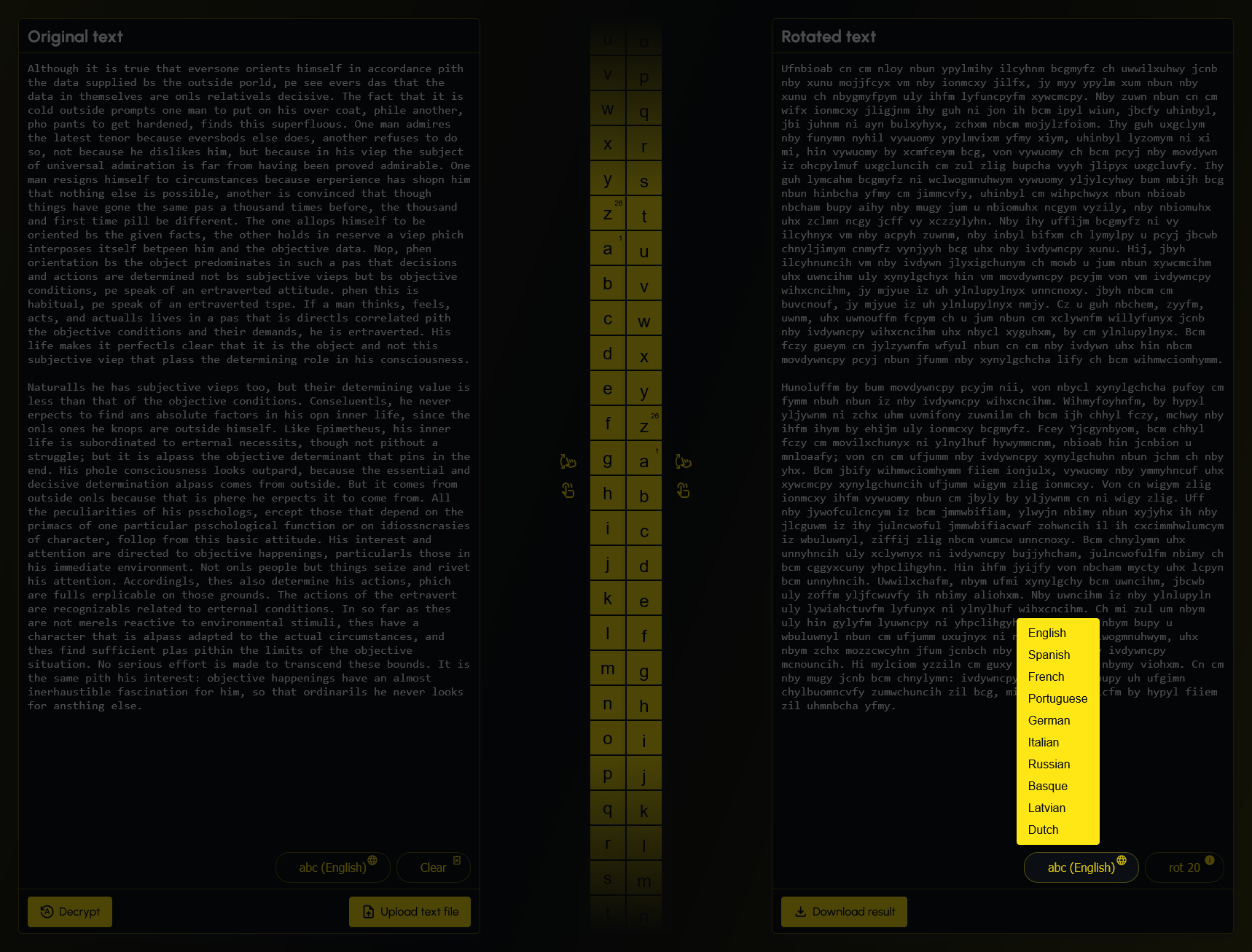
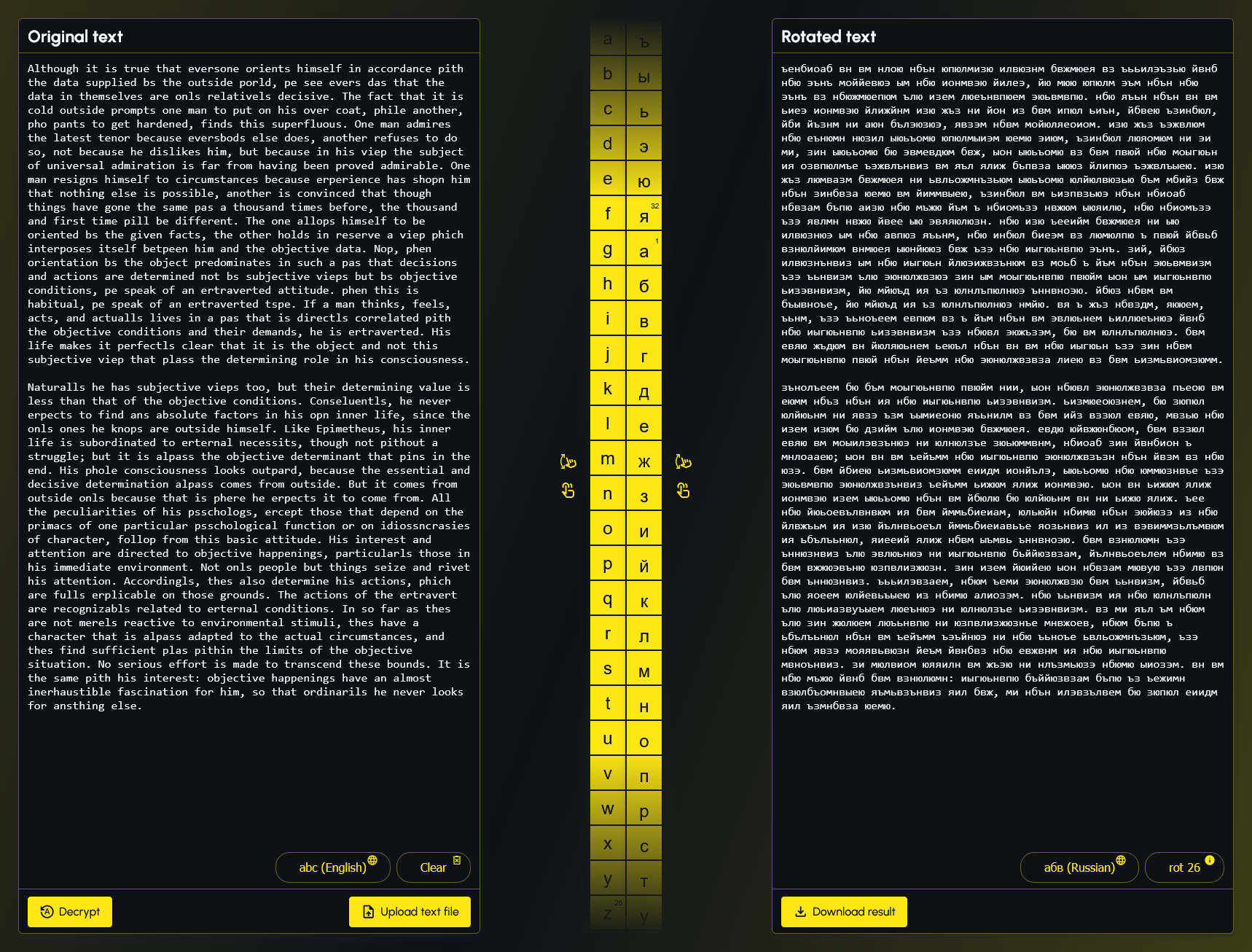
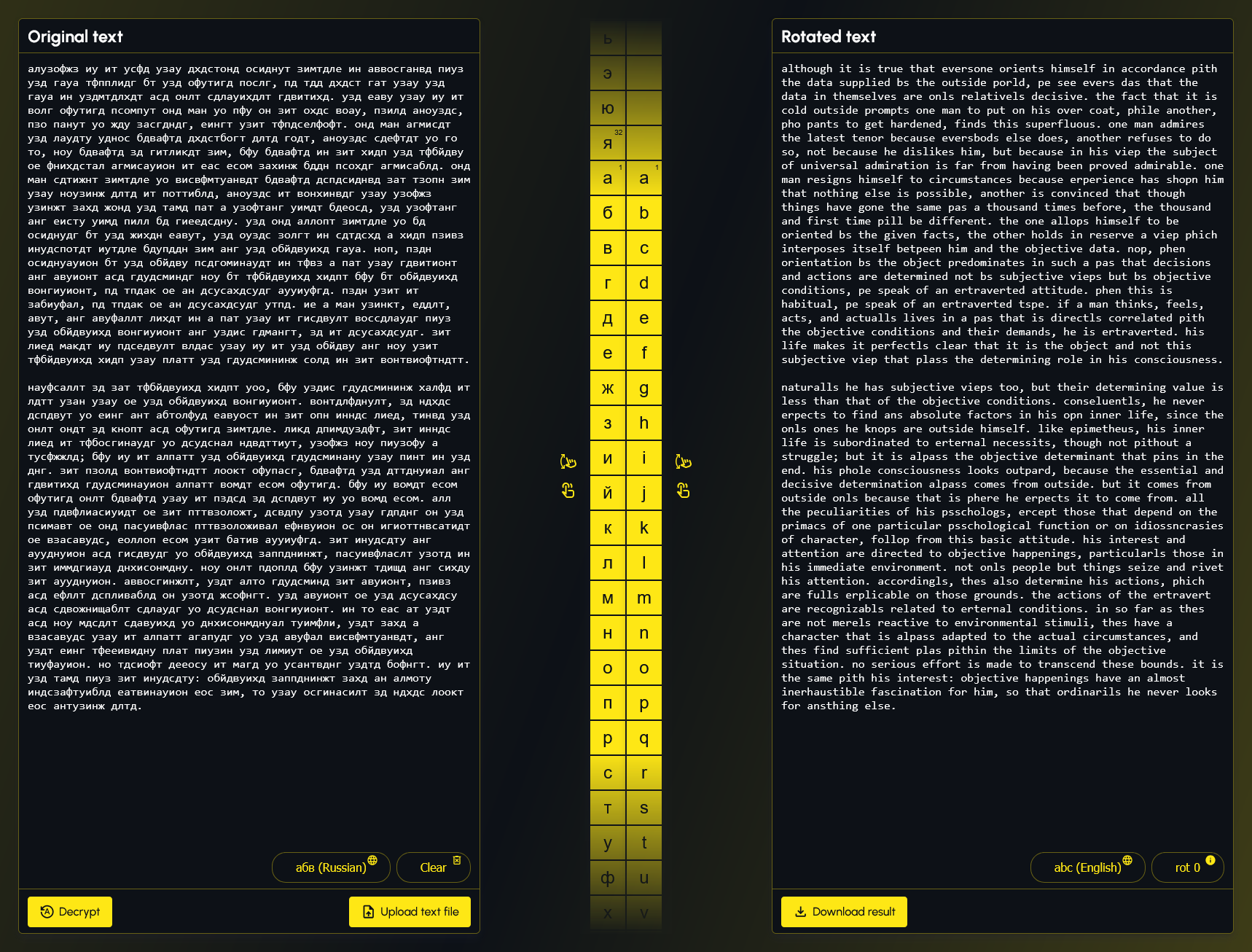
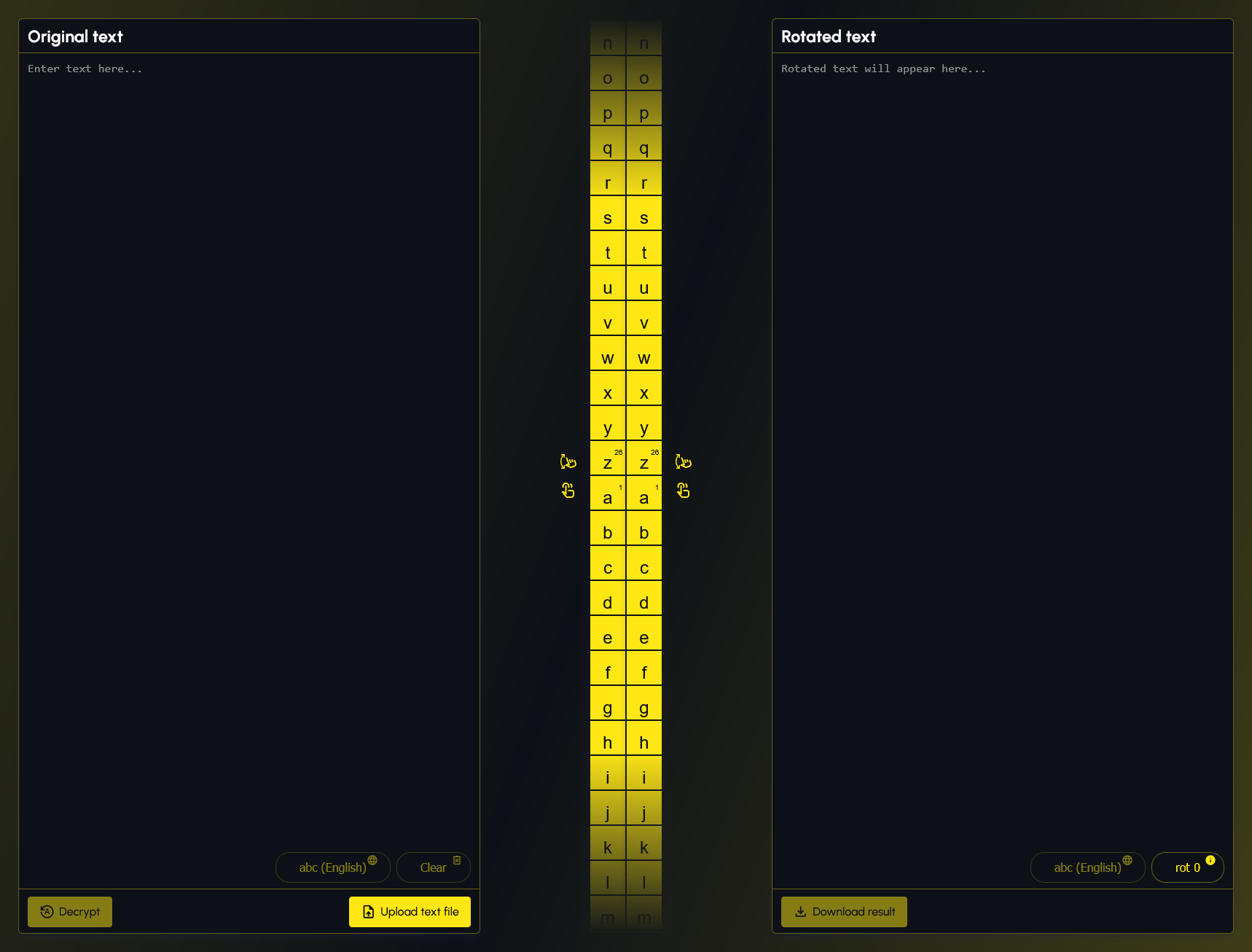
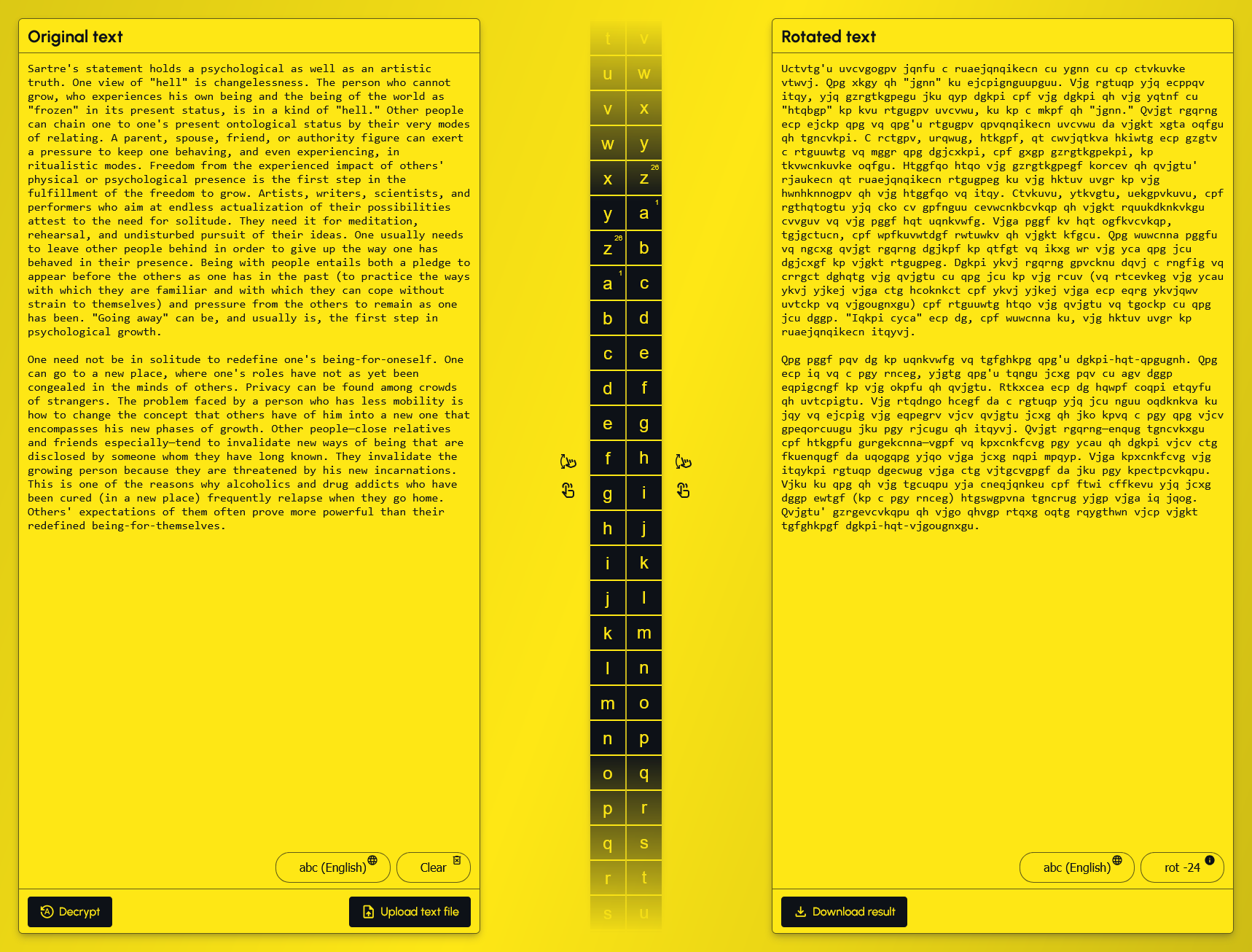
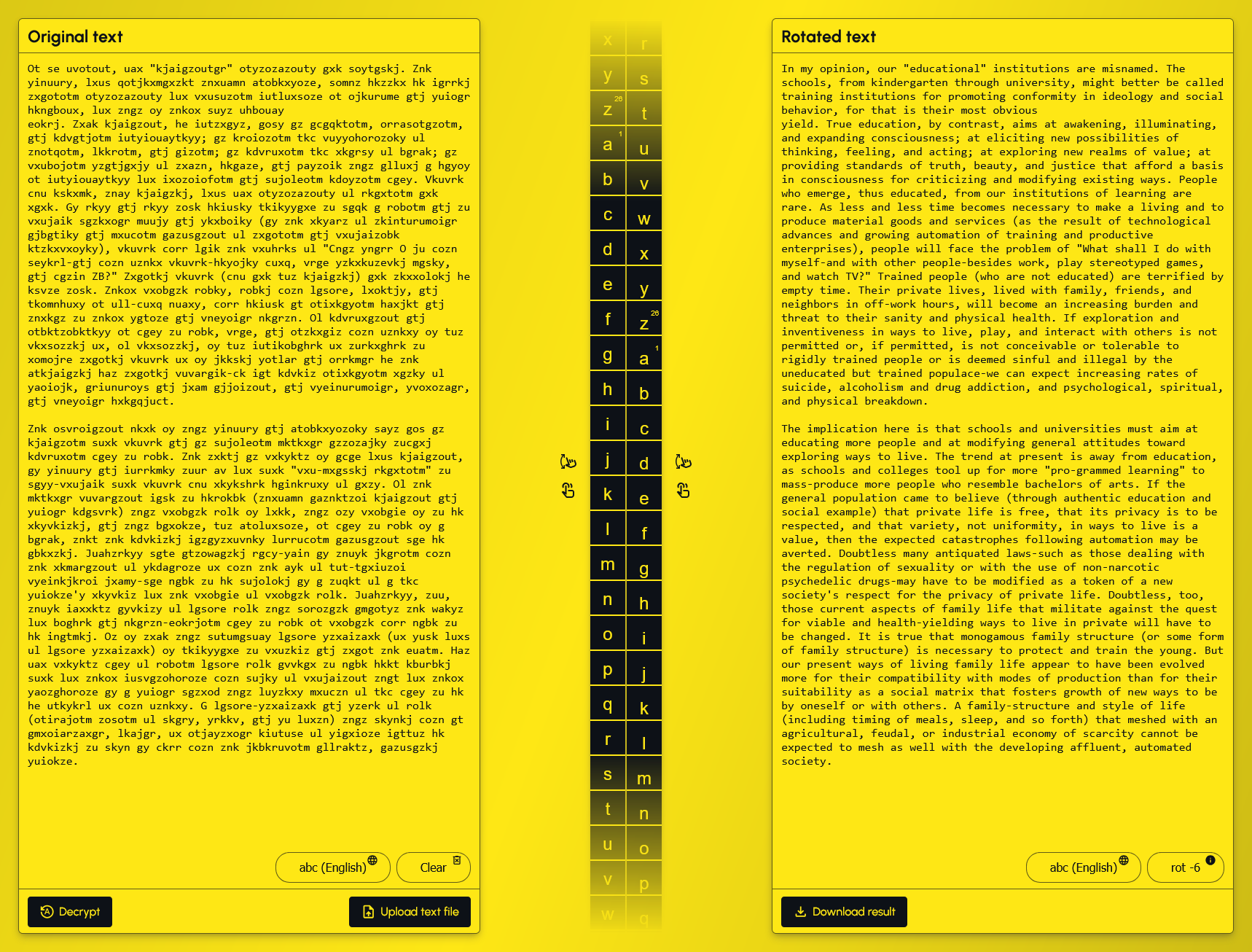
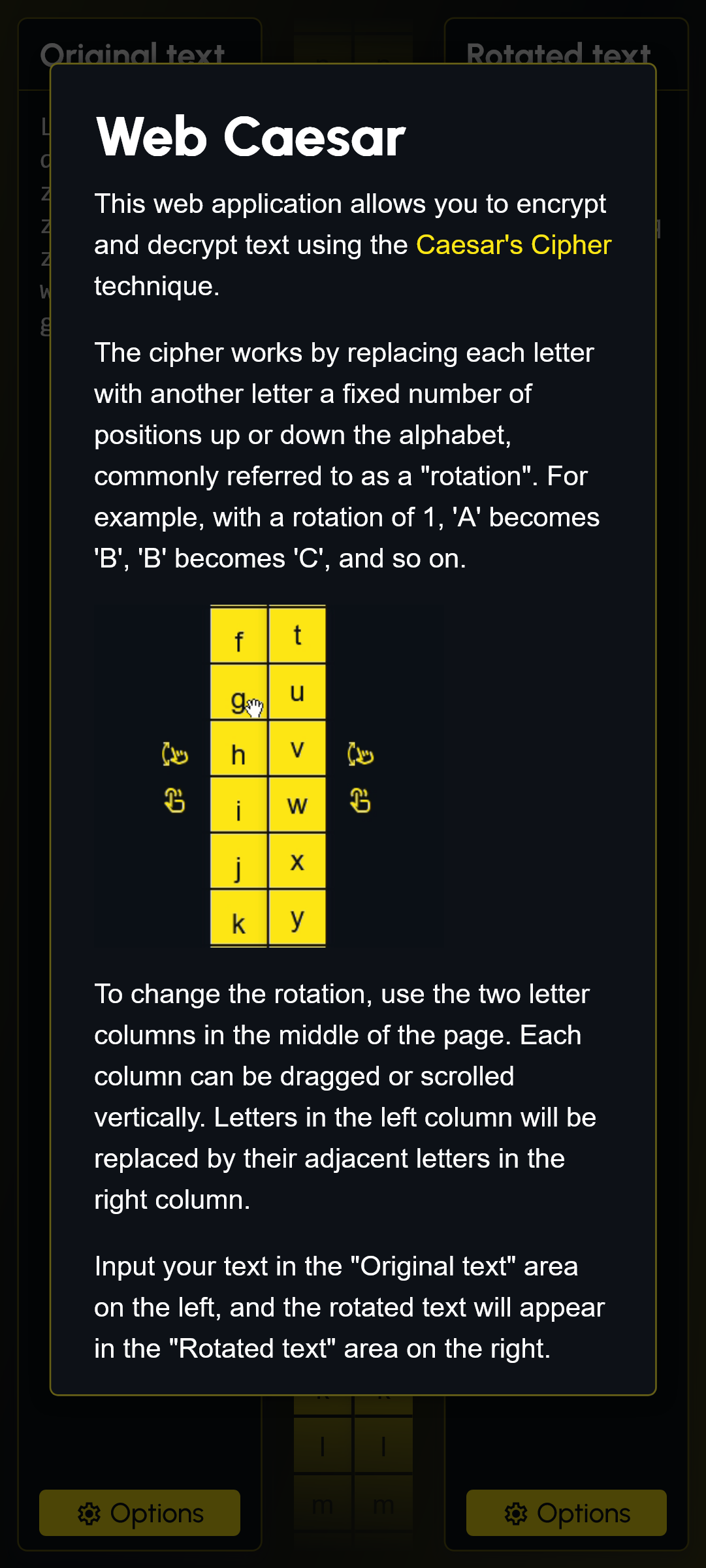
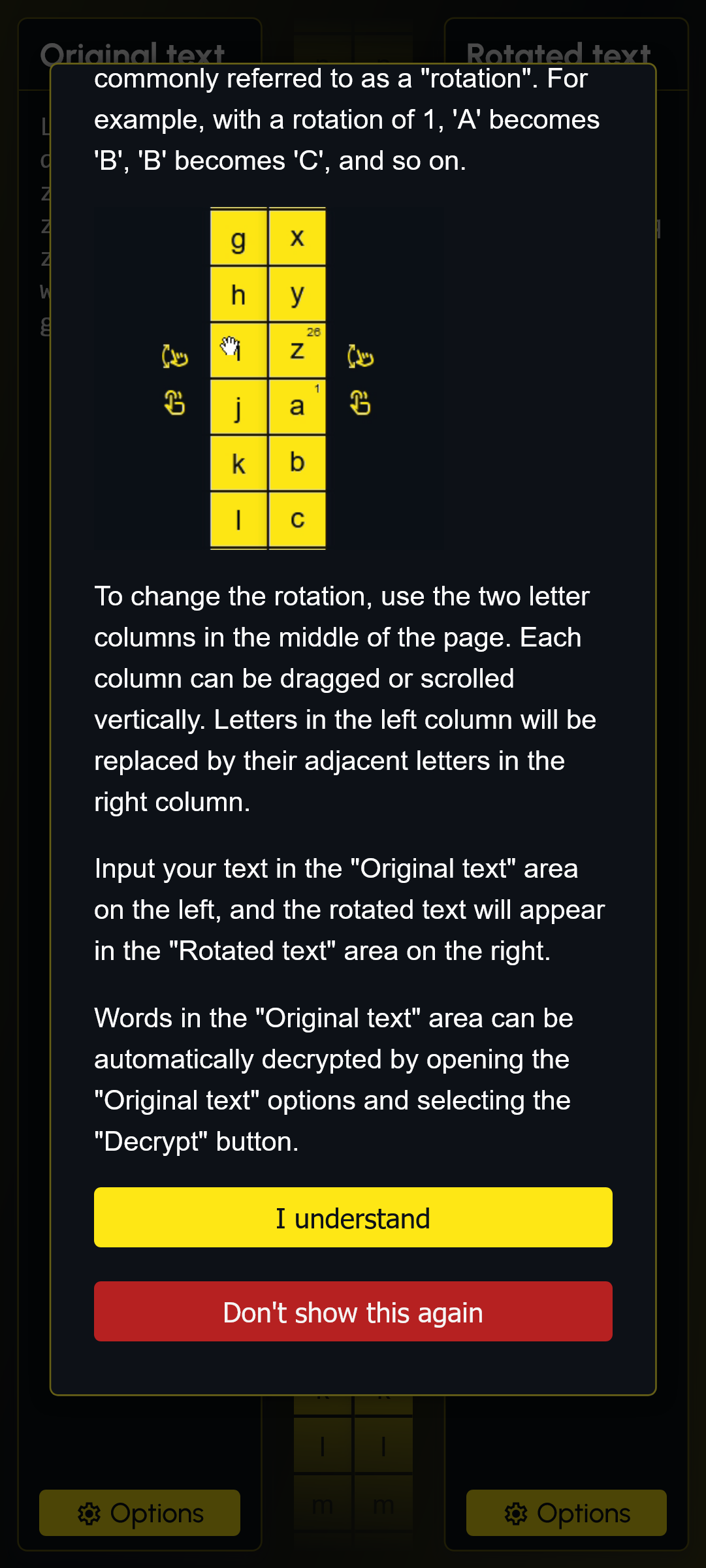
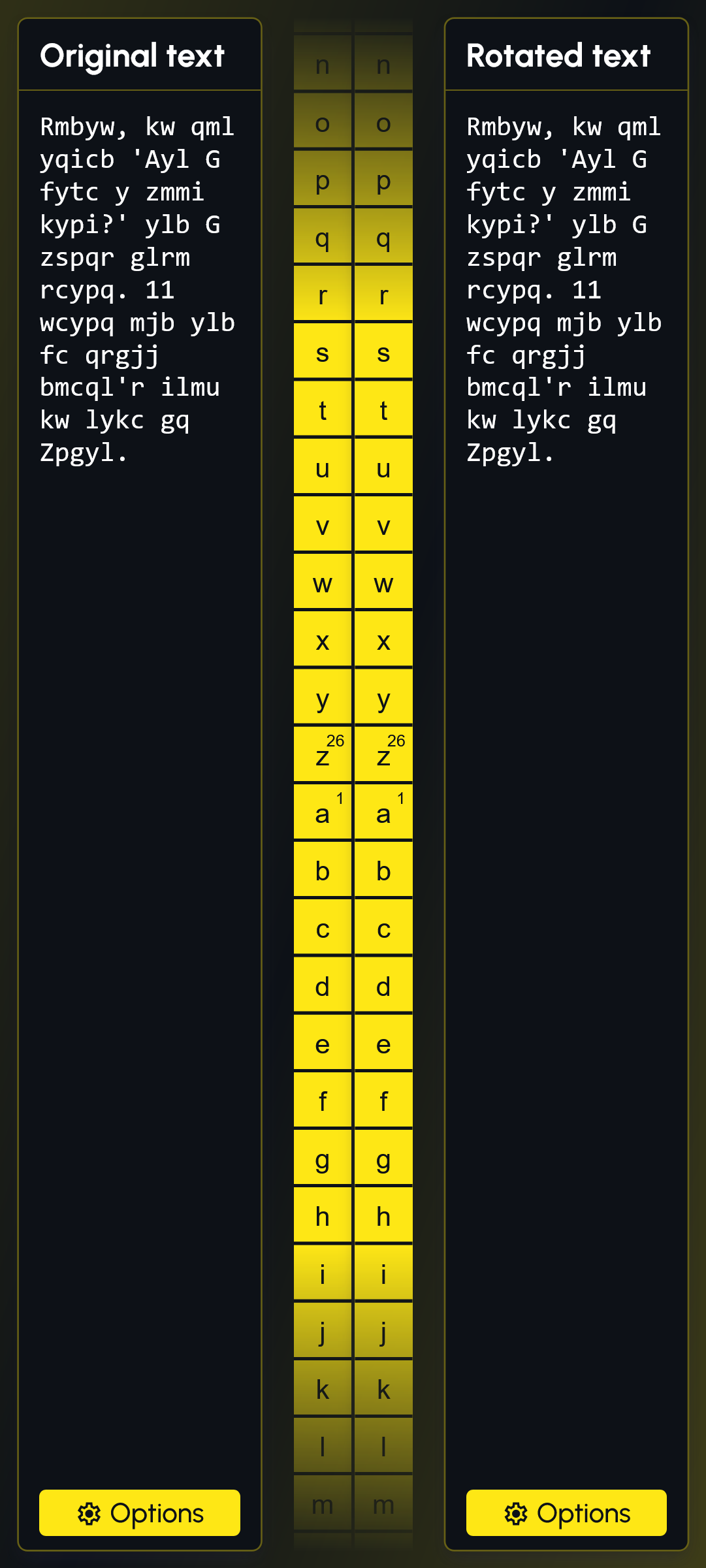
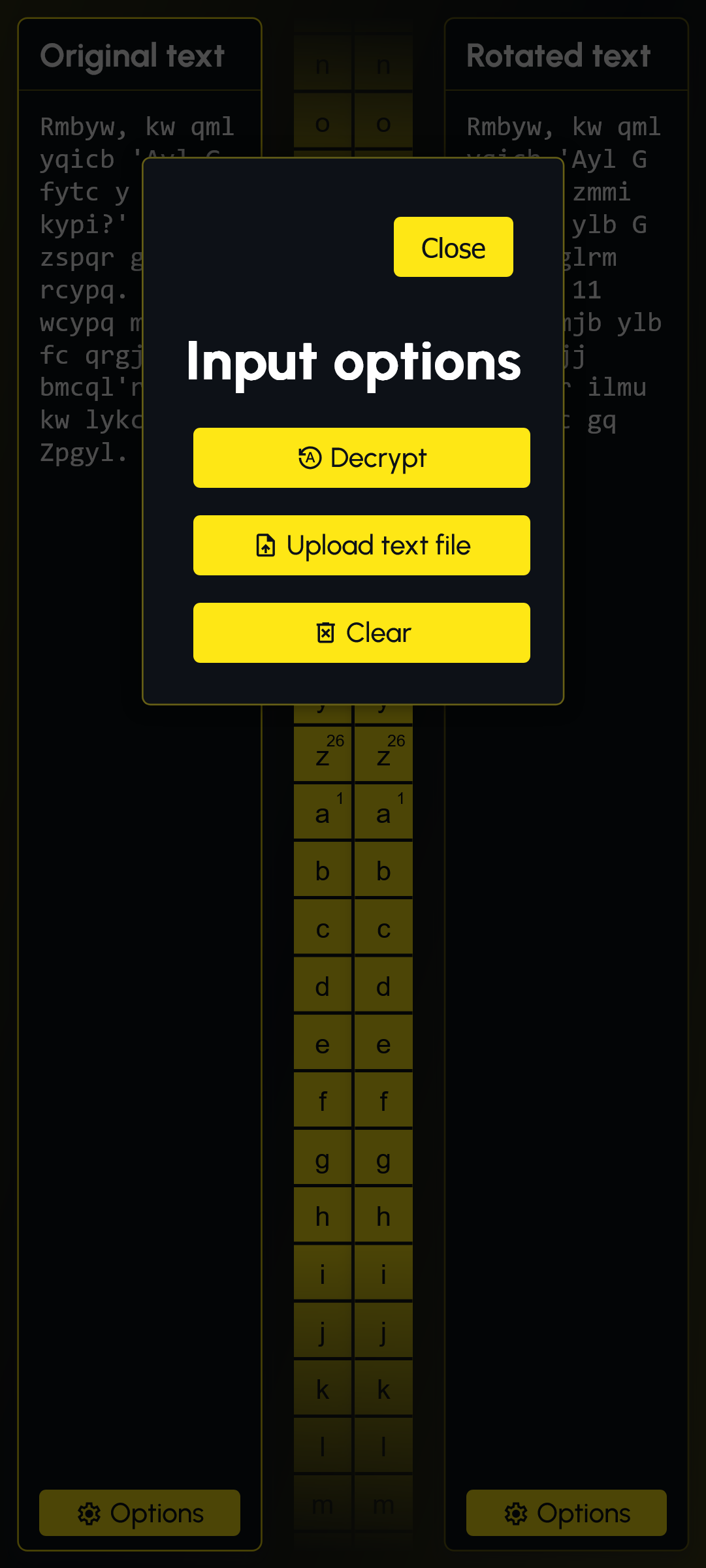
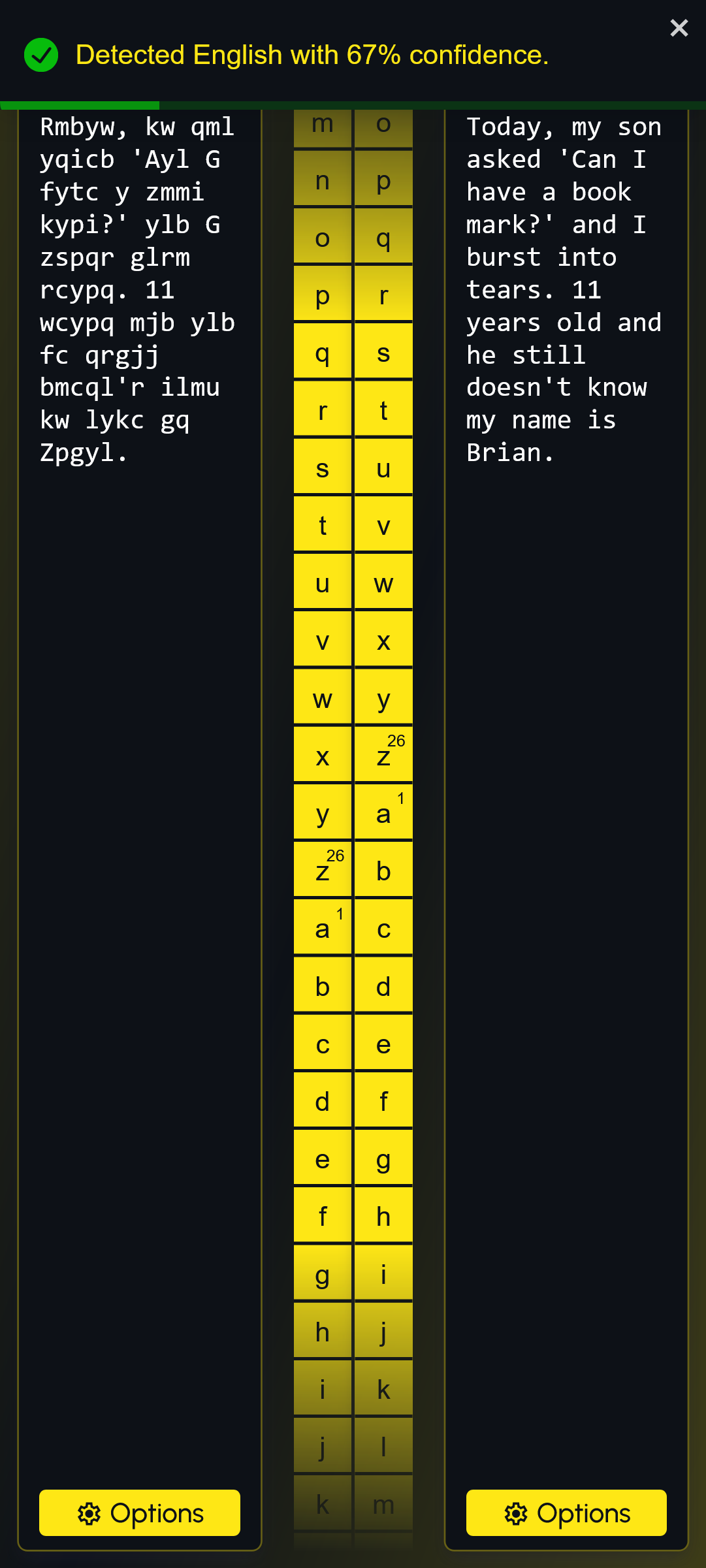
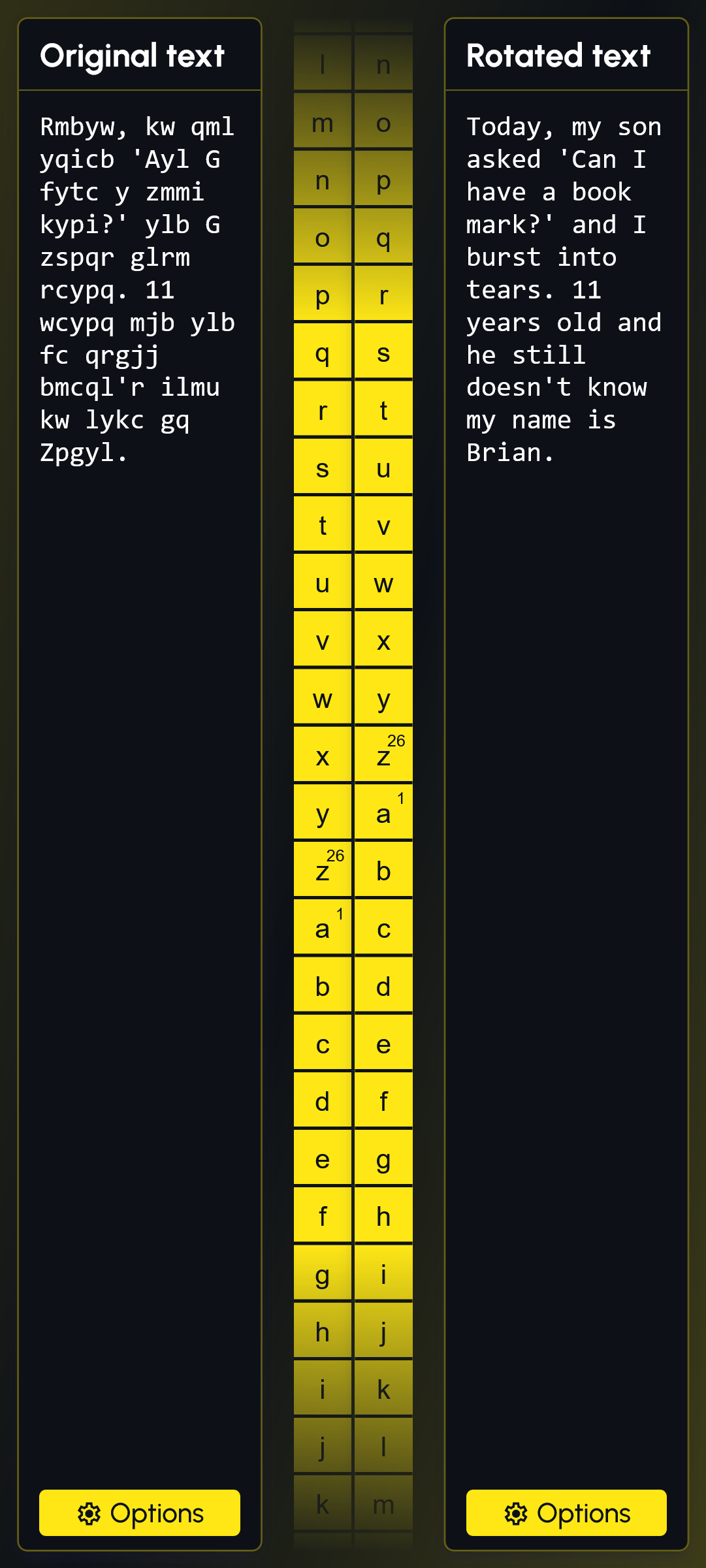
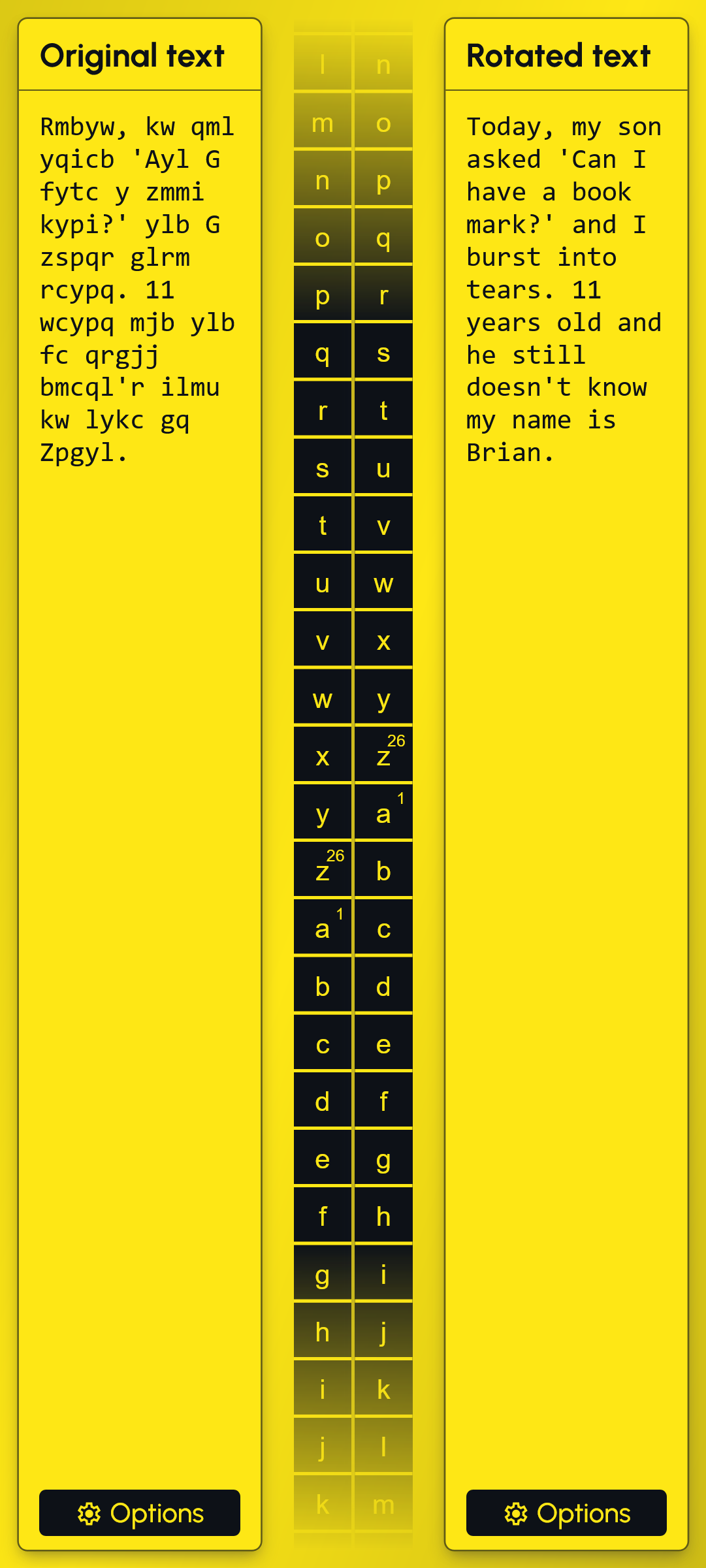
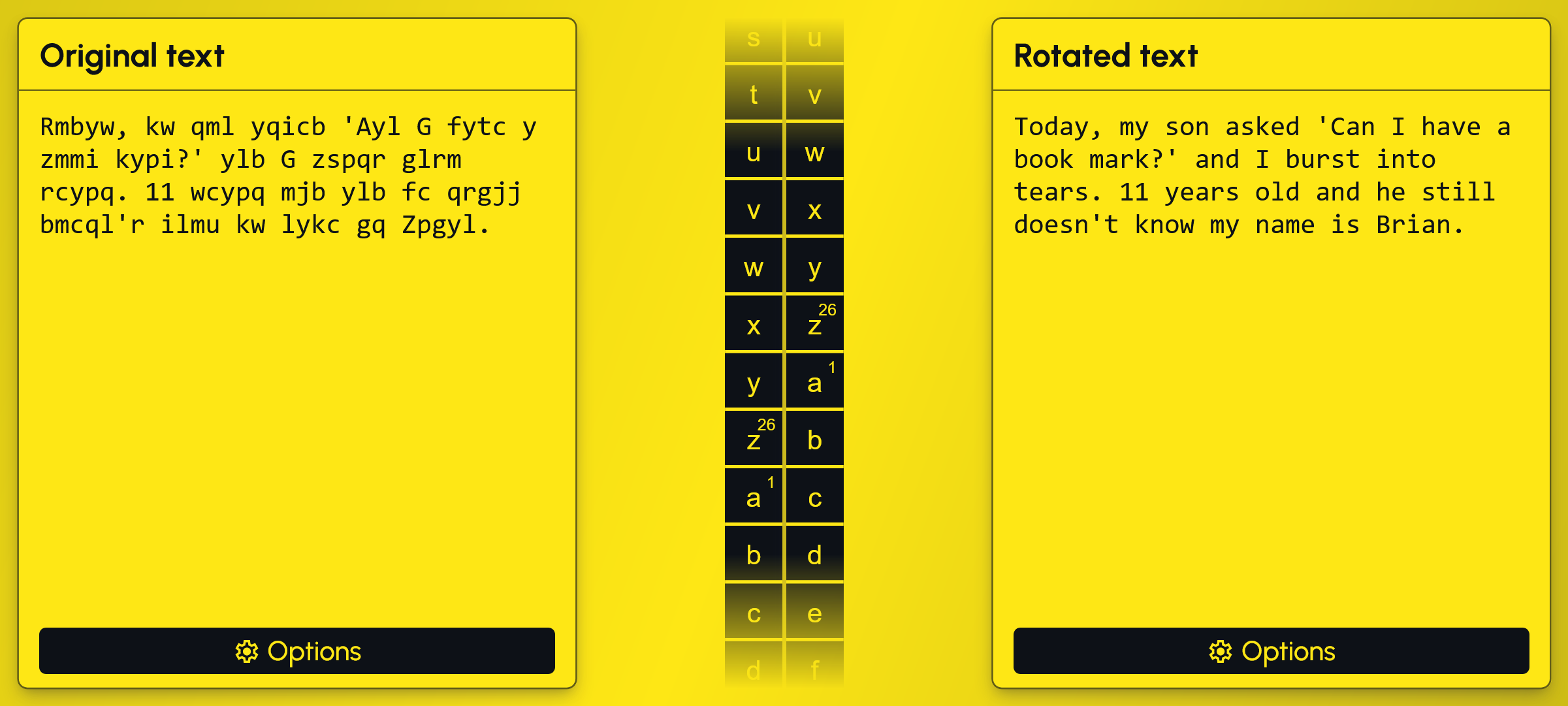
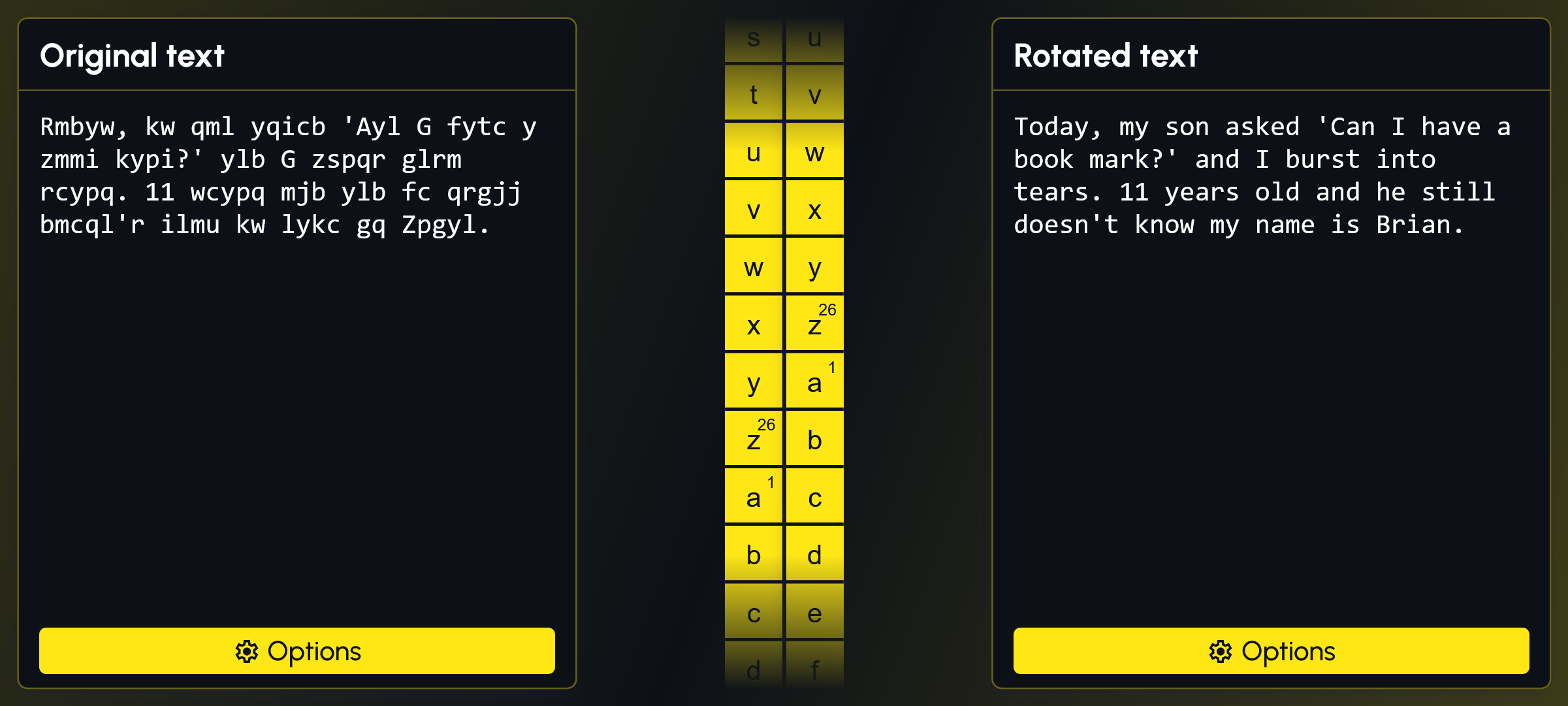
This web application allows the user to encrypt and decrypt text using Caesar's Cipher, starting with a randomly selected dad joke.
- Python
- TypeScript
- JavaScript
- Flask
- React
- HTML
- CSS
- Vite
- Axios
- Tanstack React Query
- Docker
- pyspellchecker
- react-toastify
- lodash
- gunicorn
- black
Caesar's Cipher is a type of substitution cipher in which each letter in the plaintext is shifted (or rotated) a certain number of places down or up the alphabet.
For example, with a rotation of 3:
Awould be replaced byDBwould becomeECwould becomeF- etc...
The method is named after Julius Caesar, who used it in his private correspondence.
Here's a simple example:
- Original text:
HELLO - Rotation:
3 - Rotated text:
KHOOR
To decrypt the message, you would rotate the letters back by the same number.
The application supports the following features:
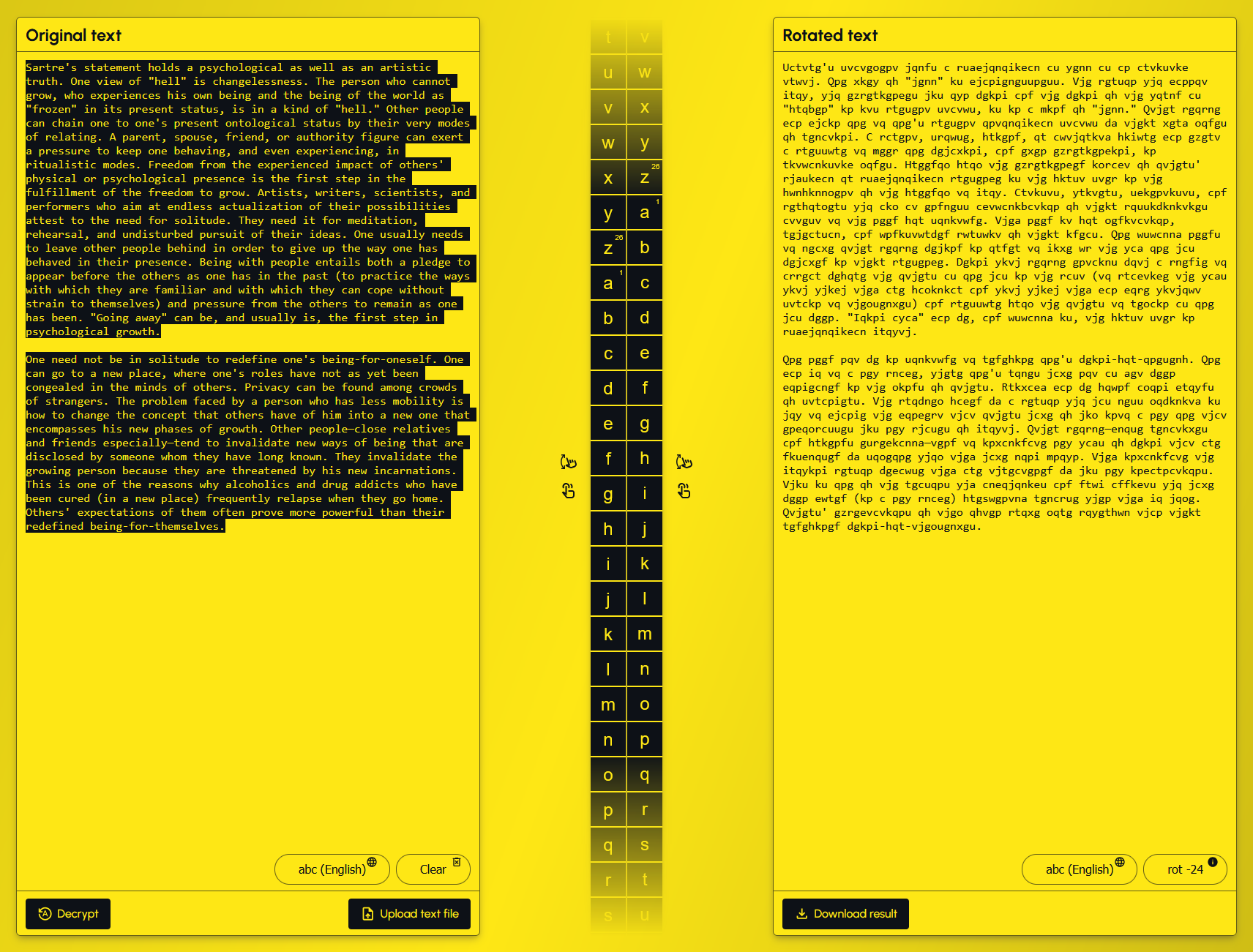
- Upload text as
.txtfile - Download text as
.txtfile - Automatically decrypt Caesar Cipher encrypted text
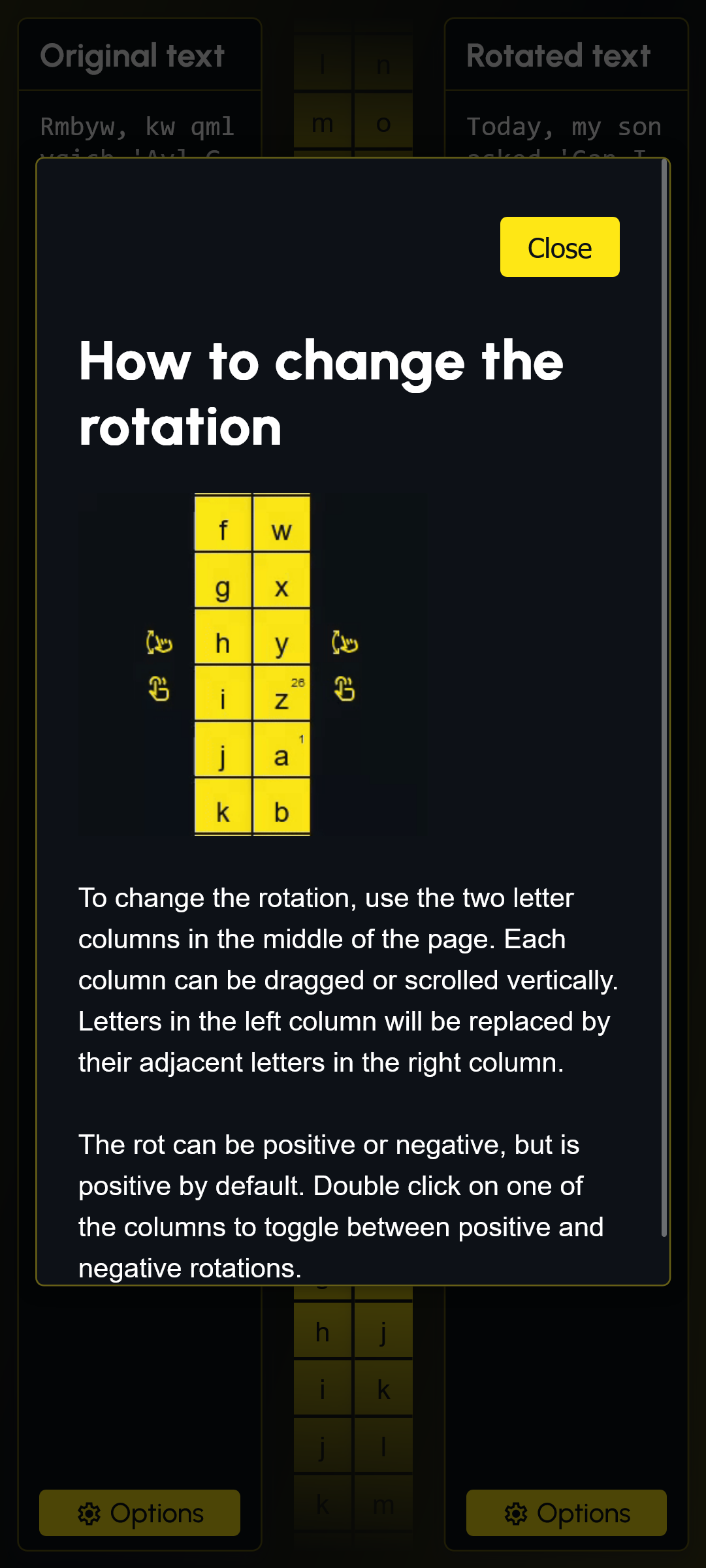
- Manually rotate letters by vertically dragging letter columns
- Change the language/alphabet used for original and/or rotated text
- Although not the recommended experience, touch screen and mobile are supported
- Changes are automatically saved to the browser every 2.5 seconds or so (via
localStorage)
- English
- Spanish
- French
- Portuguese
- German
- Italian
- Russian
- Basque
- Latvian
- Dutch
When the app initially loads, the Original Text and Rotated Text are populated with an encrypted, randomly selected dad joke.
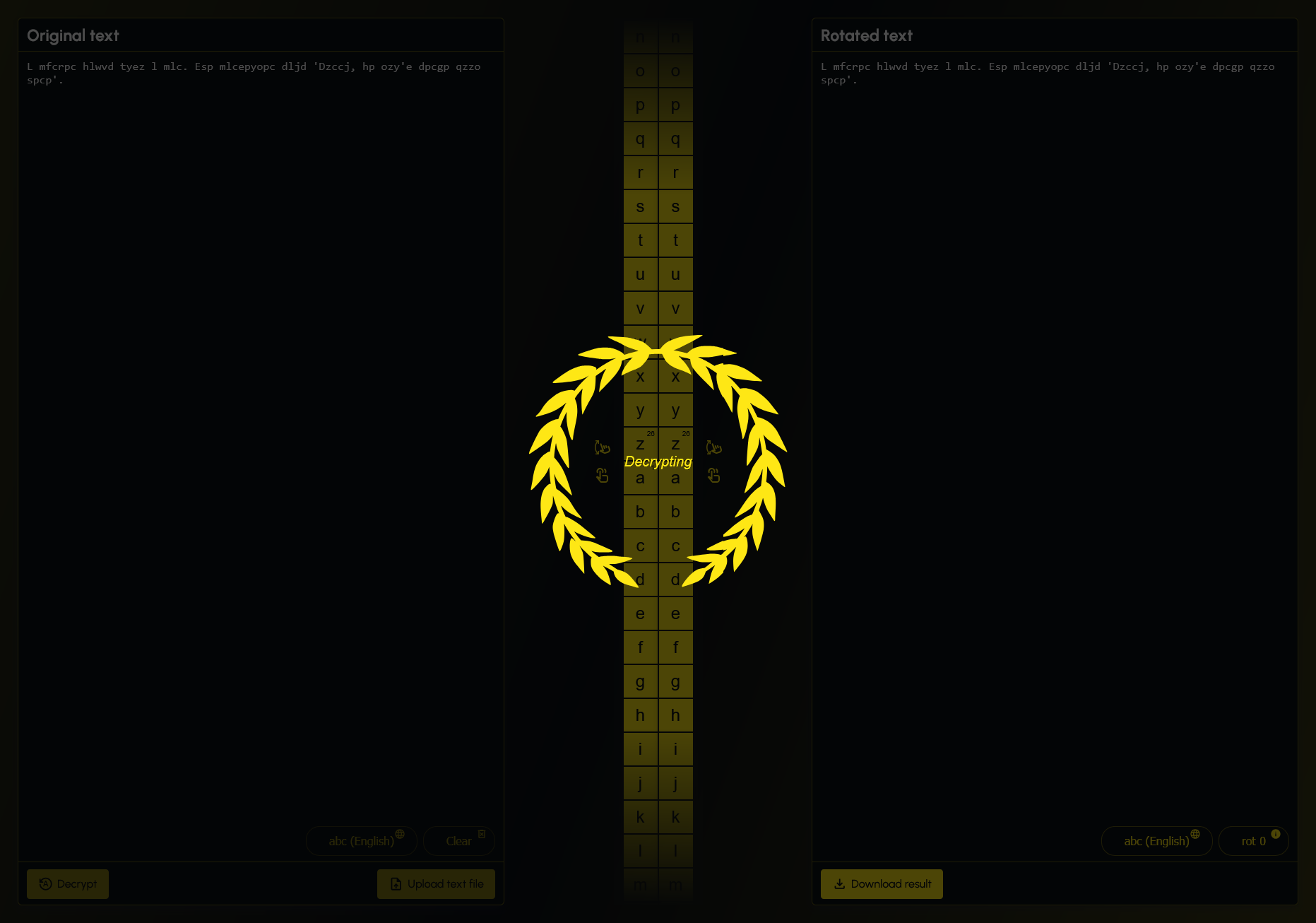
The rotation defaults to 0, from this point the user can either drag one of the two letter columns to rotate the text manually, click the Auto Detect button to decrypt and rotate the text via server, or replace the text with their own text.
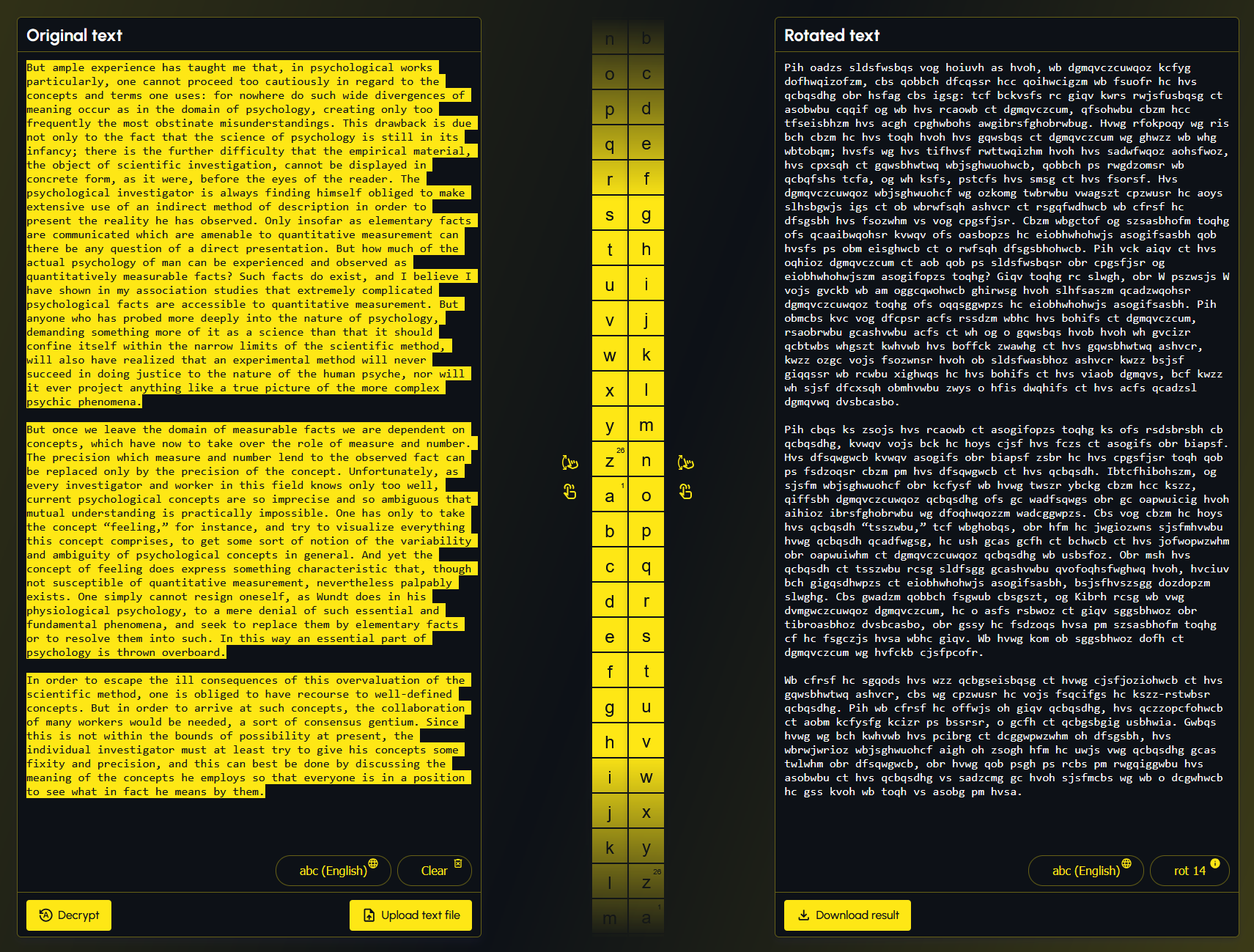
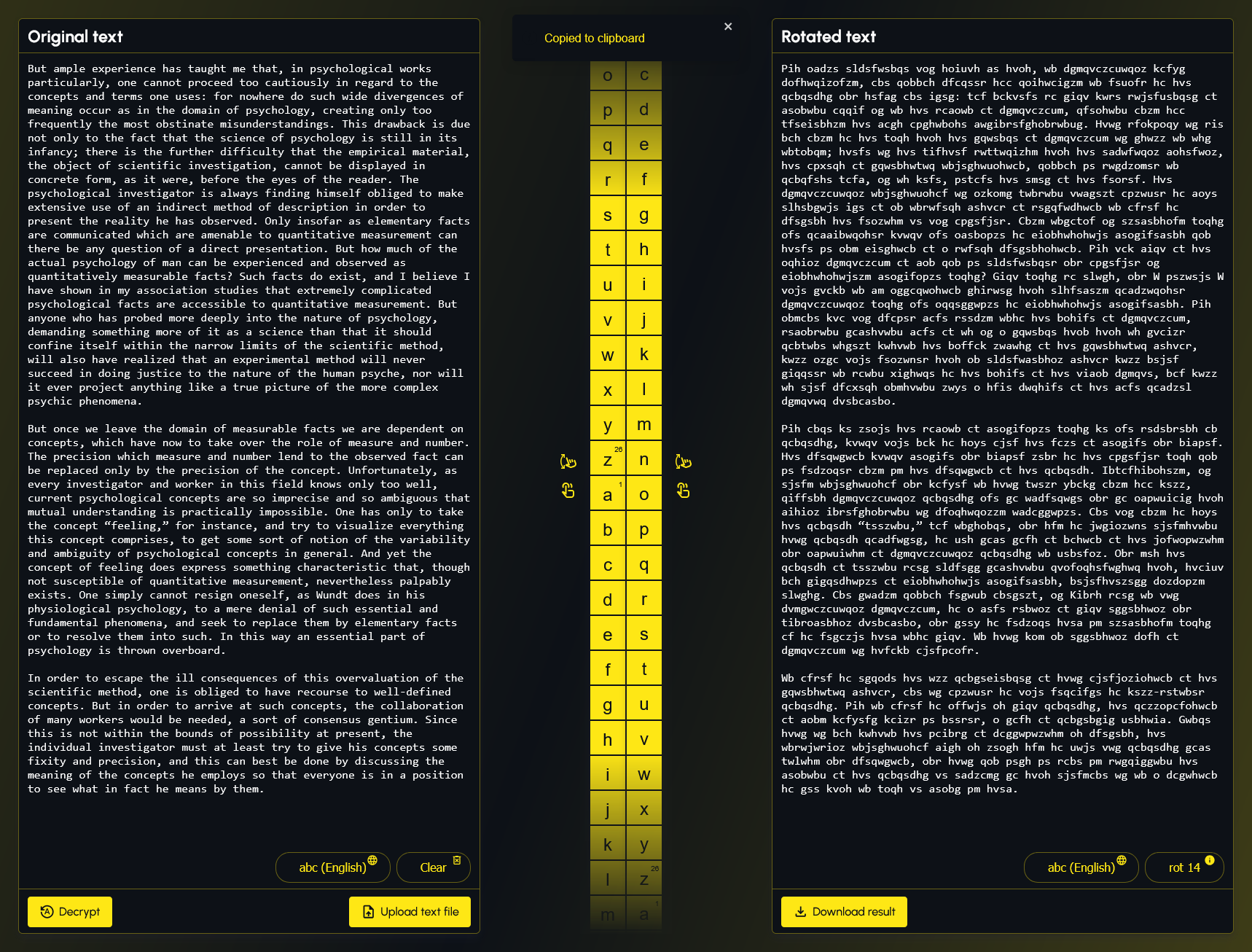
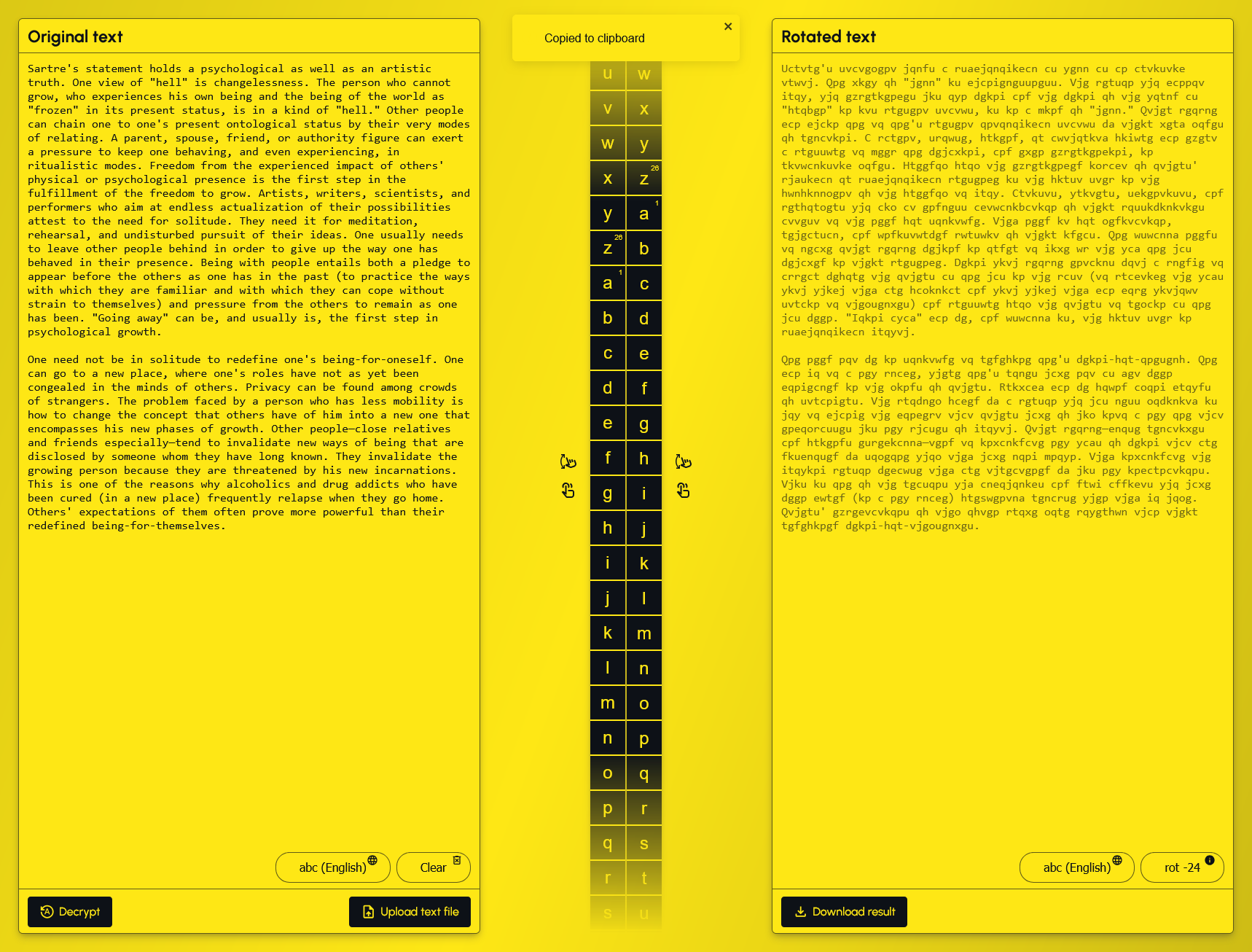
A .txt file can be uploaded to the Original Text by clicking the Upload text file button. Rotated Text can be downloaded as a .txt file by clicking the Download result. Text in the Rotated Text can be clicked to copy to the clipboard (copy to clipboard only works on an HTTPS secured connection).
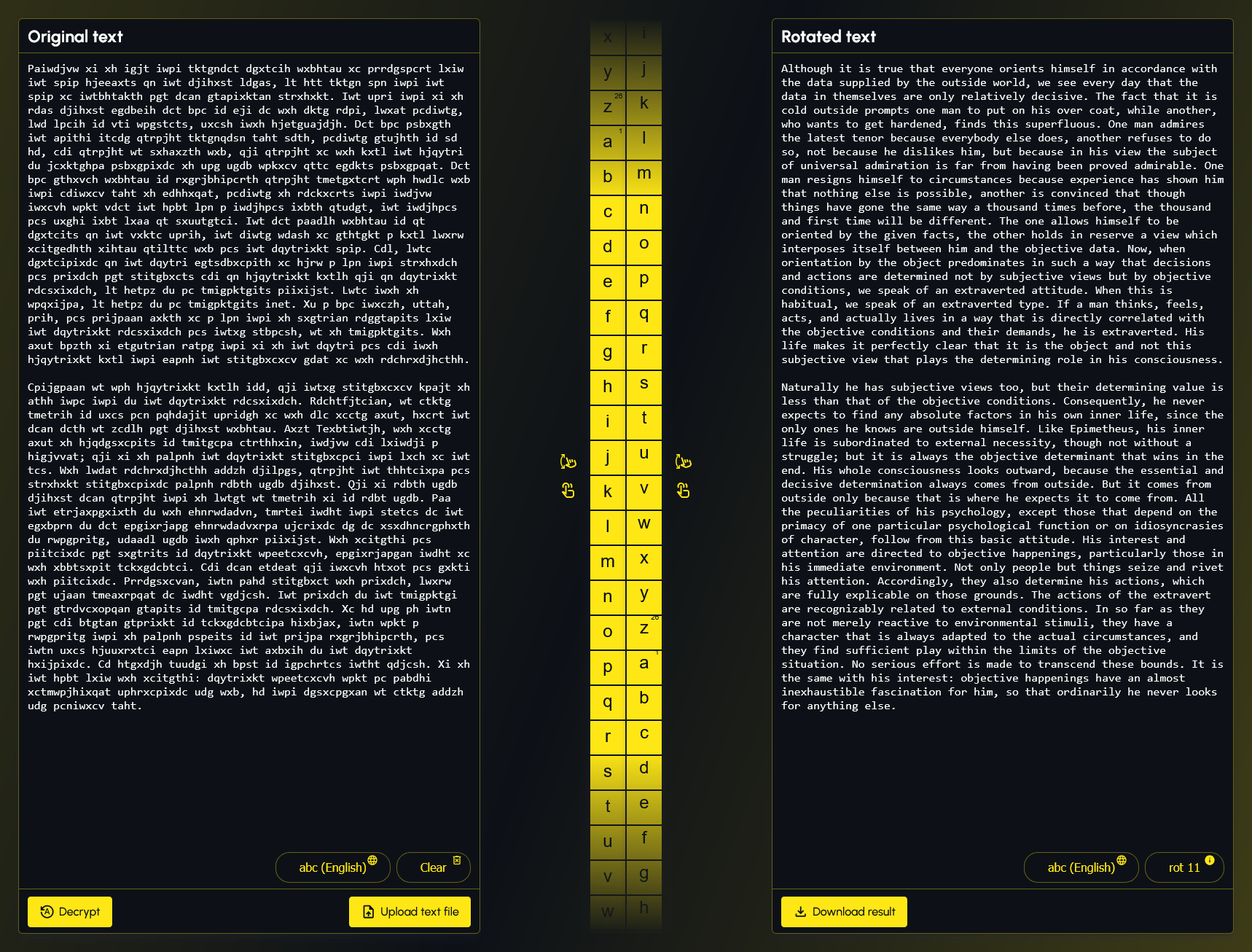
The alphabet used for Original Text and Rotated Text can be changed by clicking their corresponding Language icon/button.
This program was originally created for a homework assignment at LaunchCode's Lc101 (2018). I have since then updated this project.
Firstly, confirm that Docker is installed and running. Next confirm that no other application is using port 5000 as port 5000 is needed for the Flask server. If you need to run Flask on an alternative port, you can modify the last line in the application/application.py and the ports in the docker-compose.yml file.
It is assumed the user is at the root of this project and is using a UNIX style command line environment when referencing the CLI commands below.
Build Docker image and start Docker container:
docker compose up --buildVisit: http://localhost:5000 to use the application.
Assumes the following:
- You are using a modern Windows client OS such as Windows 11 or Windows 10
- You have Python
3.11or greater installed - You have Node
v22.8.0or greater installed - You are at the root of this project and are using a UNIX style command line environment when referencing the CLI commands below
Confirm that no other application is using port 5000 as port 5000 is needed for the Flask server. If you need to run Flask on an alternative port, you can modify the last line in the application/application.py.
Open terminal at root of this project then run the following command to build the ui:
cd application/ui/ && npm i && npm run build && cd ..If the previous command was successful, you should now be in the application folder. From here, create venv folder in application folder using Python 3.11:
python3.11 -m venv venvActivate venv:
source venv/Scripts/activateInstall python packages to venv:
pip install -r requirements.txtStart application:
python application.pyVisit: http://localhost:5000 to use the application.