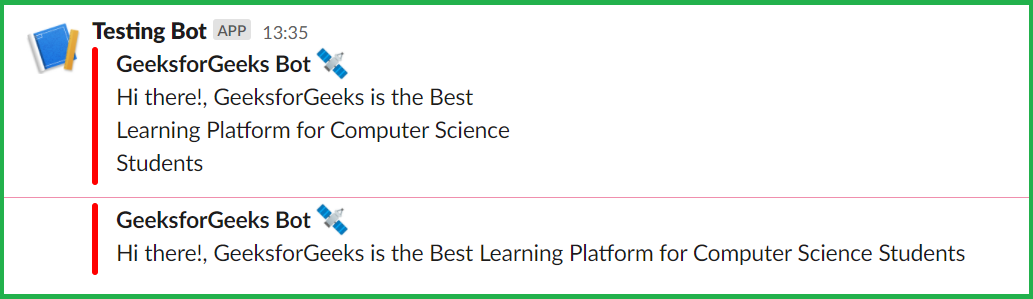
We need to make use of webhooks. You can deliver automatic messages from one app to another using webhooks. When you create an Incoming Webhook, you’ll be given a unique URL to which you may send a JSON payload including the message text and some parameters.
Create a Slack Workspace here and create your own app.
- Go to Browse Slack
- Select Apps
- A new window will appear. From there select App Directory
- Now select Build
- Again a new window will open up, select create an app
- Select from scratch
- Set app name and workspace
- Then create app
- Select Incoming Webhooks
- Turn activate incoming webhooks on and add new webhook to workspace
- Select a bot and give it allow access
- Copy the webhook URL as this will be used later
Now that we’ve created the app and obtained the webhook URL, it’s time to start coding.
We first have to import all the required modules. Now, get your webhook URL and save it to the variable. In a variable, save the message and title you want to send.
Now it’s time to make all the slack data we want to send. It consists of your username and in the Attachment section we have:
- The color you want to choose.
- Fields consist of the following things:
- Title of our message.
- The message we want to send.
- Short means, display message should be of sort type or long type.
Now with the use of the sys module, we will get the size of the slack data and store it in a variable. Now for headers, we will define the Content-Type and Content-Length. Use the post method of requests module to post all, the data after dumping it using the dumps function of json module. At last, check whether the response is valid or not with the use of a status code.