



FullScreenCover presents full-screen modal views in SwiftUI, building on .fullScreenCover and adding what's missing:
- Use any SwiftUI transition instead of the fixed slide-up animation
await present()andawait dismiss()to safely chain sequential operations without callback workarounds
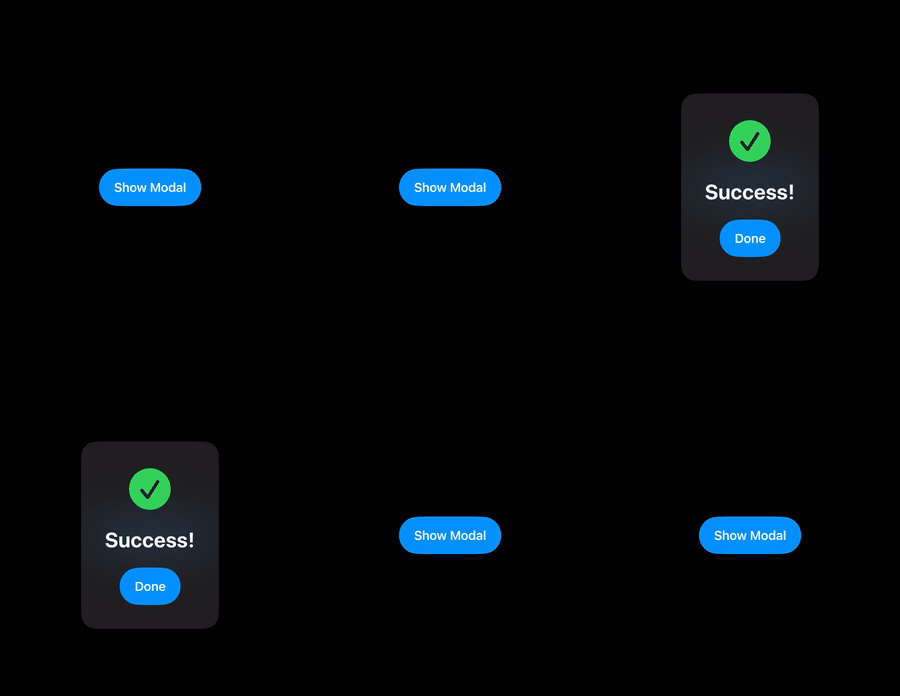
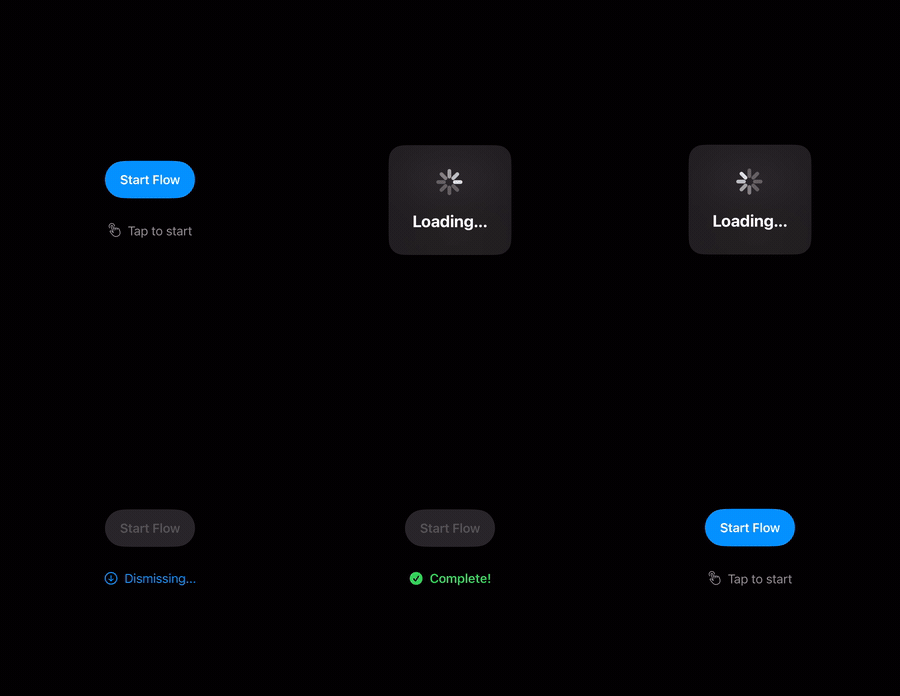
Add import FullScreenCover to your source code. Wrap your view with a PresentationCoordinator and pass its proxy to the fullScreenCover(presentation:animation:content:) modifier.
Use any SwiftUI transition:
import FullScreenCover
import SwiftUI

struct DemoView: View {
    var body: some View {
        PresentationCoordinator { proxy in
            Button("Present Modal") {
                Task { try await proxy.present() }
            }
            .fullScreenCover(presentation: proxy, animation: .spring(duration: 0.5)) {
                ZStack {
                    Color.black.opacity(0.5)
                        .ignoresSafeArea()

                    VStack(spacing: 16) {
                        Text("Custom modal content")
                            .font(.title)

                        Button("Dismiss") {
                            Task { try await proxy.dismiss() }
                        }
                    }
                }
                .transition(.scale(scale: 0.8).combined(with: .opacity))
            }
        }
    }
}
Use the transition(_:) modifier on your modal content to define your custom animation. The animation parameter on fullScreenCover controls the timing.
The presentation background is automatically set to transparent so that custom transitions render correctly. You can override it by applying .presentationBackground(_:) to your modal content.
Both present() and dismiss() are async and return only after the transition has completed. This makes it safe to chain sequential operations:
Button("Show Confirmation") {
    Task {
        // present() returns once the modal content has appeared.
        try await proxy.present()

        // Do some work while the modal is visible...
        try await performNetworkRequest()

        // dismiss() returns after the dismiss animation finishes.
        try await proxy.dismiss()

        // Safe to continue, e.g. navigate or show another modal.
        navigateToNextScreen()
    }
}
Both methods throw CancellationError if the calling task is cancelled. The transition itself continues unaffected - only the caller stops waiting.
The proxy exposes a phase property of type PresentationPhase that tracks the current lifecycle state: idle, presenting, presented, or dismissing. Use it to adapt your UI during transitions:
PresentationCoordinator { proxy in
    Button("Present") {
        Task { try await proxy.present() }
    }
    .disabled(proxy.phase != .idle)
}The PresentationProxy is automatically injected as an EnvironmentObject. Child views can access it without passing it through manually:
struct DismissButton: View {
    @EnvironmentObject private var proxy: PresentationProxy

    var body: some View {
        Button("Close") {
            Task { try await proxy.dismiss() }
        }
    }
}Add the package to the dependencies in your Package.swift file:
.package(url: "https://github.com/wiedem/fullscreen-cover", .upToNextMajor(from: "2.0.0")),Then include "FullScreenCover" as a dependency for your target:
dependencies: [
    .product(name: "FullScreenCover", package: "fullscreen-cover"),
]- iOS 16.4+
- Swift 6.1+
- Xcode 16.3+
Contributions are welcome! Please feel free to:
- Report bugs or request features via GitHub Issues
- Submit pull requests with improvements
- Improve documentation or add examples
- Share feedback on API design
FullScreenCover is available under the MIT License. See LICENSE.txt for more information.