



A lightweight Swift package that brings motion-based parallax effects to SwiftUI views on iOS. It uses the device gyroscope to offset views based on the viewer's perspective, creating subtle depth and movement effects.
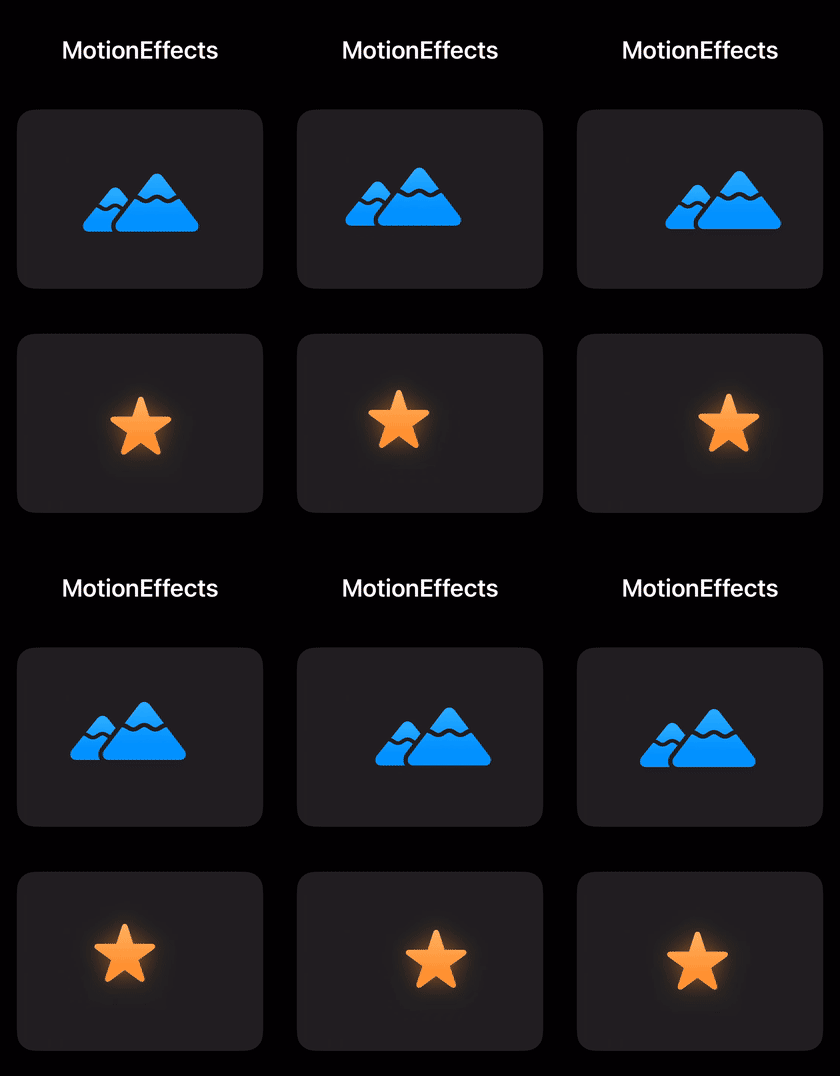
MotionEffects is built on top of UIKit's UIMotionEffect system rather than accessing CoreMotion directly. This means:
- No privacy permissions required - no
NSMotionUsageDescriptionentry in your Info.plist needed - No motion permission prompt shown to users
- Battery-optimized - UIKit manages the motion updates based on app state automatically
- Built-in signal processing - UIKit handles sensor data smoothing, device orientation adjustments, reference point calibration, and app lifecycle management internally
import MotionEffectsUse .motionOffset(horizontal:vertical:) to offset a view based on device movement. The viewer offset values from the unit space -1...1 are projected into the specified ranges.
struct DemoView: View {
    var body: some View {
        Color.orange
            .frame(width: 100, height: 100)
            .motionOffset(
                horizontal: -30...30,
                vertical: -30...30
            )
    }
}Use .onViewerOffset() to receive raw viewer offset values and apply custom transformations:
struct DemoView: View {
    @State private var shadowOffset = CGPoint(x: 5, y: 5)

    var body: some View {
        Color.orange
            .frame(width: 100, height: 100)
            .shadow(color: .black.opacity(0.6), radius: 5, x: shadowOffset.x, y: shadowOffset.y)
            .onViewerOffset { viewerOffset in
                // Viewer offset values are in the range -1...1
                shadowOffset = CGPoint(
                    x: 5 + viewerOffset.horizontal * 3,
                    y: 5 + viewerOffset.vertical * 3
                )
            }
    }
}MotionEffects automatically respects the system Reduce Motion setting. When enabled, motion effects are disabled and views return to their default position.
- iOS 15+
- Swift 6.0+
- Xcode 16+
Add the package dependency to your Package.swift:
dependencies: [
    .package(url: "https://github.com/wiedem/motion-effects", .upToNextMajor(from: "2.0.0")),
]
Then add "MotionEffects" to your target's dependencies:
.target(
    name: "YourTarget",
    dependencies: [
        .product(name: "MotionEffects", package: "motion-effects"),
    ]
)This project is licensed under the MIT License. See the LICENSE file for details.