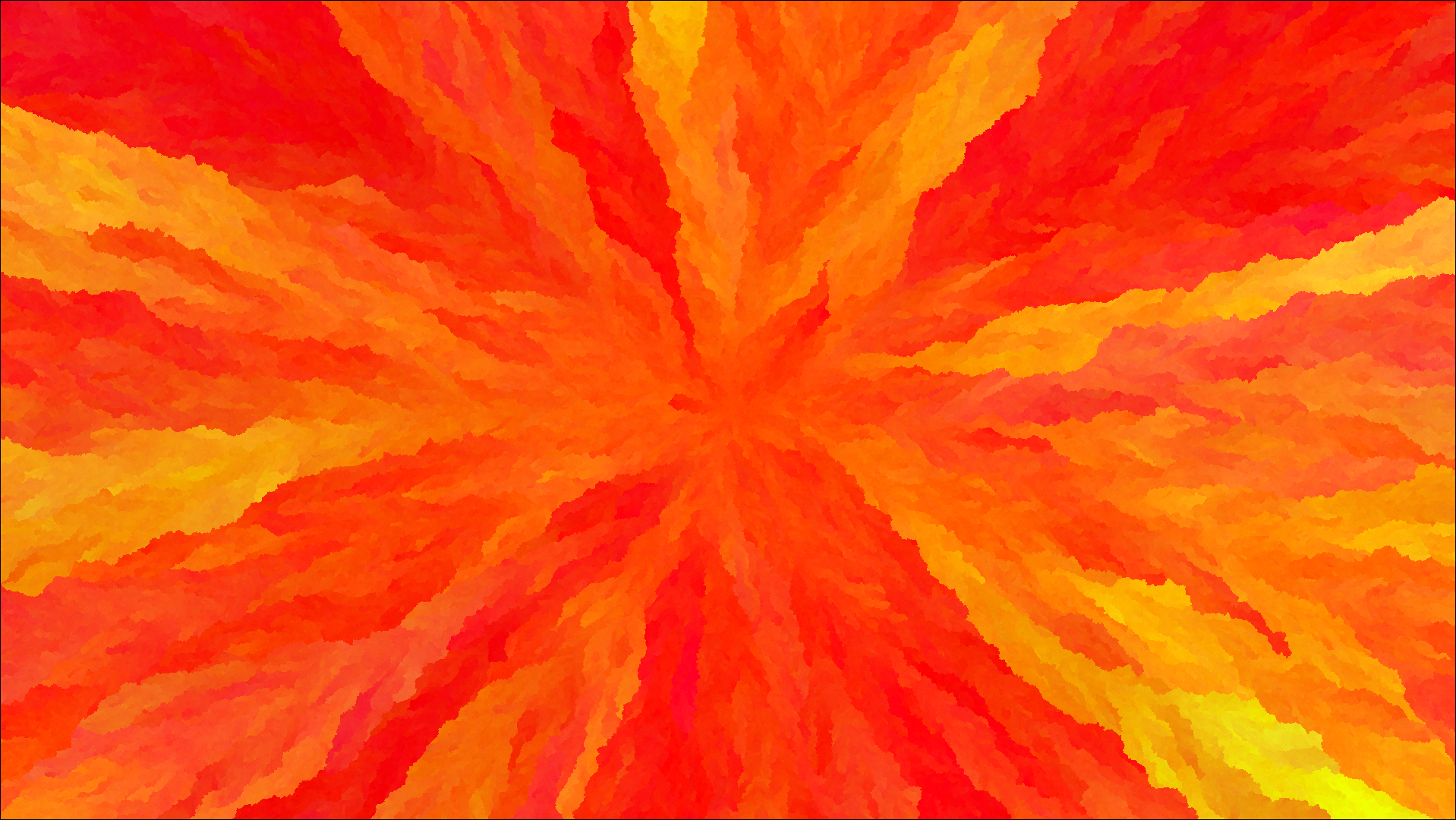
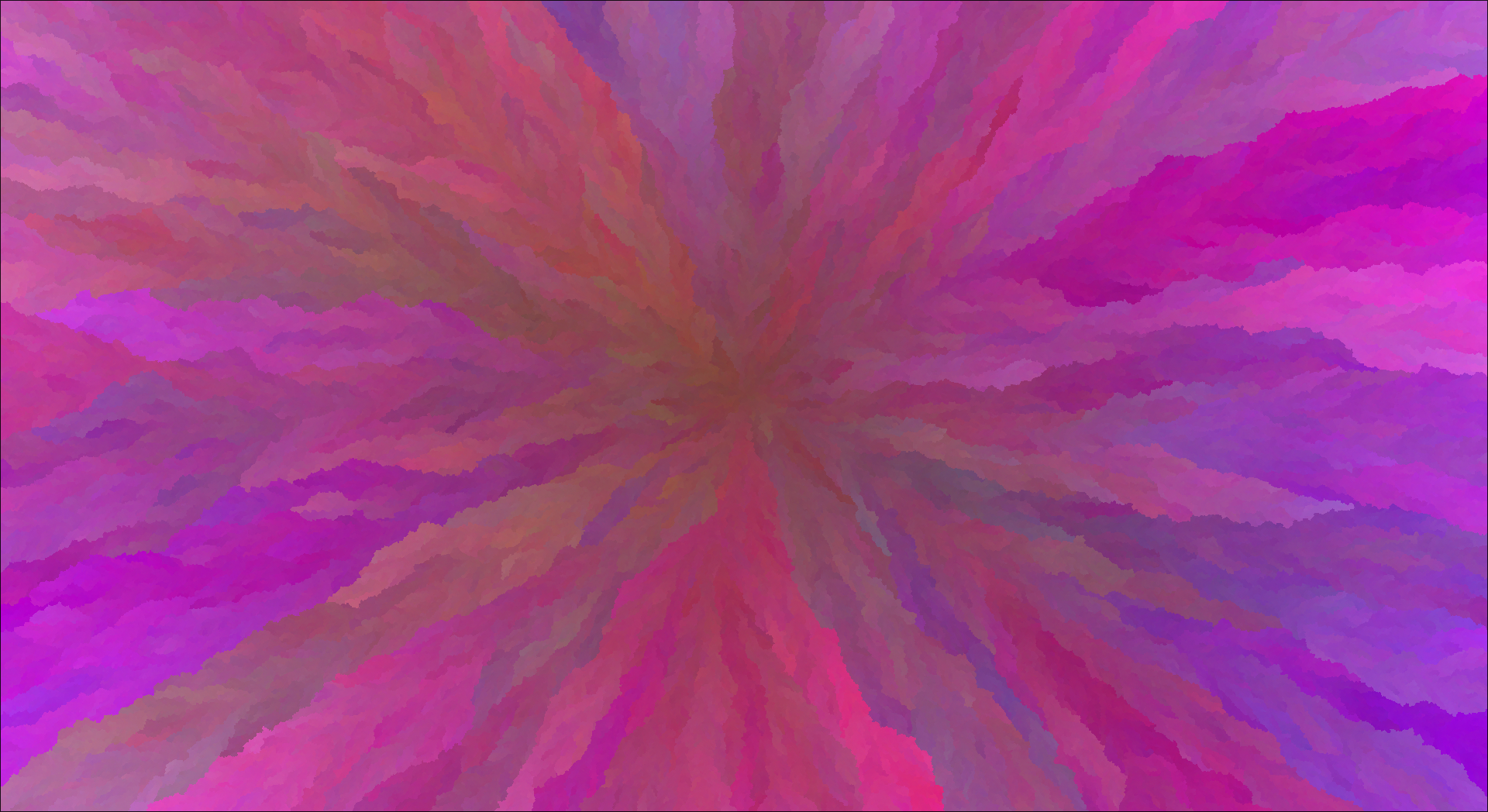
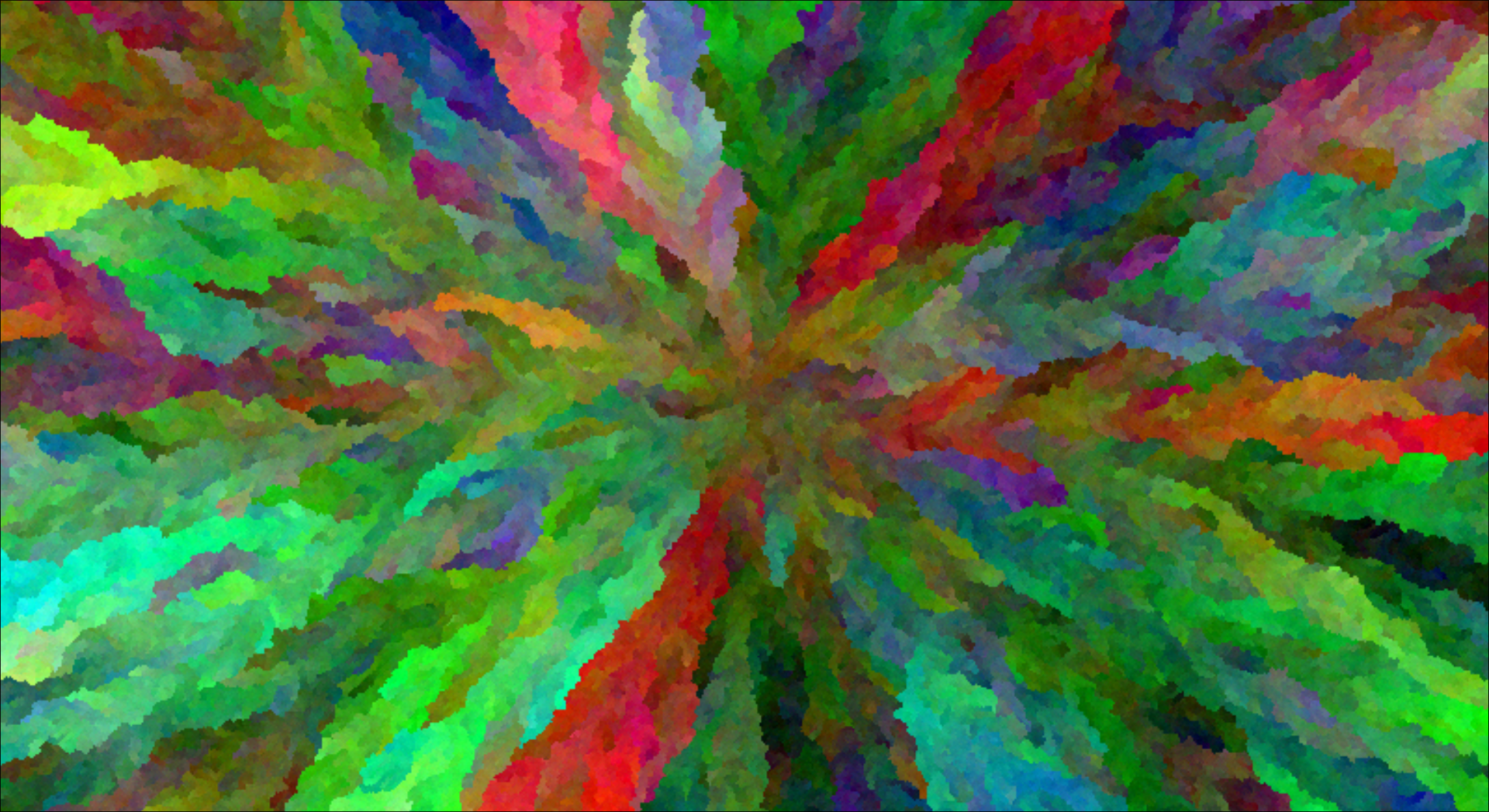
Generate random wallpapers using maths!
Important
Automatic application of wallpapers is currently done using hyprpaper. Support for other software/OSes is coming soon...
Currently, the only way is to build and install it yourself (epic github actions coming soon...)
- Clone the repo using git
git clone https://github.com/zakkbob/random-wallpapers(install git here if you don't have it already) - Navigate to the repository
cd ./random-wallpapers - Build and install it using the go cli
go install ./cmd/randomwallpapers(install go here if you don't have it already) - You can now use the
randomwallpaperscommand! (See flags for more info on how to use it)
The height and width should be specified or a 100x100px image will be generated
--height intfor height--width intfor width
Allow you to change the variability of a specific colour channel (default: 1)
--rv floatfor red channel--gv floatfor green channel--bv floatfor blue channel
Wallpapers are automatically saved to your OS's temp directory (wherever that may be) They are not applied by default
--output stringsets the location to save the image, including filename and png extension (e.g./image.png)--monitor stringis used to set which monitor the wallpaper is applied to, this currently only works with hyprpaper (e.gDP-1)
All the colour in each image originates from a single (or multiple) points, these are called seeds. A seed has a position and colour value, from which colour will grow from while the image is being generated. An example of this is the 'red vs blue' demo image, to create this I placed a red seed in the top left and a blue seed in the bottom right, the growing colour from each then met in the middle to form that sort-of line thingy.
--seed int,int,int,int,intadds a seed to the image, this flag can be used multiple times to add as many as you like. They must follow this format:--seed x,y,r,g,b. (e.g--seed 100,120,56,75,120for position100, 120and colourrgb(56, 75, 120))--image <path>can also be used to automatically create seeds from an image, using poisson sampling
I'm too tired to explain right now. :/ (Feel free to read the code though, the magic happens in FloodFill.Generate() and FloodFill.grow())